
Hi Everyone
Today I am going to show a very simple way to make a QR code that you can use to allow people to scan with their smartphone and go to your website or whatever URL you have assigned it to.
This is a very simple process and you begin by going to https://www.qrcode-monkey.com/
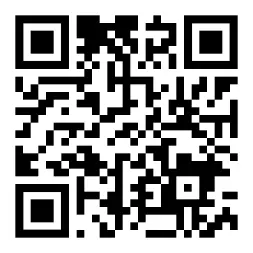
Scan to visit qr-monkey either.
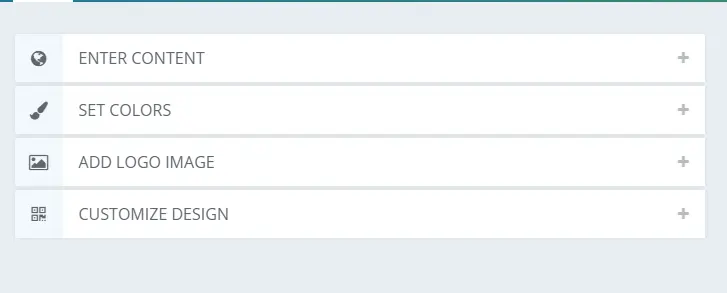
On this page you will be greeted with four options. These are Enter Content, Set Colours, Add Logo Image and Customise Design. Begin from the top and choose Enter Content.
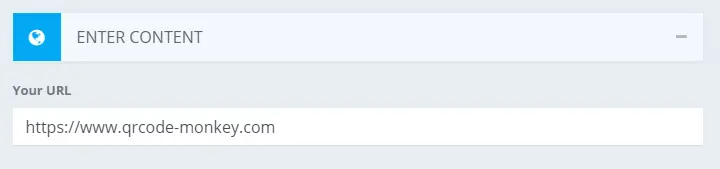
On the enter content tab it is as simple as copying and pasting the URL of your Website or whatever you want to link to and that is it.
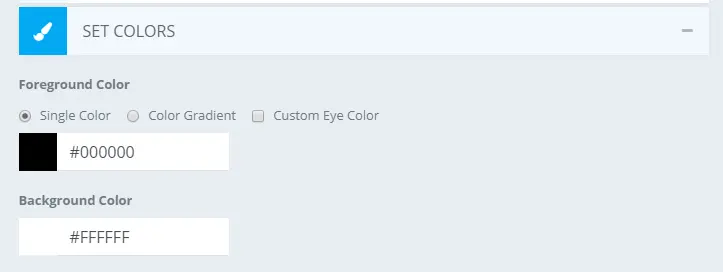
Next you can choose set colours if you want to change the look of your QR code. Just keep in mind that it is recommended to have a light background and dark foreground so your phone's camera can read the code. I generally stick to the standard black and white but you can experiment if you want. just be sure to check if it works with your colour scheme by testing it with your own device.
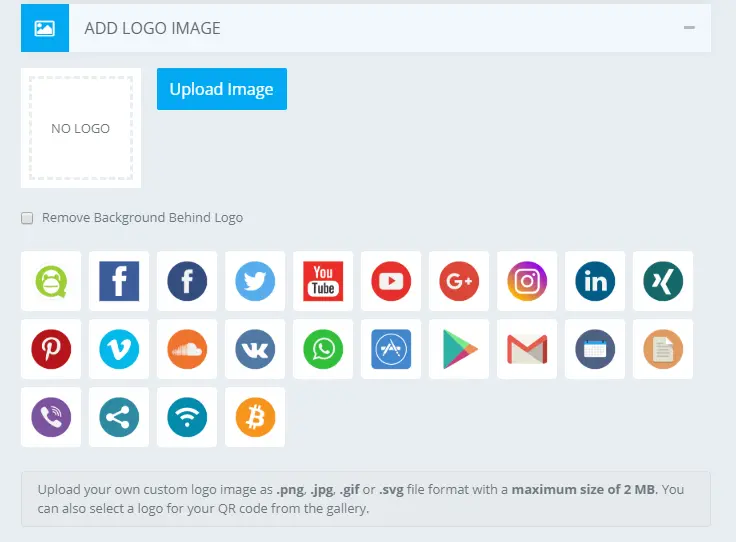
You can then add a logo image to the center of your code by either uploading your own image or selecting one of the pre made options that they have.
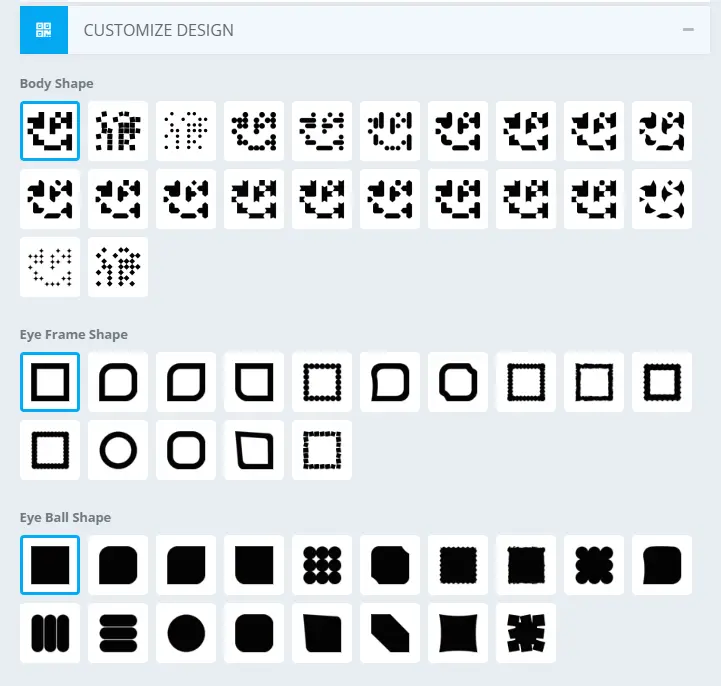
Finally you can choose the design of the code by selecting from the pre made shapes that they have on offer.
You can now select to create QR code on the right of your screen, download it and it is ready to go. Just be sure to test it first to see if it works before you download. You now have your QR Code which you can place on brochures, pamphlets, leaflets etc..
Below are some examples of QR codes that I will be using. It will be much appreciated if you check them out.
Cid chalk's challenge eBook QR code:
A self published children's eBook that my father wrote.
Free Brave Browser Download Here:

Brave Browser used for privacy and can block ads. Speeds up to 3x faster than google chrome.
I hope this article helped you write in the comments to let me know thanks
Stay safe stay at home
Thanks for reading!!!!
Download the brave web browser for no ads and speeds up to 3x faster than google chrome here:
Follow us on publish0x for more articles
https://www.publish0x.com/@Frank12
Follow our affiliate for software reviews and more information on Brave
https://www.publish0x.com/@G-Dog
Follow us on twitch here






