![[Tutorial] How to set up a HyperPay wallet for Floyx tokens.](https://www.publish0x.com/img/878085.webp?action=resize&ar=1&enc=webp&inv=0&ori=1&st=1&up=1&w=1140&signature=654f90fb348301528360c1b9c7c33516b1099ab31a01d04b0a2355d2afbab017)
Hello everyone!
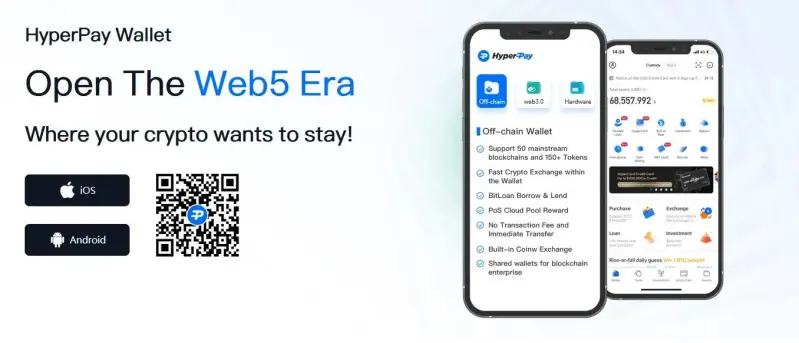
More and more Wallets are allowing you to receive your future $Floyx. Let’s focus today on HyperPay Wallet.
HyperPay in a few brief facts:
- Company founded in 2017
- Digital Wallet officially launched in February 2018
- Multitude of features, such as: BitEarn, BitLoan, Staking, Exchanges, Cloud Mining…
- Multitude of services: Off-Chain/On-Chain Wallet, HyperKey, Cold Wallet, Hardware Wallet …
Find more information in this article: HyperPay on-chain wallet launches Floyx DApp
The creation of a HyperPay Wallet requires great attention from you, just like any other Wallet, you must take care to note on a sheet of paper the confidential information that will be generated for you. You will then need to carefully save this information, as the security of your funds is at stake.
Start by downloading the App from your favorite store, iOS or Android.
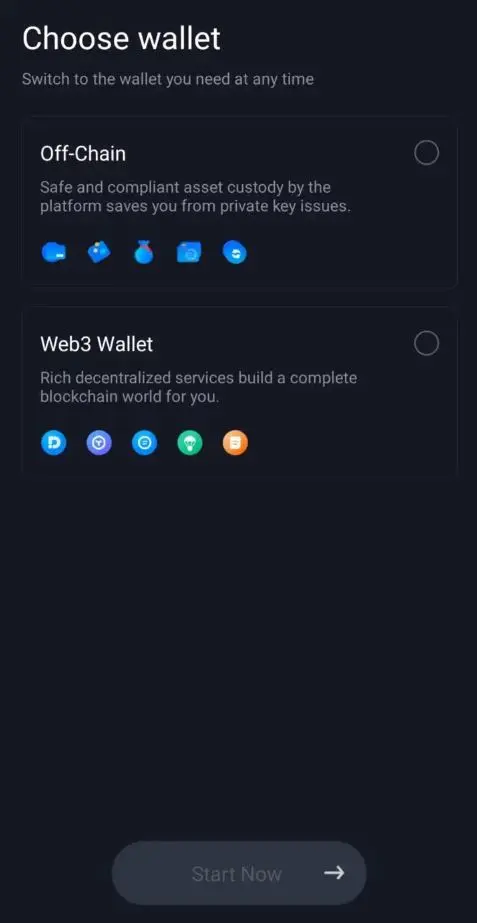
Once that’s done, you need to choose Web3 Wallet.
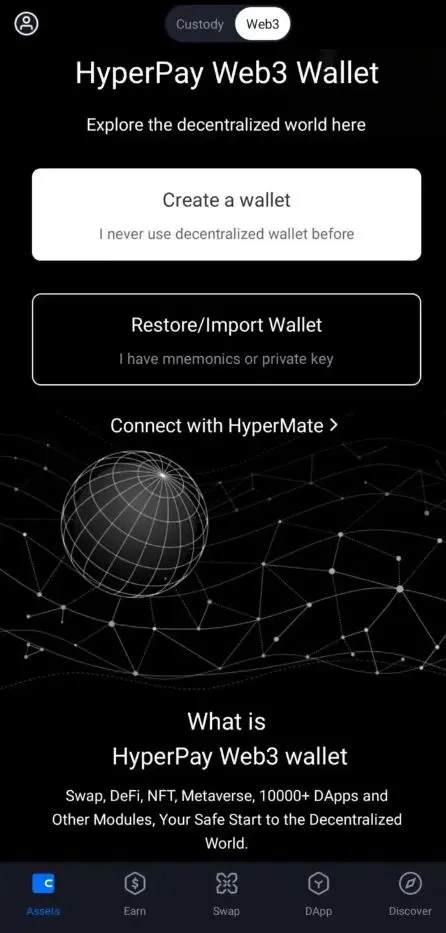
A new page will ask you to Create a Wallet (or restore/import an existing Wallet). Then you need to select ‘Create identity wallet’.
You will be asked to choose a Wallet name, then choose between 12 or 24 randomly generated words for your Mnemonic Phrase and finally a complex password, composed of numbers, letters, special characters (you can also use lower and upper case). For this password, avoid simple things like birthdays, places and dates that are memorable to you, it must be complex and only you should know it.
Next, please carefully read and accept the HyperPay Services Agreement.
The next step is the most important step for the security of your HyperPay Wallet. A Mnemonic Phrase will be randomly generated. You must write it down on a piece of paper and then put it in a safe place. While if you lose your App password you can always uninstall and reinstall HyperPay Wallet to create a new password, if you forget or lose your Mnemonic Phrase, neither HyperPay nor anyone else will be able to help you find it. Do not take screenshots, email or print this information, etc.
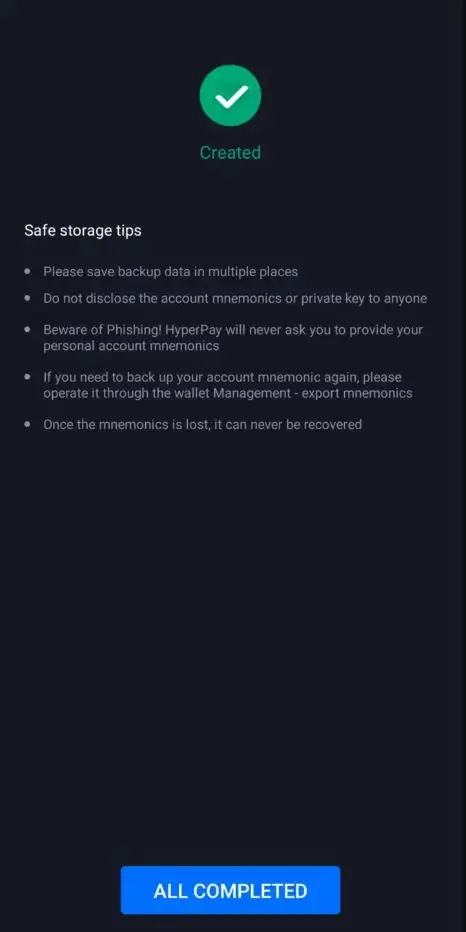
Once this Private Key is secured, confirm the 3 information/conditions before going to the next step which will consist in re-noting in the right order the list of 12 or 24 words. Read the new information carefully and then click on ‘All Completed’.
You are now ready to use your HyperPay Wallet.
The first thing to do will be to search for Floyx to create/add an address directly to your Wallet, to do this just go as shown in the picture.
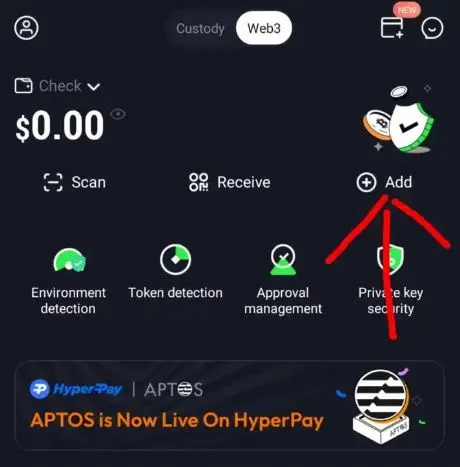
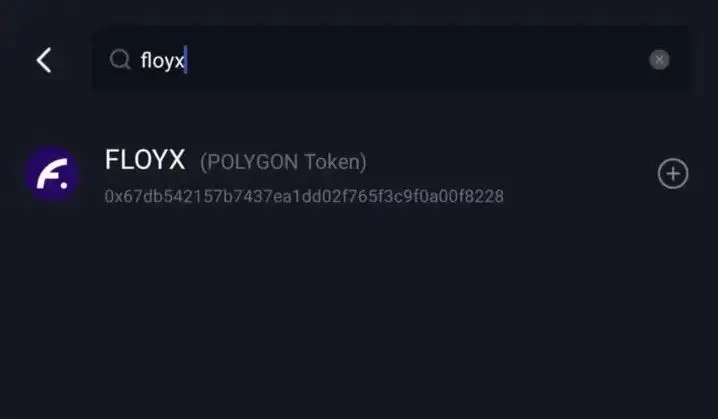
You are now the owner of your first Floyx Wallet, congratulations.
Take this opportunity to browse the app and get familiar with HyperPay, you have a lot to learn, have fun and earn crypto in one mobile app.
If you have any questions or need assistance with any aspect of the installation or configuration of your Wallet, please feel free to join us on Discord or Twitter.
Article posted first on Floyx Medium account. I am the author, and I have the rights (with Floyx's permission) to repost this article on behalf of Floyx






