
This week, I'm reviewing some low powered hardware: The Chuwi Herobox Pro (version 2021)
As my GPD Micro PC recently died on me, I was on the lookout for a piece of low power hardware that could run my linux environment at home. After doing some research I found the Chuwi Herobox Pro at Amazon.fr. On paper, the specs seemed to be just right for my needs:
- Intel Jasper Lake N4500 Dual core processor
- 8 GB LPDDR4 RAM
- 256 GB SSD
- Intel UHD Graphics Gen9
- 2 USB-A ports
- 2 USB-C ports
- HDMI
- Ethernet
- 3.5 mm audio jack
So I placed my order. Sure enough, two days later, I received the box.
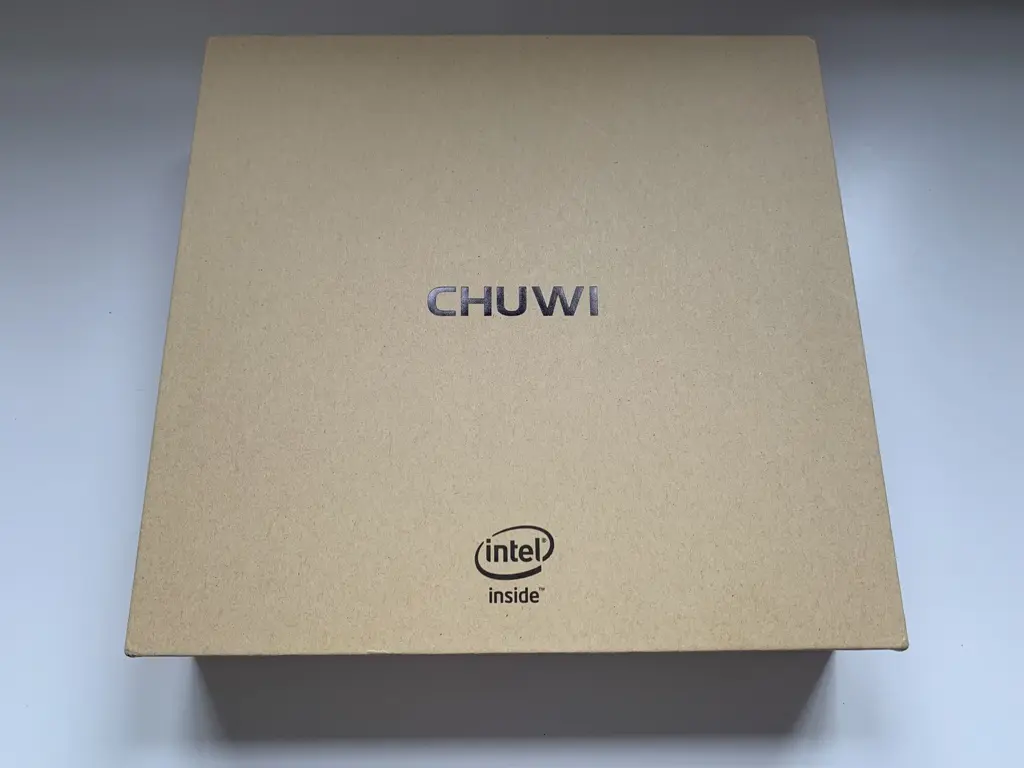
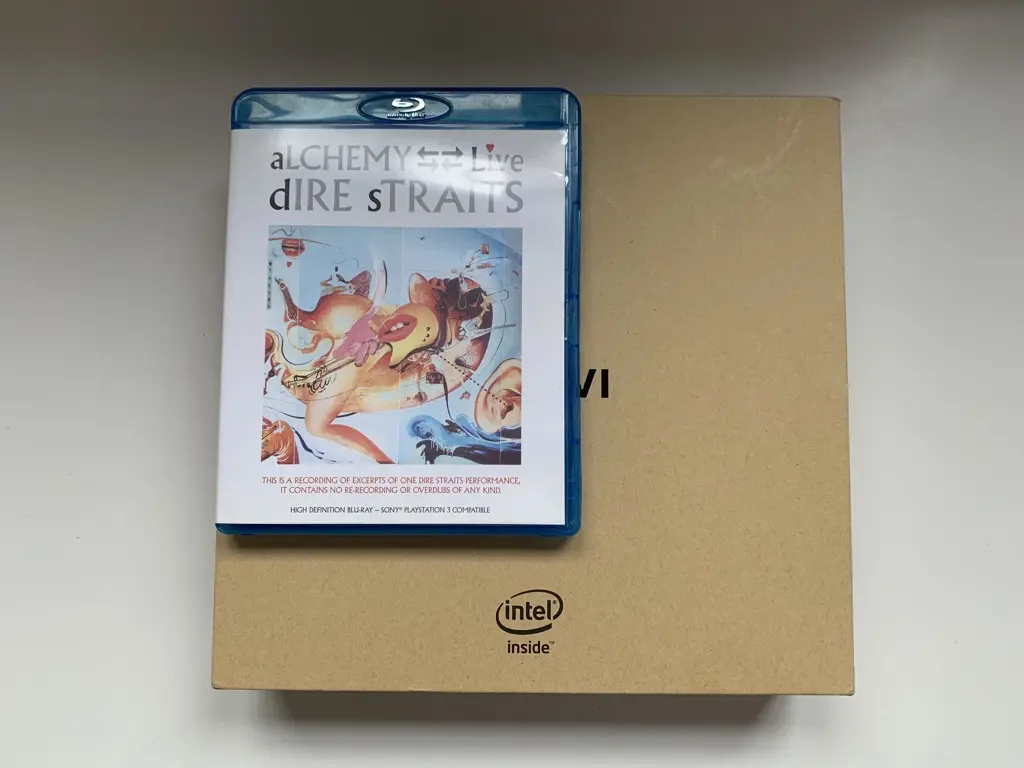
For such a cheap product, the box felt really nice. I was suprised by the size of the box though, since it turned out quite compact. For comparison, here's the box together with a Blu-Ray of one of my all time favorite bands: Dire Straits.
Once we open the box, we're faced with a plastic wrapped computer and a separate box with accessories.

Below the computer there's a tiny box containing the manual. I mean, it's really really REALLY tiny, but at least it proves that some thought went into the design of the packaging. They could've just as much shipped a dull cardboard box. So props to them for that.
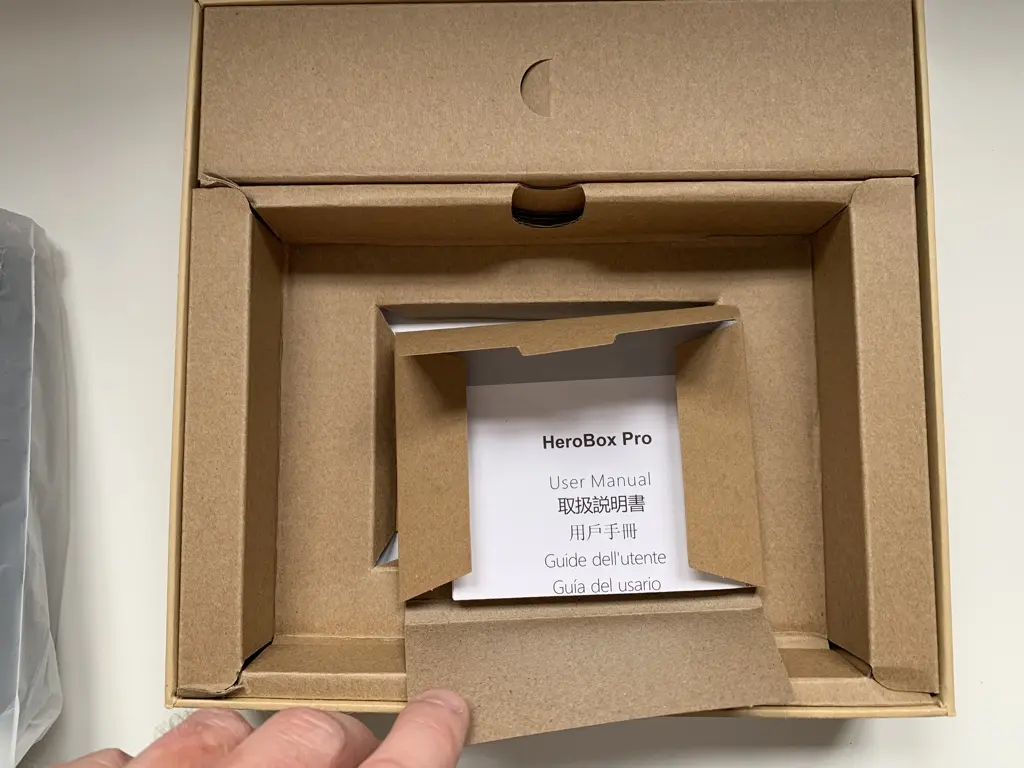
Not much info in that manual though...
I also unpacked the power brick, which is the size of a modern phone charger.
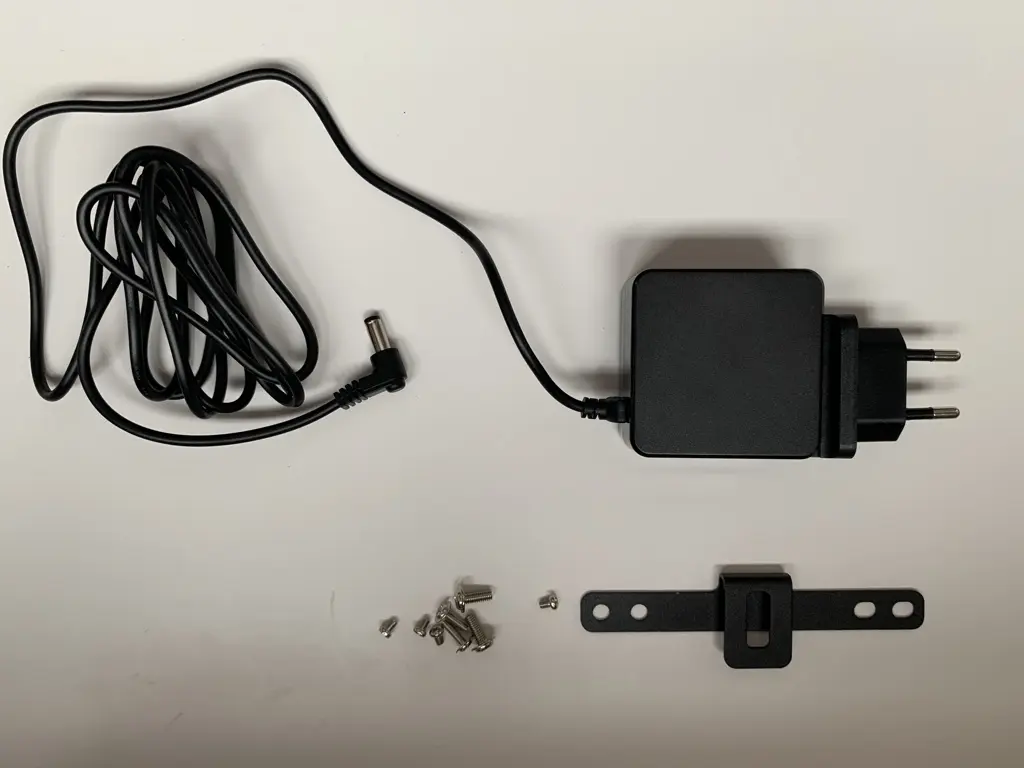
Below the power brick you'll see the included VESA mount. Yeah, it's included at this low price. I was impressed too.
I then turned my attention to the computer itself. First, to demonstrate how small this device actually is, here's another size comparison picture besides my Blu-Ray from Dire Straits:
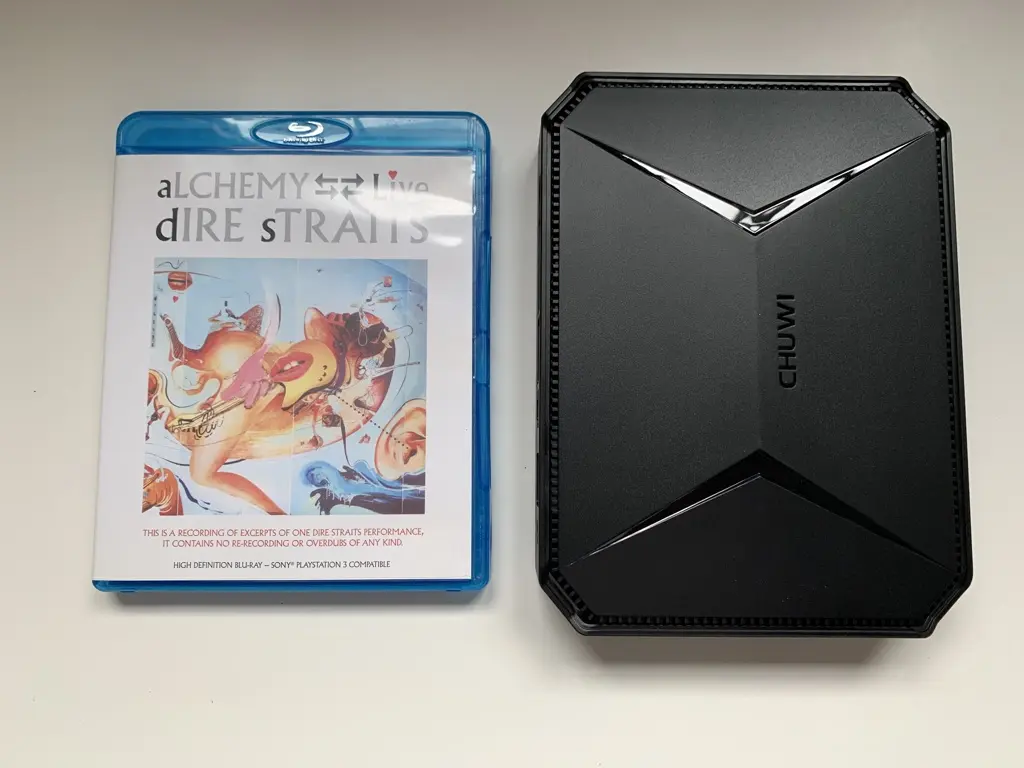
Again, I was very much impressed by the design and packaging of the computer. Let's first look at the front together:
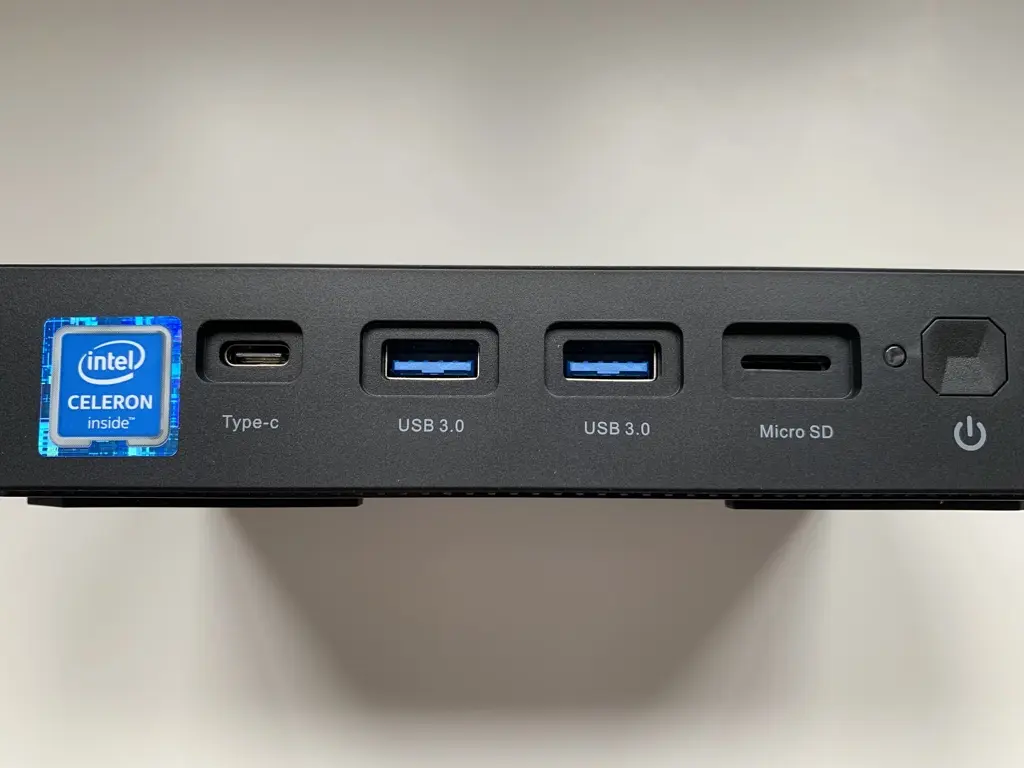
This gives us the following:
- USB-C port (no Thunderbolt though)
- 2 X USB-A 3.0 ports
- Micro-SD card reader slot
- Power button
There's also a sticker from Intel there, due to the N4500 processor in the unit.
At the back, we're seeing this:
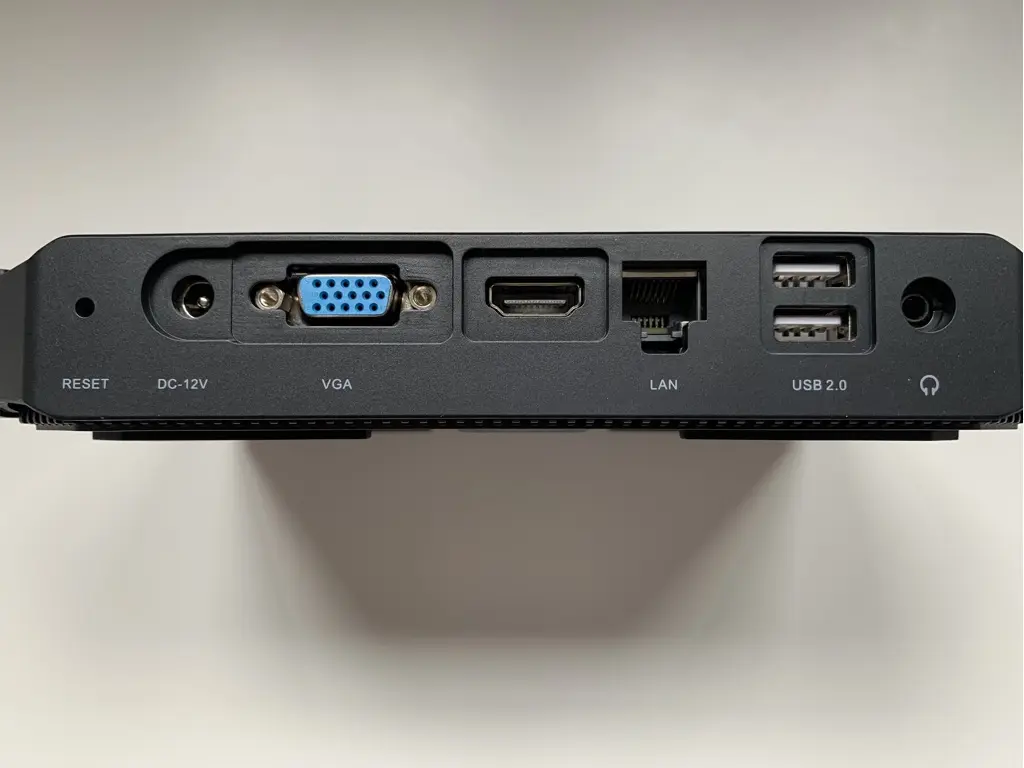
- A reset pinhole
- The power plug
- VGA-port
- HDMI-port
- Ethernet port
- 2 x USB-A 2.0 port
- Headphone jack
And that's also where the positivity in my review ends... I sent this unit back, due to following reasons:
- The left USB-A port on the front was dead on arrival
- The quality of the case was abysmal. While the design was nice, it was creaking as soon as you touched it. It felt so vulnerable I believed it could crack just by looking at it too long.
- The WIFI-chip was very unreliable. It worked sometimes, but most of the times it wasn't even recognized in the operating system as being present.
- The processor was doing a constant 100% on both cores in Windows. I'm pretty sure it's a driver/OS-related thing, as none of the other Operation Systems I tested had this issue.
So yes, I'm not very happy with my first experience with Chuwi hardware. I probably will not purchase from them again.






