
Market Overview
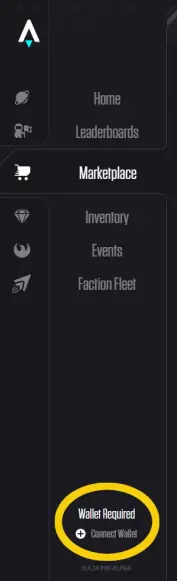
This article is an overview on using the Star Atlas Market. Some thing are obvious and some are not so I will try to explain all of it. Once you go to the Star Atlas page first you need to connect your wallet, this is at the bottom on the left hand side and then go to the market tab.
Once your in the market tab you should see the different categories at the top of the page.
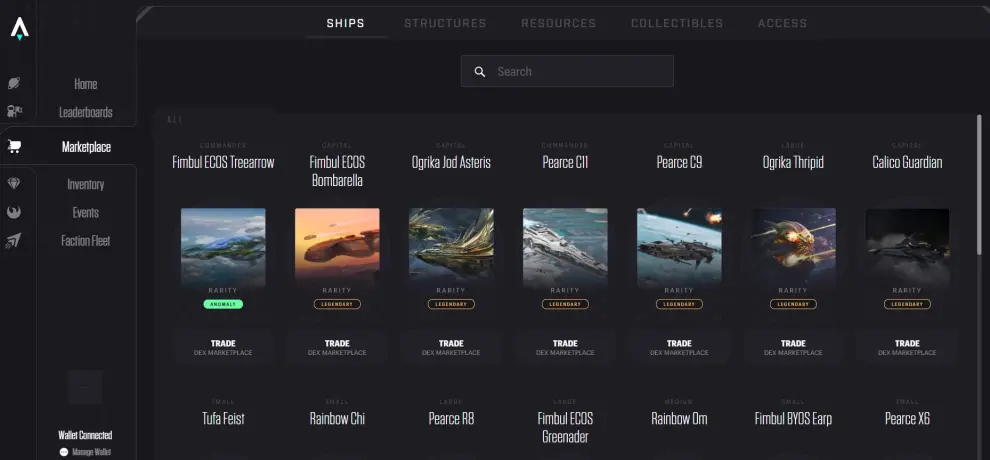
For this article I will be in the resources tab but the information is the same for all the tabs.
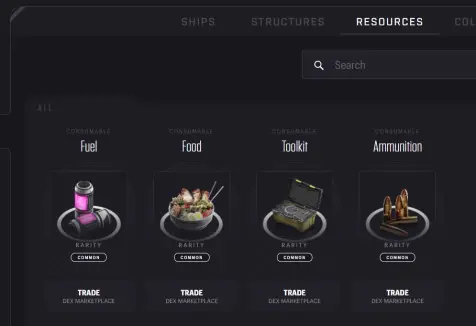
Click on the item you would like to buy and it will open up the buy page for that item. I have clicked on Food.
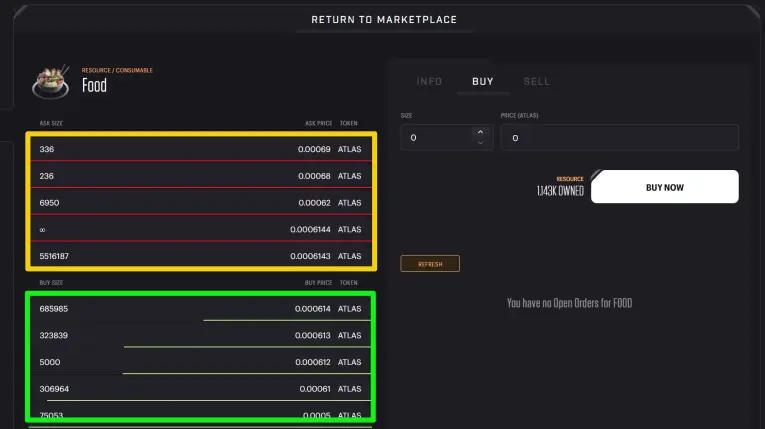
The area highlighted in yellow is the "Ask Size". Here are the listings where someone has a number of the item for sale and the price. Notice the listing with the infinity symbol. This is the listing for resources that are put on the market by the Star Atlas team. The infinity is only seen on resources.

The area highlighted in green is the "Buy Size". Here are the listings where someone has put an order for a number of the item and the price they want to buy at. These orders will not be filled immediately and will only be filled if another person list the items for sale at this price.
IMPORTANT If you want to buy immediately then you will click on one of the listings in the "Ask Size" area highlighted in yellow. Once you click a listing the size and price sections will be filled and you will see your total and fees associated with purchase. You can adjust the size to whatever you want. If the size you are trying to purchase is larger than the size in the listing it will try to fill your order at your price and if it cant the overage will turn into a "Buy Size" order.
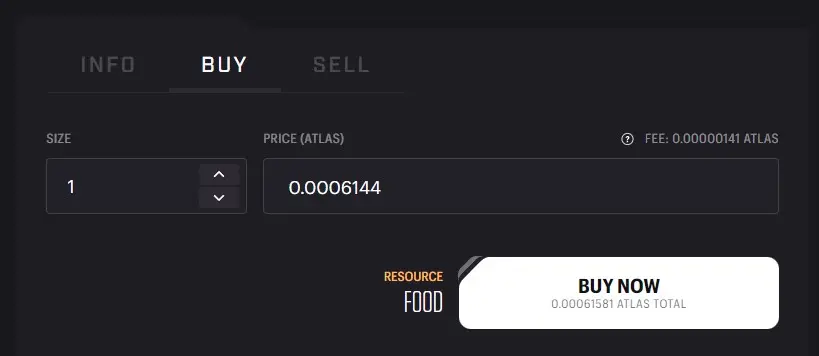
Once you click buy now it will process and in a short time you will see the inventory tab on the right side has changed.
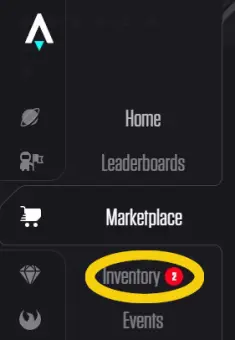
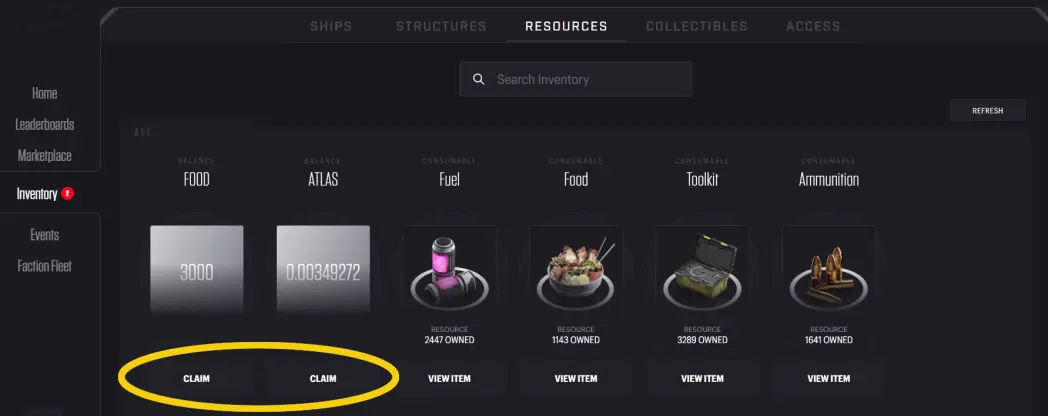
Click on the inventory tab and claim your items and your refund. The refund is just a small amount back to you of transaction fee overages.
Troubleshooting
I bought an item but its not in my wallet
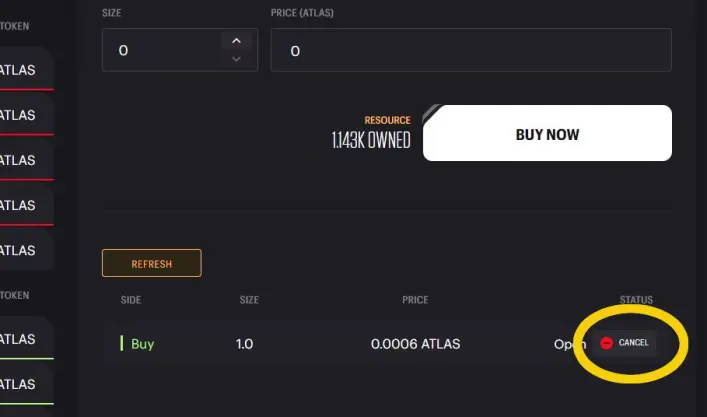
One of the common problems is someone has "bought" something off the market and its not in their wallet. Most of the time this is because they have placed a "Buy Size" order and not bought from the "Ask Size" listing for something immediately available. So to fix this issue you need to cancel your "Buy Size" order. This is located on the right hand screen under the buy now button. You can scroll your screen down or use TAB to access the lower part of your screen. Once you see your buy order you can cancel it and then buy immediately off the "Ask Size" listing.
I will update this section as needed for common issues. So please either send me a reply in discord or post a comment here and I will update.
Thanks for reading hope it helps out. Be sure to look at my other article about SOL fees in Star Atlas
Don't forget to give me a tip if this was helpful.
†SkyLove⁵¹² | SL








