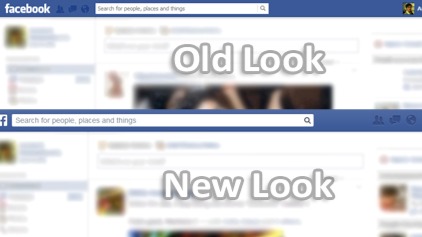
Some time ago, the Facebook page has changed. Now there is a new look of it. Maybe that it looks well on tablets or mobiles, maybe it is easier to operate on touchable displays. But for classical PCs and some a little bit conservative people it is not good. At first, Facebook allowed switching its pages to the old design, but this option is now missed. I was very sad, cause I am a conservative man who hated any devices with a touchable screen filled with many pictures and icons. I prefer using a classical PC or notebook and on the internet pages, I would like navigation by clean text rather than symbols.
To my big surprise, I found a simple solution tomorrow. Its name is F.B. Purity and it is a browser extension / add-on that lets you clean up and customise Facebook, especially switch it to the old design. Wow! F.B. Purity is available for Firefox (and its clones like PaleMoon or TorBrowser), Chrome (and its clones like Brave), Edge. Safari, Opera and Maxthon browser. How to get it?
At first, you have to visit a page https://www.fbpurity.com/install.htm
Then click on green button named "Instal F.B. Purity - extension" or named "Instal F.B. Purity - add-on" it depends on the type of your browser.
After installing F.B. Purity you can see a new icon at the right top corner of the browser window.
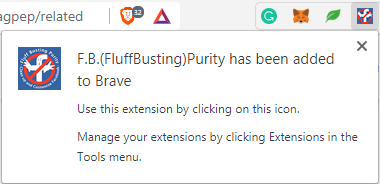
Now, click on it and check the option "Switch back to old Facebook design?" and reload the Facebook page by hitting the F5 key.
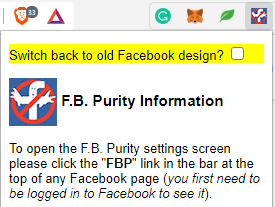
From now on, the old Facebook look is back. Isn't it amazing?
Your QW.


![[The $0 Growth Hack]: How To Build a 1-Million-User Empire in 2 months](https://cdn.publish0x.com/prod/fs/cachedimages/3731945950-e221973c3b382a1996b83b7ff6d063e191f6be57889a4e0bf3926d37de0a6d35.jpg)