
Today my brother asked me if I could make him a new profile picture for Twitter and other platforms. My job didn't start from scratch but I was asked to modify this old image from a 15th-century alchemy book.
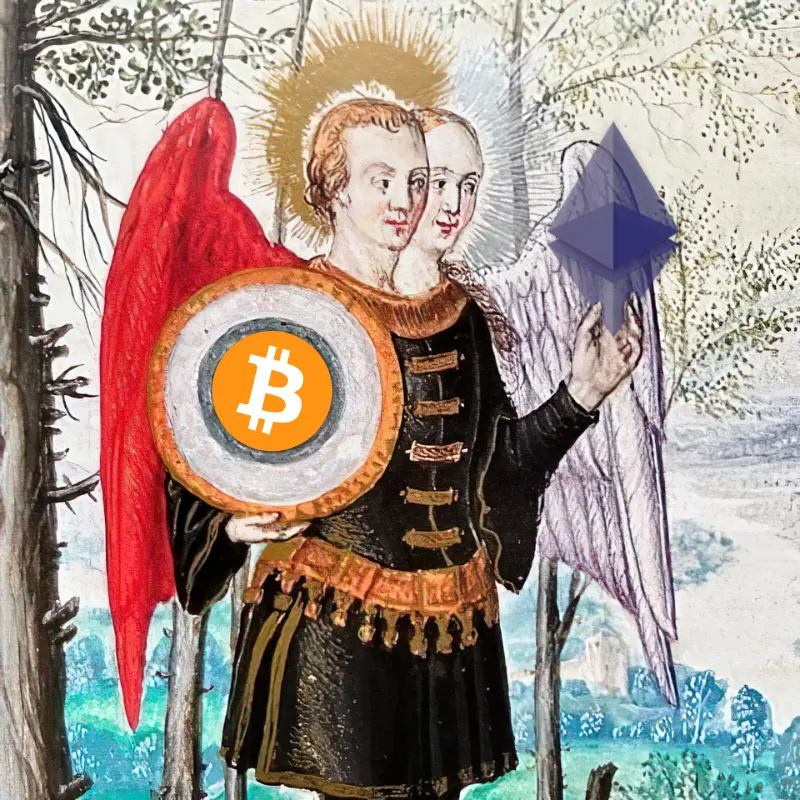
What he wanted was a Bitcoin logo for where that mirror is and an Ethereum logo to replace the egg.
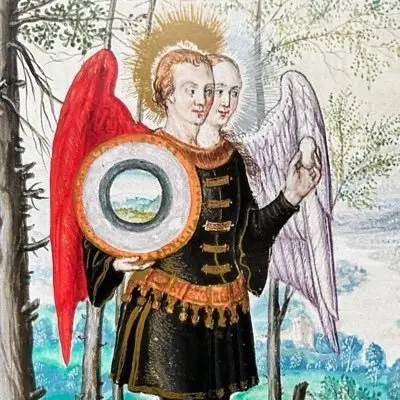
The mirror part was easy, since the shape is round I thought I would just fit the Bitcoin logo in the middle of it. As for the egg, I tried this online removal platform called PhotoRoom. It's not free but it has some features to try out without subscribing. One of them is named Magic Retouch and it promises to remove any object or watermark from the image.
Here is the result:
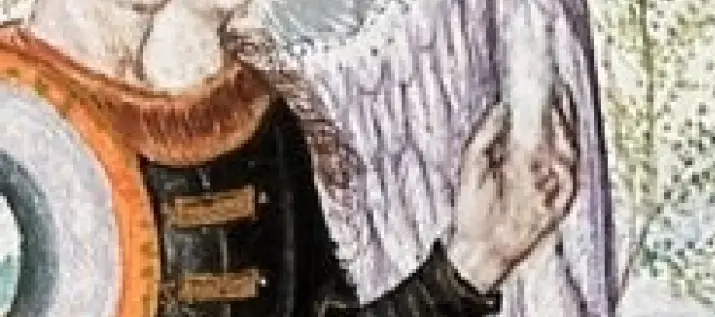
Well, the angel wings -background didn't actually surface the way I was hoping for but it doesn't matter because the Ethereum logo is going to block most of it anyway.
Logos

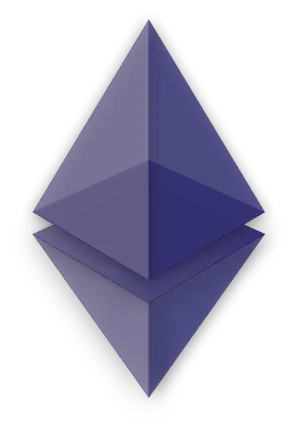
As for the Bitcoin logo, I found a pretty basic one with a black background that I removed using remove.bg. Ethereum on the other hand already had a transparent background and it was also partially translucent which I thought was cool as it should let angel wings shine through.
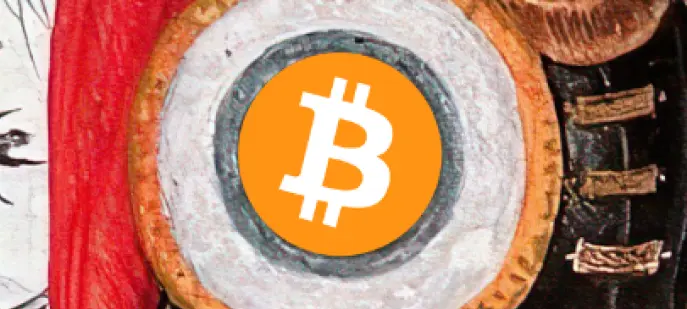
I then used Canva to fit the BTC logo in the mirror and added some transparency to it but it didn't work out so I left it as it was.
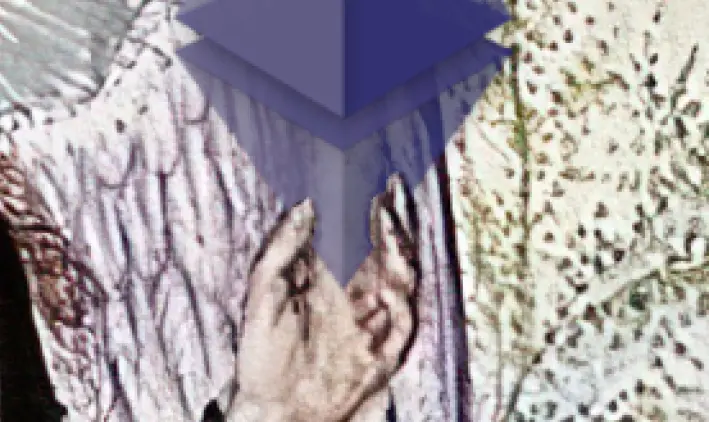
Next, I started to play around with the Ethereum logo and quickly faced the limitations of Canva and moved my work to GIMP. The problem was the fingers that I wanted to seem like they were holding the logo.
To do that I added an extra layer with transparency for the ETH logo and set the two angels as a background. Zoomed in and started to erase the ETH logo so that the fingers became visible.
One other AI tool I wanted to try out was AI Image Enlarger since the original image was only 400 x 400 pixels. I doubled that to 800 x 800 and to my surprise it made it look a bit sharper too.
So, here is the end result:
Conclusion
I could have done this with GIMP altogether but it was nice to try out some AI tools with an actual job. Also, I have some upcoming design projects so it was a good little exercise to find out which app can do what.
Let me know what you think about the end result or tell me what apps, AI or not, you are using. Hopefully, you got some ideas or inspiration by reading this!
Credits:
Thumbnail background image made with Canva
Apps used to create the image:
Canva
PhotoRoom
Gimp
remove.bg
AI Image Enlarger








