
I already told you guys about how I use Nox Multi-instance Manager to run CryptoTab more effectively on my computers to maximize mining profits and offset the cost of CloudBoost and SuperBoost. I did not, however, include any proof of this here. Sorry about that. Here are some shots of what I've managed to mine in the last two days: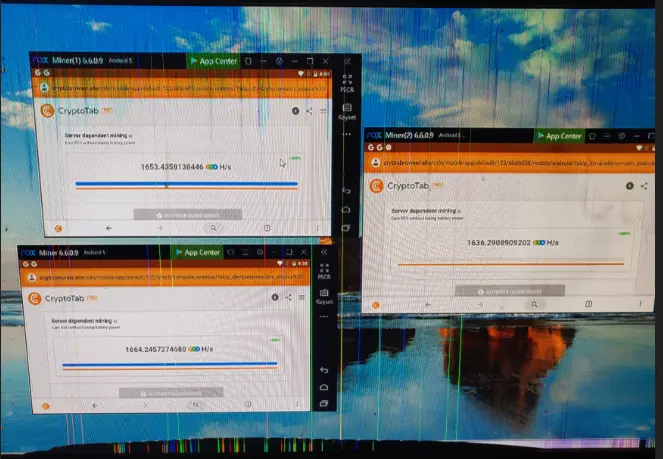
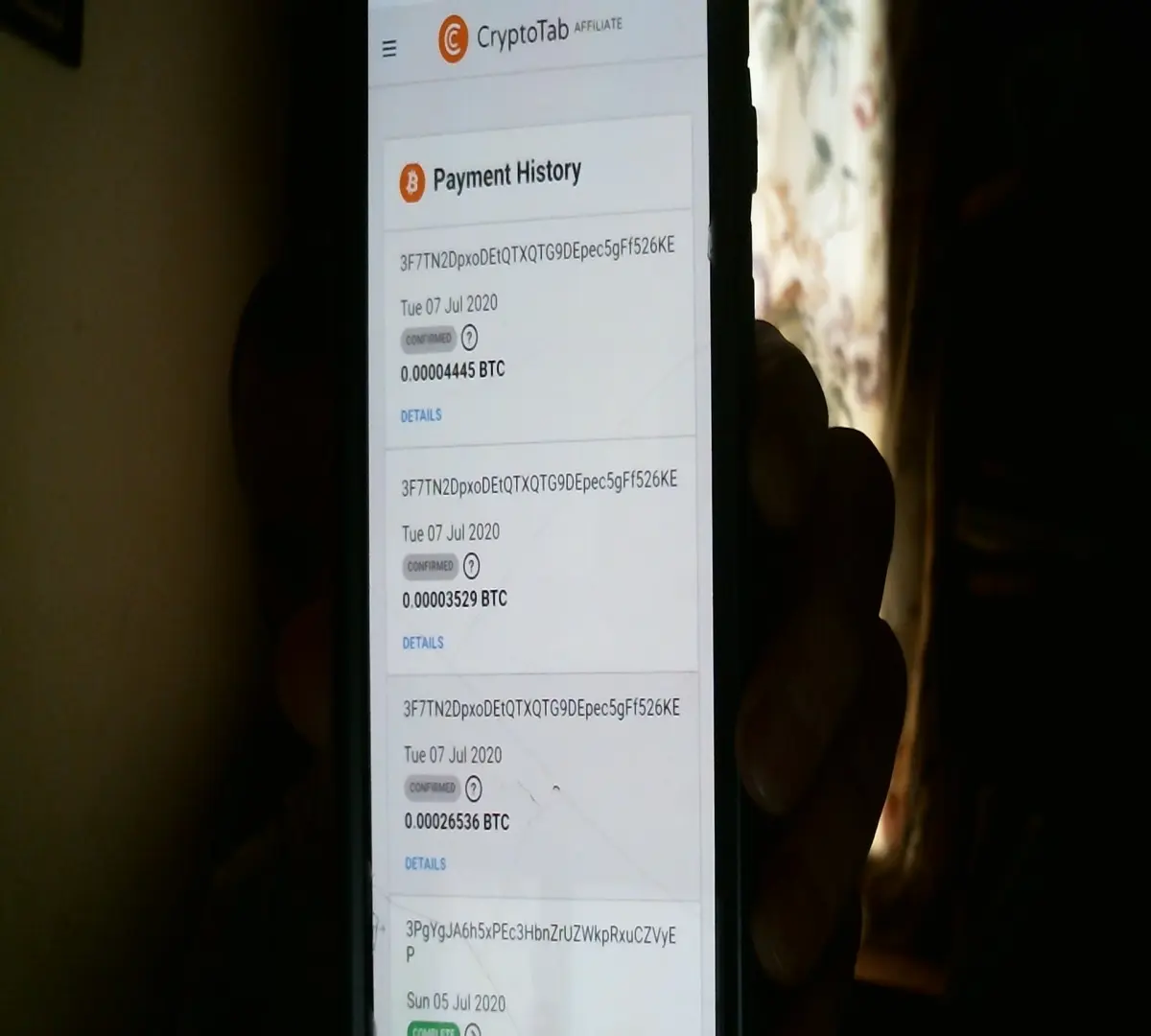
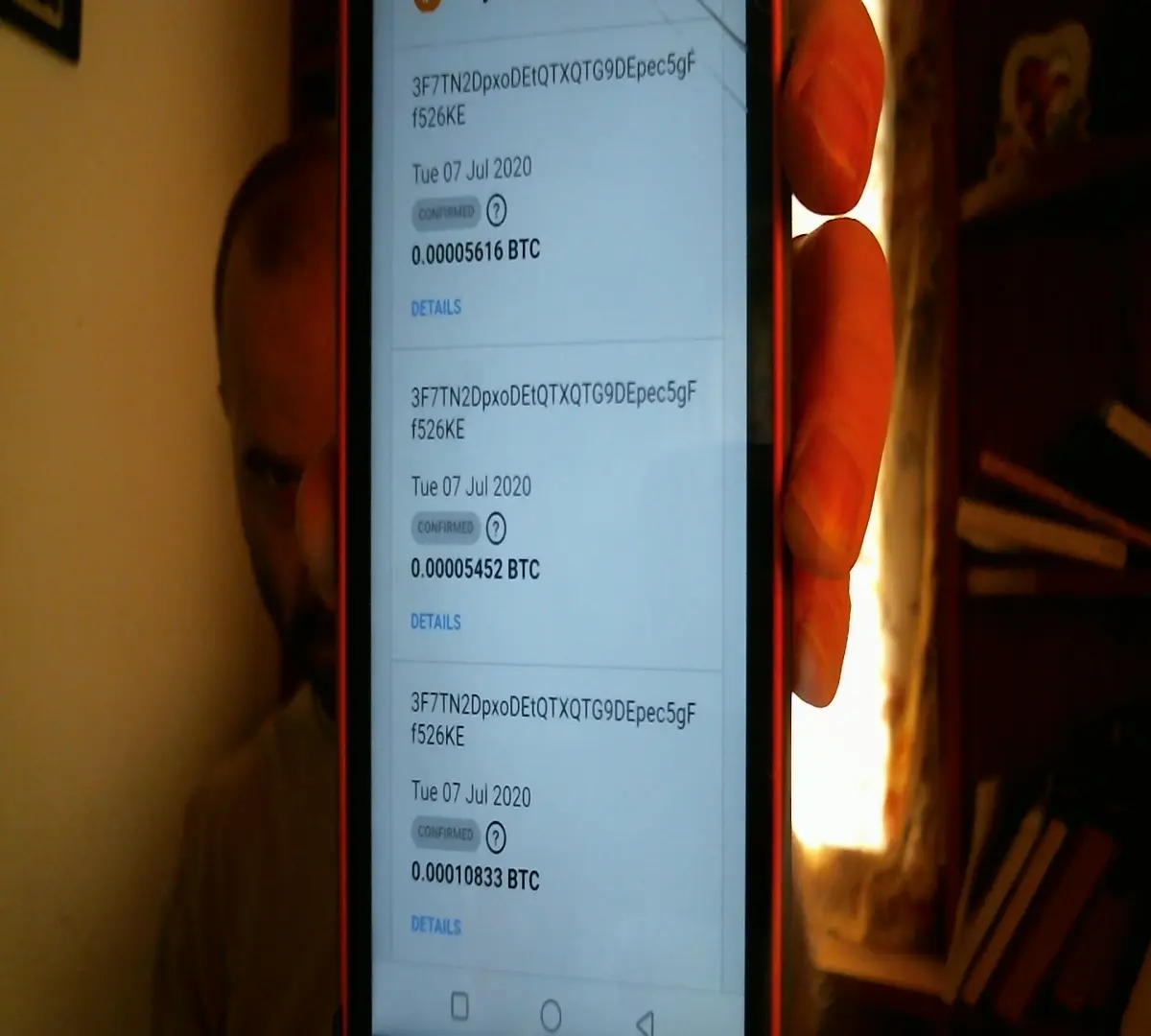
Yes, I have two accounts. When I set up CryptoTab on my second phone, I mistakenly downloaded and signed into it using the Google account associated with that phone instead of my main one. After no small amount of singing in and out of Google Play and CryptoTab, I was able to get it to sync up with my CloudBoost purchase from the main account, but it now alternates at random intervals between showing up as a remote device or an active referral to the original account, even though it shows me logged in with the same email on both devices. Since it doesn't make much of a difference either way, I've decided to stop trying to fix it.
Normally, this is where I would post screenshots of past successful withdrawals, but I don't think that's really necessary here. If you want to see some, I have a couple posted on ProvenPassive's Verifications page that you can take a look at. As I get further into crypto investing, mining etc. I will probably acquire a few more cheap PCs to use as CryptoTab/Nox "mining rigs." I'm also still looking at ways to adjust the settings within Nox to increase the emulated power of each instance. Adjusting the CPU doesn't seem to change the mining speed as far as I can see, so I opt for the lowest settings there. Graphics rendering also seems to change nothing when switched between OpenGL+ and DirectX, so I stick with DirectX (I'm actually testing these things as I type).
Anyway, that's all I've got for now. Download CryptoTab here and, for PC/Mac users, grab Nox Player here to turn any computer you've got into a CryptoTab miner.






