
You are in the musical revolution!
Music Maker Jam by MAGIX in the app with which I start to make music for fun. Is an excellent app that obviously has nothing to do with FL studio and co. The free version for PC Windows has fewer free packages than the android one. The good things is that you can select three free packages from the big library of assets that MMJ offer to download them for free and make music with various style of every music's school. For example you can mix only techno music, trap. acid-house ecc. or you can mix some of these packages and to create your personal style with new crossover.
There are some things that you have to known before to start.
1) You can select only 3 free packages for month, then you have to wait at least 30 days to select other 3 packages to replace with the old that you have just download. The alternative is to reinstal the app, in this case you can select immediately others packages (losing others). I remember to save first some of your project if you want to recovery it.
2) You normally can't find the soundpools on the system files then is too complicated emulate some sounds in others apps like FL studio.
How to use MMj?
First then you have to select some packages to mix. Then go on ''Style and Project'' and select ''all new styles''.
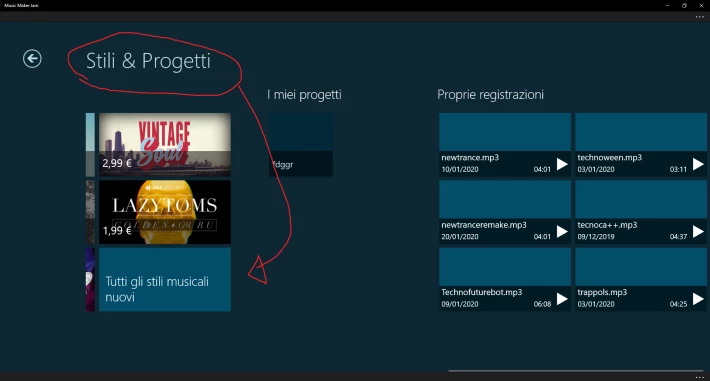
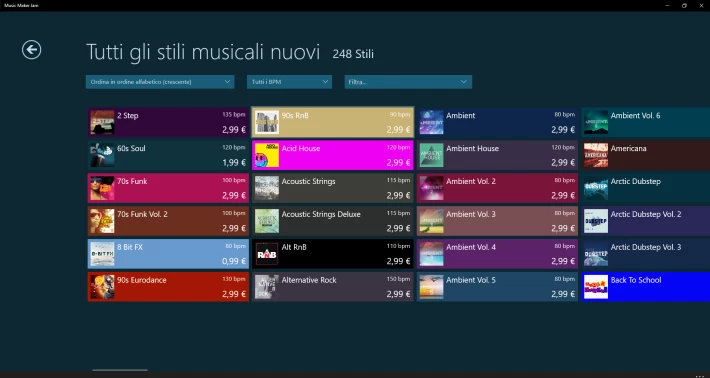
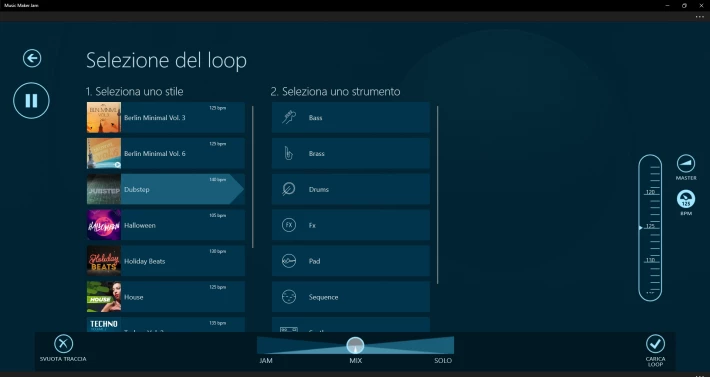
Then you can select from a lot of genres and soundpools.
When you open a package you can listen a demo music that will help you understand how the sounds are inside. (I select indie-pop but I don't like it)
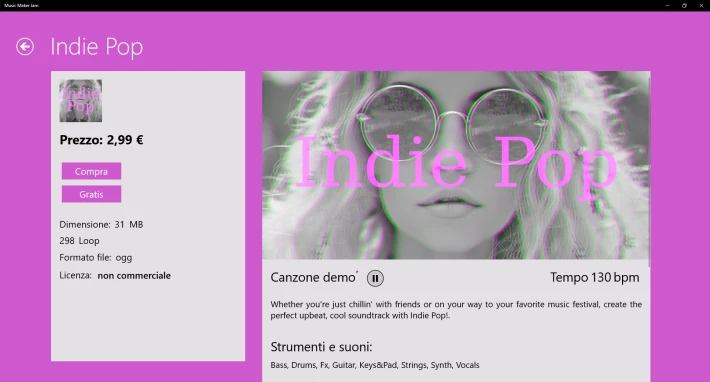
Then download it and open a new project.
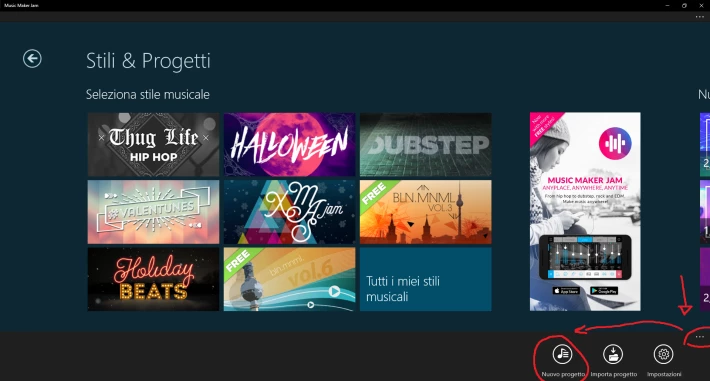
Here we go! In the panel you have to add a soundpool click on ''+'' and then select what you want from your packages.
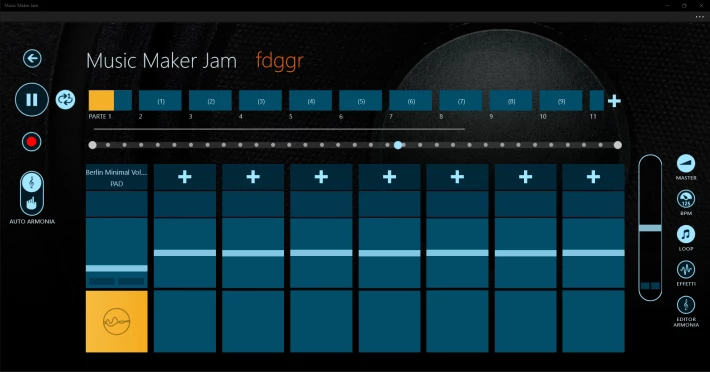
There are bass, drums, fx, pd, synth and all you want to make some mix.
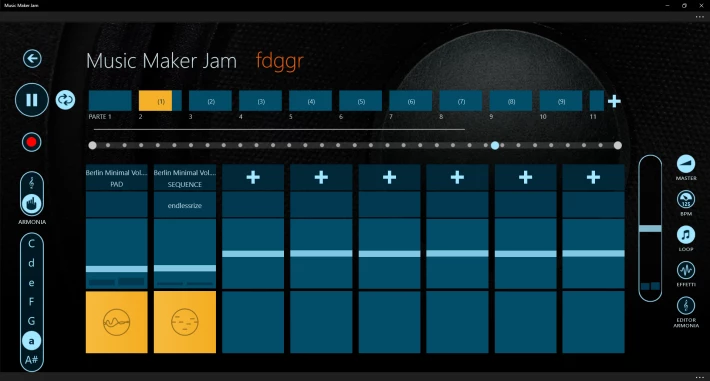
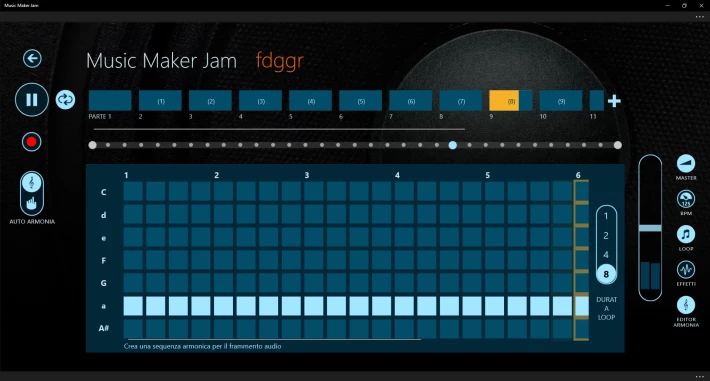
Also you can do a melody using the ladder in the left part or go on ''Armony editor'' in the right part and also modify the bpm.
Another thing is an effect that reduce or enhance the sound's volume in the right part.
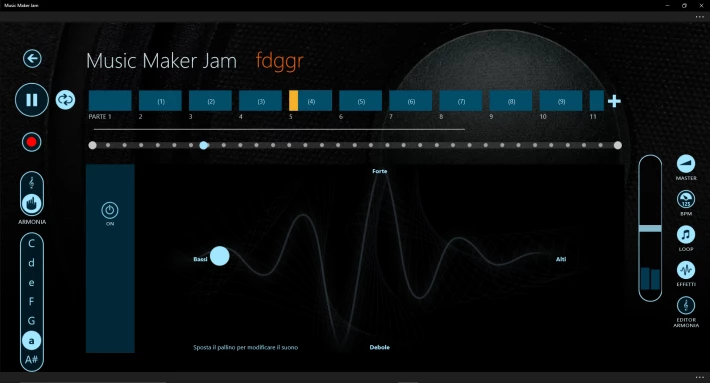
You can move the parts that you create keeping the left button pressed on the audio fragment and dragging it in the select position.
When you finish click on the three dots to open the function bar and save the file. Save it always!!! Or your work will be delete.





