
How To: Get Your Free DASH Wallet Quickly And Easily | DASH Faucet Posted On August 28, 2020
You can quickly start withdrawing your funds to a secure DASH Wallet. We recommend using Coinomi wallet – a company with a great UI and strong reputation.
Step 1: Download Coinomi To Desktop or Mobile

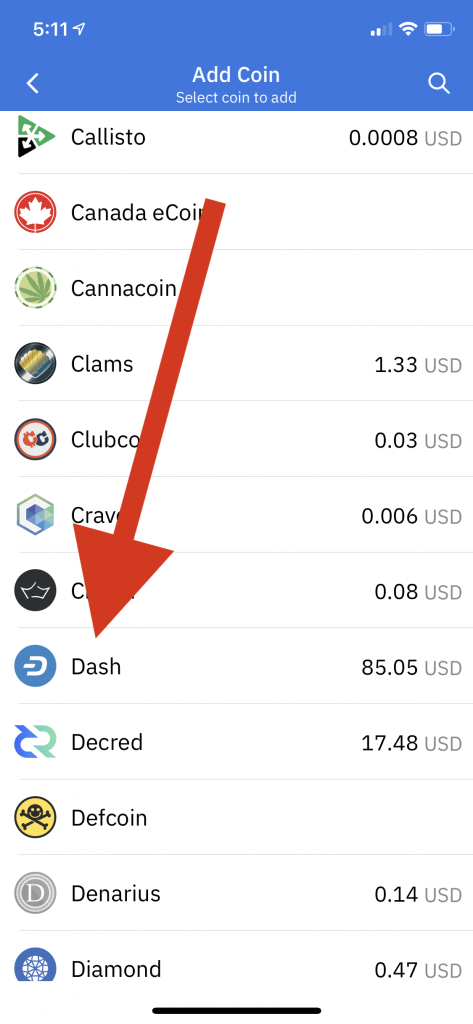
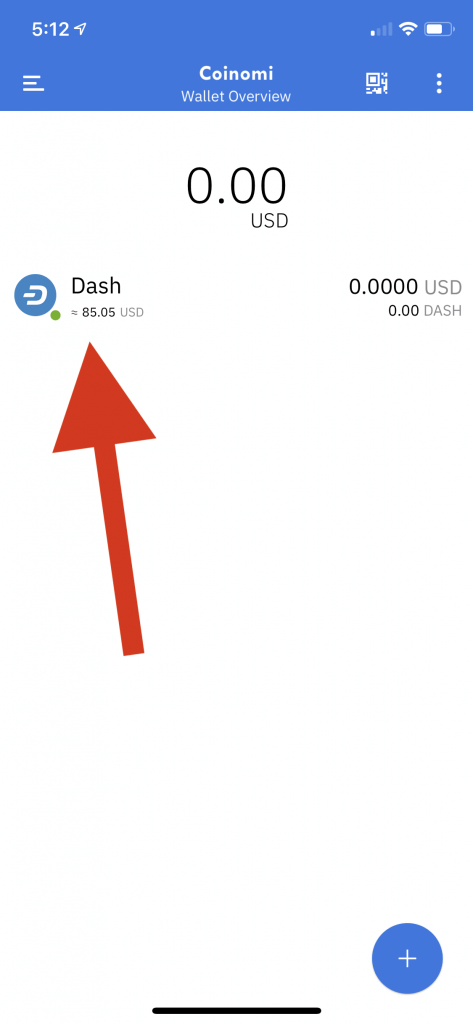
Step 2: Find “DASH” on the “Home” Screen and click it.
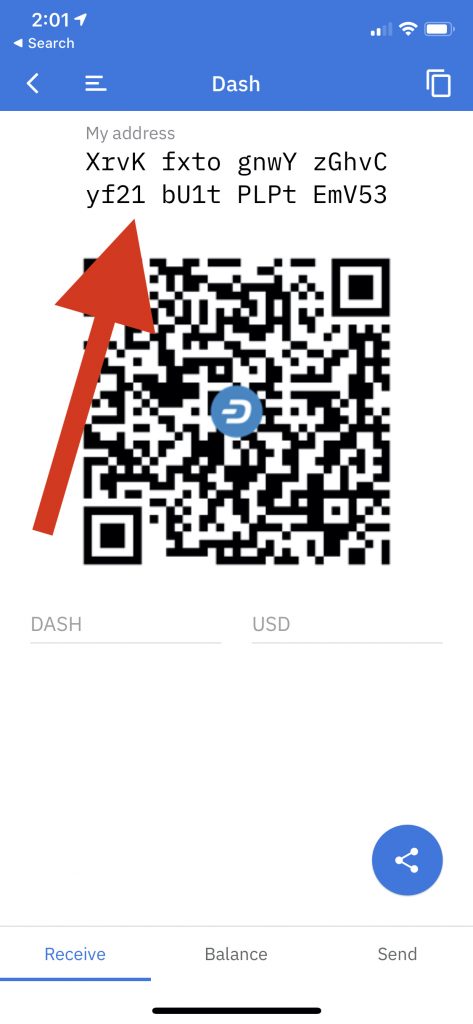
Step 3: Click the DASH button and copy your address. This address tells us where to send your funds.
Step 4: Paste your address into your “Extra Rewards” page.
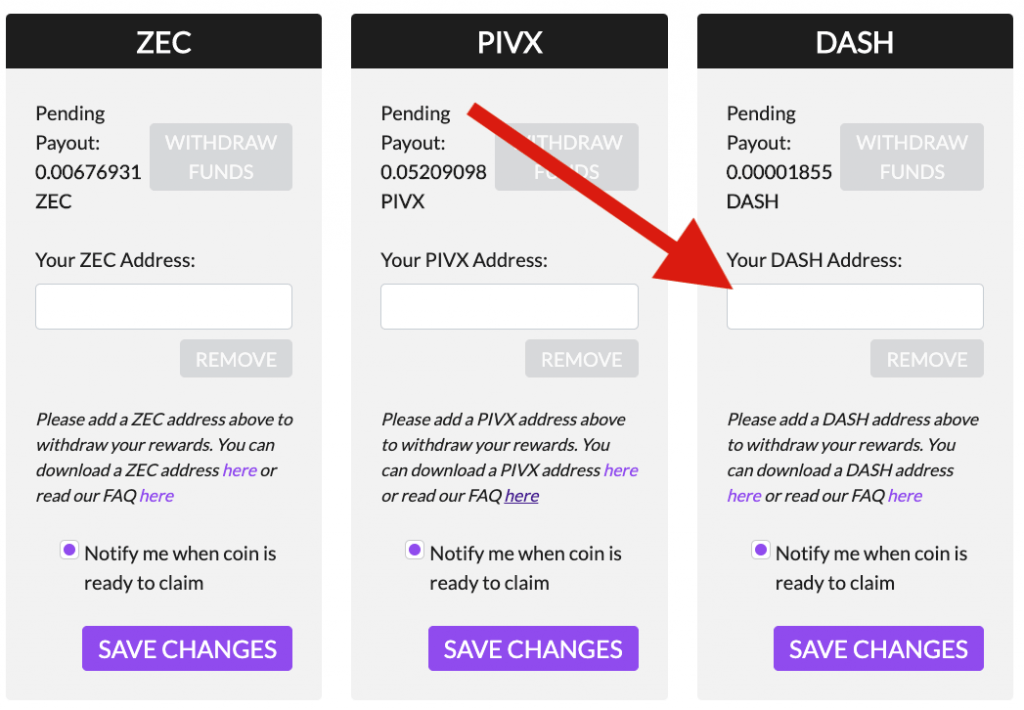
That’s it! From now on, all funds claimed will go directly to this new DASH address.
Download Coinomi Now To Desktop or Mobile
If you need help getting your ZEC Wallet, click here.







