Hello,
1. Using a Word Document
If you are using Microsoft Word, here’s how to proceed:
1. Create a New Document:
- Open Word and create a new document.
2. Set the Background:
- Go to the "Design" tab.
- Click on "Page Color" and choose "Black" to set a black background.
- For an image, go to "Page Layout" > "Page Background" and choose an image you want to use. Make sure it is dark enough for the white text to be readable.
3. Change the Text Color:
- Select your text and set the text color to white.
- You can also change the font style to make it more readable on a black background (for example, using a bold font).
4. Printing:
- Once you have prepared your document, print it normally.
2. Using a PDF Editor
If you already have a text file that you converted to PDF, you can use a PDF editor like Adobe Acrobat:
1. Open the PDF in Adobe Acrobat:
- Open your PDF file in Adobe Acrobat.
2. Edit the Background:
- Go to "Tools" > "Edit PDF" > "Background" > "Add".
- Choose to fill the background with a black color or an image you want.
3. Change the Text Color:
- You can also change the font color if needed, but this depends on how the text was incorporated into the PDF.
4. Save and Print:
- After making changes, save the file and print it.
3. Alternative Word Processing Software
If you do not have Microsoft Word, other software like Google Docs or LibreOffice Writer will also work:
- Google Docs: You can go to "File" > "Page setup" and change the background. Then modify the text color.
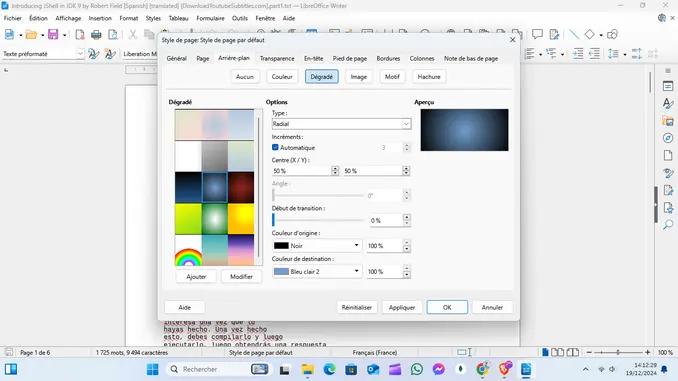
- LibreOffice Writer: Similar to Word, use the background color option under "Format" > "Page".