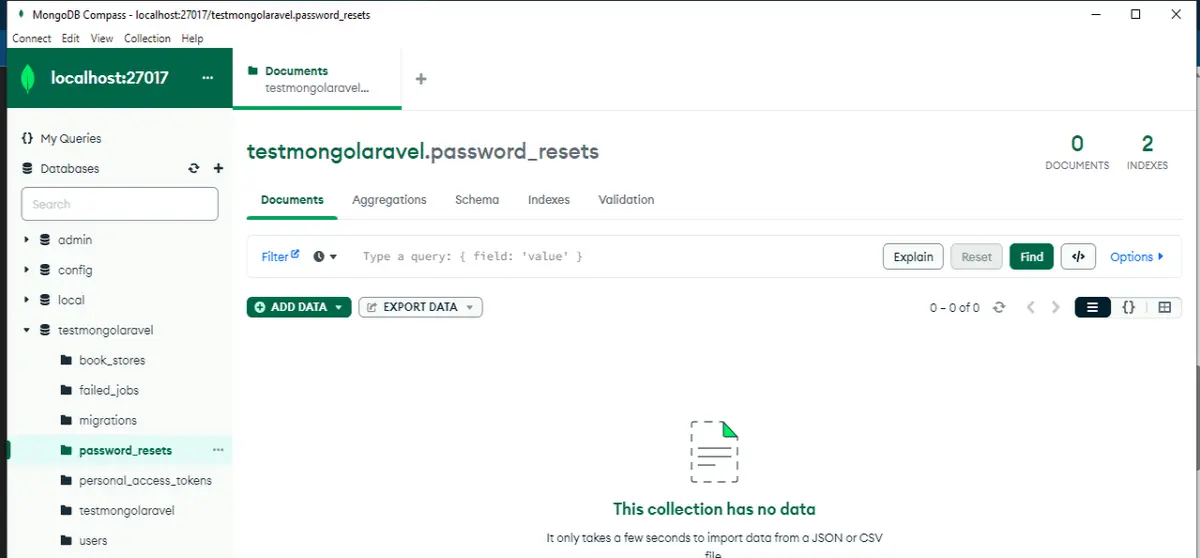
Hello,
If you are installing mongodb 1.16 for jessengers/mongodb 3.8 or jessengers/mongodb:dev-master and trying to install from this URL then you are in the wrong place:
PECL :: Package :: mongodb (php.net)
Step 1:
Trying to download .gz and convert to dll with ezyzip won't work also:
https://www.ezyzip.com/convert-tar-gz-to-dll.html
Step 2:
Trying subsystem WSL with docker and sub-system Linux with docker needs a heavy configuration.
Step 3:
Downloading from the official MongoDB website will work as they have MongoDB 1.16 but check your PHP version is 8.1 after installation of Wampserver because PHP 7.4 will install Laravel 8.
Install the MongoDB PHP Library — PHP Library Manual upcoming
Small tip:
Using 7z a laravelproject -xr!node_modules won't remove the configuration files while storing so you need:
7z a laravelproject -xr!vendor
In the configuration file you need to replace everything DB with port and host and username and password and remove options for authentication database.
Example:
'default' =>'mongodb',
/*
|--------------------------------------------------------------------------
| Database Connections
|--------------------------------------------------------------------------
|
| Here are each of the database connections setup for your application.
| Of course, examples of configuring each database platform that is
| supported by Laravel is shown below to make development simple.
|
|
| All database work in Laravel is done through the PHP PDO facilities
| so make sure you have the driver for your particular database of
| choice installed on your machine before you begin development.
|
*/
'mongodb' => [
'driver' => 'mongodb',
'host' => env('DB_HOST', 'localhost'),
'port' => '27017',
'database' => env('DB_DATABASE', 'your_db_name'),
'username' => '',
'password' => '',