
This article will discuss how to start an advertisement campaign, specifically a Publish0x Referral Campaign, using AdShares. AdShares is a blockchain based advertising platform powered by the ADS token. The platform allows for direct transactions between advertisers and publishers removing the middle man in the equation. This results to smaller fees for both parties. It is also allows for small publishers which are otherwise ignored from mainstream ad revenue platforms. More information is found on there website. <<READ MORE>>.
For now, we will only discuss how can you start your own advertisement campaign using this platform. Just follow these steps.
Step 1: Create an Account in Adshares.
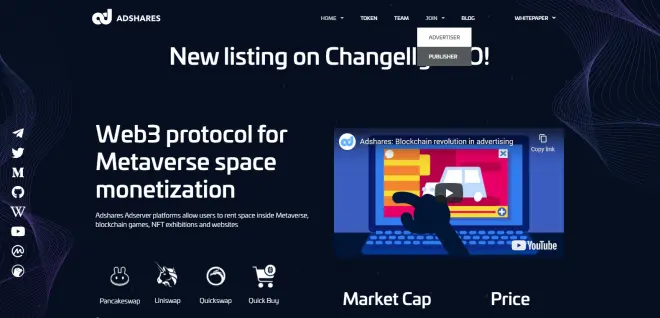
Start by going to Adshares website. Once there, find the "JOIN" tab. On the drop down menu, choose "Advertiser". You will be taken to a new webpage where you will be asked to create an account. Fill up the fields with your email and desired password. After registering, you will be sent a confirmation email to your email address. After confirming, you are already good for log-in.
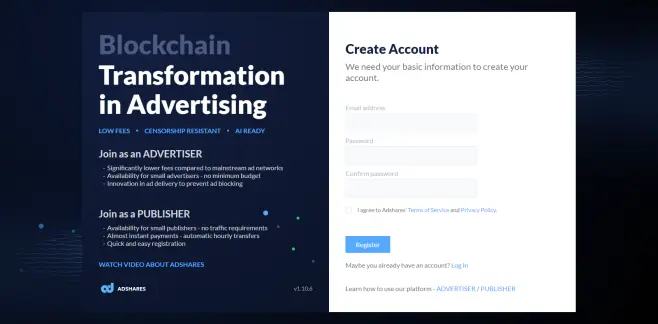
Step 2: Deposit Funds to Your Account
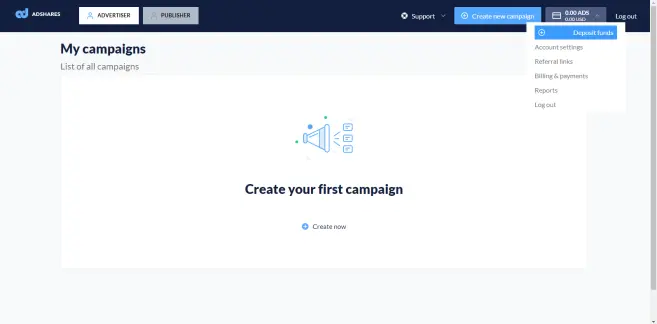
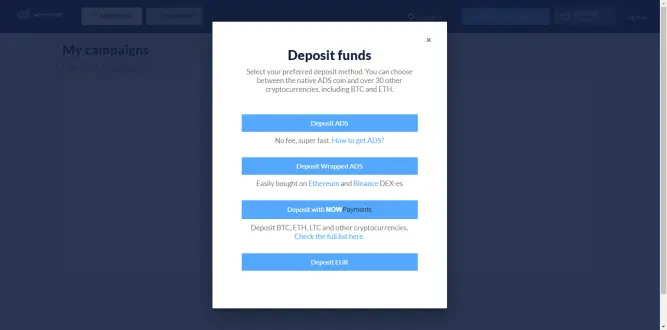
After logging in, you will see a user interface similar to this one. Before you can can start an advertising campaign, you have to add funds into your account. In order to do that, Click on the button near the "Log-out". On the drop-down menu, click on "Deposit Funds". After clicking, you will be taken to a pop-up window showing different ways you can top-up your wallet. Personally, I chose NOWPayments option it is the most convenient for me. You can also other options if you want. Depending on your funding method, you might have to wait for a while for your deposit to be registered to your account. After depositing the funds, you will see on the top-right corner the amount of ADS token you have and its equivalent value in USD. ADS token is used by AdShares network to charge advertisers and reward publishers.
Step 3: Create Your Own Campaign
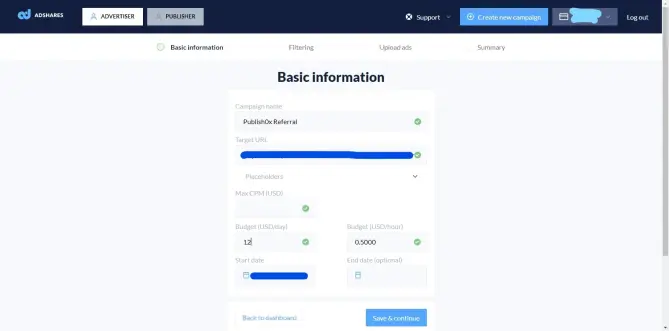
After depositing funds, you are now ready to start a campaign. To do that, click on the "Advertiser" button on the top-left portion of the menu then click "Create Now". It would like something similar to the screenshot below. Since this is a Publish0x Referral Campaign, I named it "Publish0x Referral". If you have other ad campaigns, that would be good to. Place your Publish0x Ambassador link on the Target URL. Set Max CPM to $0.50 and set Budget to $12. These are minimum values so you can actually set them higher if you want. You can also set a start and end date but these are optional. If you are good, click "Save and Continue".
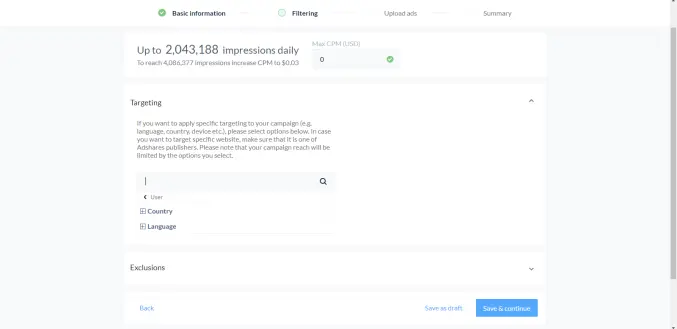
In the next section, you can set specific targeting parameters for your ad campaign. You can set which countries it will show and what devices. You can also set exclusions to where your campaign will not show. I didn't really change this part so I can reach more audiences. If your done, Click "Save and Continue"
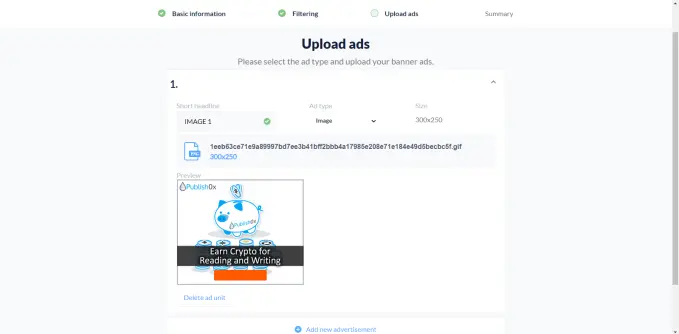
The next section will let you choose how will your ad look like. This section lets you upload an image for how people will see your ad. If you plan to make a Publish0x Referral campaign, you can use some of the banners on the ambassador page. <<CLICK HERE>>
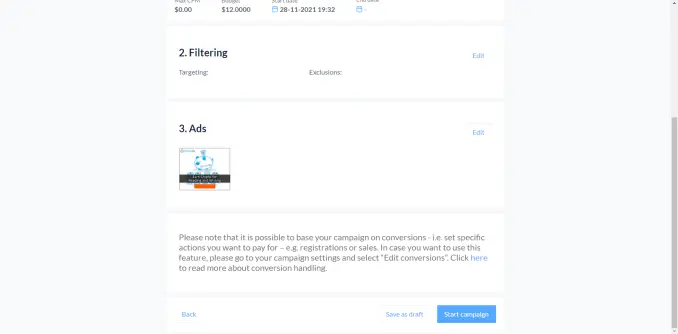
After all the steps, you will be taken to a summary page. This contains all the things you did on the previous steps. If you are good, click "Start Campaign".
After starting the campaign, you will be taken to the analytics page showing how your campaign is doing. You might not see anything here for a while since you just started the campaign. You will also be able to see all other campaigns you have on this page. You might have to wait for your ad to be classified into a category before gaining views.
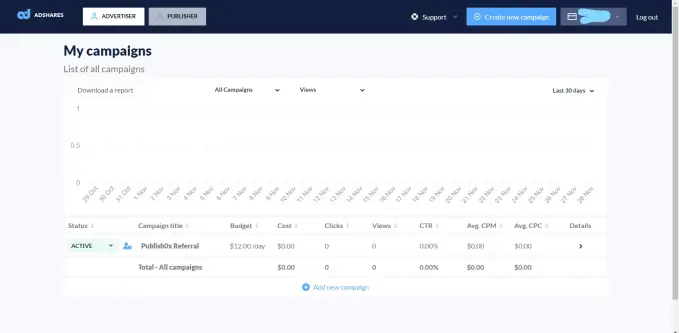
The Initial Results
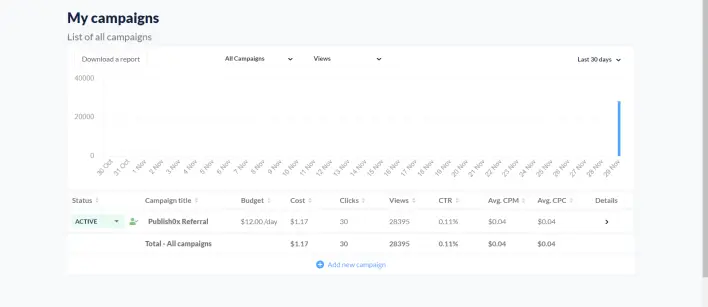
I tried checking my campaign the next day and noticed it gained 28,000+ views for the day. Not bad for a start. I will be checking for the next days how this will turn out.
I will be posting updates on the on how the campaign went. :)






