
Prolog
Since i got a question how to upgrade the genesis address to level 3. I´d like to answer how do you upgrade your genesis address.
For me it was quiet hard to upgrade my genesis address because i hadn´t used the ether address from my BraveBrowser Crypto Wallet as genesis address. The brave browser crypto wallet has a web3 extension and is works pretty well with the minereum website. However i will describe both ways how to upgrade your genesis address from an external wallet ether address or from a Brave/Metamask Wallet. Note: This Manual is for PC users only.
Your genesis address is from a Brave or Metamask Wallet (both have a web3 browser extension)
If your genesis address is from a BraveBrowser Wallet or a Metamask wallet than you just transfer the needed ether to the wallet.
0. Transfer 0.7 Ether to your genesis address.
0.7 Ether is approximately now needed to upgrade your genesis address up to level 3. You could stop at level 2 if you just want to mine MNE, but at level 3 you can transfer the coins to other wallets and trade them.
1. Login to your bravebrowser or metamask crypto wallet.
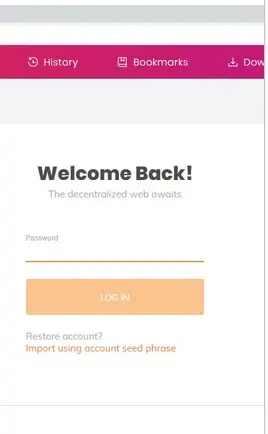
BraveBrowser
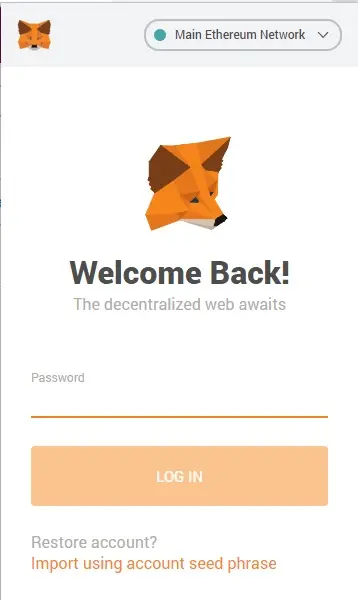
MetaMask
2. Find your ETH address.
BraveBrowser:
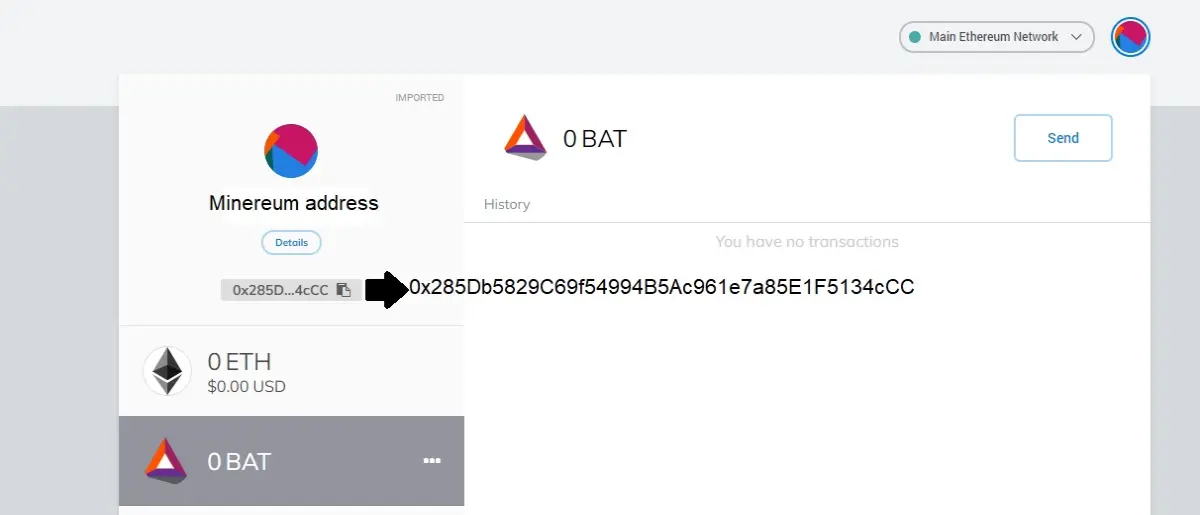
Metamask Wallet
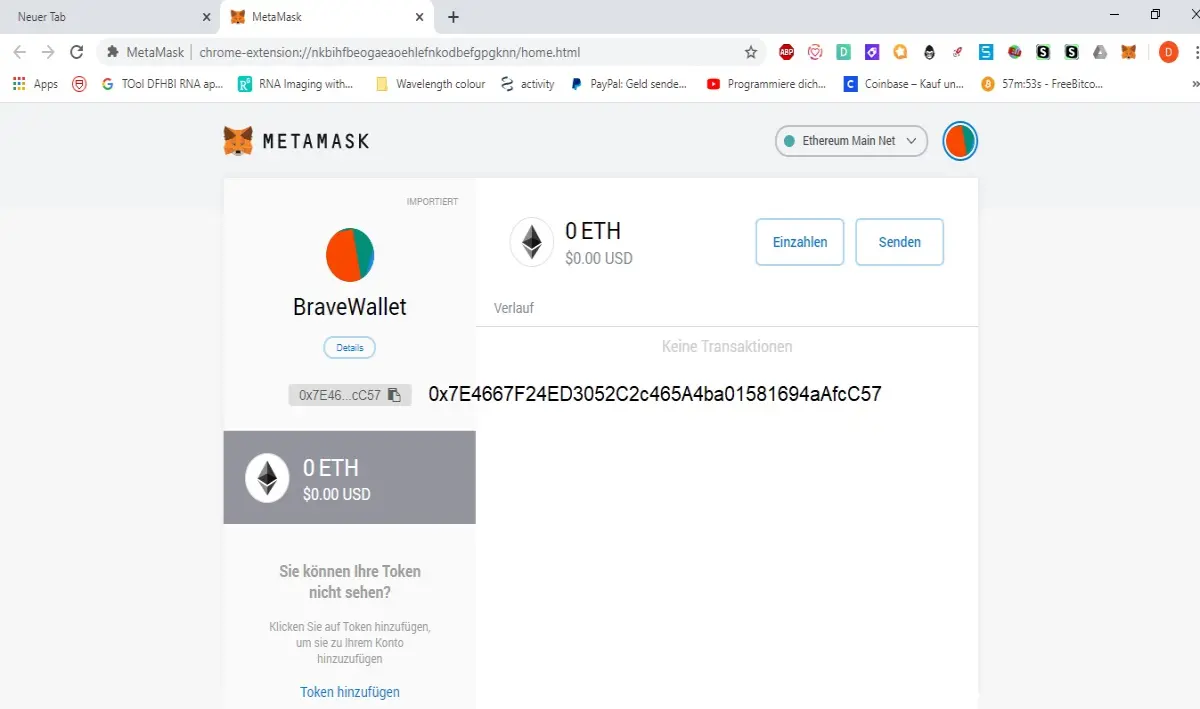
3. Go to https://www.minereum.com/v2/ and click on my Address
Through the web3 extension of the brave and metamask wallets the minereum website is automatically receiving the right ether address and will display it at "My Address: ....".
It is the same for the BraveBrowser, compare the addresses from step 2, The website has drawn the addresses from your wallet.
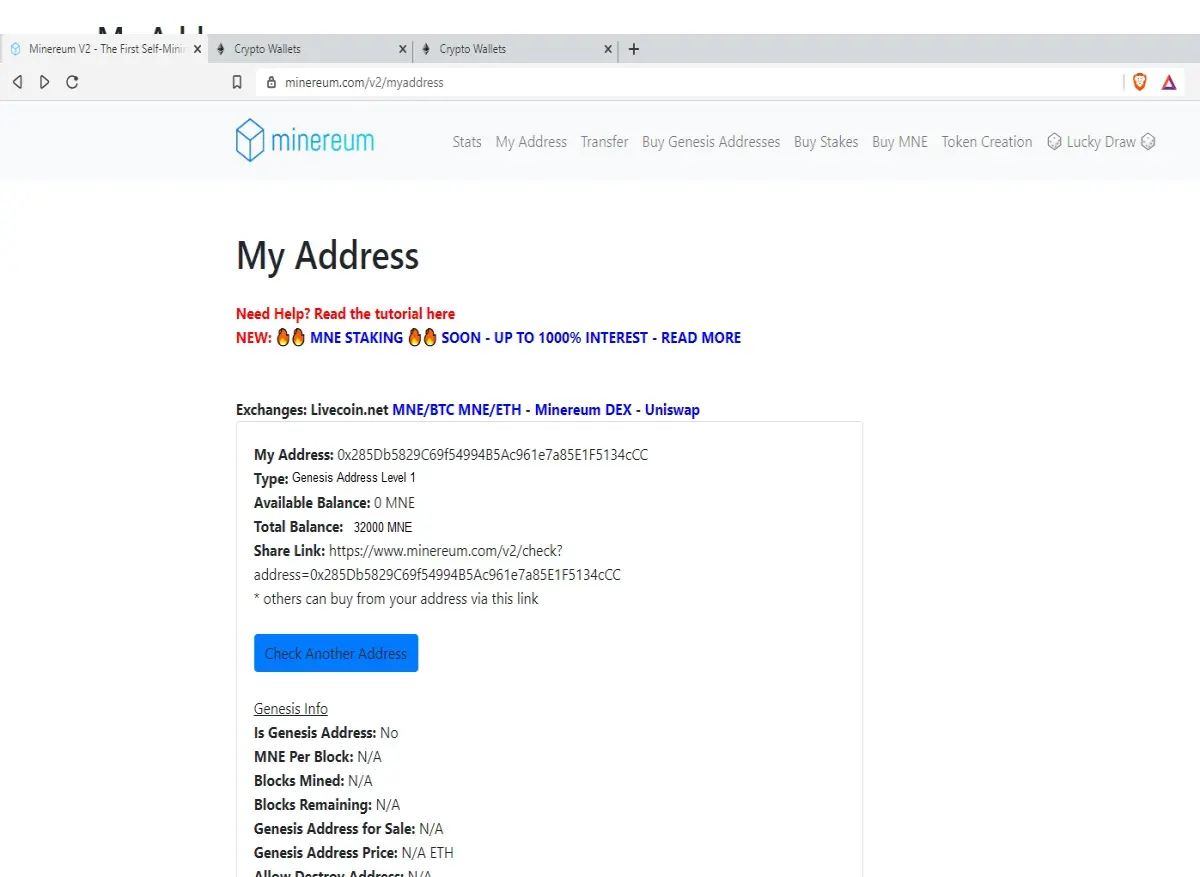
With MetaMask Wallet.
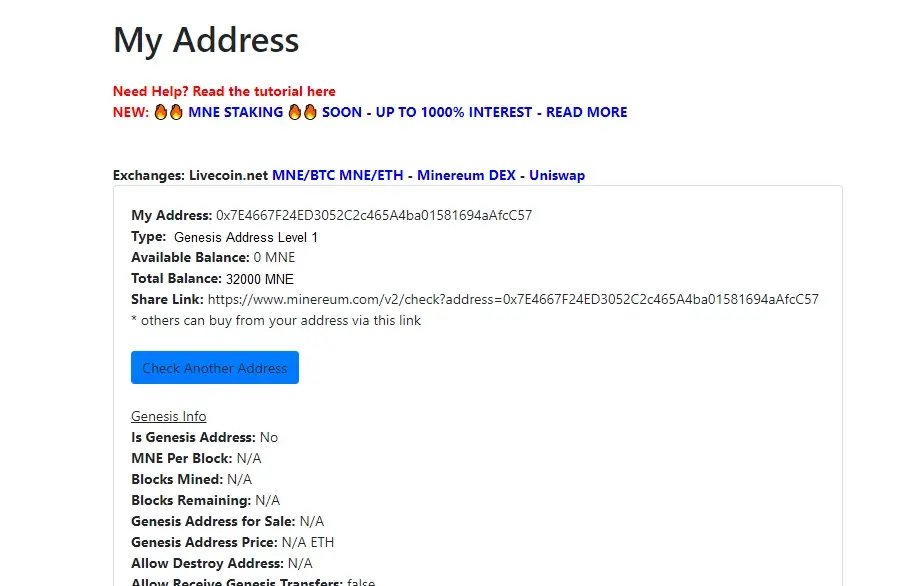
4. Upgrade your Genesis Address.
On "My Adress" scroll down to "Upgrade to Level 2" or "Upgrade Level 3" or "Upgrade multiple addresses". If the button for the upgrade to level 2 or 3 is not clickable than chose upgrade multiple address. Note: The herein shown addresses aren´t genesis addresses, but if you use genesis addresses that came from the BraveBrowser or the metamask wallet the buttons should be clickable. You had to chose a BraveBrowser Wallet Ether or MetaMask Address as Genesis Address during the 2nd Airdrop, otherwise it won´t be clickable.
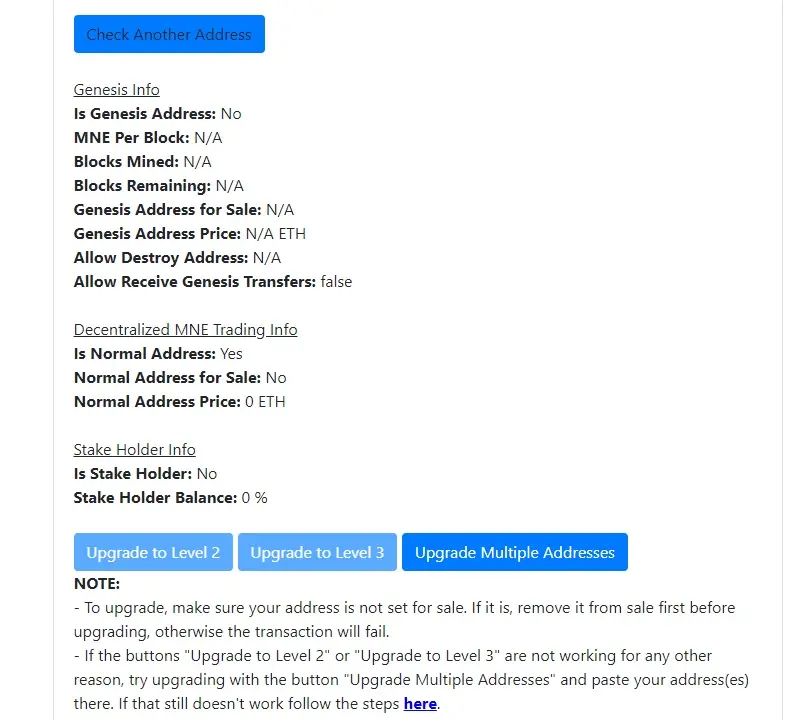
In this example we use "upgrade Multiple Adresses"
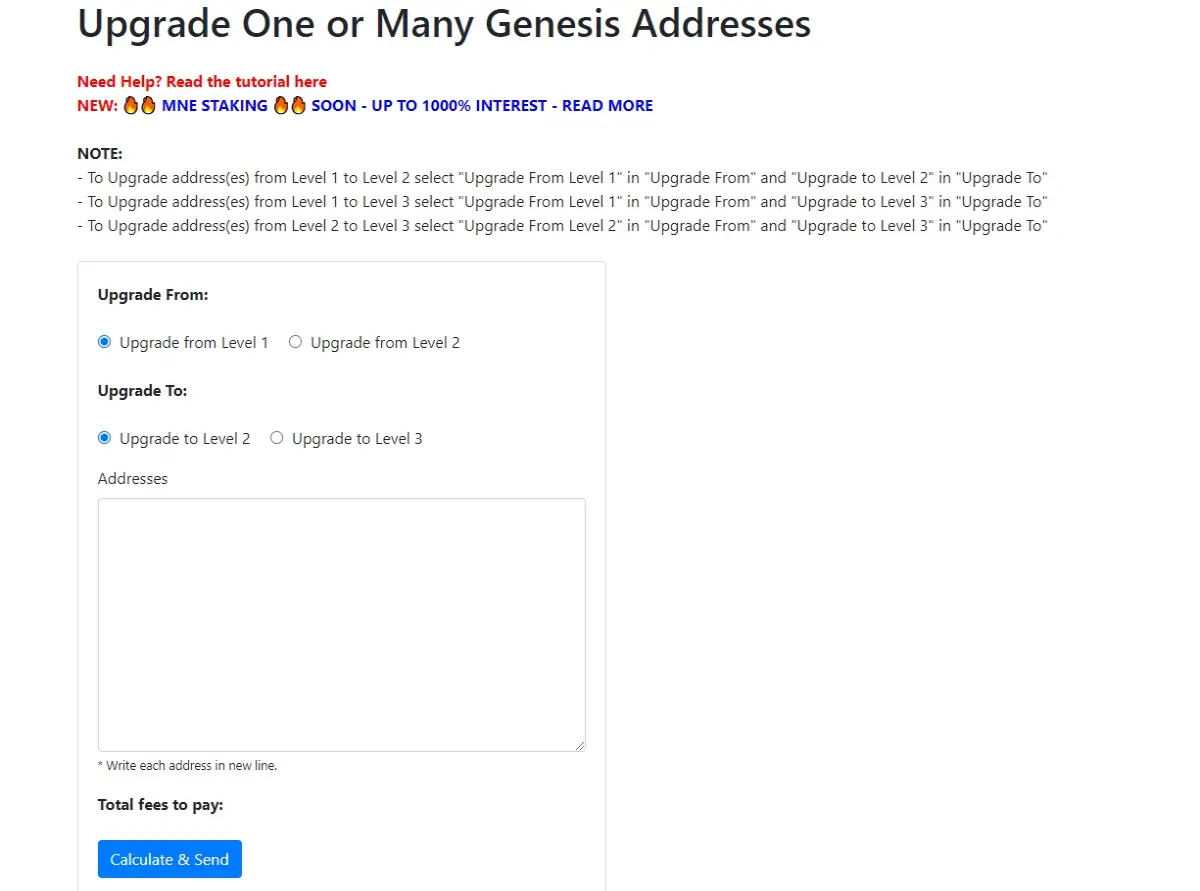
Enter your address and chose the level you want to upgrade. A BraveWallet or Metamask Notification pops up displaying the price to pay.
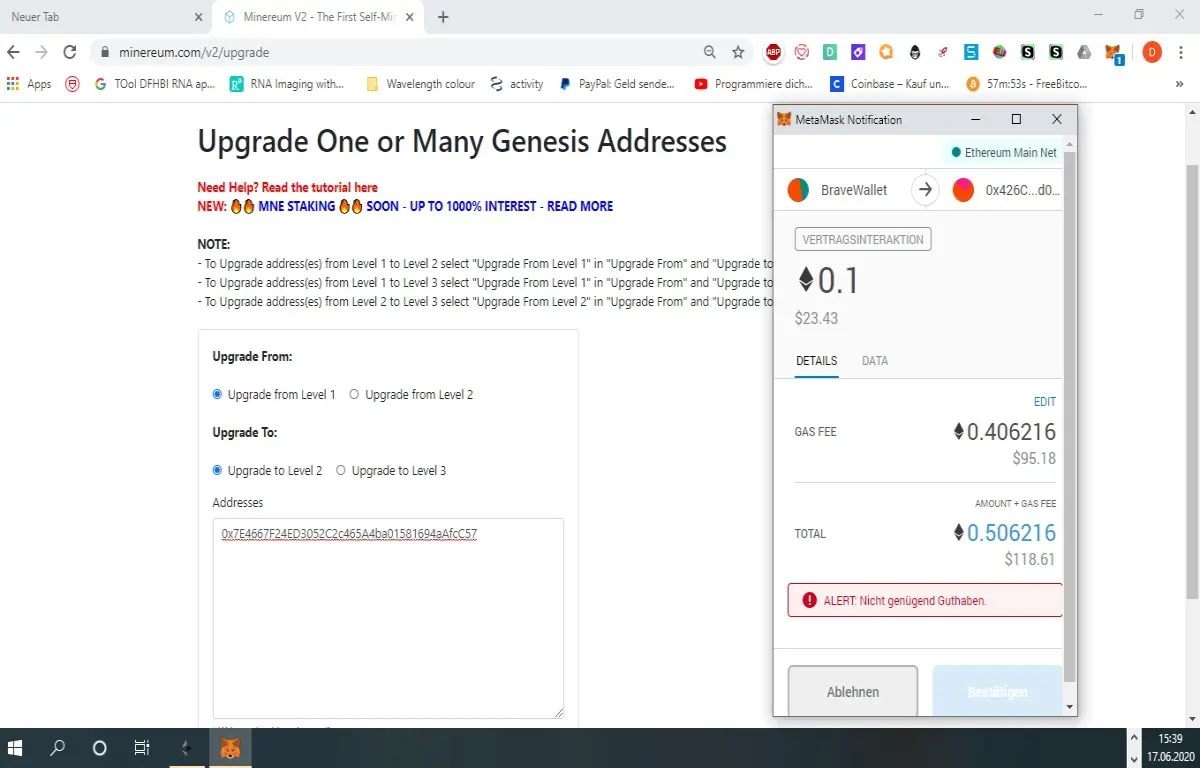
Upgrade from level 1 to level 2
Click confirm to upgrade your address. Thats it.
Your Address is an external address... How do you upgrade?
To upgrade an external address just transfer Ether to a MetaMask or BraveWallet.
Paster the external genesis address into the upgrade space from above, wait for the notification and press confirm. Done!
Note: Comment section is buggy and i am unable to reply to your comments please join my telegram channel i am happy to answer further questions.








