
Withdraws from Publish0x to your Brave crypto wallet!
Once you have created your Brave CryptoWallet account as I told you in my previous post here Creating a Brave crypto wallet from the scratch in five easy steps, you can link your wallet account to the publish0x account.
Steps
First of all, you have created your Brave CryptoWallet account.
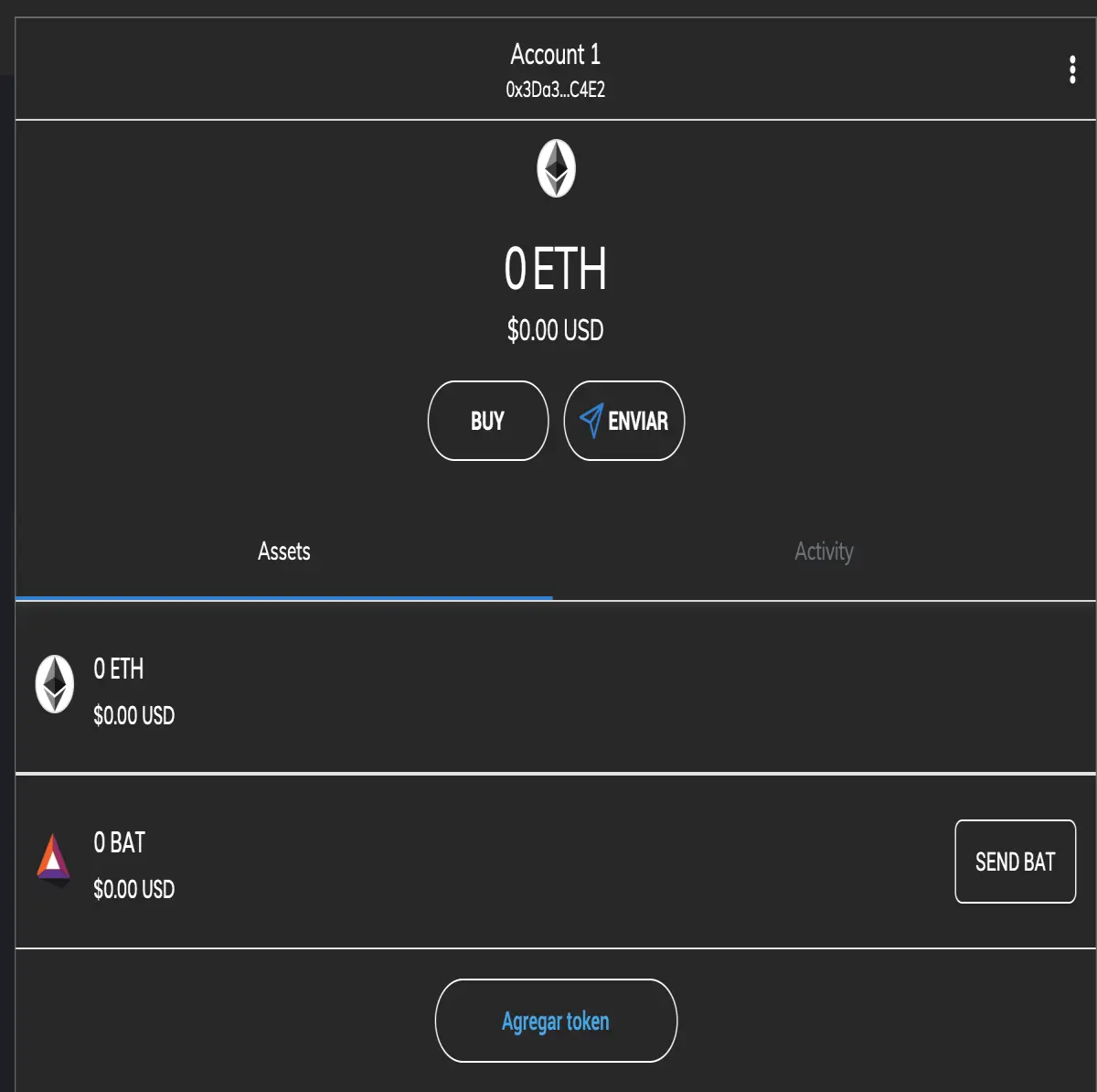
Second, go to Brave CryptoWallet account and copy your account id. For doing that you can click on the account id label and the account will be copied to yourr clipboard.
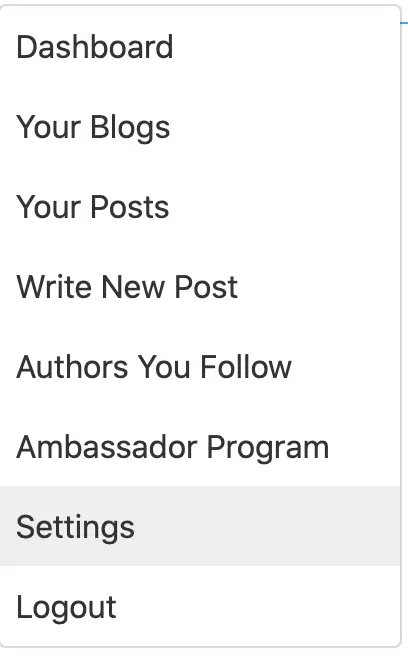
Third, go to 'settings' of your publish0x account,
Fourth, from settings go to the 'wallet' tab.
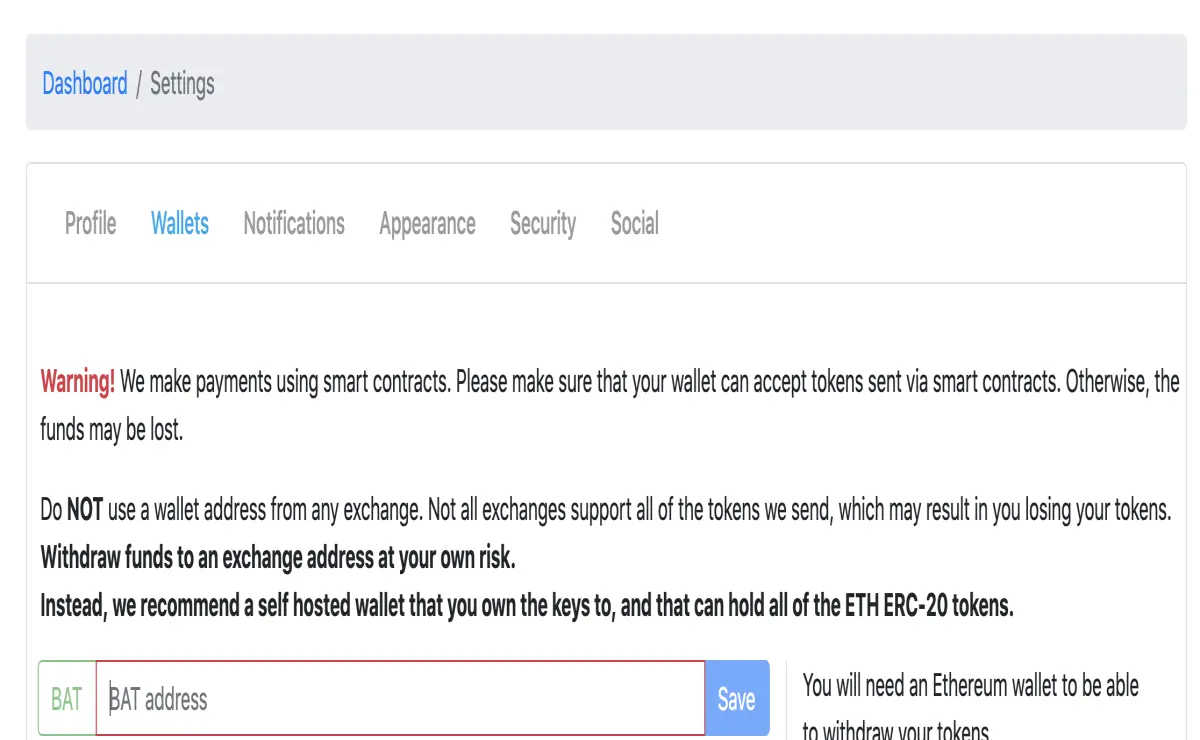
Fifth, you can see here four empty fields to be filled with the account id. So paste the given account id from the second step in every field. Save them and you will receive several emails to confirm those actions. So go to your email and do it.
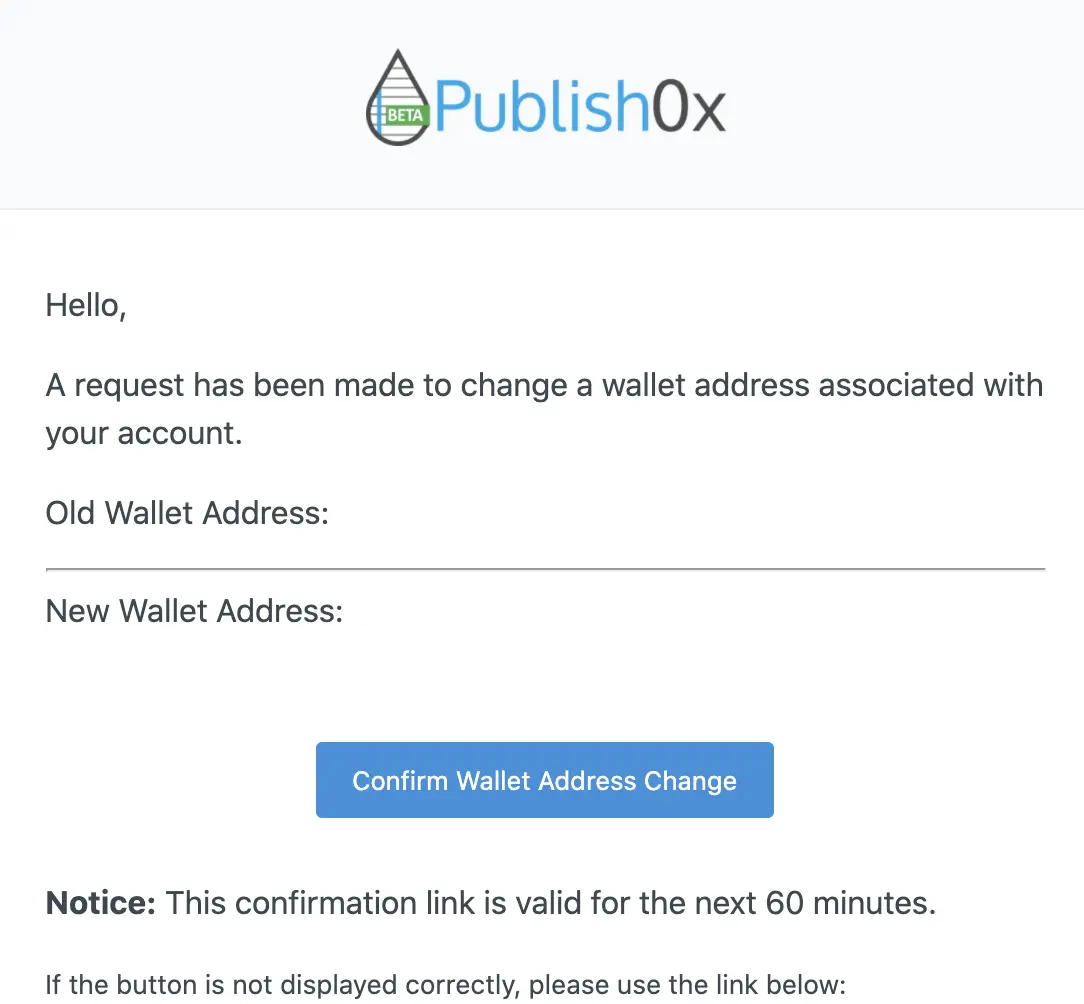
And that's all for settings.
To withdraws your tokens, you have to go to the payments.
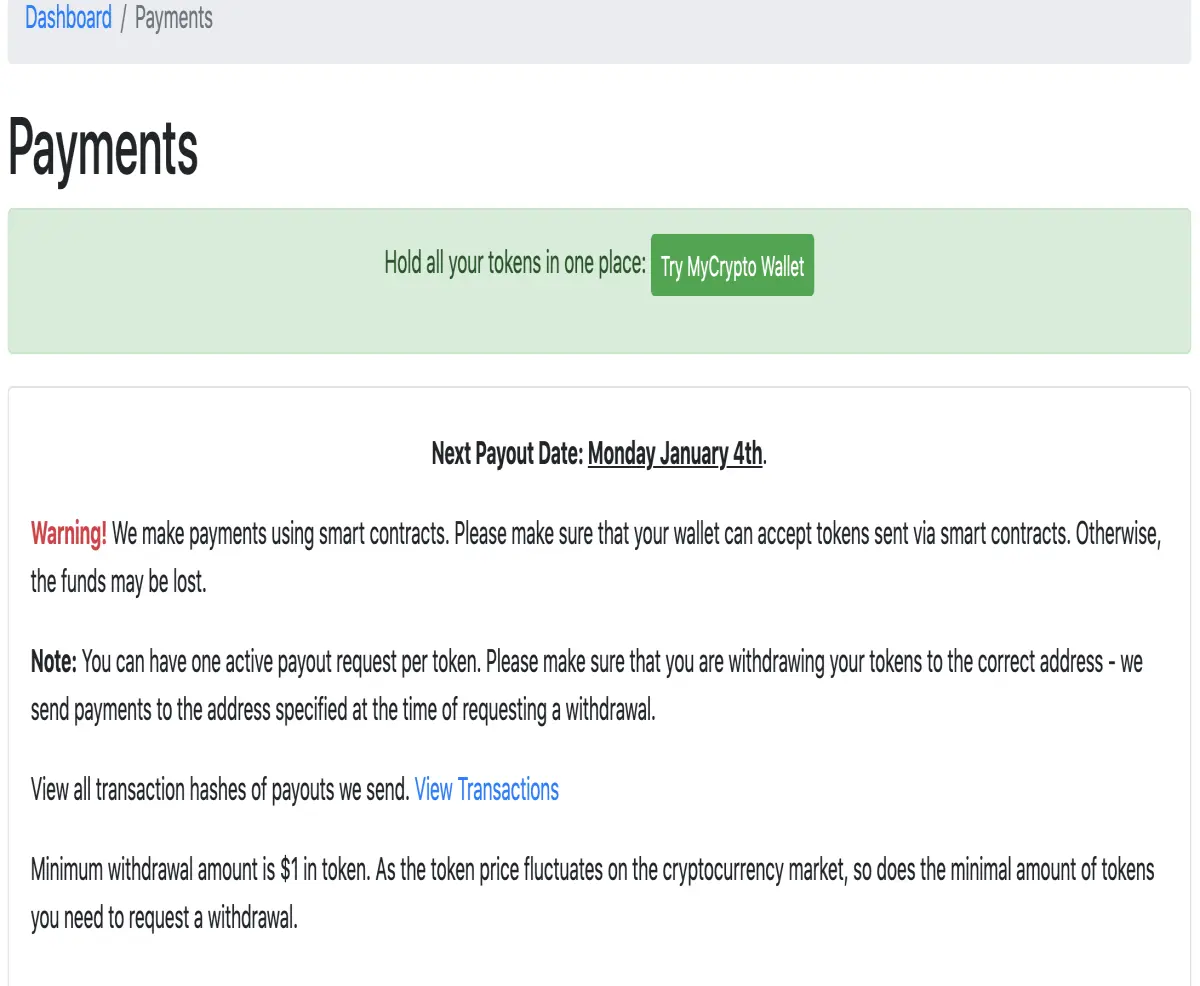
When you have enough tokens in your account the withdraws button will be enabled. So the only thing you have to do is click it and wait for the payment. At the top of this payment page, the application is warning you when the payments will be done.
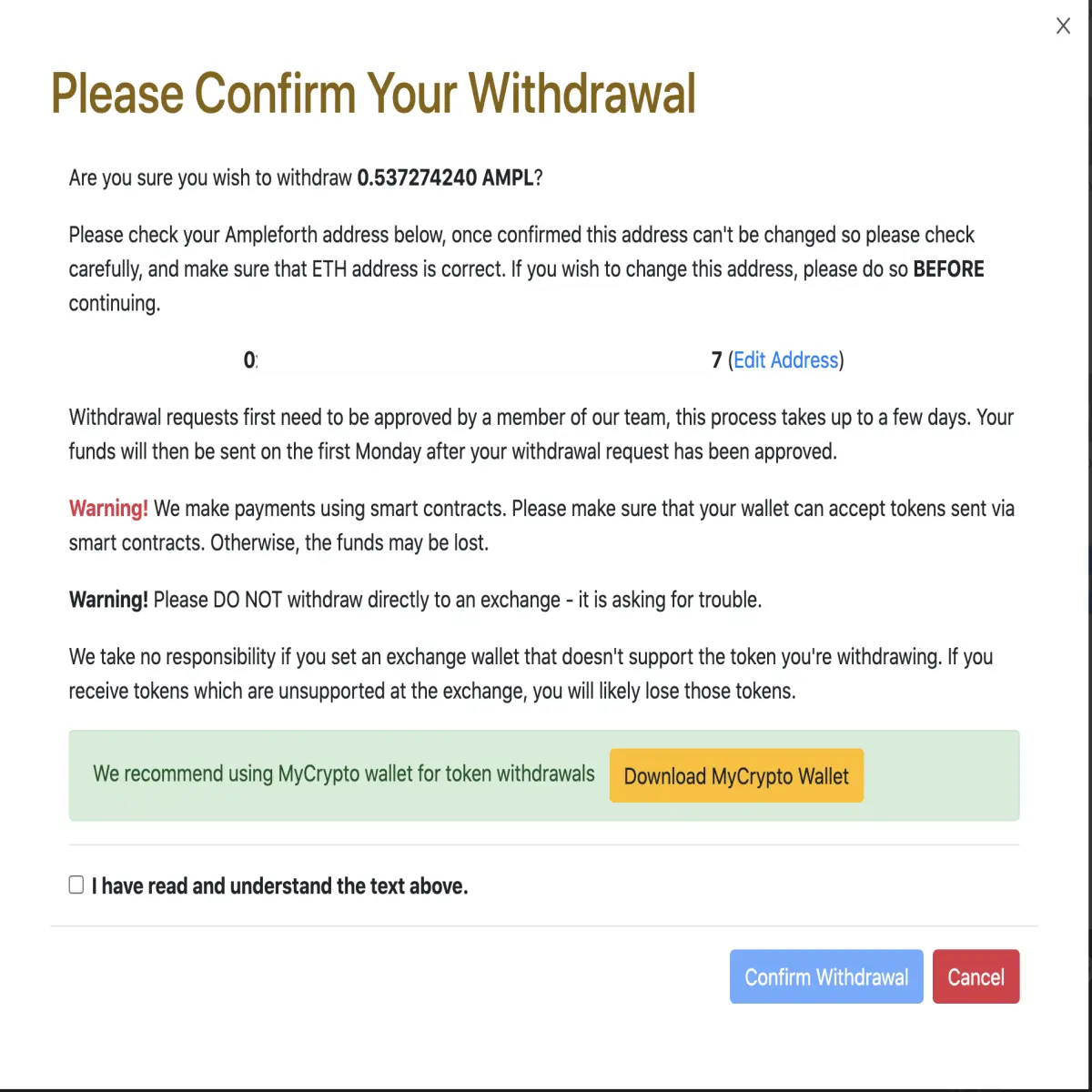
check your account, confirm you understand the conditions, and click confirm. You will see your request in your payment section.
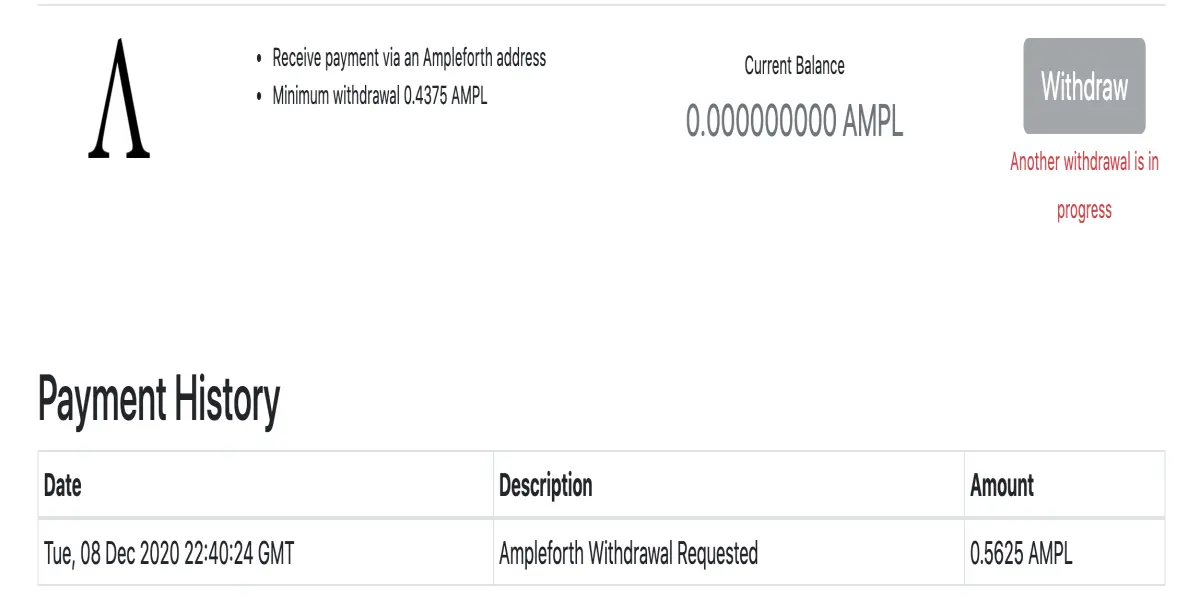
And that is.. :)
do you like movies?... follow us at estrenoscinehoy.com





