
Go to brave rewards. From there you can see the tap called 'crypto wallet'.

click in the 'crypto wallet'. In this tab, you will warn about if you know what are you doing. In the beginning, it looks a little scary but it's not in this way. So you have to accept everything they ask for and that is.
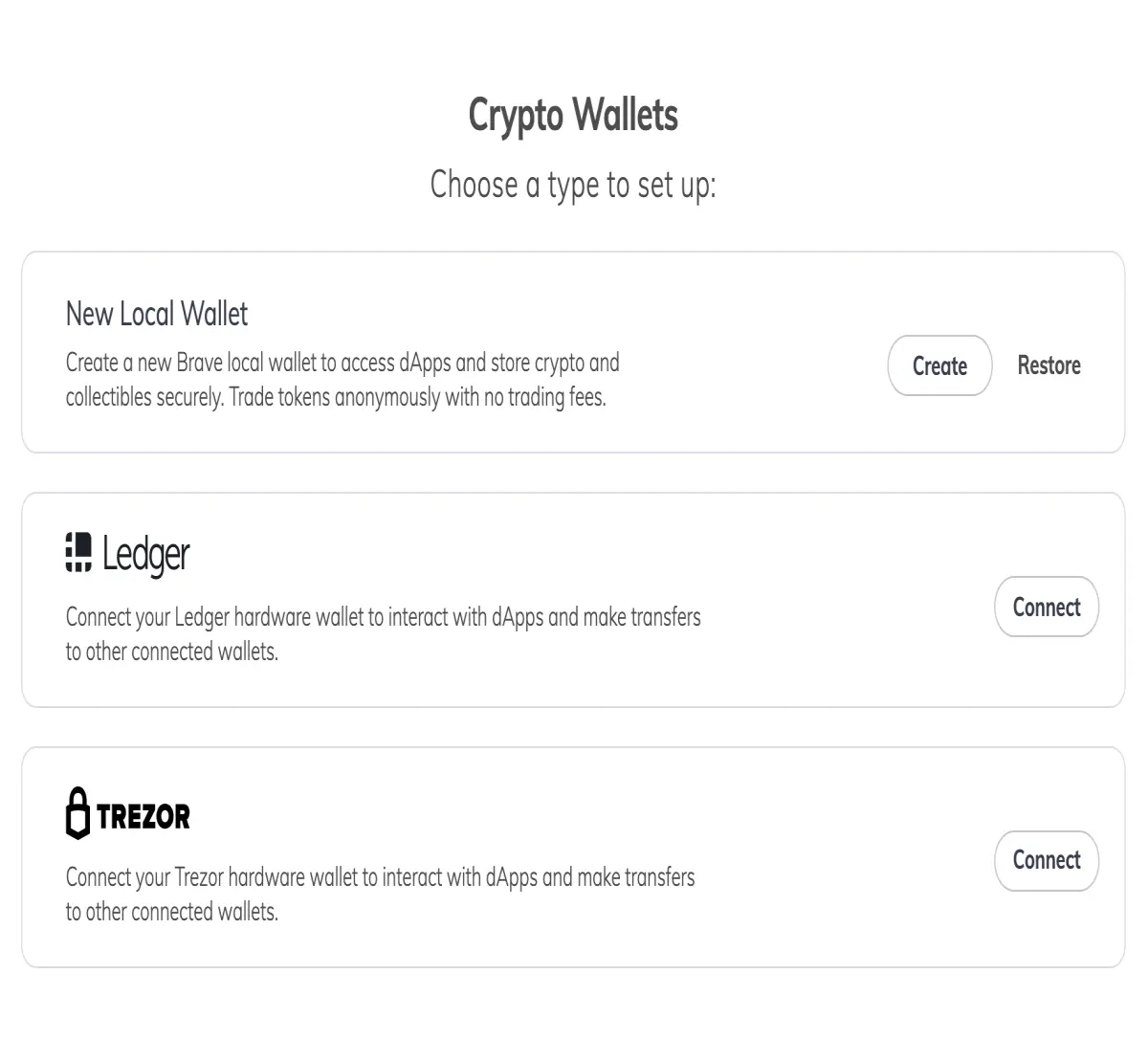
The first step is asking you if you would like to create the wallet into the browser or into a physical device like 'ledger'. I don't have a physical device so my choice is clear, the browser.
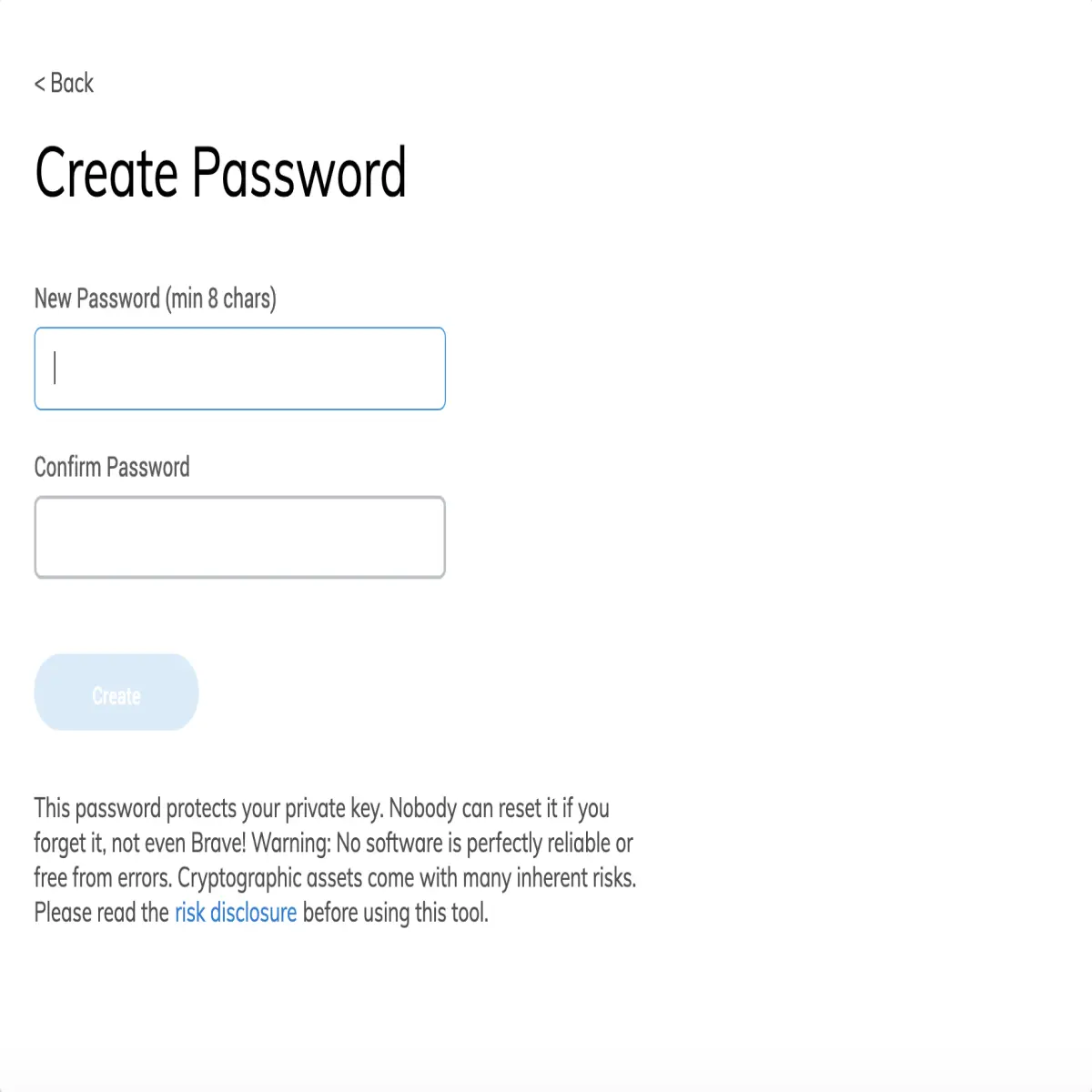
The second step is to create a password. Nothing strange up to here.
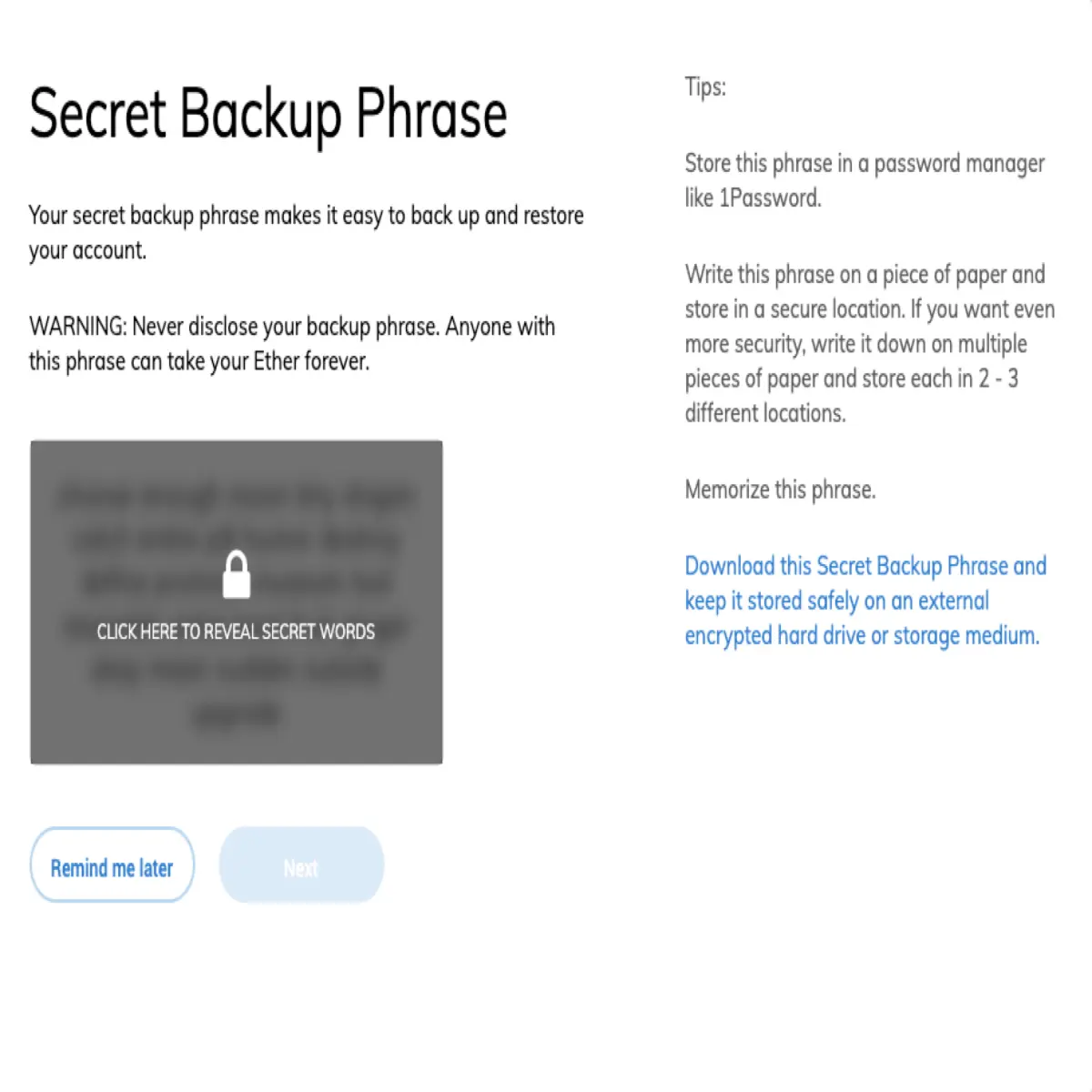
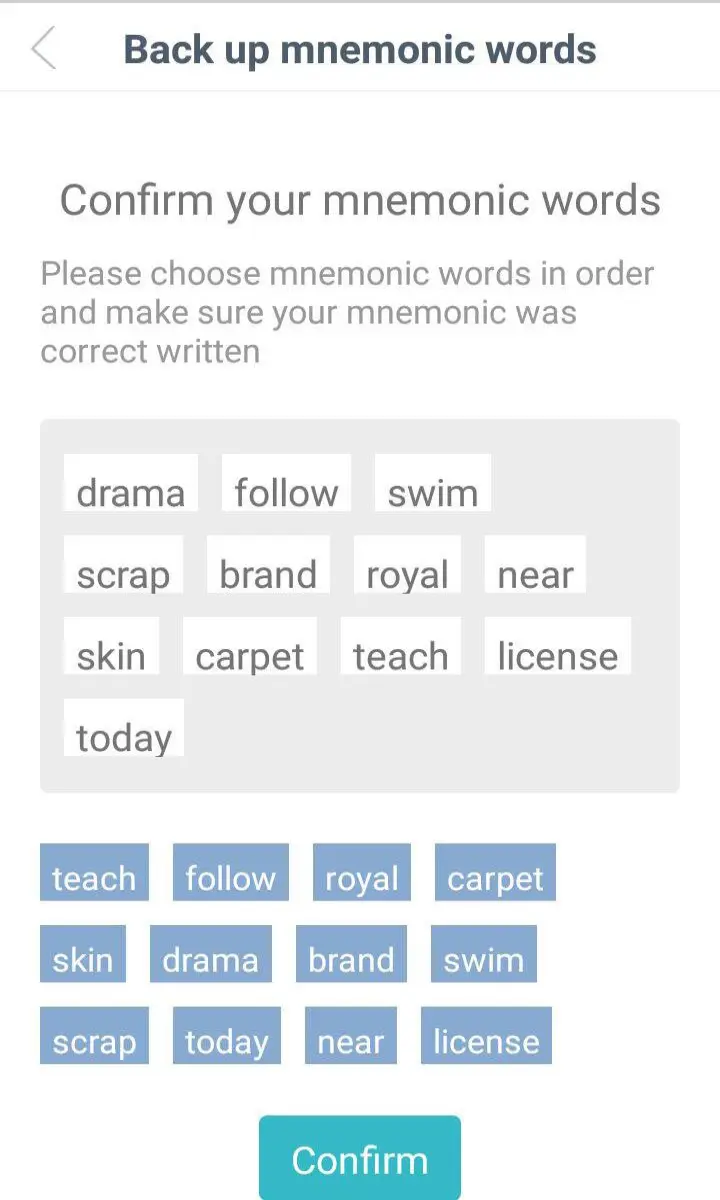
The third step is to save some recovery random phrases. I mean, a set of words is shown and you have to save it in a secure place.
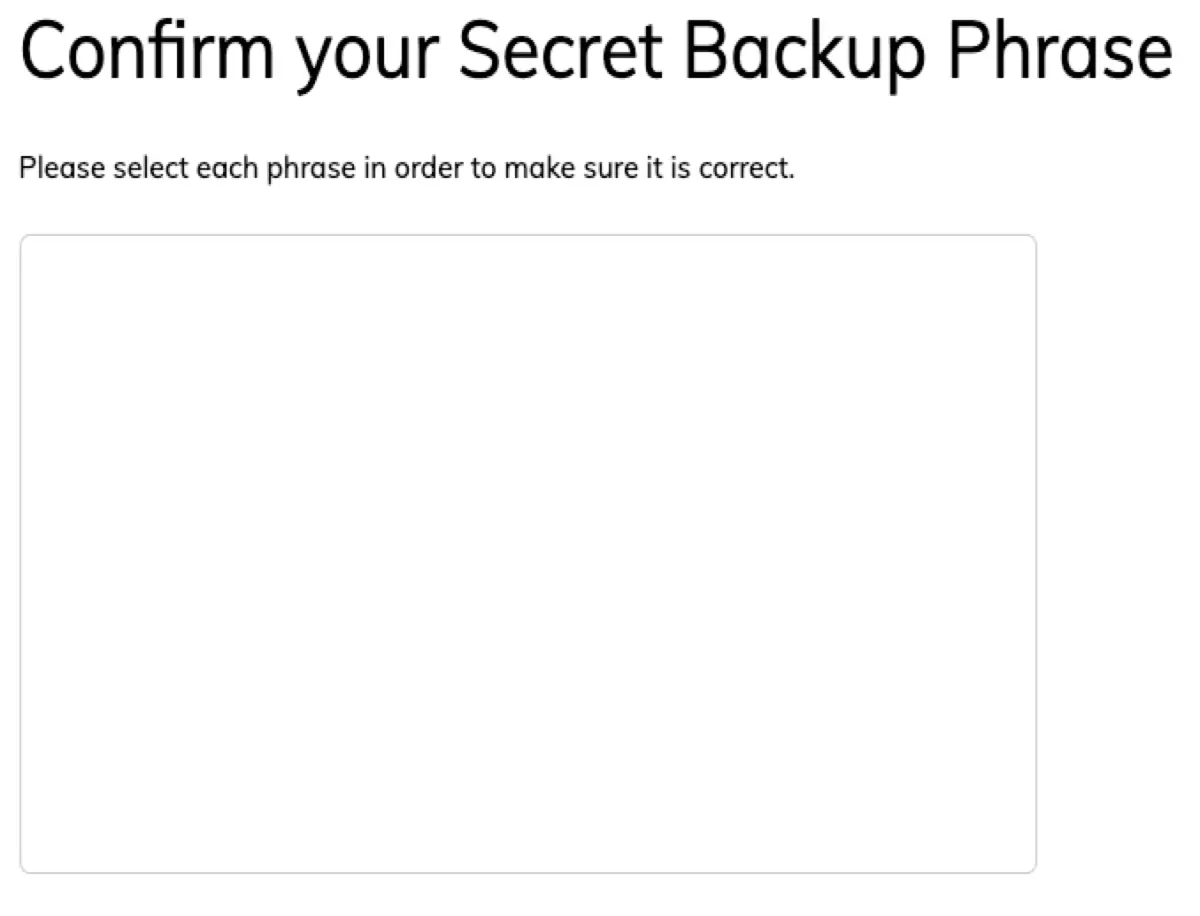
The fourth step is to fill an empty canvas square with the phrases showed previously. So you need to have them near to use it.
After that, the wallet was created!!!!!
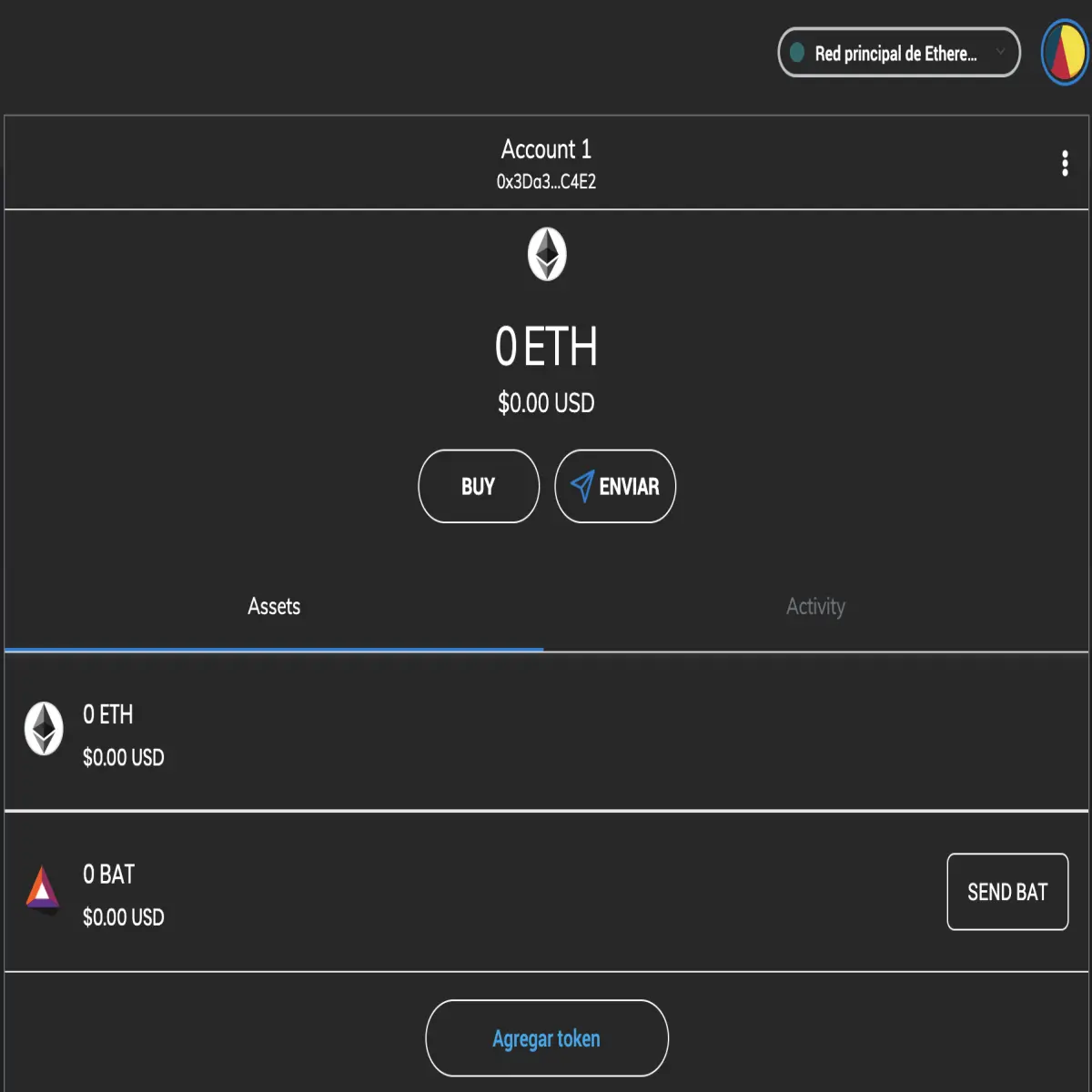
and that is for now. Now you can use it to send and receive your tokens.
do you like movies?... follow us at estrenoscinehoy.com





