
Hi Guys
Following the succes of my previous post on Presearch
I want to show you how to combine it with Brave and make the most of it without even thinking about it
First you have to create an account here
Then ou will see a pop up window asking if you want to add Presearch to Chrome. It works with Brave and Chrome (never tried with Firefox)
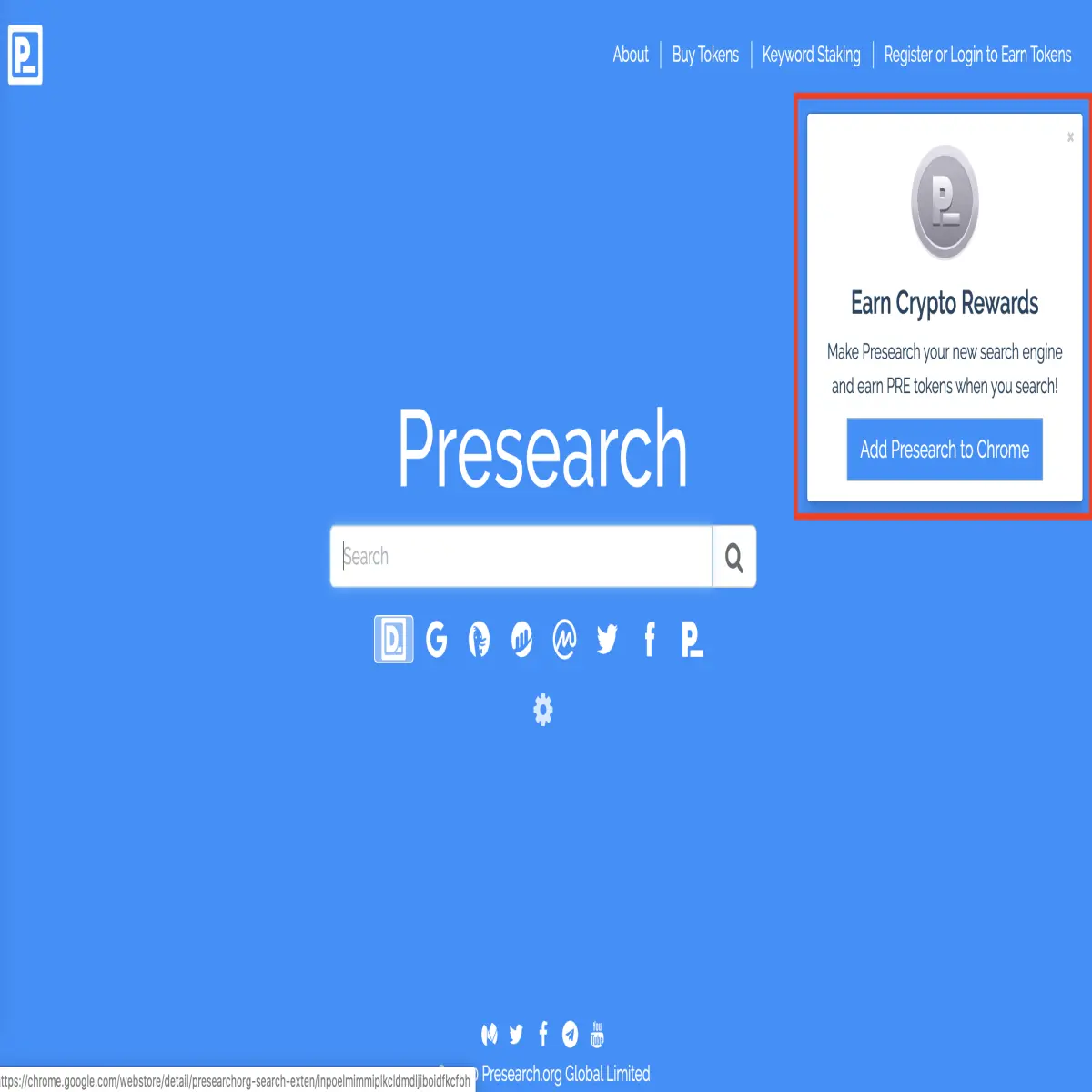
Then you will have to instal the extension. Just click on ADD TO BRAVE
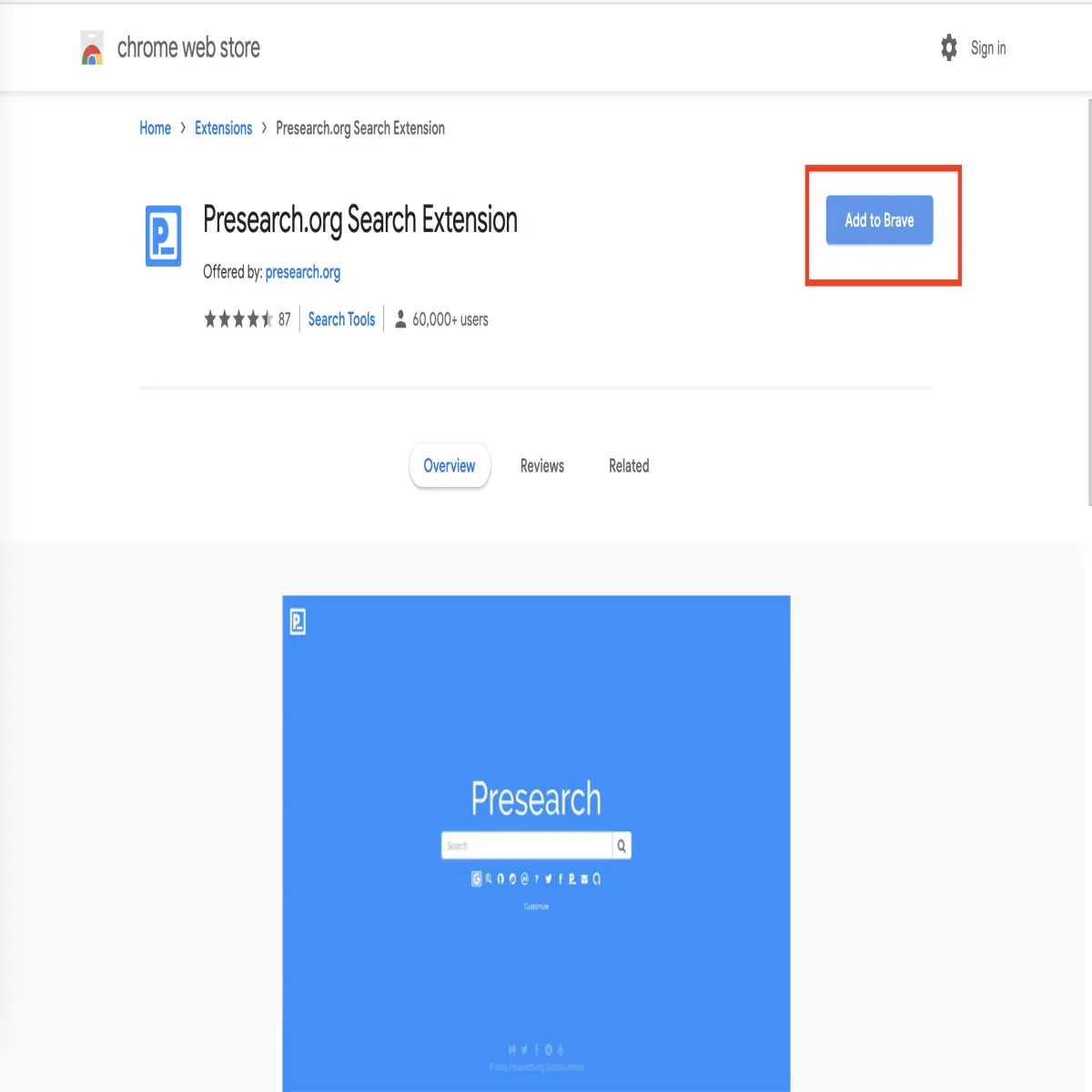
Well done ! Now everytime you will look for something using your search bar , it will go through and you will gain PRE tokens.
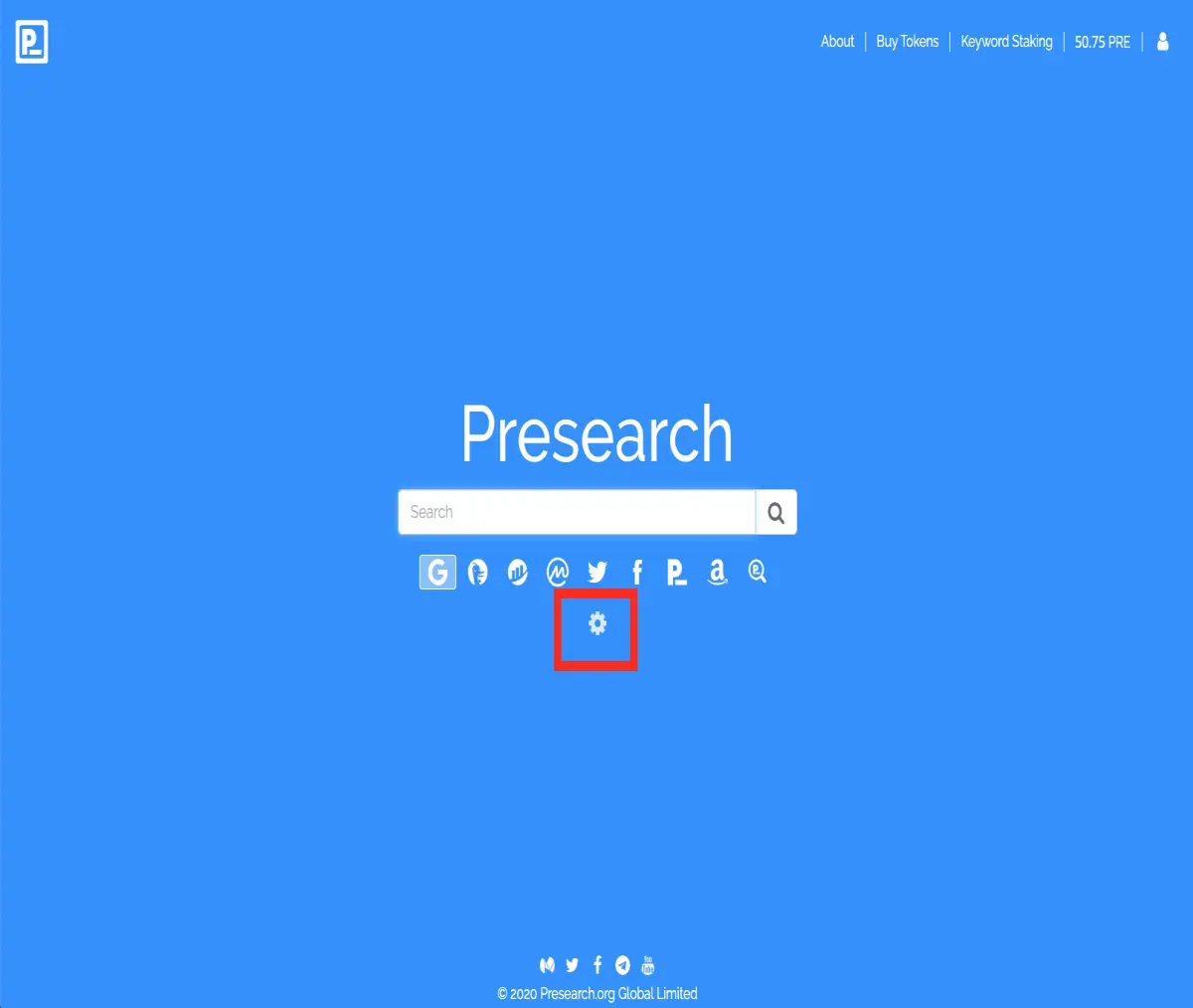
You can change the search engine you want to use. Just click on the setting button.
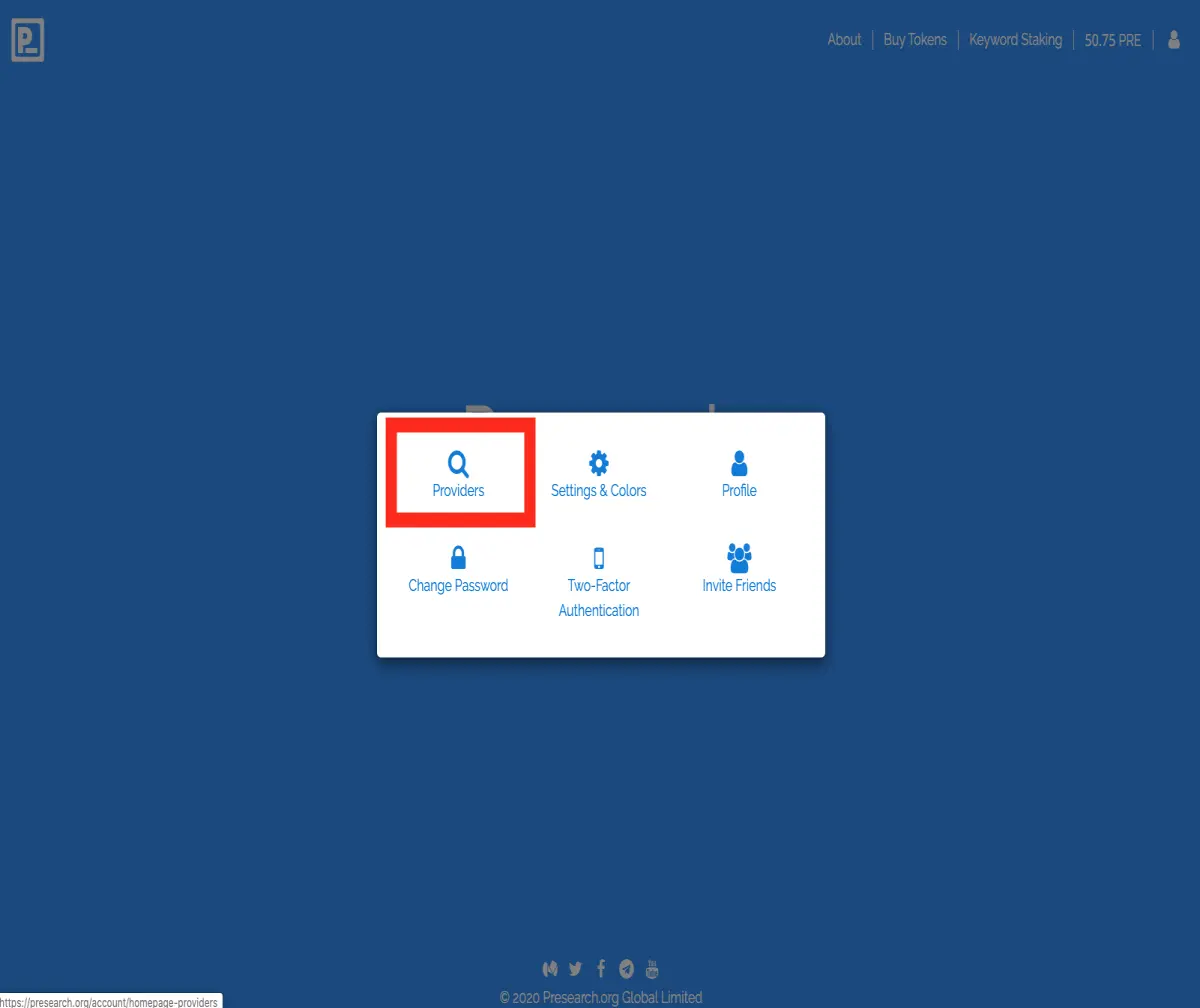
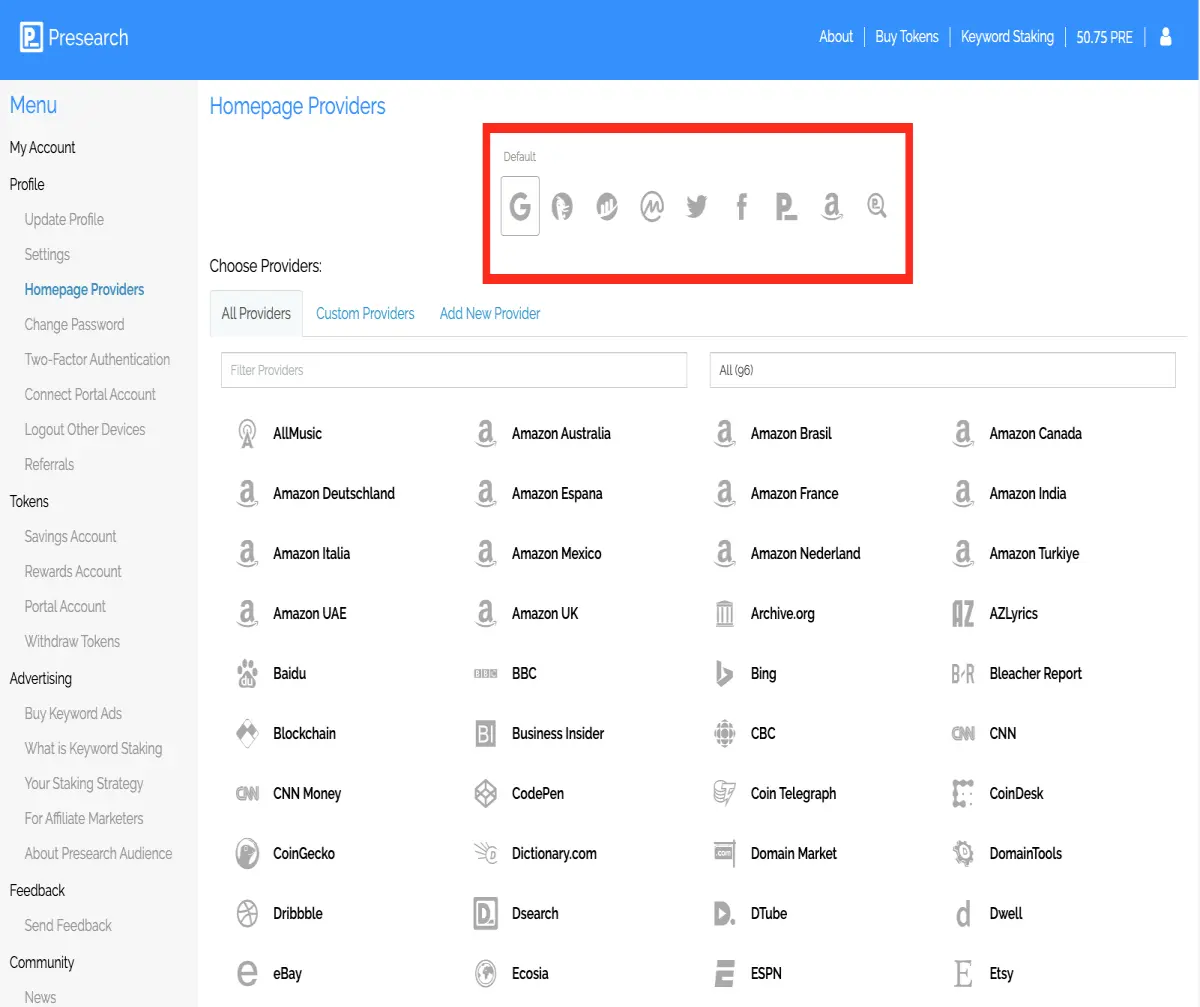
Then click on PROVIDER
You can now select GOOGLE for exemple and put it first on the list. If you on' want to use GOOGLE you can simple move it to the second spot or completly remove it. You have a Huge number of possibilities (see the list below)
Well done. So o now, you can see in your research bar (adresse bar) , the Presearch logo when you add key word.
on the top right (red square) you will also find the extension. And you can manage you account from here

Remember to combine it with Brave . You are now ready to gain free token just by surfing on internet. Exactly as you are already doing !
#MyPublish0xAuthor






