
Even though I usually post when I finish my writing, sometimes there is a need to schedule my post. There are several platforms on hive that provide this ability to you, this time we will see how it is done via leofinance.io
How to schedule your post on leofinance.io
.1. Please write your post using the leofinance.io
First of all please note that you need to have
- a post
- a headline
- hashtags
already filled in your post


.2. Please click on Publish

This is the screen that appears to you:
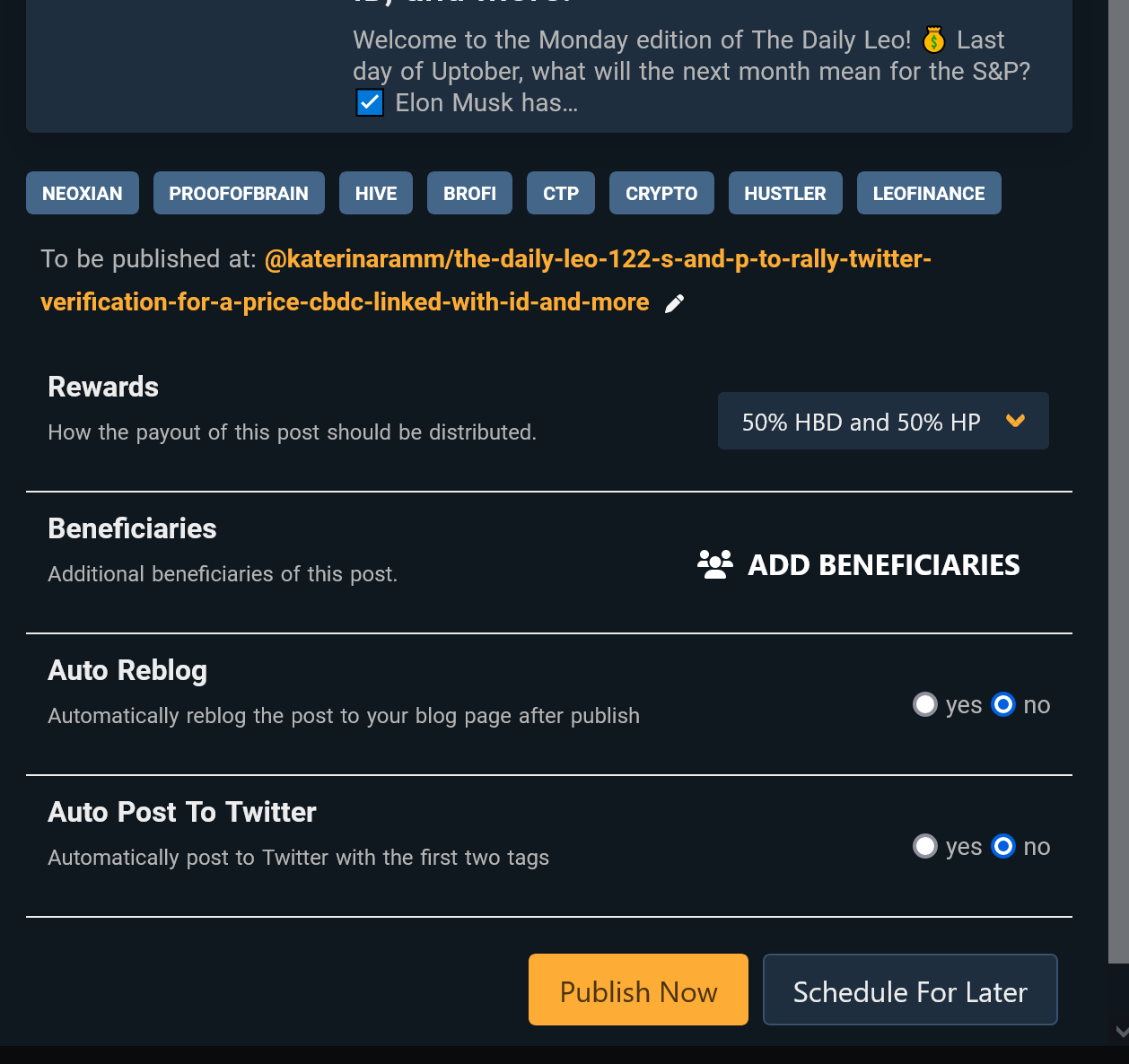
Make your selections as to the rewards / auto reblog / auto post to Twitter etc and then click on 'Schedule for Later'
Make sure you select the correct date and click on 'schedule publishing'!
As soon as you click on 'schedule publishing' you will see your post in the draft folders


If you enjoyed this post perhaps you will also enjoy
How to Promote your Posts via Leofinance
Do you schedule your posts?
Which platforms do you use and why?
Thank you for visiting!
Posted Using LeoFinance Beta






