July 17, 2022
Graphics design is one of the most popular gigs for online freelancers these days. Professional graphic artists normally would go for a good laptop or pc with Adobe Photoshop and Illustrator. However a good laptop is quite expensive. Not to mention, the rate for Adobe Creative Cloud subscription can be a bit pricey especially for startups.
Created using Canva
How are you doing, my dearest readers? I hope things are going well on your end. As most of you know already that I have been spending sometime developing my graphics design skills. I do use Adobe Photoshop in my laptop. However, I prefer use my tablet more often.
In the past few years, I had been trying several Android applications as my alternatives for Photoshop. There is at least one or two apps that comes close to the full capability of Adobe Photoshop. However, I realized that there are occasions that require the use of two or more apps to accomplish what I want effectively. Note that I am using these apps for free. When I earn enough from using these apps, I plan to subscribe to the most useful ones to unlock their premium features.
10 Free Graphics Design Apps Graphic Artists Need To Try
10. SnapSeed - For quick photo editing and enhancement.
SnapSeed is a graphic application from Google. You can use its full feature totally for free. It's a great app to make a quick enhancement on your photo. What I love most in this app is the HDR filter. Another useful tool is the Healing Brush, which can be used to remove unwanted elements in a picture such us electric and phone cables.
I also use it to add my text watermark quickly.
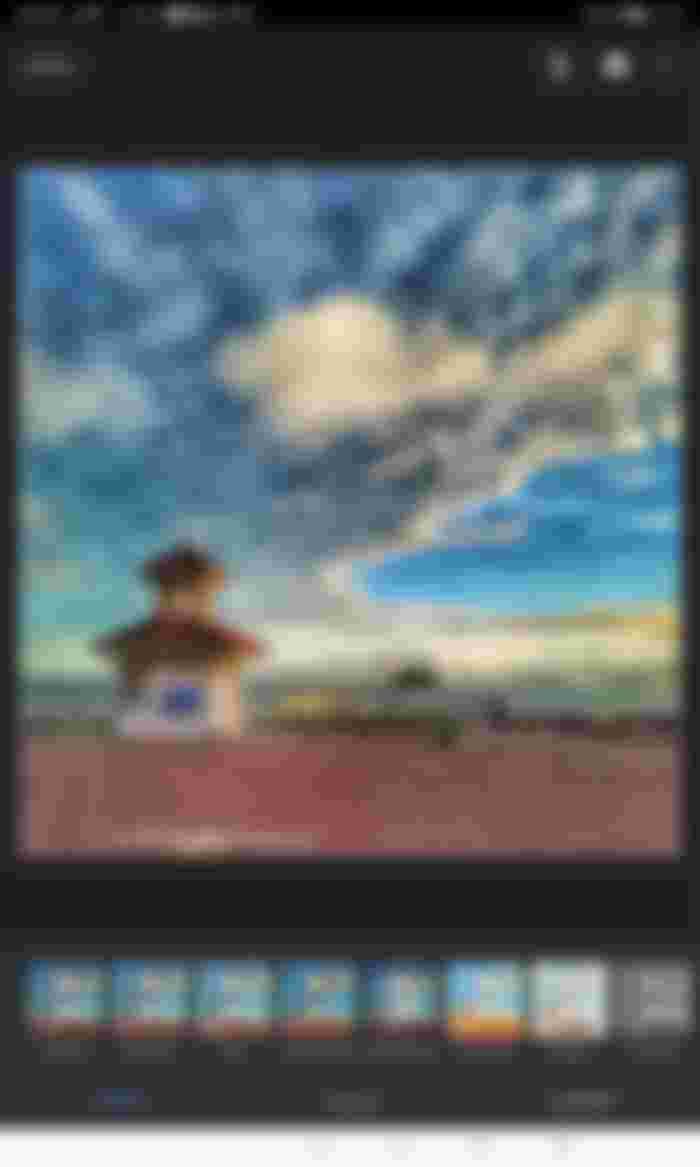
Screenshot of SnapSeed
Get SnapSeed for
9. Phonto - Text on Photo
If you need to add some text on your photo quickly, Phonto is one of the easiest to use. All you need is to open the image and add the text. You can change the font, colors, and other properties of the text.
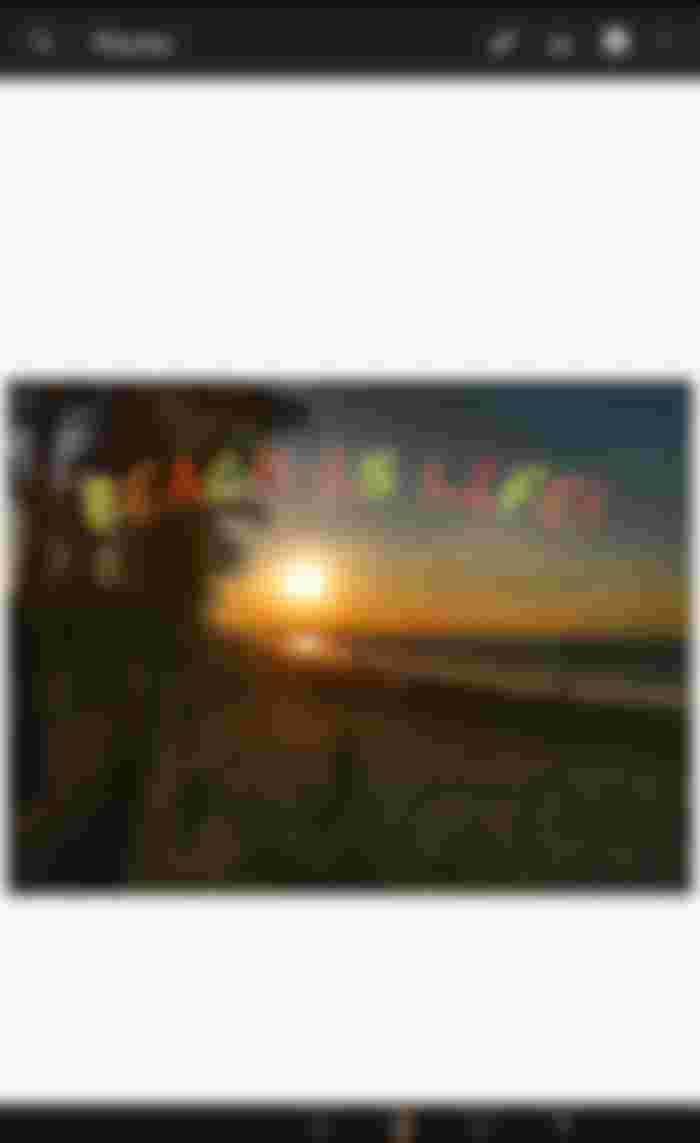 Screenshot of Phonto
8. Canva (Free version) - Layout Design.
A lot of people use Canva. I have been using it to create my lead images in my read-cash posts. Even the free version has a lot of free tools that you can use. Canva is also cross-platform and your designs are automatically saved on its cloud server. Which means you can access your work from anywhere. For Windows, you can use access your Canva account using the Web Browser.
One setback for this app is, you can't use it offline. For users (like me) who lives in place with a very unstable Internet connection, this can be a problem at times.
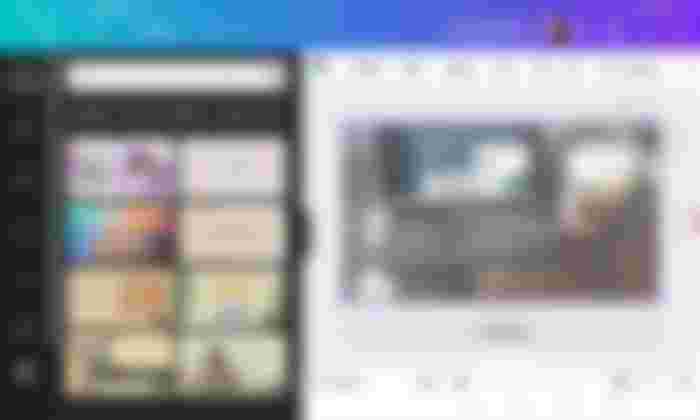 Screenshot of Canva
Official Website (with referral link): Canva.com
I would be grateful if you use my referral link. We will both have an access to one premium photo, icons, or illustration even you don't pay for a premium account.
7 Logo Pit Plus - Logo Making and Layout Design
Though it says "Logo" on it's name, this application can be used to create more than just logos. Like Canva, you can use it to design layouts for different purposes, such as social media images, calling cards, flyers, etc...
Logo Pit Plus can be used offline. However, you won't be able to access the online library of images and the online library of images and Clipart when you are offline. Aside from that you can use the app both online and offline.
Although Canva has more features, I can finish a design faster in Logo Pit.
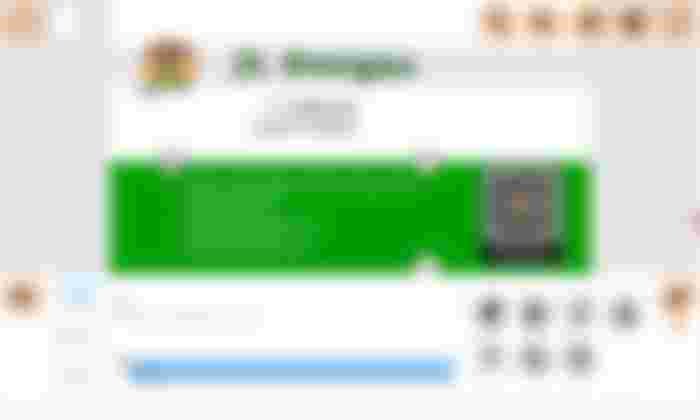 Screenshot of Logo Pit Plus
Official Web Site: Logo Pit Plus
6. Vector Ink- Vector Graphics
Vector graphics are scalable graphics. The common image formats are rasterized bitmapped. The problem with bitmapped images is if you enlarge the image, it becomes pixelated. If you scale it down you will lose the details.
Vector graphics are scaleable. Meaning no matter how much you enlarge an image you will never lose any details of your work.
Some of the popular programs used to create Vector graphics are Adobe Illustrator, Corel Draw, and Inskscape.
So far Vector Ink is the only Android app that I found that I can use to create vector graphics for free.
There are some advanced features are available only on premium accounts but for a minimal price.
Nevertheless, Vector Ink App is a great app in creating a vector images such as logos or converting a small rasterized to vector so you can print it on a large format like in a poster or a tarpouline.
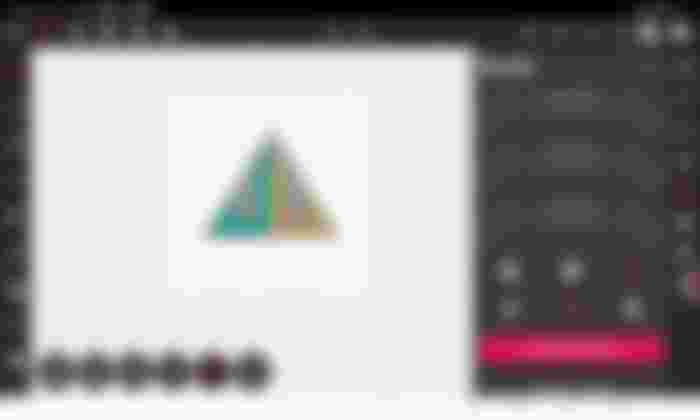 Screenshot of Vector Ink
This is the first part of the 10 free graphics design apps that graphic artists need to try. I complete this list on the second part of this post.
*- Originally posted at Read.cash: https://read.cash/@JLoberiza/10-free-graphics-design-apps-graphic-artists-need-to-try-part-1-e52b8ecd
Read
Thanks for reading.
Join me in Publish0x and earn Eth, Amp, and more by reading (and writing) articles: https://www.publish0x.com/?a=YRdG5RZyaD
Check out also my other content and social media: https://linktr.ee/jlinitiatives






