
In MetaMask V8, when you connect to a website, you have the option to choose one or more accounts to link to that website, or create a new account for that website only. You decide what each site has access to.
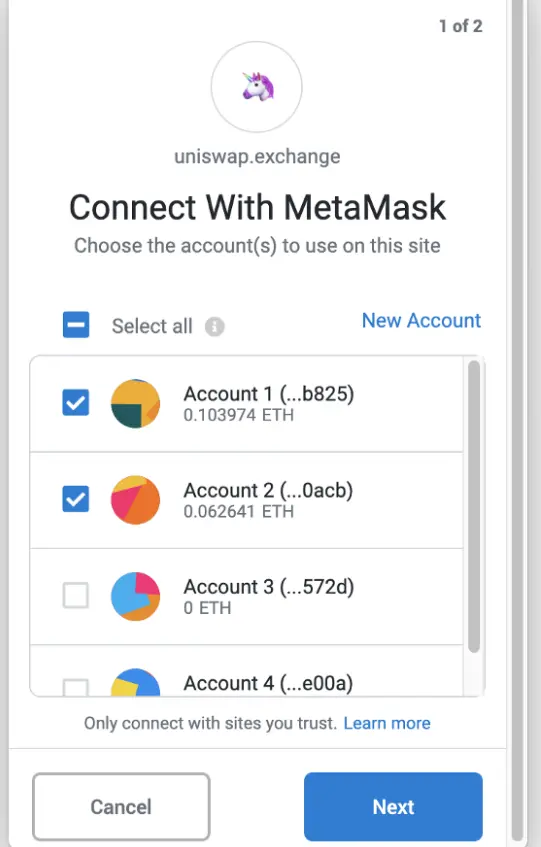
This new feature makes it easy to switch between accounts, so you can control which accounts interact with different sites on the decentralized network.
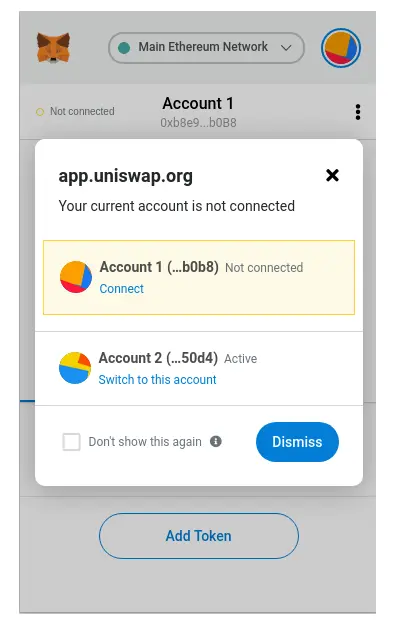
If you open a site that is not connected to the selected account, MetaMask will warn you and allow you to connect.
The main changes in version 8 are the updated MetaMask interface.
The main screen, resource page and transaction history have been changed. Instead of clicking the hamburger icon to view your assets, you now access them through the Assets tab on the home screen.
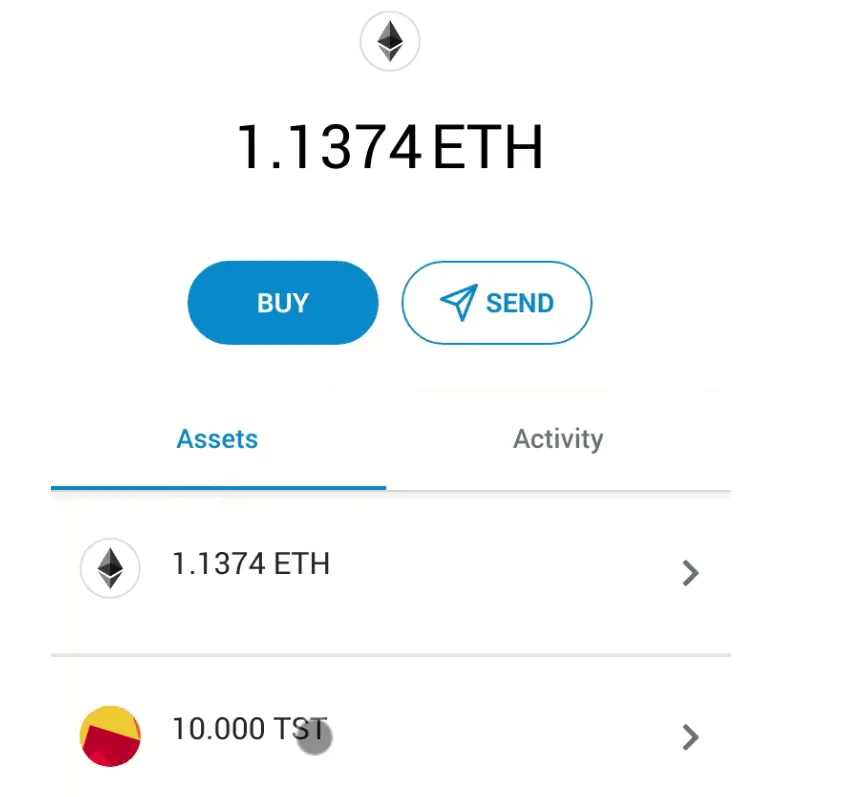
The Assets tab contains a list of assets that you currently store and track in MetaMask. Click on each asset to view a detail page with the transaction history of that asset.
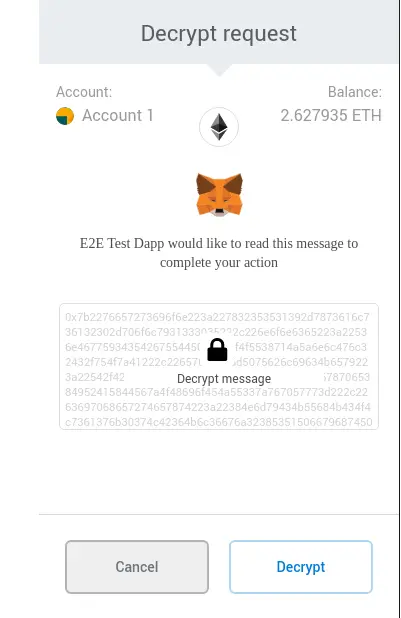
MetaMask now comes with two new methods that allow websites to encrypt and decrypt messages intended for Web3 users.
Security in MetaMask. The new LavaMoat tool helps raise the security bar for almost any JavaScript project.






