
The wait is over! Presearch NFTs are available to those who provided their Web3 wallet aka MetaMask wallet for most individuals.
How to claim you may ask... Super easy, follow the below steps with accompanying images.
Note. The Presearch NFTs were minted on the Polygon Chain so will need to add Pologyon to your MetaMask wallet, don't know how to do it, well just presearch it! :)
https://testnet-engine.presearch.org/search?q=how+to+add+Poloyon+address+to+Meta+Mask
Step 1. Go to https://presearch.org/
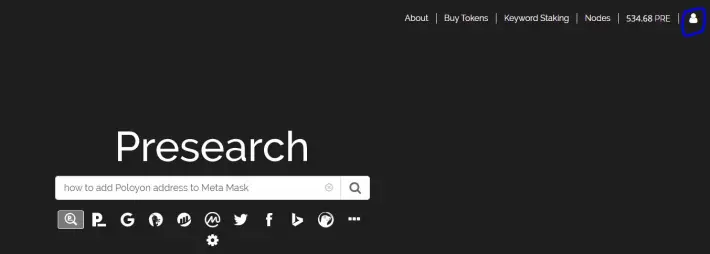
Step 2. Select Person Icon on top Right of Screen. And then select My Account
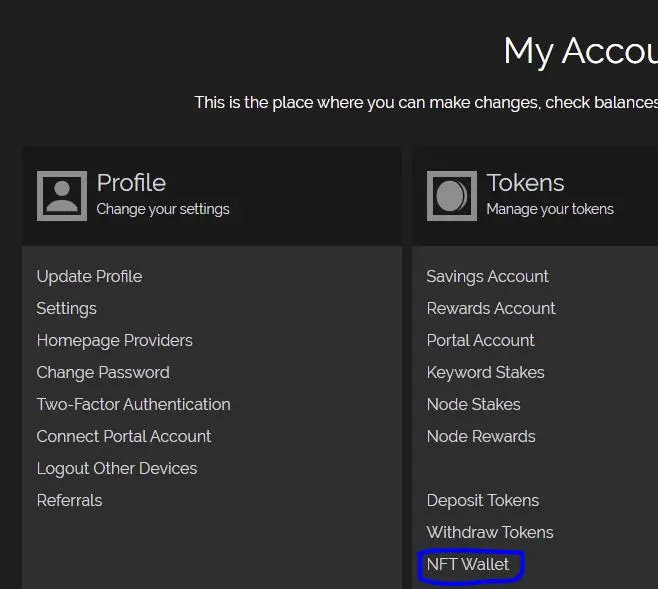
Step 3. Select NFT Wallet under Token
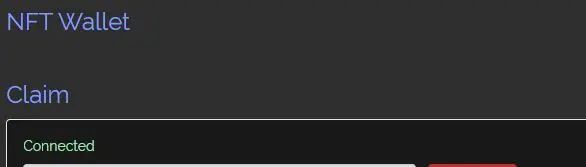
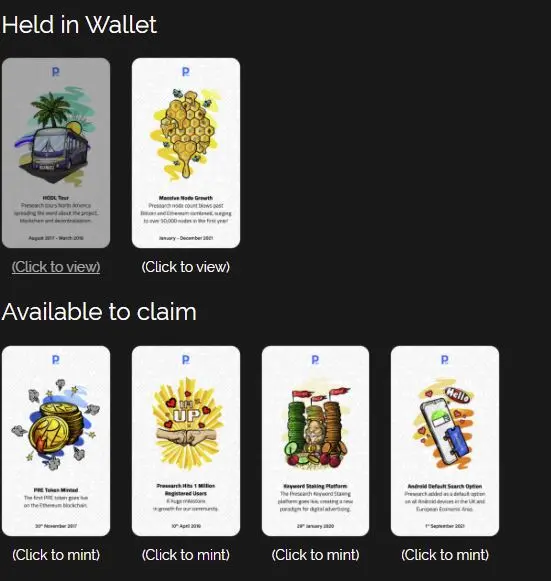
Step 4. On the NFT Wallet page wait around 15 seconds for your Presearch NFTs to load.
See my six below. Note, I have only claimed one though the beauty is that Presearch pays the minting free. Let's go Presearch.
Note2. I purposely did not include my MetaMask wallet address as I don't want anyone going to OpenSea and seeing my collection of NFTs, or lack therefore hahaha.
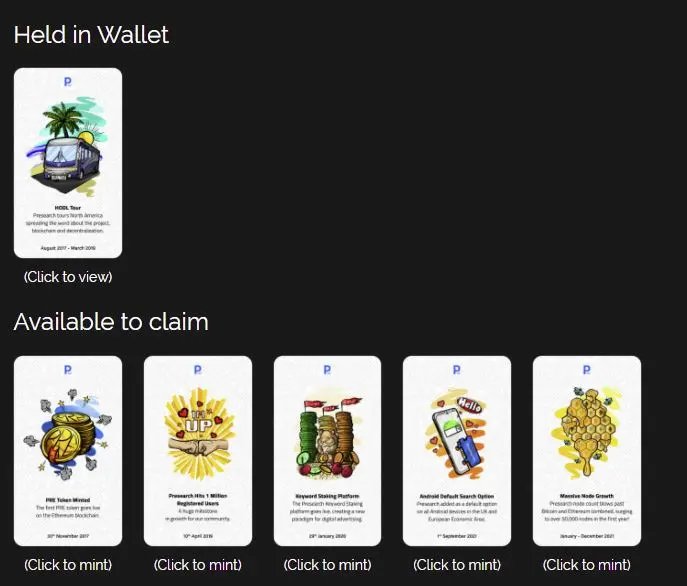
Step 5. Select the link titled (Click to mint) under an NFT and then Select the Mint (Free) button.
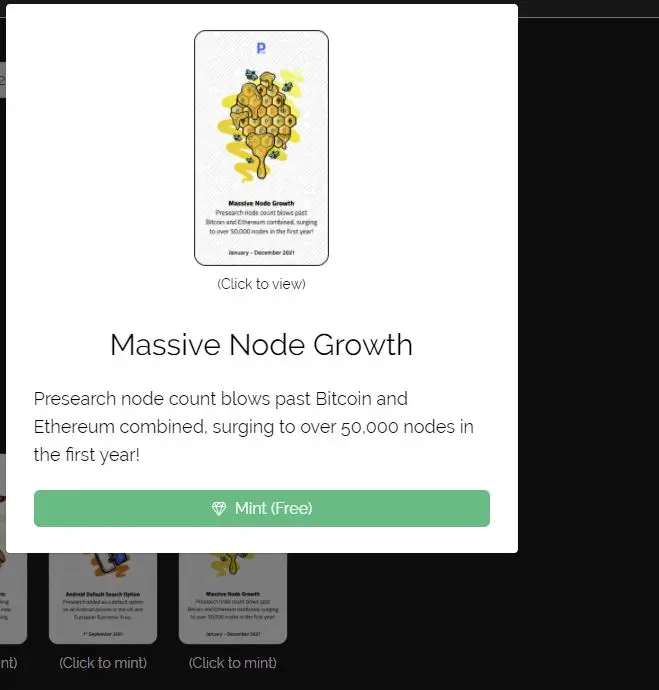
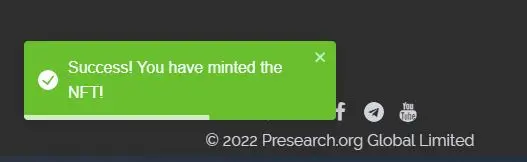
Step 6. MetaMask will ask you to Sign Into your wallet and then wait less than a minute will the minting process happens and the Presearch NFT is added!!!
Before I end this Publish0x article let me elaborate on the upcoming PreToken burn as apparently I may have read the NFT wrong, look below, apparently this burn already happened in 2020?!?! I never heard about the burn and feel like I would remember similar to how Crypto.com burned a massive amount last year and the token price increase was freaking amazing !!!
The below image was taken from Presearch Medium official article. Please refer to the article for additional NFTs that I sadly did not get but 6 is better than 0 in my book!!!!
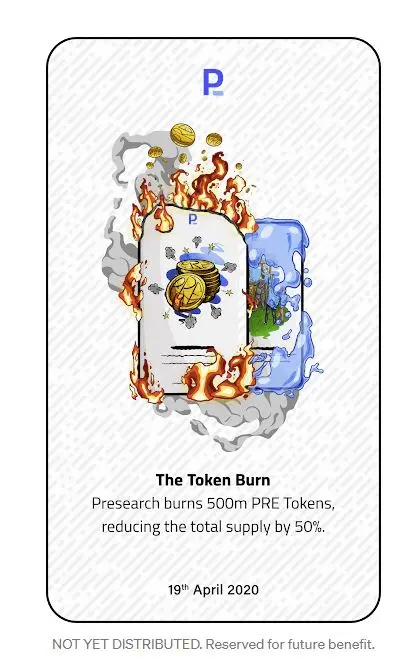
https://presearch.medium.com/first-presearch-nft-drop-breakdown-8b74d4c1f5cf
Thank you all.






