
Have you ever wondered, How you can easily convert websites into pdf or a png image, that you would use it afterwords to study or share some financial report to someone close or markets such as amazon, facebook, etc.. purchase receipt.
In this post, I will show how, you can create and edit your browser's full web-page to either Pdf or a png image.
GoFullPage is a free simple and advanced extension that is available on all browsers such as Google Chrome, Mozilla Firefox, Apple Safari as an addon to the browser. You can simply add the extension by clicking on add to chrome or etc, etc.... , or if you want to remove the extension, just click on remove from ( whichever browser you are using ).
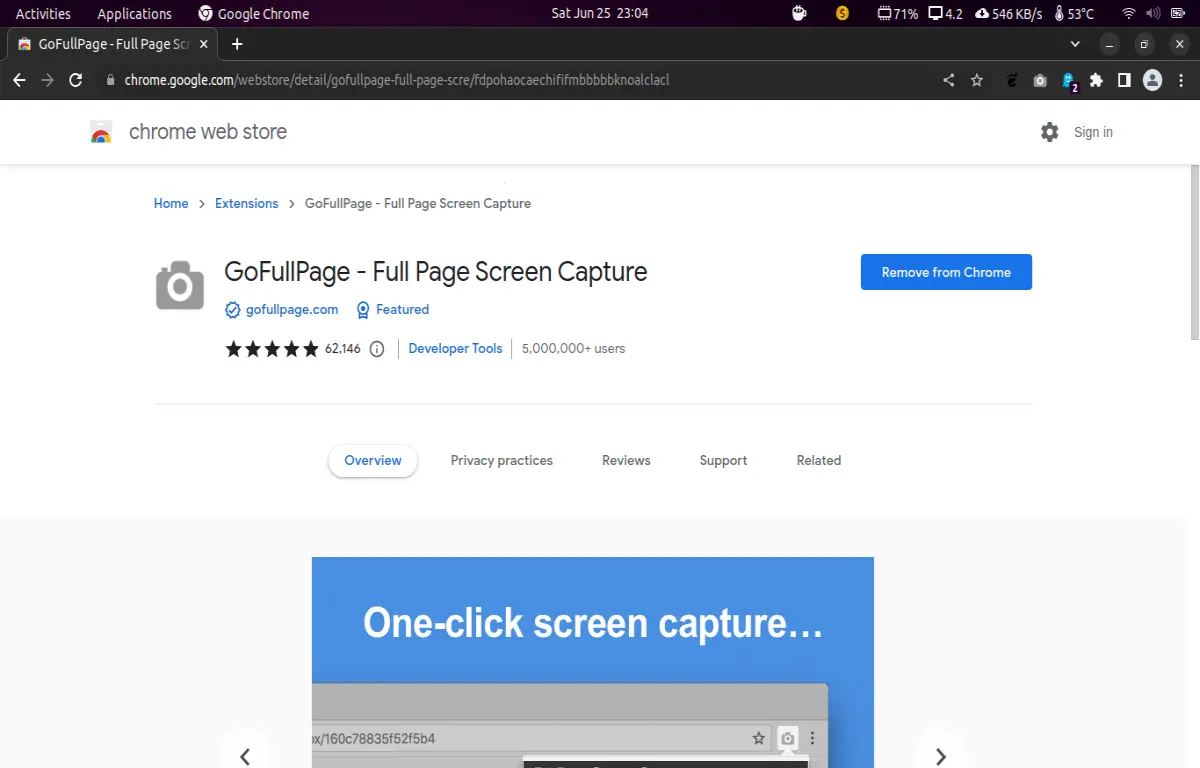
Or you can first go to the extension website, gofullpage.com .... ,
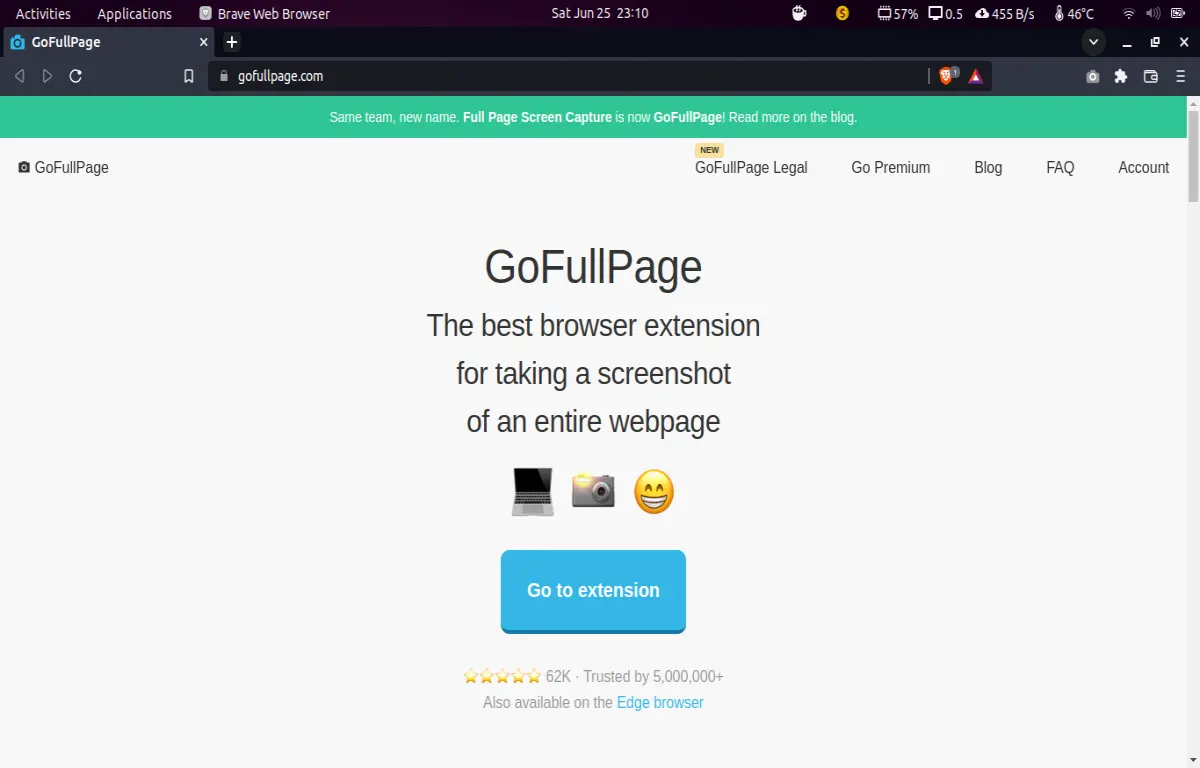
and from there on, click on big blue coloured box, Go to extension , then the website will take you to the addons or extensions page of your browser or sometimes if your browser support Google Chrome extensions, like in me , ( P.S : I am using Brave browser ) , click on allow google chrome extensions to be added in the browser, and then click on add to add extension in your browser.
Remember:-
After adding a extension, make sure to Pin the extension , on your browser, like this :-
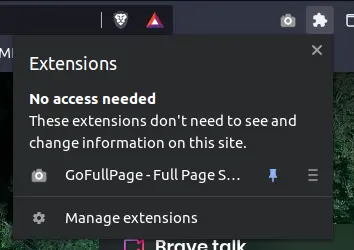
So, the extension will be pinned on your browser tab and will be displayed on any website you opened, and you don't have to open extension pane many times, to access the extension.
Now, just click on extension icon ( Camera look shape ), and extension PacMan ( Black Coloured ), will eat the dots through the line, that corresponds to how much the page is being captured.

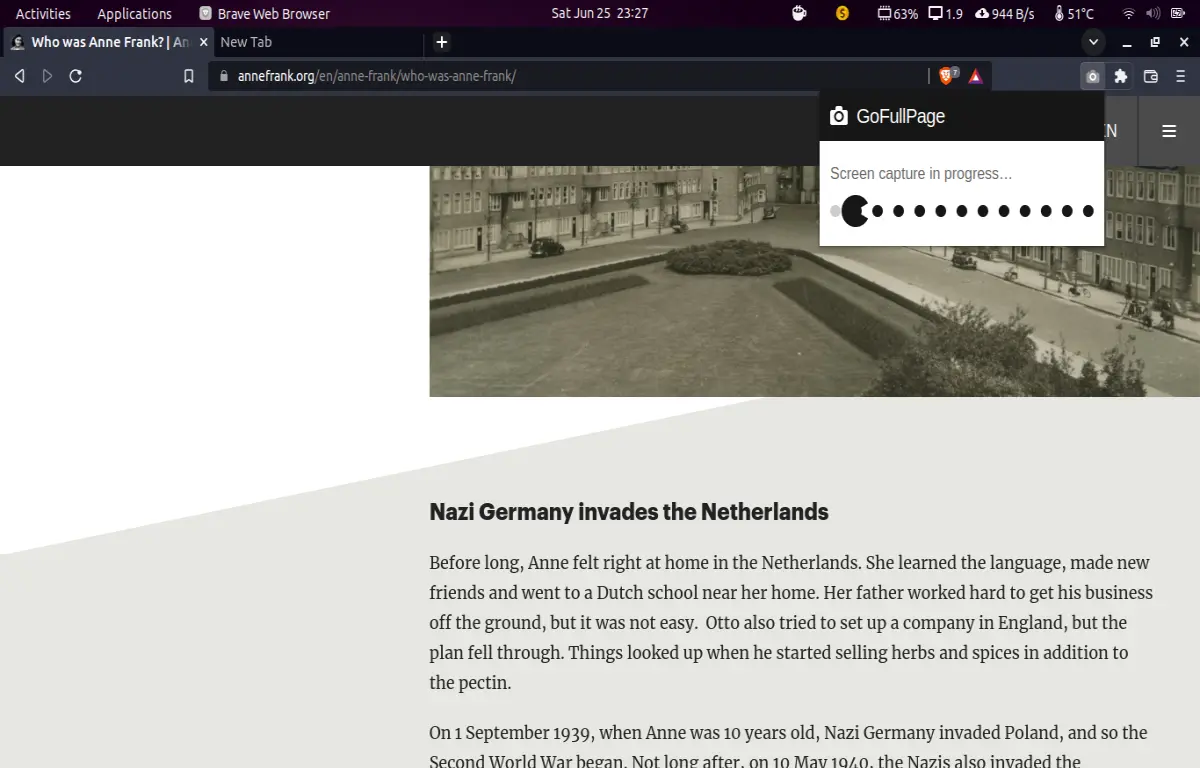
After full page captures, new window will open up, from where you can download either the Pdf of the full page or a single png image.
Both pdf or png image save on your Downloads folder on your Pc.
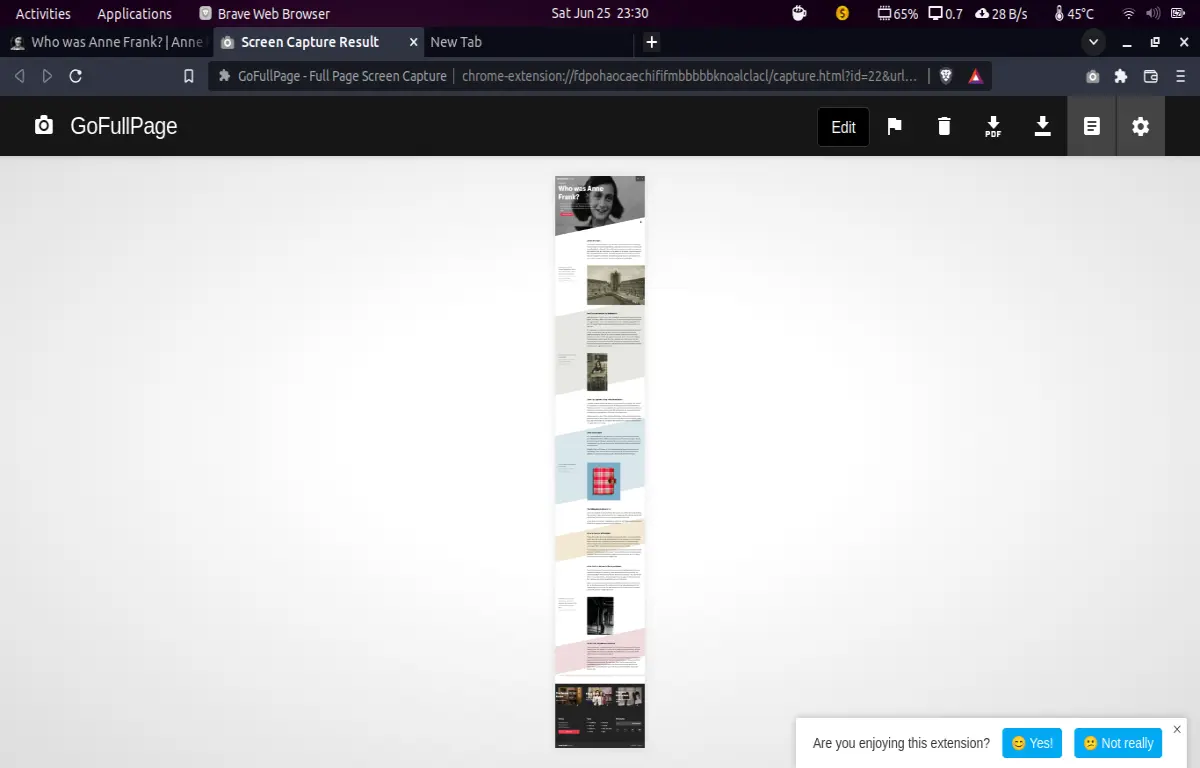
Premium of this addon gives you edit options, from which you can edit ( or crop, etc... ) pdf or a png image.
Join Publish0x and start writing about what comes to your mind about crypto or any other thing. Here is my referral link to join Publish0x :-






