
It's the little things...
MinocaOS is a neat little operating system that's made for embedded use. Despite its amazing functionality and decent posix compliance, it is not that well known. I learned about it by mistake, perusing random internet junkfoodz until I found it. It's easy to miss and hard to find, so I felt real lucky. It works on almost anything, though decent hardware is to be reserved for Linux and the BSDs before you can look at Minoca. Maybe even Haiku has a better shot, but at least Minoca works well on the Raspberry Pi...
Like any OS, Minoca is only useful if you can easily do stuff with it. Despite its focus on embedded, it is actually a fairly decent system that meets the barebones, basic needs. It has EFI, BIOS, RPI, and other boot capabilities and builds. It's the POSIX layer that does this, which also enables easy porting of software to it. It can run python, gcc, vim, tmux, etc... but they are a bit dated. Plus they're not installed by default. To do that, you need a package manager. And oh, is opkg the droid you're looking for!
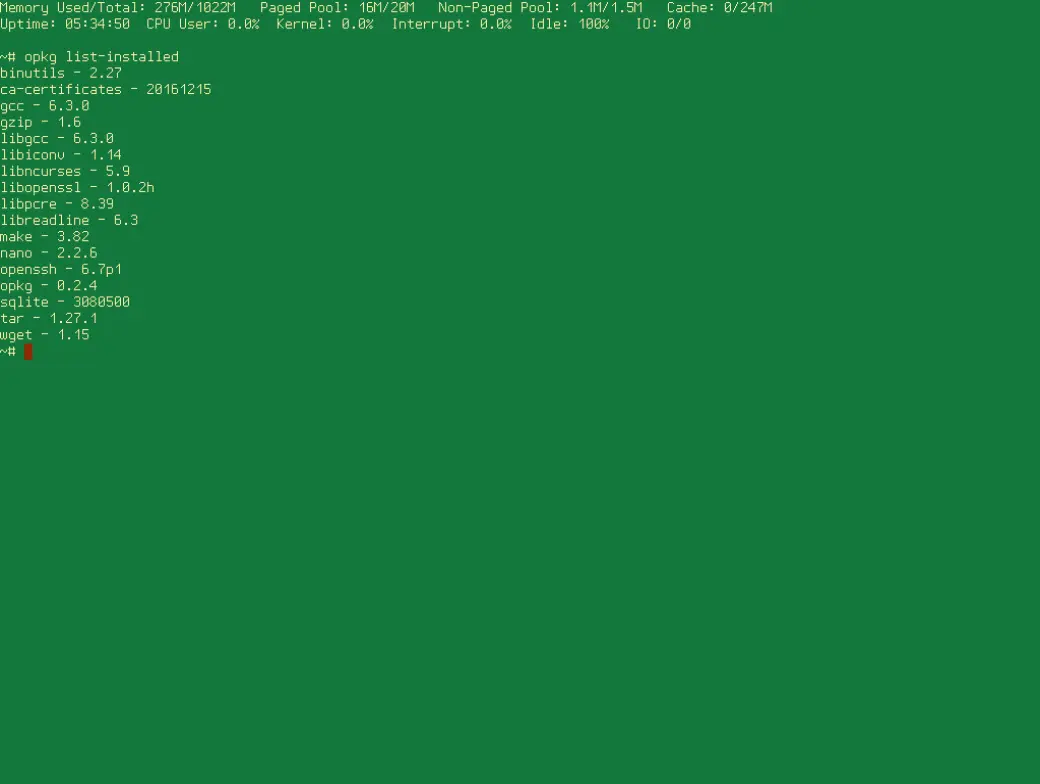
Opkg is Minoca's package management system that works much like apt, pacman, pkgin, etc. You use the common arguments like `search`, `list`, `install`, and `remove`. There are many others, but these are the core ones to use. Where it gets ya is at the beginning. Before you can just download and even search all willy-nilly, you need to update with opkg update. In a few seconds on a crappy internet connection with a Raspberry Pi 2B... you have the listing. You can then use opkg search with some different options: a bare term, wildcard flags, and quoted variations. You also have the `list` subcommand, which I recommend to get an idea of what's available outside of the box. You could then do variations of that, such as opkg list-installed to get the obvious list of all installed packages. But that's not all, you can look at what dependancies are needed to install a package, what is replaced/changed with a package install, can compare different versions... even download the package locally to your own device!
Maybe you want to search all of the packages and descriptions like a good old text file in your favorite editor (they have vim, emacs, and nano depending on your platform so all religions should be good using their preferred editor). Turns out, that's easy: vim /var/opkg-lists/main for instance, allows one to get a fairly nice-looking set of packages complete with descriptions and other geekery. Hawt. But please be careful when editing, don't save any changes! To do it individually and see it via command-line, just opkg info vim to see the text without editing the file directly.
Now for the obvious part, installation. This is the one area where it's kinda cringe at this point in time, at least when this was written. As of now, you don't get much status updates like in the purdy ones like packman and apt. No progress bars or percents, just installing... then configuring... them prompt. An example with dmake on a Raspberry Pi:
```~# opkg install dmakeInstalling dmake (4.12.2.2) on root.Downloading http://www.minocacorp.com/packages/0.4/armv7/main/dmake_4.12.2.2_minoca-armv7.ipk.Configuring dmake.~#
```
Yeah, not helpful for the impatient types but at least it keeps the screen halfway clean.
Removal (I think you get the idea...):
```~# opkg remove dmakeRemoving package dmake from root...~#
```
Very basic, very simple, but suprisingly feature-rich and complex. This is just the tip of the iceburg, but is the core info you need to get started bloating up your wonderfully minimalist, embeddedly green system with junk-food packages that will end up shooting yourself in the foot later. Be sure to carry Duct-Tape for when it happens!
Thanks for reading, and HattyHacking;




