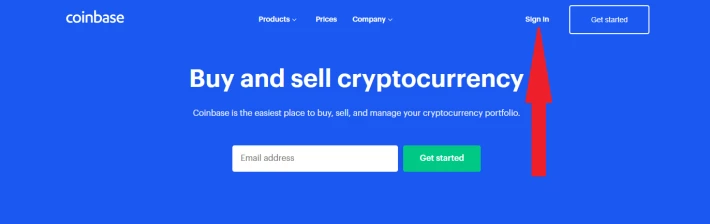
Log in to your Coinbase account
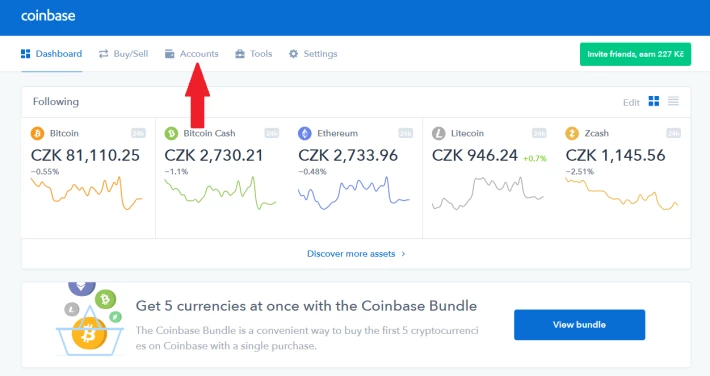
Select the "Accounts" tab
Select the "Receive" button for BTC

You can display the BTC address in the pop-up window. This address will forever be paired with your Coinbase account, so you don't have to generate a new one every time! 
This is what the generated address window looks like.

Send the amount you wish to withdraw from your wallet to this address. Allow for a fee, which is then charged by Coinbase for withdrawals (see table at the end of the manual).
Once your Coinbase wallet arrives (after 6 confirmations), you can continue your withdrawal. We'll show you how to get paid on PayPal. First, you need to pair your PayPal account with your Coinbase account.


Select PayPal in the pop-up window. You will be redirected to the PayPal login page, log in with your login details, and have an account paired. It's easy, isn't it?

You'll immediately see a link between PayPal and Coinbase.

So now we have a Coinbase and PayPal account linked. In the meantime, our cryptocurrency arrived in our Coinbase wallet and we can withdraw. We used cryptocurrency 0x (ZRX) as an example. First we have to convert the cryptocurrency to fiat (in this case EUR).

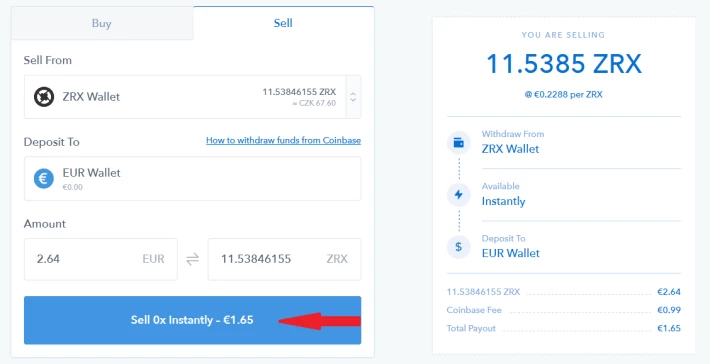
We got € 1.65 for our 11.5 ZRX (because the fee is € 0.99, as you will see in the table at the end of the manual).

Now just send your fiat currency to your PayPal account. Choose the option to send to PayPal and enter the required amount.
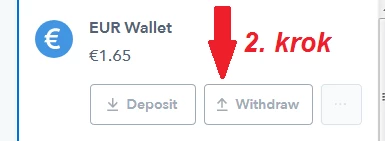
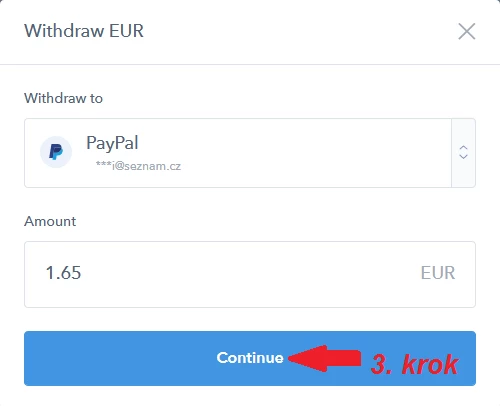
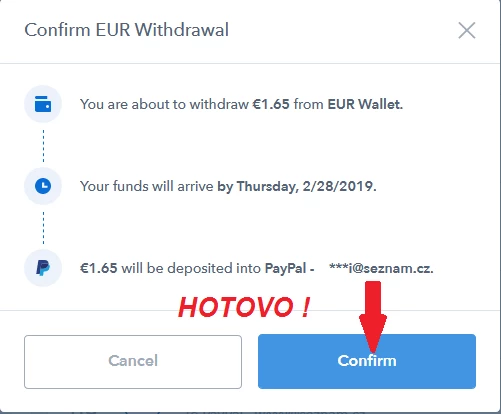
You will see a verification window, confirm and you're done. In a minute you have money in your PayPal account.
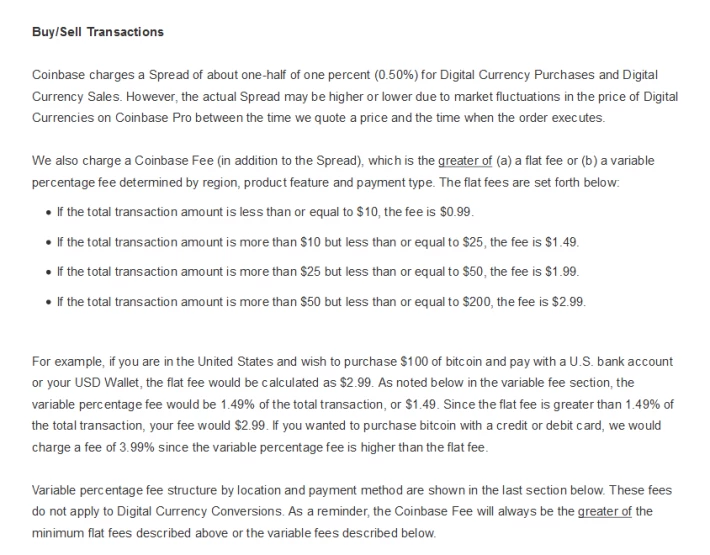
Finally, the promised table of charges. These are the fees you pay when you exchange cryptocurrencies for the fiat currency (EUR, USD). Own withdrawal (transfer to PayPal is free).