
Hi, welcome to my Doctor Who block-chain card game article😉
P.S. Log in to the game website for more: Doctor Who: Worlds Apart
這篇文章也有中文的版本,歡迎您點入這個連結:超時空奇俠,牌庫啟動器指南
If you want to return to the guide home page:Doctor Who: Worlds Apart: The Guide
On the website, you can see the "PLAY NOW" button. Click to see the Launcher download website.
URL:Doctor Who: Worlds Apart Game Launcher (doctorwho-worldsapart.com)
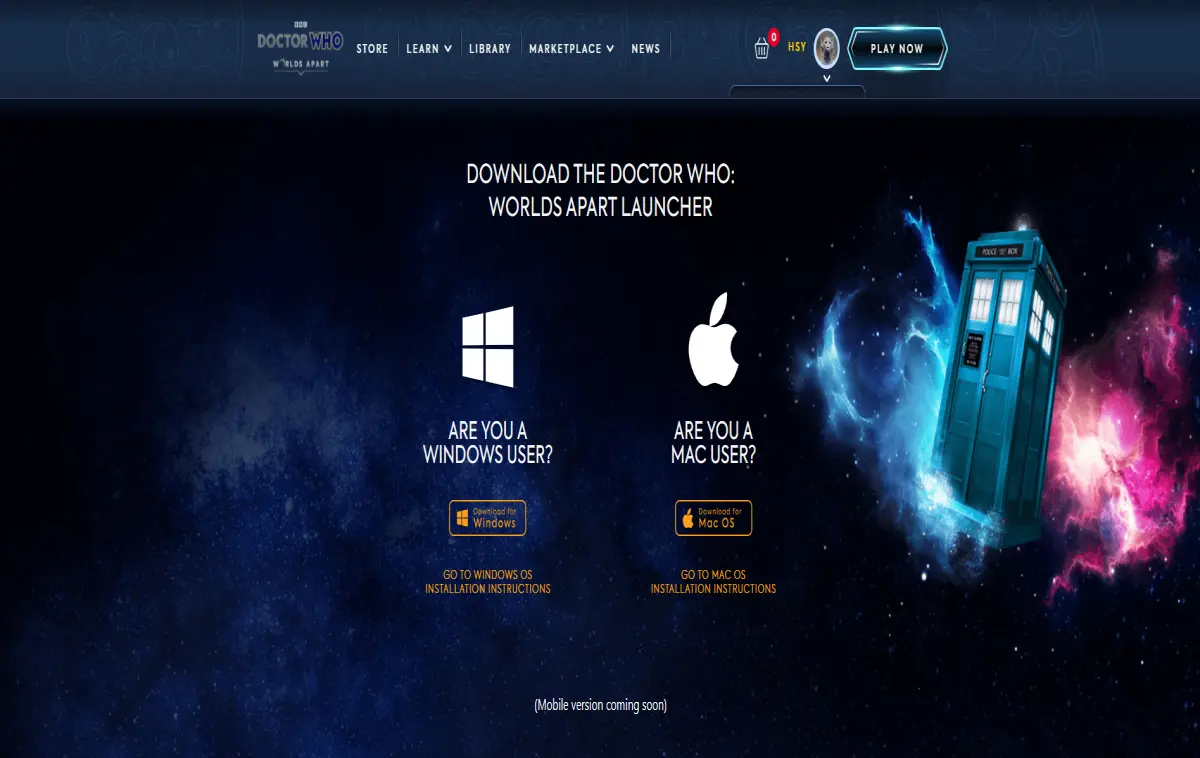
You can do the following things by using the launcher:
1. Build your own card deck.
2. Battle with other players.
3. Check your NFT assets.
However, there's a big difference between checking on the website and using the launcher
NFT cards in the launcher are Three-Dimensional and Rotatable!
Now welcome to our introduction time👏👏👏
Download the file called "DoctorWho-WorldsApart" and click the Tardis icon after the decompression is completed.
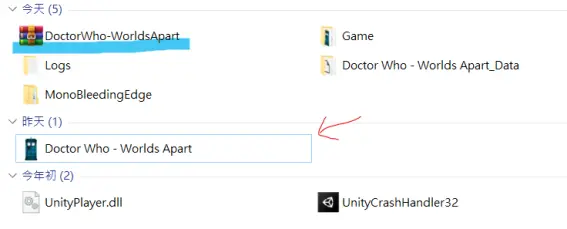
First, install it on your PC.
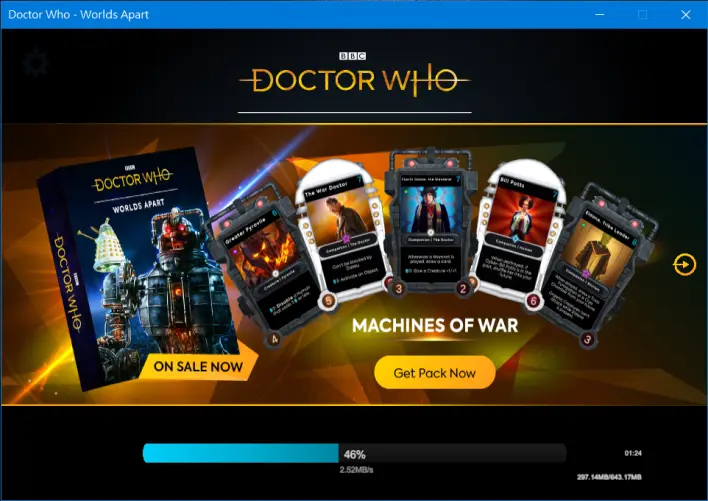
Meanwhile, join the official Discord group: invite.gg/worldsapart
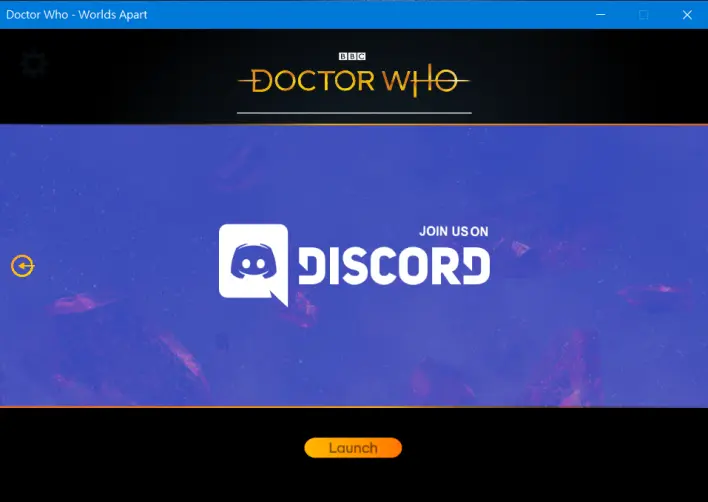
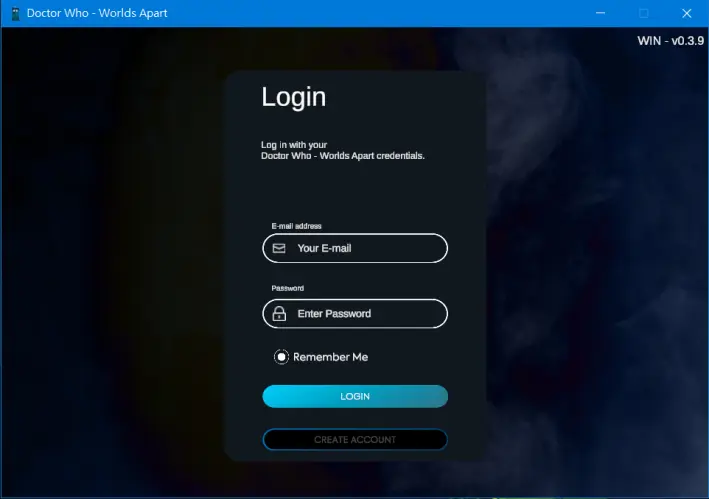
You will see the Login page after the installation has been finished. Please log in with your DWWA account.
If you want to transfer your account from Facebook or other social media to a pure account, you can send an email to the support team.
[email protected]
Now we are on the main page of the launcher!
The bug icon🐞 in the lower-left corner is a tool for reporting the bugs when you see one or lots. 😜
The number in the upper-right corner is the current launcher version. We are now in Windows version 0.10.1.
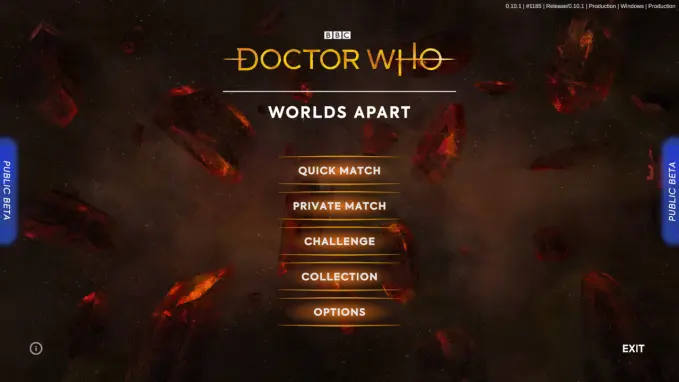
These five options represent the functions:
- Quick Match
- Private Match
- Challenge
- Collection (Deck Building)
- Options (Adjust options of the launcher)
Check all your NFT assets (Collection)
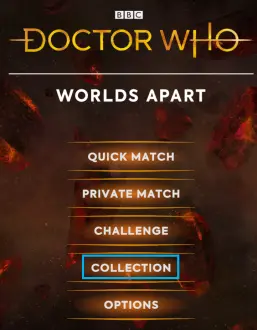
Click "Collection"
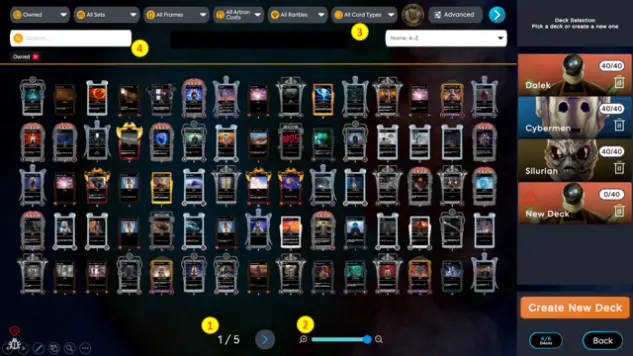
A few functions that you can use are
- 1. The 🔎symbol represents how many cards the player wants to display on a single page at the same time.
- 2. Next page.
- 3. What type of cards the player wants to filter?
- 4. Search function.
Click the "Advanced options" on the upper right to switch to more detailed categories.
For instance, you can view cards of a specific lifeform type like “Elemental”, “Mechanic” or “Organic”.

Build your own deck (Deck Building)
You still can play without spending any money, the team had provided a "free set" containing 3 different kinds of the style deck for the player, and if you just want a quick start, you may create the deck with the template.
If you want to know more detail about how the play the game, you may check this article: How to Play the game called Doctor Who: Worlds Apart?
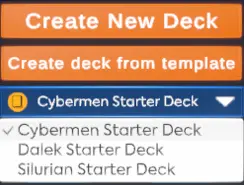
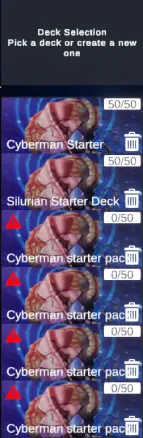
Players are allowed to have max 6 decks at the same time and each of them needs 50 cards to be complete.
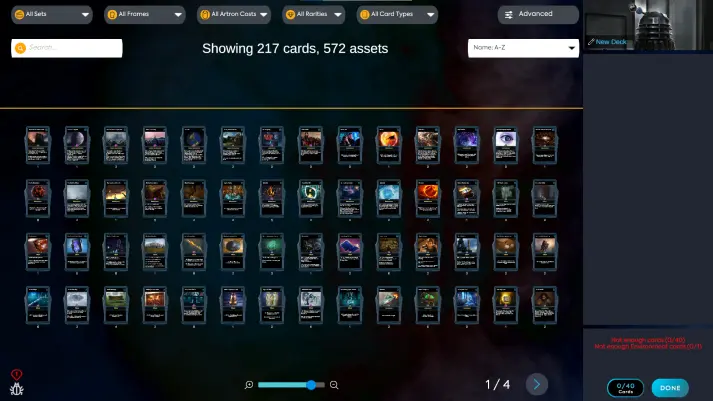
Click "New Deck", then you add cards to your deck by clicking the cards on the left side.
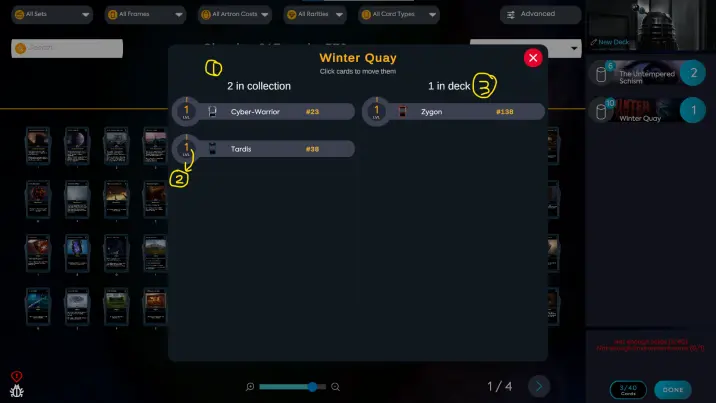
For example, if I click on the card called "Winter Quay", I see the following information:
- 1. The card amount of "Winter Quay" that I have, including all frames.
- 2. The "Level" of that card.
P.S. The game has an individual EXP system for every single card, the look of the core frame will change once it levels up.
- 3. How many cards do you have in your deck, once you click on a card, it will move to the right side to represent the card that has been added to the deck.
In addition, there are several rules that need to be followed when building a deck:
1. You need at least 1 Planet/World card in your deck. This will determine your “home planet” and will dictate the
cards that can be added to your deck.
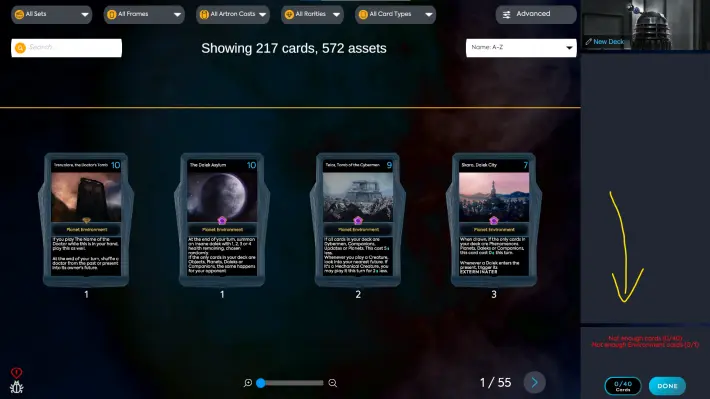
2. You can't have two same Companion cards in your deck.
EX: I can't add another "5th Doctor" to my deck, because I already have one in the deck.

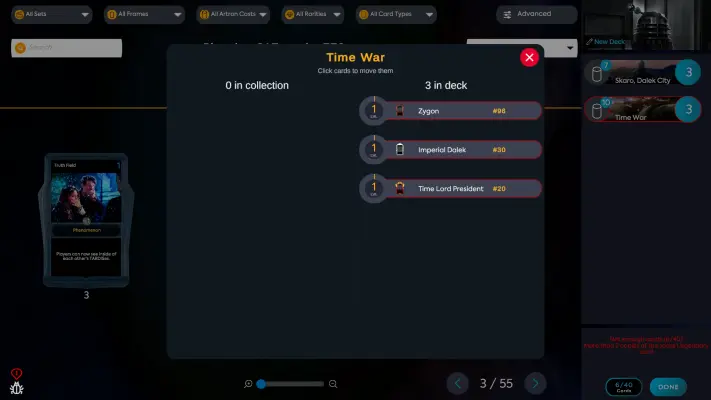
3. You can't put more than two of the same Legendary card at the same time.
EX: I can't add more "Time War" cards to my deck, because I already have two in the deck.
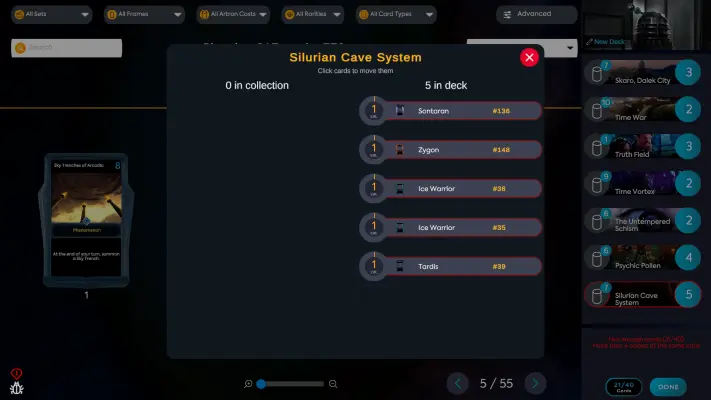
4. In addition to the above rules, up to four identical cards can be added to the deck.
EX: So I can't add more than 4 more copies of "Silurian Cave System(Epic)" to my deck.
5. After you put 40 cards in your deck, now you can name your deck by the upper-right button or you can press "DONE" to save the deck and exit the screen.
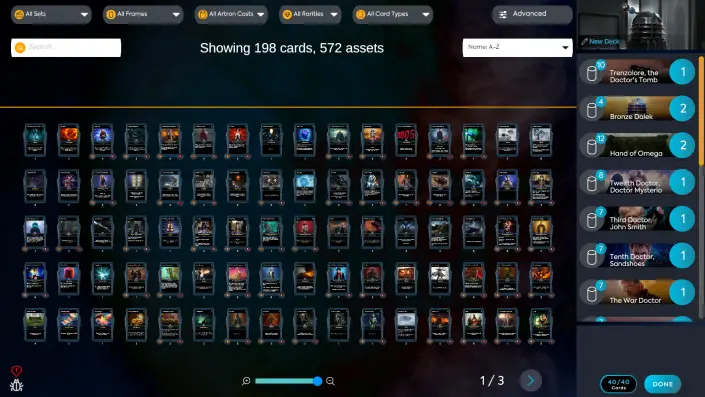
Once you have created a deck, you can delete it by clicking the trash box icon. You can also go back and
edit your decks later from this screen.
Adjust options of the launcher (Options)
Press "Options" to change the setup of the launcher.
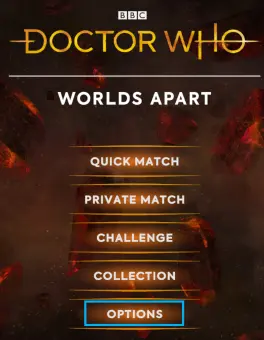
You can adjust many functions of the launcher.
The highest resolution of the launcher depends on your screen.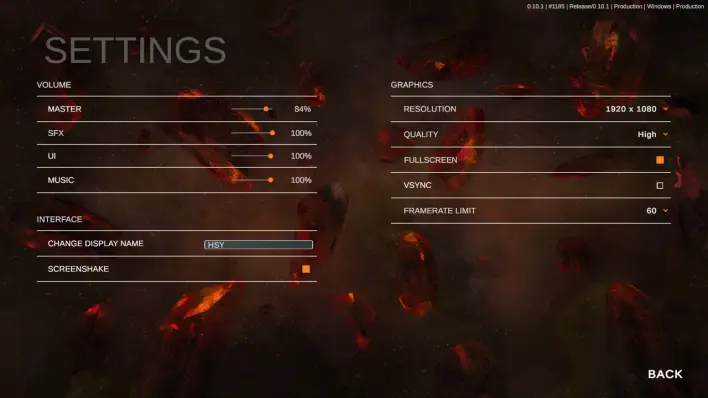
This is the guide v0.10.1 Launcher in the Windows version of the Doctor Who: Worlds Apart game.
Thank you for reading~🙌
If you are interested in the game please click on the link to the game’s official website.
See for yourself and experience this amazing Doctor Who block-chain card game officially authorized by the BBC.
You can join the official Discord to learn more
https://mee6.xyz/i/SPb843rd3M
There's also an official Facebook waiting for you 😘
Doctor Who: Worlds Apart TCG | Facebook
*Thank Robin for helping with this article.🐱🏍






