
Today I will tell you how to increase the chances of becoming an ambassador or getting some bonuses from the Testnet.
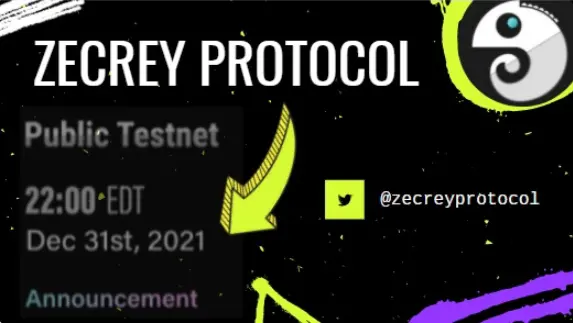
Briefly about the project: Zecrey is an L2 privacy protocol based on zk-convolution. Zecrey's mission is to ensure the privacy of digital assets across networks.
About Zecrey
Zecrey is an all-in-one plugin wallet. Zecrey wallet can support multi-chains networks and manage assets with privacy in one wallet. For privacy, Zecrey provides one-click privacy protection service for assets. One-click switches to layer-2 and gives assets and transactions privacy. And Zecrey layer-2 also brings a cross-chain swap, which helps users manage multi-chain assets more efficiently.
In October 2021, Zecrey won a grant from the Polygon Foundation for a full stack solution for Ethereum scaling and infrastructure development.
The investors were Loopring, SevenX Ventures, Bybit Exchange, CMCC Global, SNZ Holding, Stake Capital, Block, DoraHacks Ventures, Crasolum, Cypherpunk Guild.
Public Testnet supports the following features
- Multi-chain assets management in L1 wallet
- Transactions with privacy protection in L2
- Lock & Unlock multi-chain assets to get rewards
- Make private swap and add/remove liquidity in L2 AMM DEX
- Transfer assets between L1 and L2 through Deposit & Withdraw
Step-by-step instruction: (https://zecrey.medium.com/zecrey-protocol-public-testnet-is-live-now-638d745e0b02)
Video instruction: (https://www.youtube.com/watch?v=iGXXjMJ9804)
Apply for participation in the Ambassador Program
FORM: (https://docs.google.com/forms/d/e/1FAIpQLSdZmJm3E1NrQ5UWt_x53353iLzhinGlKdjGlzxMVspEs67fHA/viewform)
How did I do the test? 20 minutes for the test:
Step test:
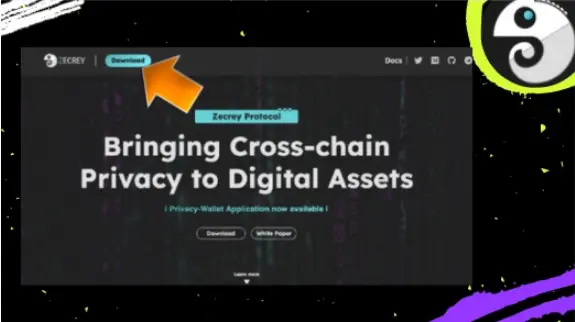
1.Install the Zecrey extension in your browser: https://chrome.google.com/webstore/detail/zecrey/ojbpcbinjmochkhelkflddfnmcceomdi
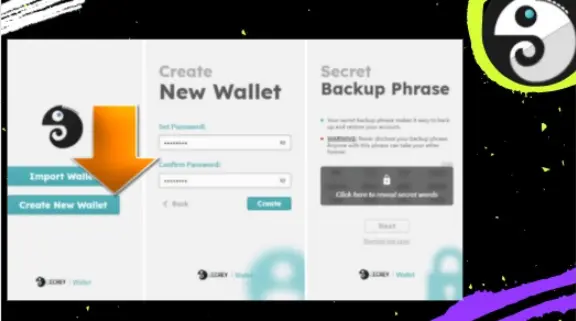
2.Create a password for your wallet
Create your new wallet account
- Set account password (at least eight digits) and backup seed phrase carefully.
Next, click on the Claim button and you will be redirected to https://faucet.zecrey.com/
We will work with the Rinkeby testnet.
for this we need to get test ETH,
for 1 time they give 0.1 ETH, I received 5 times and this is quite enough. Here is the faucet itself, you need to take the wallet address from the extension.
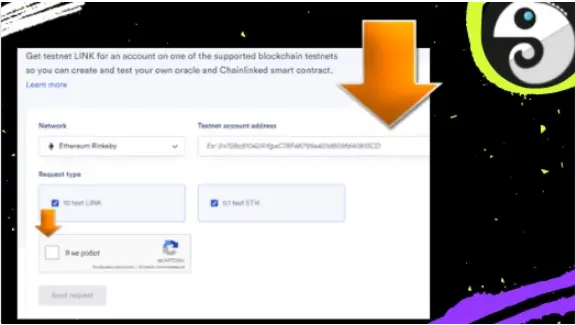
Do this operation 5 times
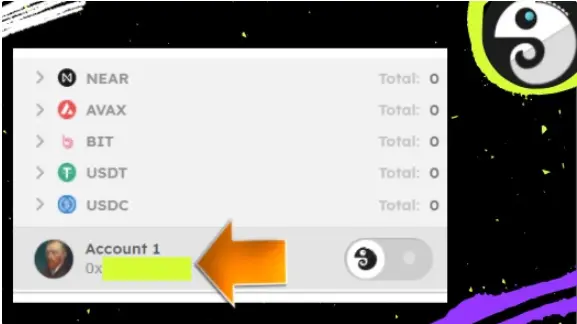
Go to https://faucet.zecrey.com/ and click Connect wallet
We connect through the created wallet. Click on the Claim button
p.s network must be selected( Ethereum Rinkeby)
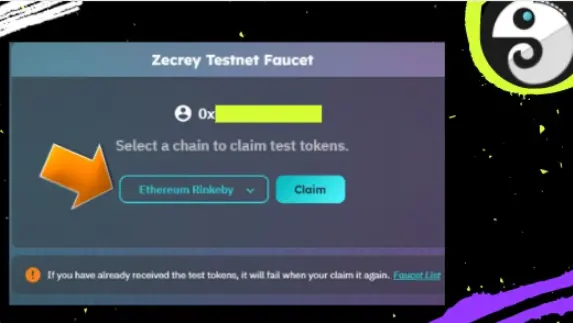
We sign the transaction, Confirm - Finish
We return back to the wallet, click on Assets - Chain (current). Click on Ethereum Rinkeby and wait a bit, there you will have test tokens.
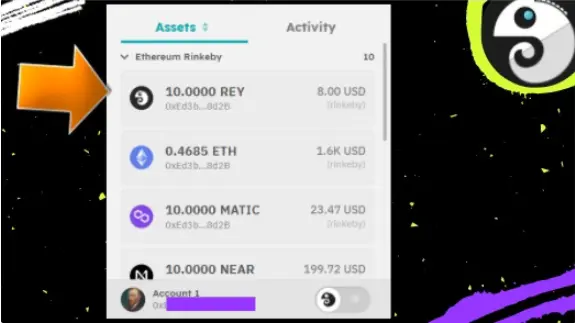
Create 2 more accounts in your wallet: Click Create New Account, do this action 2 times
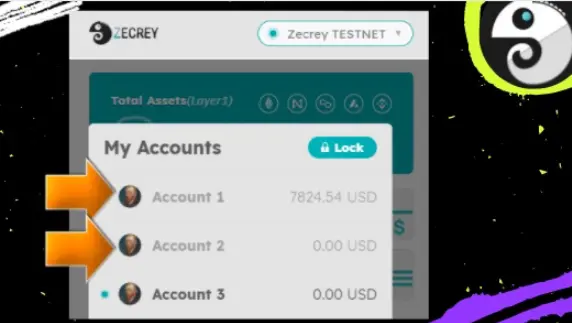
Account2 copy the wallet address from there and return to the first wallet. Go to the Transfer section,
select REY coin,
specify the wallet with Account2 and write the amount of 1 REY, and sign the transaction - Finish
Account1 go to the Deposit tab,
Click on Register Loyer2 button,
You need to click on Register and come up with some kind of alias,
in my case XX (on each wallet I assign a wallet number, Account1 is the main one, 2 and 3 are intermediaries
I named: XX1.zecrey, XX2.zecrey, XX3.zecrey (so far we are only doing this on the first wallet)
Click Confirm - Deposit Now,
choose REY token, quantity: 1 REY and click Deposit, sign the transaction and click Finish
Next, go from the beginning to Account2 and click on the switch sign in the lower right corner. Follow all the same steps as in the paragraph above (think of a nickname, in my case XX2.zecrey) only now after creating a nickname do not click on Deposit Now, but click on the cross in the upper right corner.
On Account3 and do all the steps again (in my case XX3.zecrey)
Go to Account1, go to the Deposit section (in the center you will see the inscription Deposit to other Layer2 account)
Send 1 REY to account 2 (in my case XX2.zecrey) and 1 REY to account 3 (in my case XX3.zecrey)
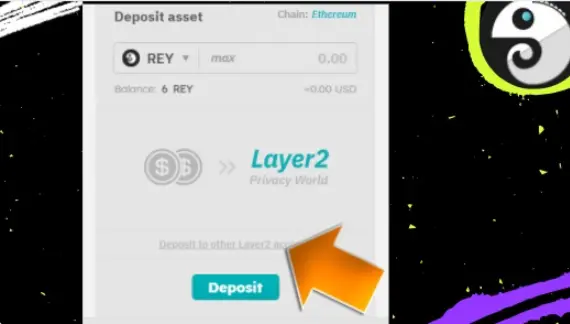
We activated the Layer2 mode in wallets on 3 accounts, to do this we had to replenish them.
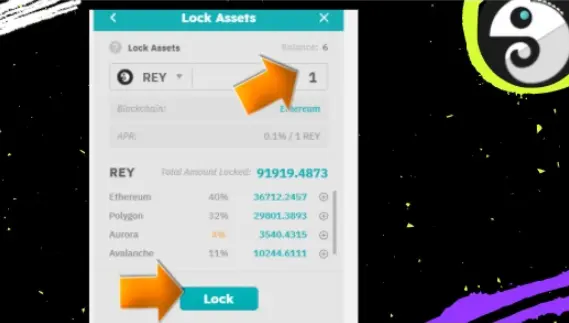
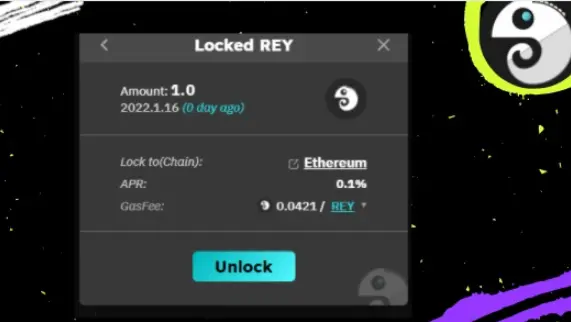
On Account1, now go to Layer2 mode, click on the Unlock tab, there you will see 1 REY, which we just blocked. You need to click on the Detail - Unlock button and sign the transaction.
On Account1 in Layer2 mode, go to the Transfer section, select the REY coin and transfer 0.1 REY to the second account (in my case, XX2 .zecrey)
While signing the transaction (Transfer) you will see the line Add transfer memo click on it!
We write Hi and sign the transaction!
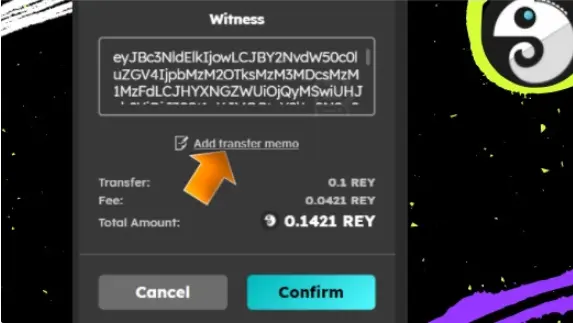
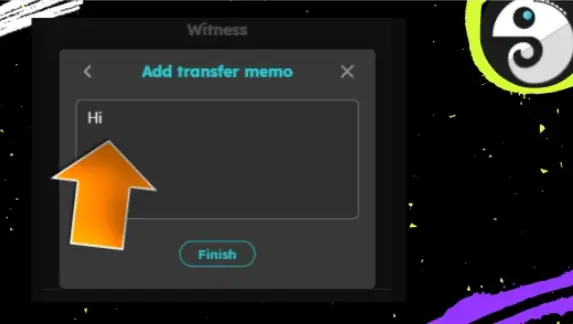
Now again with Account1 in Layer2 mode, go to the Transfer section, select the REY coin and point 0.1 REY to the second xx2 zecrey account)
below you will see the link add another transfer click on it:
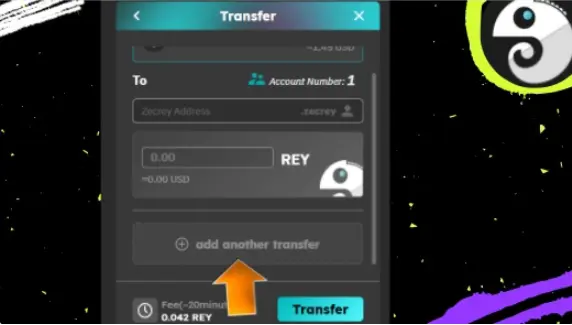
In the second line, now enter the details of your third wallet (in my case xx2.zecrey) and simply sign the transaction, without any comments in the memo.
Now again with Account1 in Layer2 mode, go to the Swap section,
Select REY coin and ETH, exchange 1 REY for ETH and set gas fee in REY token
press the SWAP button, sign the transaction.
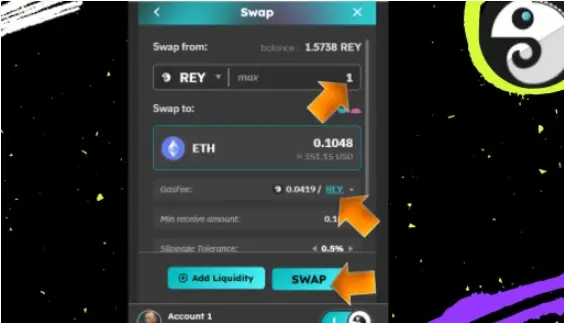
Now again with Account1 in Layer2 mode, go to the Swap section,
Click add Liqudity, create liquidity REY-ETH, write 0.5 REY and the amount of ETH will be selected by itself. Set the fee in ETH and sign the transaction.
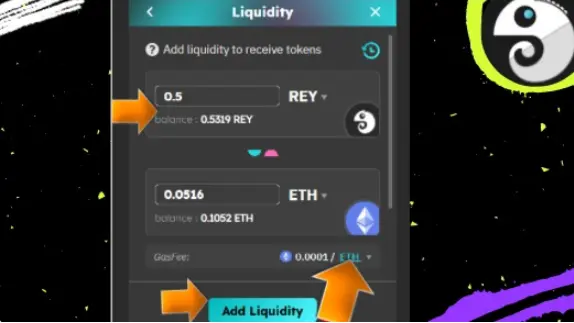
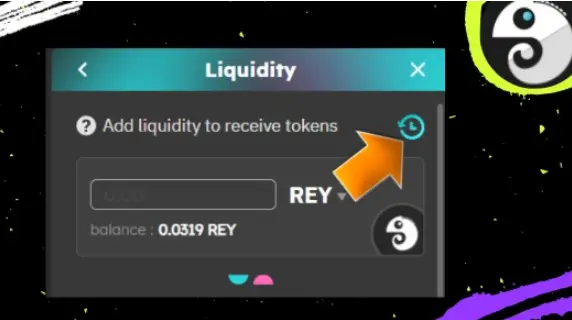
The penultimate action you need to expand the liquidity, go to the tab SWAP - add Liquidity in the right corner you will see (hours) click on them.
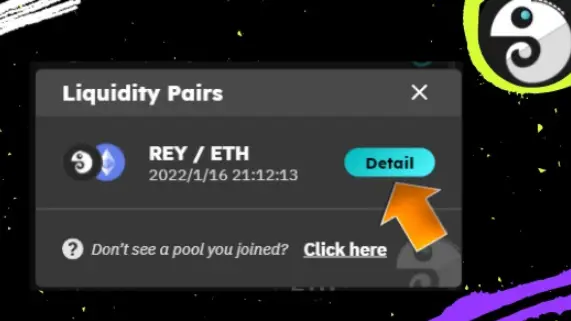
Click on the Detail tab
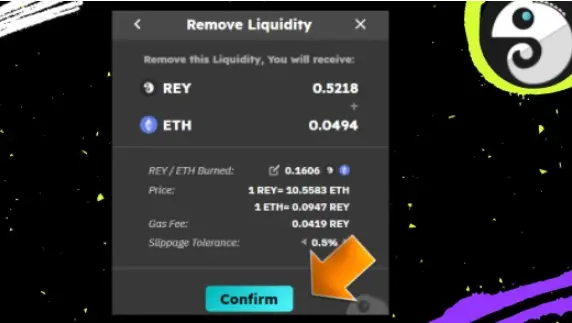
The last step, we need to bring the tokens from Layer2 back to Layer1.
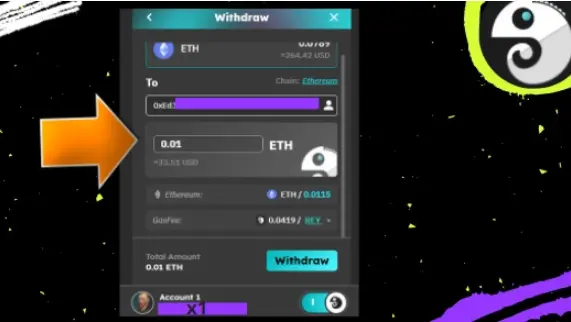
In Layer2, go to the Withdraw section, select ETH in the address line, select My Ethereum Wallet
where the amount of ETH write 0.01 ETH and sign the transaction.
The public test will run until January 31, 22:00 ET, 2022. You can submit a feedback form: https://docs.google.com/forms/d/e/1FAIpQLSe_EkLI_0i0eWbuoykxDsJO1QDbYFmzchfJIGZzlrWswXpQSg/viewform
to share your experience and product suggestions. Your feedback will help the project team!
p.s Thank you for your attention! Go see the project closer:
Official website: https://www.zecrey.com
Twitter: https://twitter.com/zecreyprotocol
Medium:https://medium.com/@zecrey
Telegram: https://t.me/zecrey
Discord: https://discord.com/invite/U98ghQsJE5
Docs: https://docs.zecrey.com






