![Farming $EGG at Harvest Finance vis Binance Smart Chain [Beginner Friendly]](https://www.publish0x.com/img/530939.webp?action=resize&ar=1&enc=webp&inv=0&ori=1&st=1&up=1&w=1140&signature=1435e598ede881bfc12eb70999701f54b07dbb8d69f22910853a0e1722682f30)
This tutorial will cover how you can easily farm your $EGG assets at Harvest Finance via Binance Smart Chain.
Before we begin, there are few things you might need to go over if you are new to the Binance Smart Chain;
- First, you need to install a MetaMask wallet.
- Second, you will need to hook MetaMask up to the Binance Smart Chain.
- Third, you will need to onboard some Ethereum based assets onto the Binance Smart Chain.
The first thing we will need to do is purchase some $EGG. As it is not available on Pancake Swap, we will have to use 1Inch Exchange.
Purchasing $EGG on 1INCH Exchange
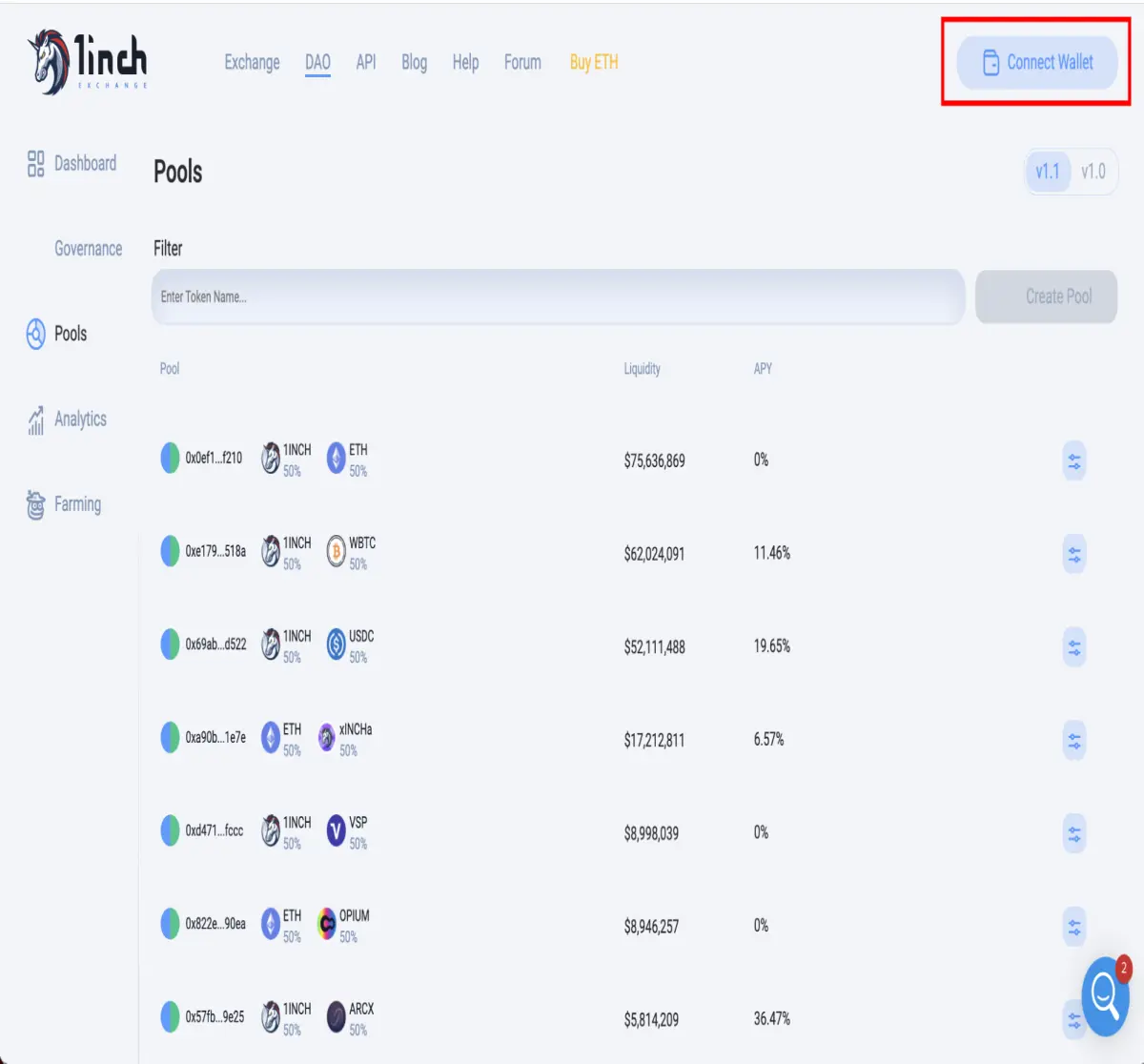
First, we need to head over to 1Inch exchange and connect our wallet;
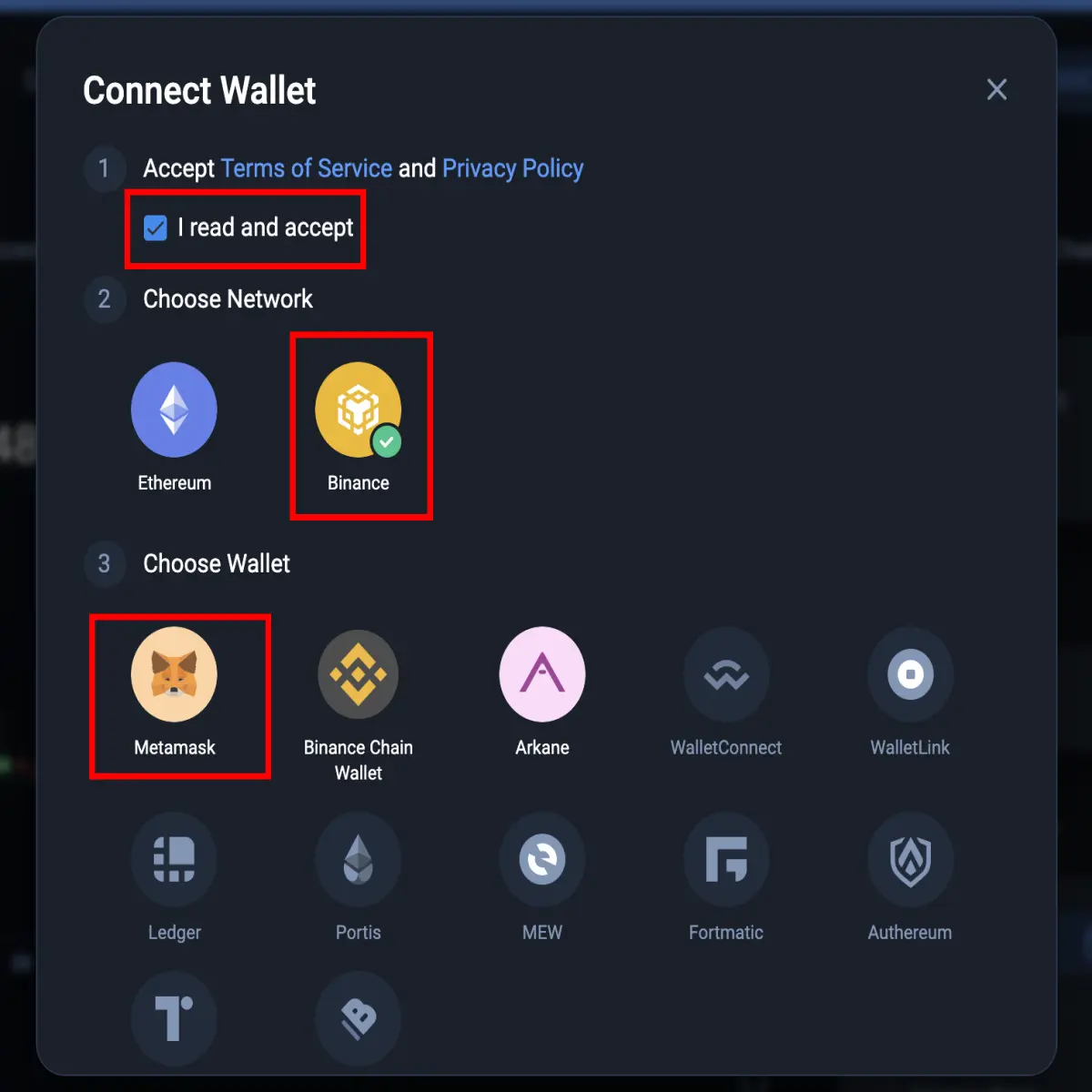
On the Connect Wallet page, you first need to accept the ToS and Privacy Policy. Then select the Binance Network and MetaMask as the wallet;
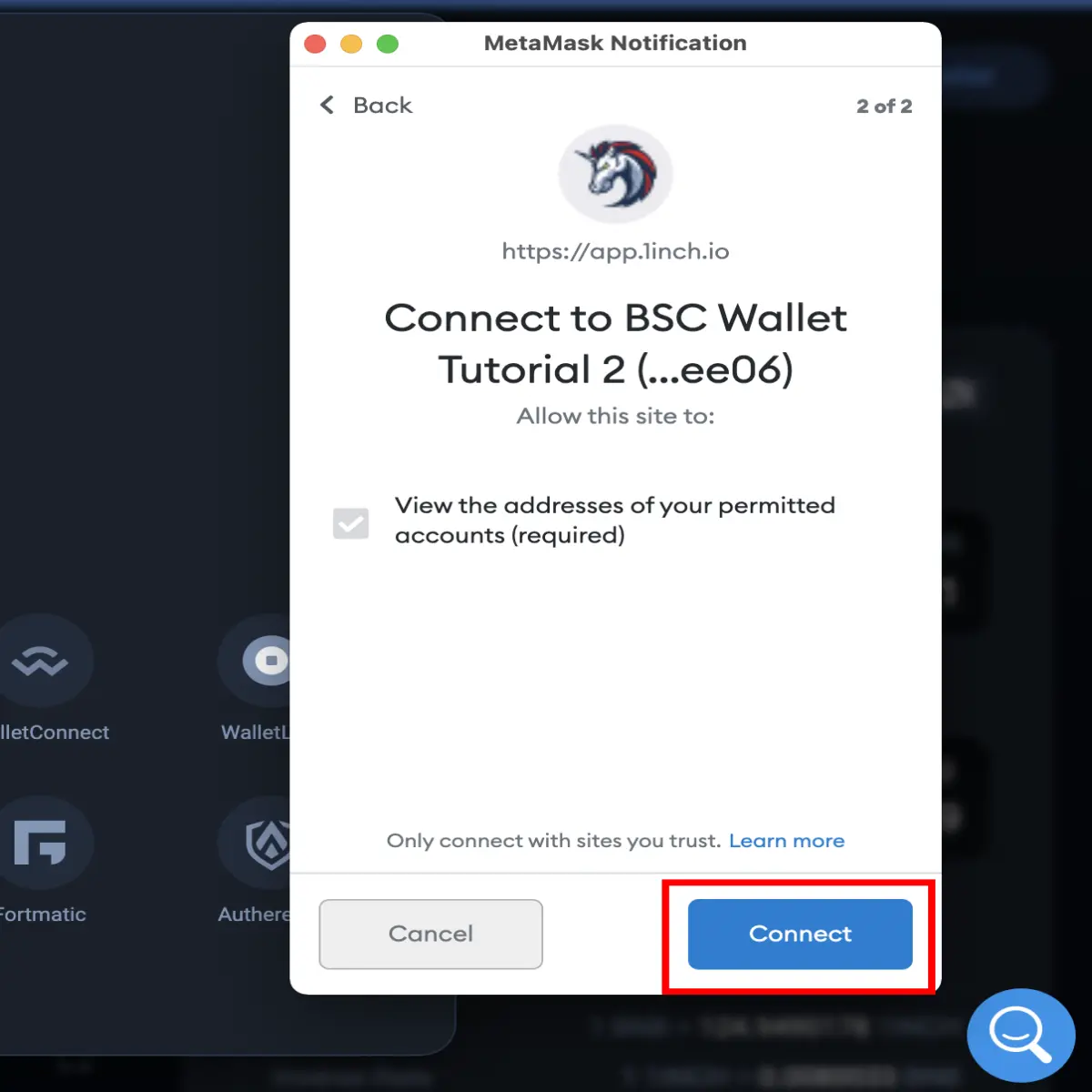
This will bring up a MetaMask window for you to select your wallet. Simply select which wallet you would like to use and hit “Connect”;
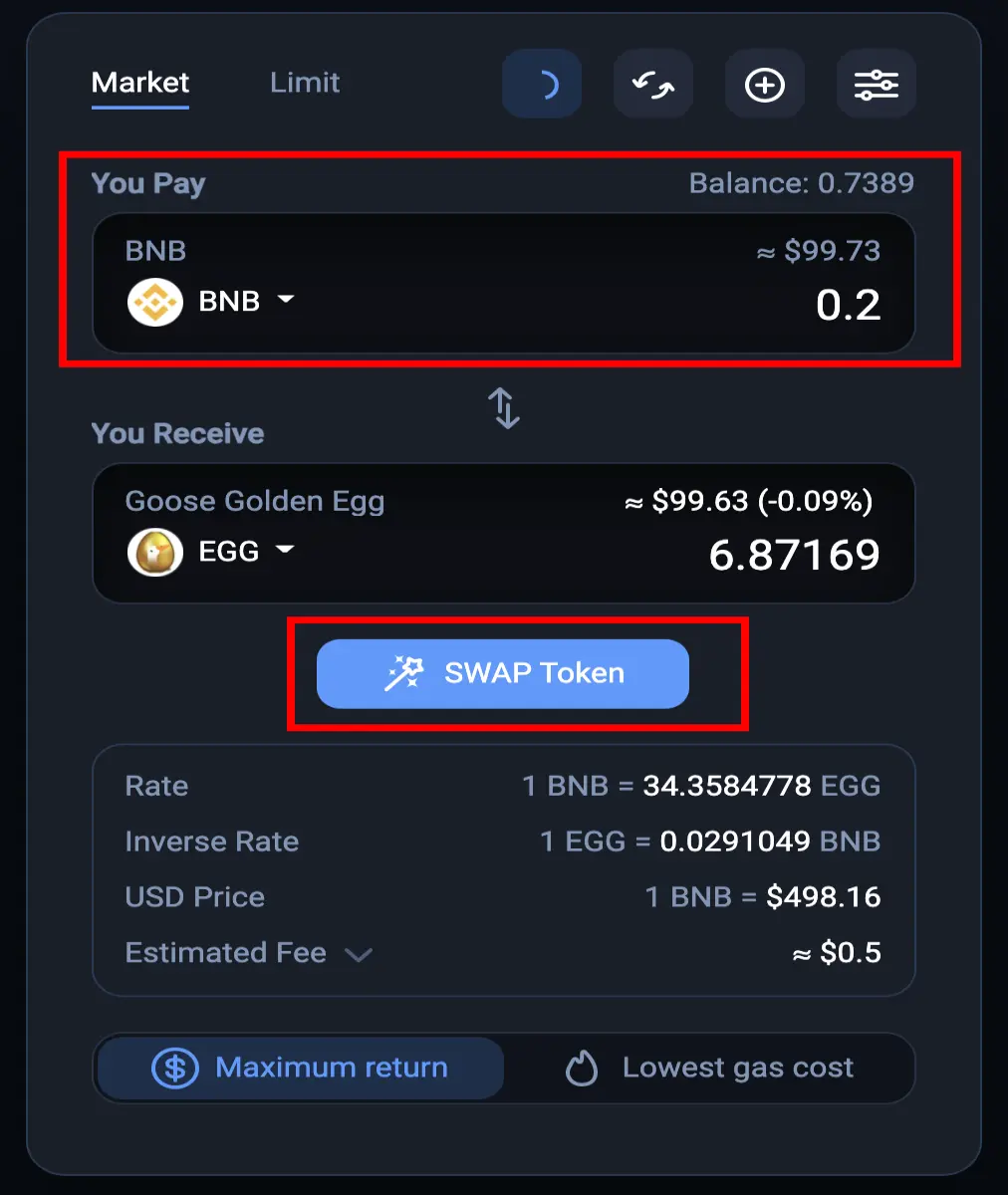
Once connected, we can use their swapping feature to exchange $BNB for $EGG. Head to the BNB/EGG swap page to buy some $EGG. There, simply enter how much $BNB you would like to swap into $1INCH and hit “Swap Token”;
A confirmation window will appear with the details of the swap, asking you to confirm it;

Then, a MetaMask notification will appear, asking you to confirm the transaction. Simply hit “confirm”;

Once that is confirmed, you will now own $EGG and continue with the rest of the tutorial to farm it on Harvest Finance. The rest of the tutorial is fairly straightforward.
Head over to Harvest Finance, select the Binance Smart Chain, and connect your wallet;
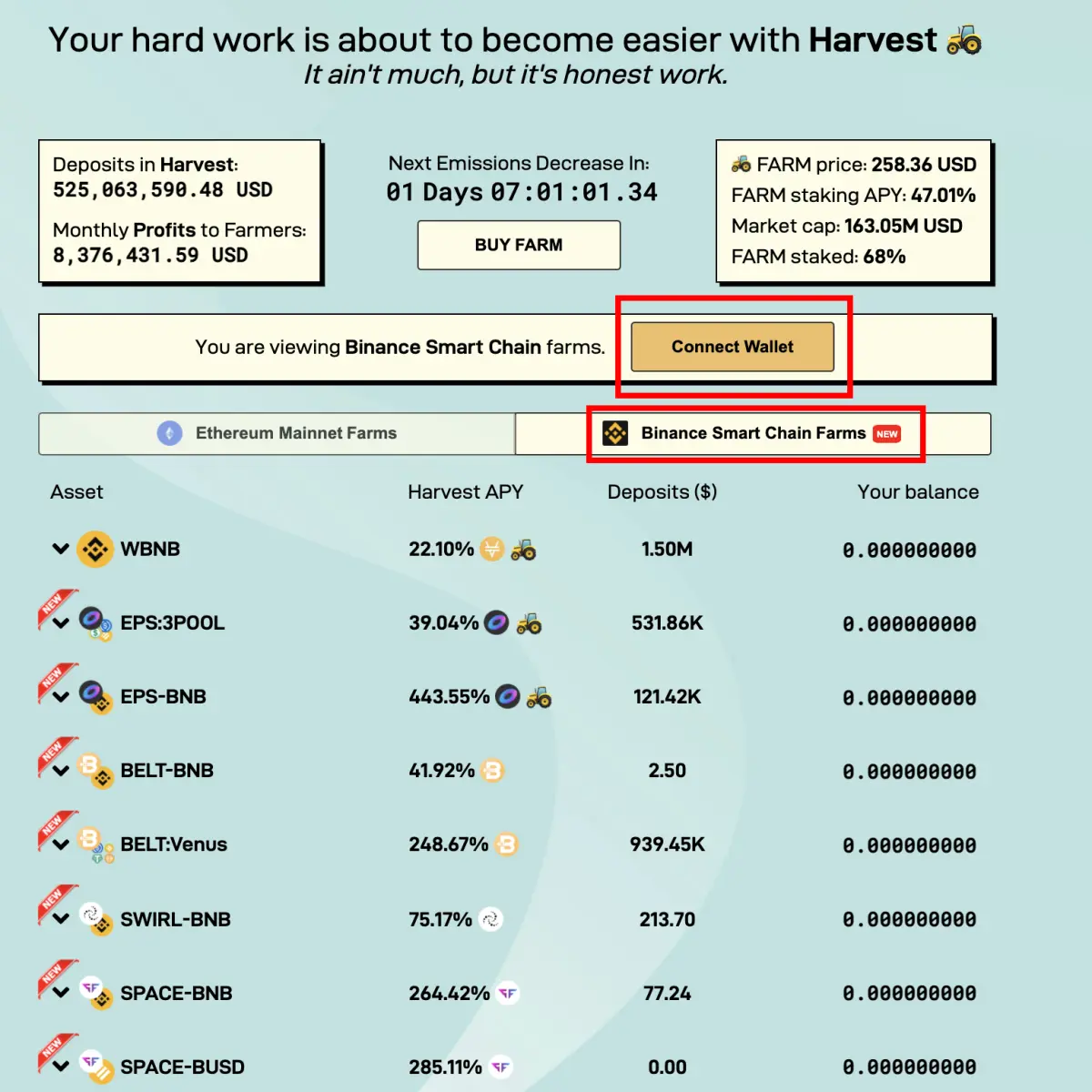
Farming $EGG On Harvest Finance
The $EGG farming strategy is located in the “Goose” category;

Harvest Finance has made yield farming $EGG pretty straightforward. Simply just enter the total amount of $EGG you wish to deposit and press "Deposit";
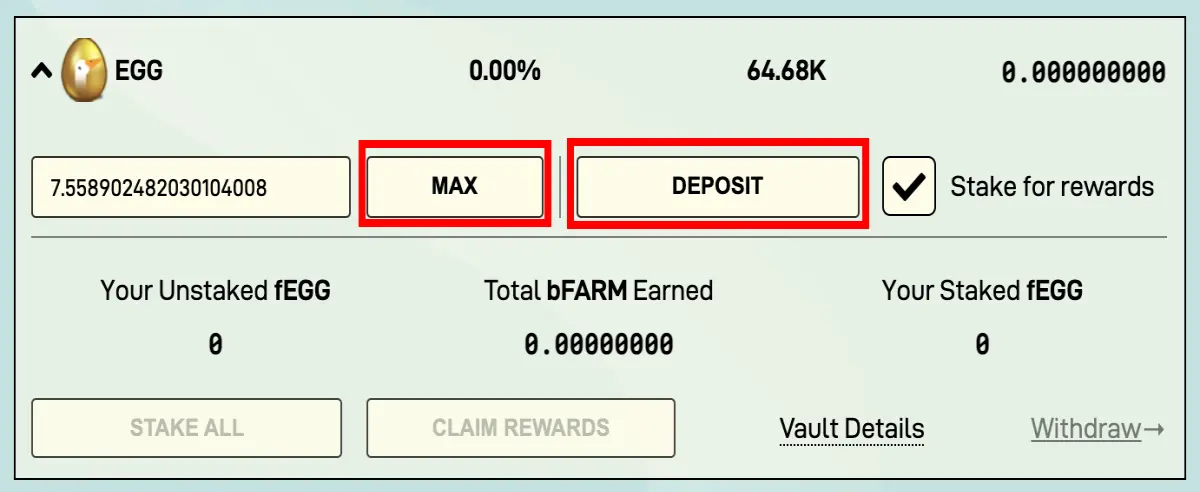
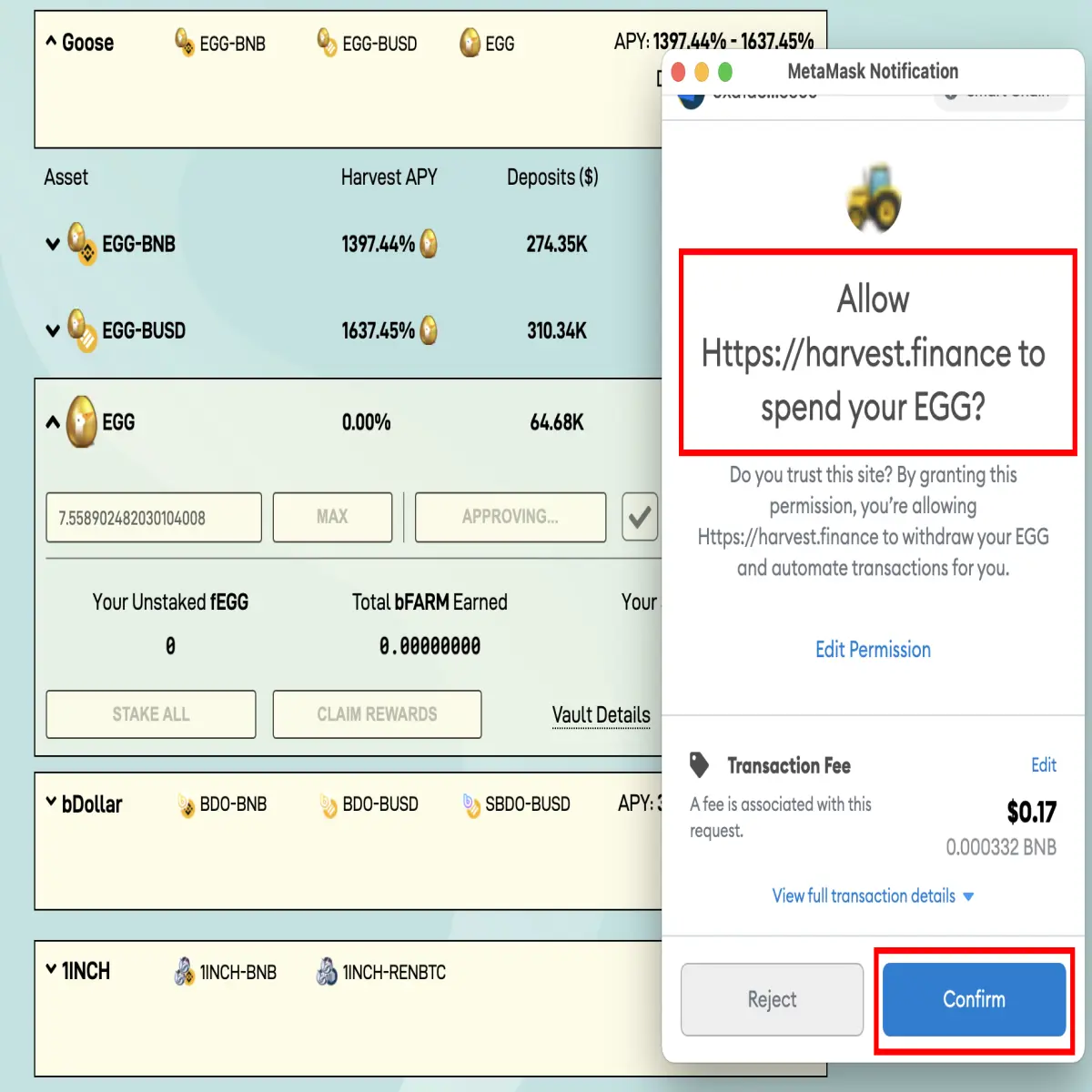
This will bring up a series of MetaMask windows asking for permissions for different things to allow the farming strategy to work. The first MetaMask window will ask for permission to spend your $EGG. Hit “Confirm” to get started;
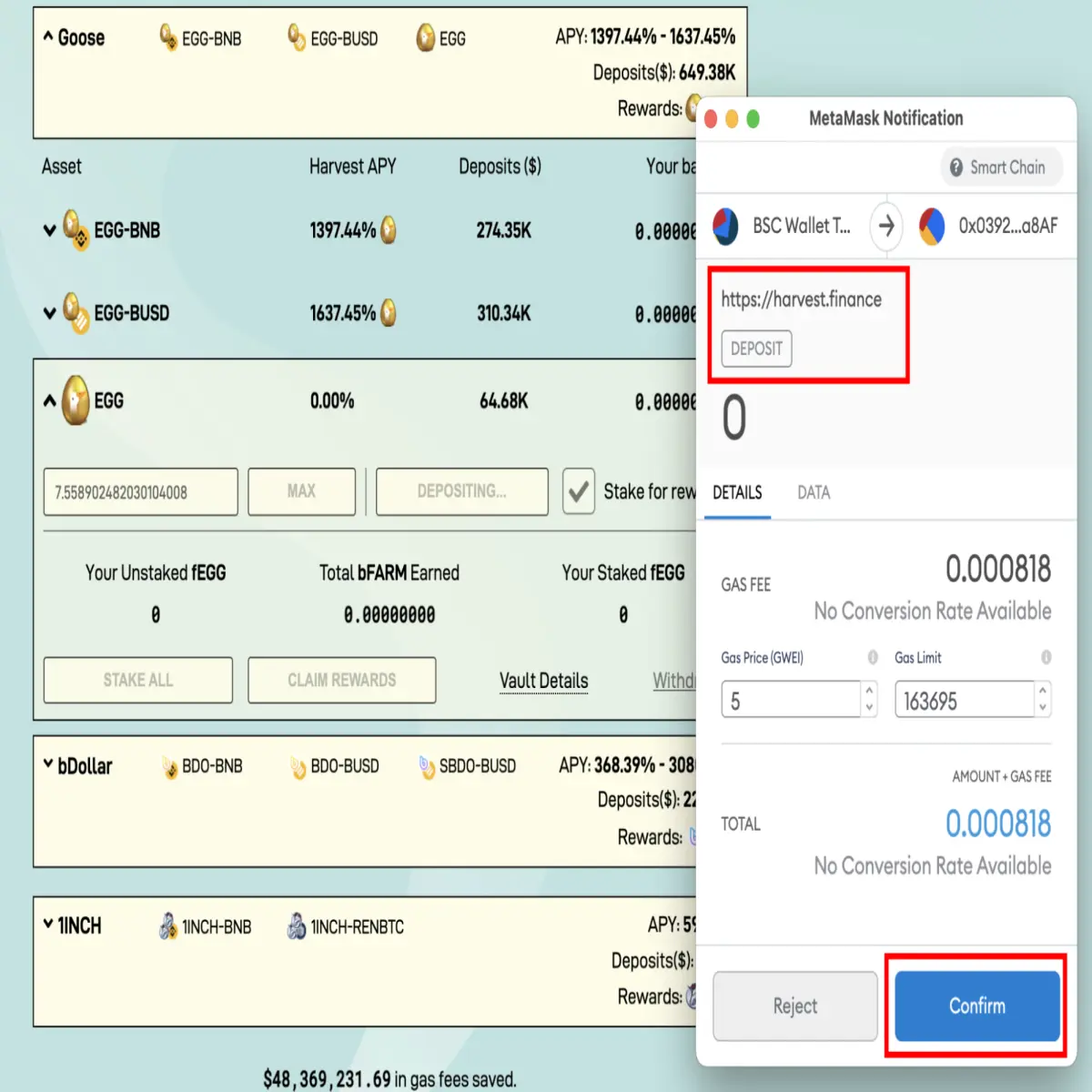
After the transaction is confirmed, a second MetaMask window will appear, asking you to confirm the deposit. Simply hit “Confirm” again;
The third MetaMask notification will pop up once the second transaction has been confirmed. This notification is asking for permission to spend your $bfEGG and is part of the strategy to allow Harvest Finance to Yield Farm for you, so go ahead and click “Confirm”;

Once that has processed, the final MetaMask window will appear. This time, MetaMask will request permission to “Stake” your assets. Again, simply hit “Confirm”;
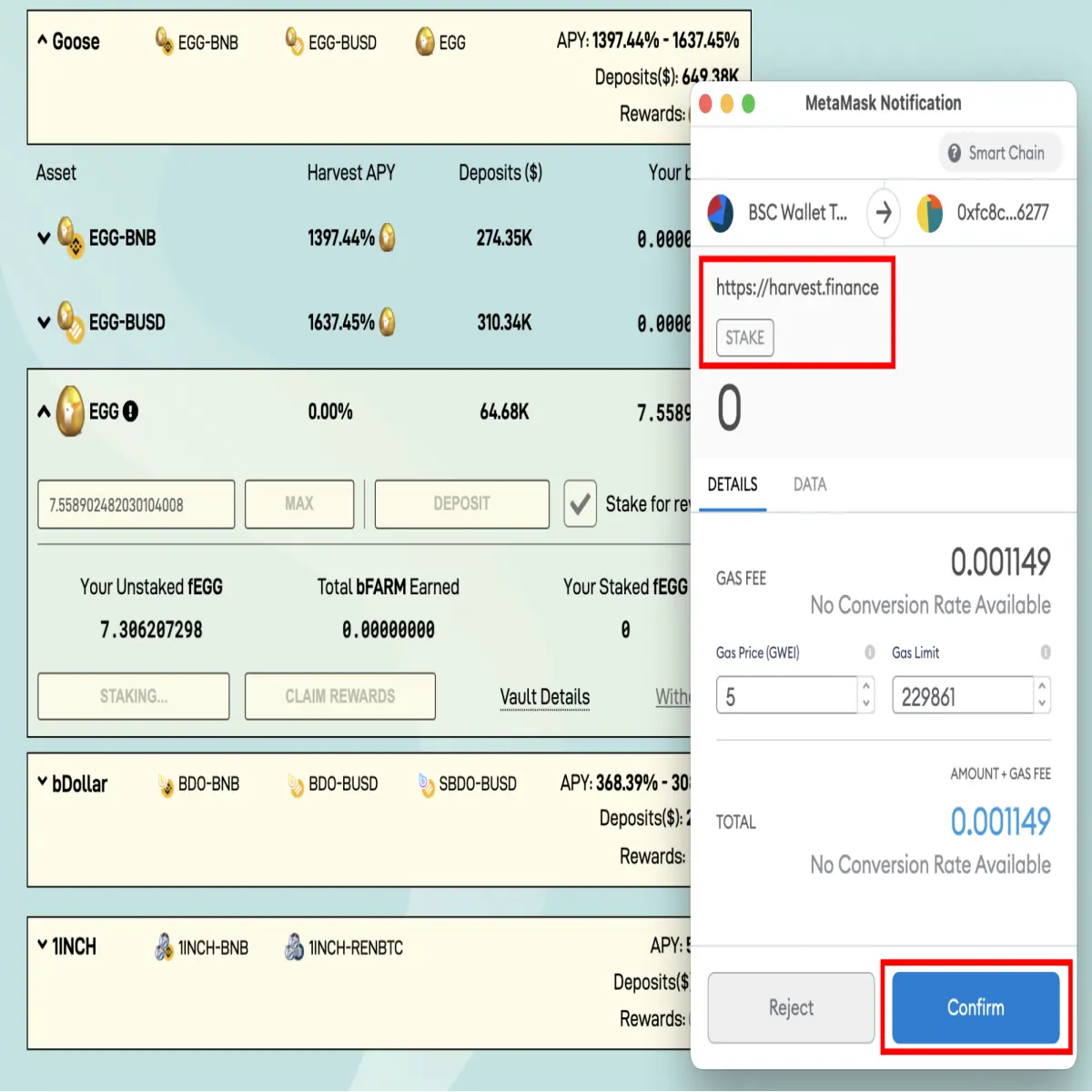
After the last transaction has processed you will successfully be yield farming $EGG on Harvest Finance via the Binance Smart Chain. As a reward, you will be earning $bFARM.






