
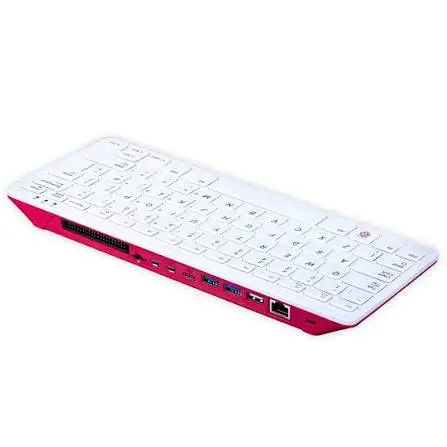
Who would have thought that a study device would become my main travel computer?
I decided to leave my heavy PC at home and travel with just my Raspberry Pi 400, a tablet running VNC as a monitor, and a powerbank. What started as a purchase focused on studying embedded systems and SBCs quickly turned into my very own portable "cyberdeck".
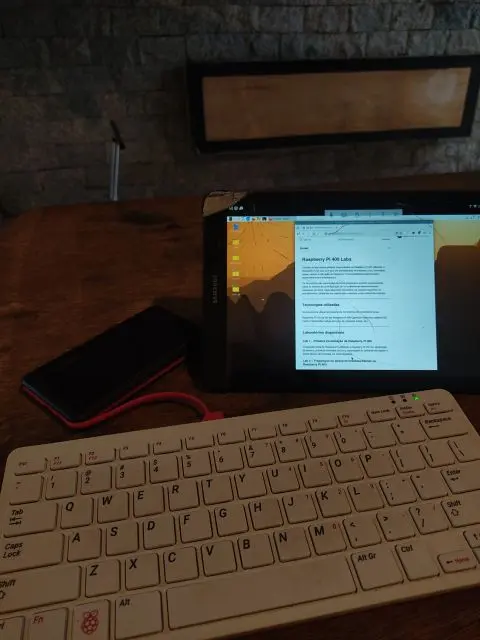
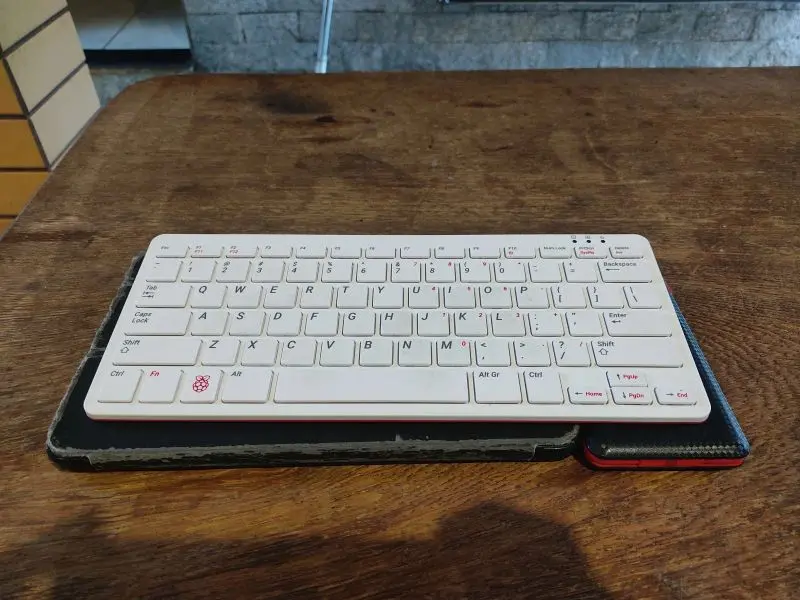
Even though I didn't build a custom case for it, I focused on what really matters: software optimization. The experience of using this kit as a "Linux laptop" has been so practical and smooth that I'm taking advantage of this trip to experiment with different setups and document every single detail.
To build this environment, I organized things using the idea of progressive labs. This way, completing each step motivated me to keep going—and honestly, this is just the beginning of my journey with the Raspberry Pi.
Here is what I accomplished in each lab, first, installing the Operation System:
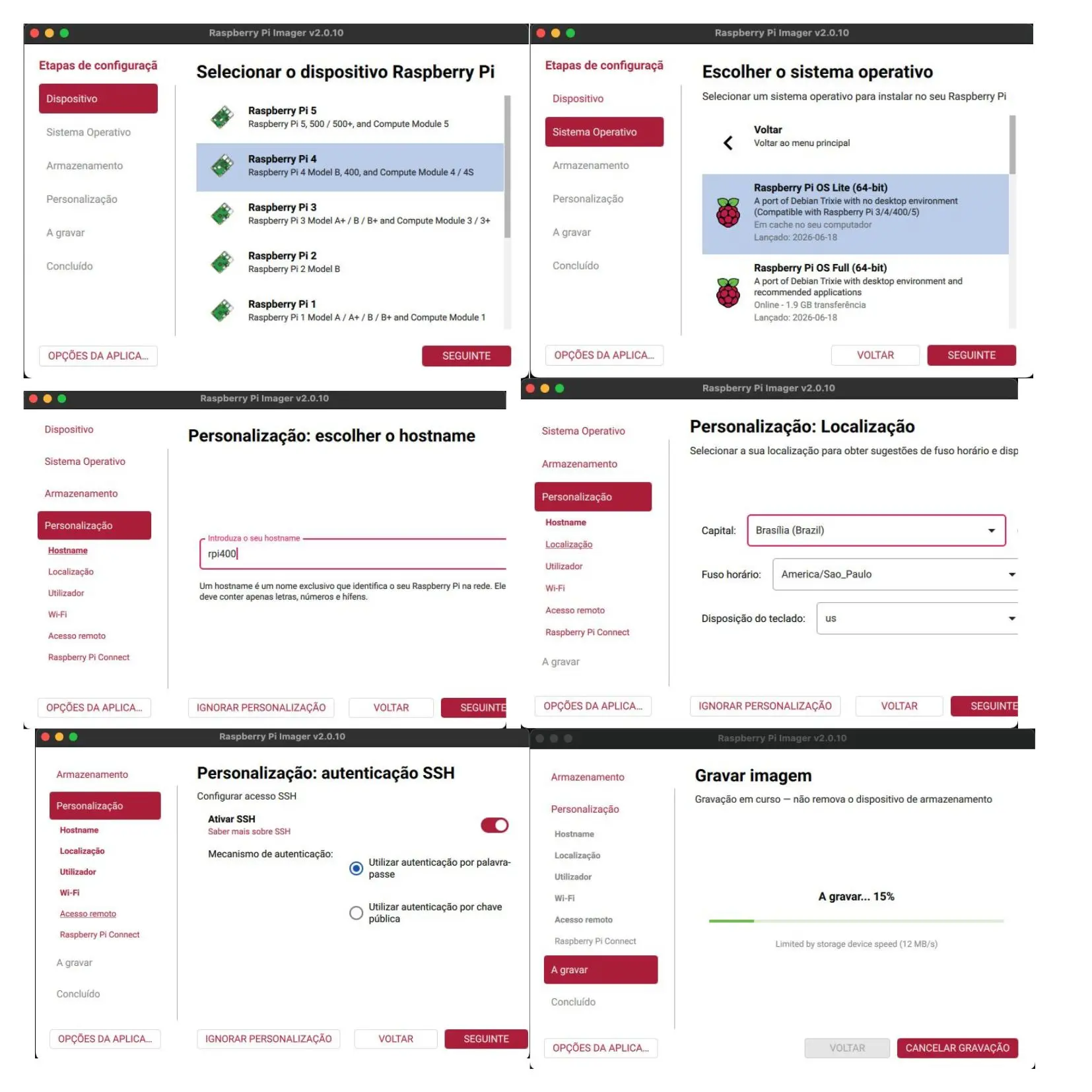
Lab 1 – First Boot of the Raspberry Pi 400 Initial preparation of the Raspberry Pi using Raspberry Pi OS Lite, system updates, running the first Linux commands, organizing the workspace, and basic hardware testing in headless mode.
Lab 2 – Setting up a Headless/Hybrid Environment on the Raspberry Pi 400 Configuring a hybrid environment that combines remote SSH access with local use of the Raspberry Pi 400's built-in keyboard. This includes setting up aliases, tmux, testing the keyboard in text mode, and making a few tweaks for a more comfortable remote administration experience.
Lab 3 – VPS SSH Bastion via the RPi Generating and configuring an SSH private key to access a VPS through the RPi, along with setting up an SSH shortcut via the .ssh/config file.
Lab 4 – Hybrid Environment with Raspberry Pi OS Desktop Configuring Raspberry Pi OS Desktop to boot directly into text mode (TTY) while keeping the graphical interface installed for on-demand use via startx.
This is just one suggested setup out of the endless hardware and software possibilities using a Raspberry Pi to build a cyberdeck. I hope it inspires readers to dive deeper, study embedded electronics and Linux, and build their own solutions.





