
Article first published on my personal blog at HIVE. (Spanish Original)
We all love capturing special moments in our lives and sharing them with our friends or posting them here on #HIVE. Undoubtedly, this process has become an essential part of our daily lives. With all the technological advancements in recent years, photography is no longer an activity exclusive to professionals with big cameras; we all have a quality and versatile instrument at our fingertips: our phones.
But if we want to make the most of our photos and make them stand out from the rest, it's necessary to have the right tools. Fortunately, there are plenty of free options that will transform your images in every possible way, taking them to the next level.
Today I'll tell you about my four favorite free photography apps and why they made it to this list, as well as some of their main features. Let's get started.
4. Adobe Ps Express
If it's from Adobe, it has to be good, right? Well, this app presents itself as the mobile clone of its flagship software Adobe Photoshop, but let's not get our hopes up, it doesn't even come close to a fifth of the options of the desktop program, but it won't stop you from getting beautiful results and improving your photos by 100%.
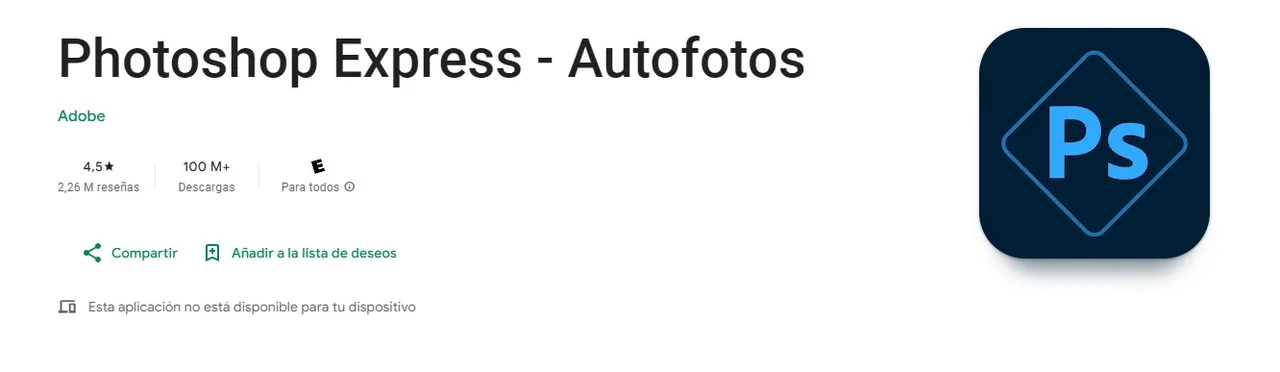
What I like most about this app is its compact and simple interface, which makes it very intuitive from the first moment we use it. Its tools and effects are extensive, varied, and highly customizable, although a good number of effects and, above all, preset actions are only available to subscribers. Another important point is that it integrates perfectly with other Adobe apps, allowing us to continue and improve our work on the desktop.
Photoshop Express - Autofotos - Aplicaciones en Google Play
3. Adobe Lightroom
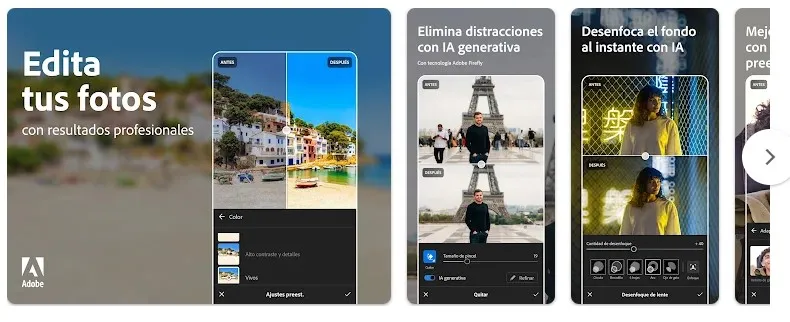
We continue with Adobe apps, and this one in particular is the perfect option for retouching the lights and shadows of your photos. Its shadow, light, exposure, and detail adjustments stand out for their ease of use, allowing us to save those photos that look low in detail or have dull colors. Its preset black and white handling also stands out with very good options. An excellent choice to combine with the previous app.
Lightroom: Editor de fotos - Aplicaciones en Google Play
2. PicsArt
PicsArt is undoubtedly the favorite app of many, an app with a large community and fan base that stands out for its flexibility and easy handling of tools. With PicsArt, we can do anything we can think of with our images; we will have a wide variety of texts, styles, stickers, and AI-powered tools. If you need a quick and attractive design, you won't have any problems. Hundreds of beautiful and highly customizable templates. Also, with a little patience and practice, you can create beautiful photo montages.
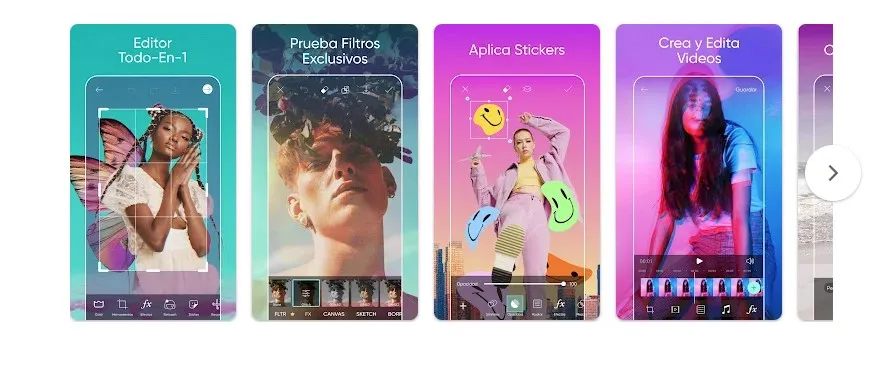
Perhaps the only downside is the presence, although minimal, of ads and the high resource consumption of our devices.
Picsart Photo Studio - Aplicaciones en Google Play
1. Snapseed
Undoubtedly, my favorite on the list. It presents itself as a completely free app without annoying ads, which is a big plus for being my go-to choice when I need to deeply edit a photo on my phone. Although its user interface is friendly, it can have a steep learning curve, especially for users who are not familiar with more professional editing programs.
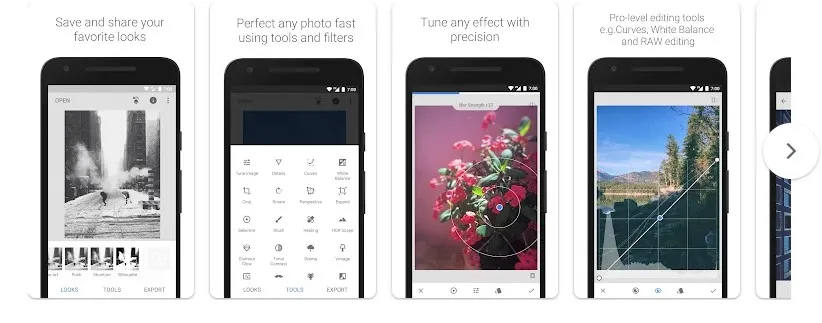
As for the tools, they are all extremely good and on par with professional software, including a wide variety of options such as brightness, contrast, detail, temperature, exposure, and very good curve handling. All this while following a non-destructive editing process of our original photo, so we can go back at any time. It also has some very interesting filters, especially for noise and vignette effects.
Snapseed - Aplicaciones en Google Play
Final Words
With the help of these apps, I know you'll be able to make the most of your phone and greatly improve your photos. Each option offers a unique combination of tools and features that can meet different needs. My advice is to try them all and choose the one you like the most and fits your style and needs. Let your photos shine!
I sincerely want to thank you for taking the time to read this article. Your support means a lot to me and motivates me to continue sharing content that can be useful and interesting for you. If you found this article useful or enjoyed reading it, I would greatly appreciate your comments. Success!
Translated with DeepL.com (free version)
I apologize if there are any grammatical errors, English is not my native language, I have tried to be as careful as possible.
All screenshots used in this article were taken from the respective application’s page on Google Play. The cover image of the article was created using Canva.






