
IMPORTANT: before tokenizing your skins you will have to link a Matic wallet to your CryptoPick account! Follow our guide on how to link a Matic wallet right here.
Non-Fungible Tokens are an essential part of CryptoPicks’ vision.
The following article is a step-by-step guide on how to convert your non-NFT skins into NFTs on your Matic wallet.
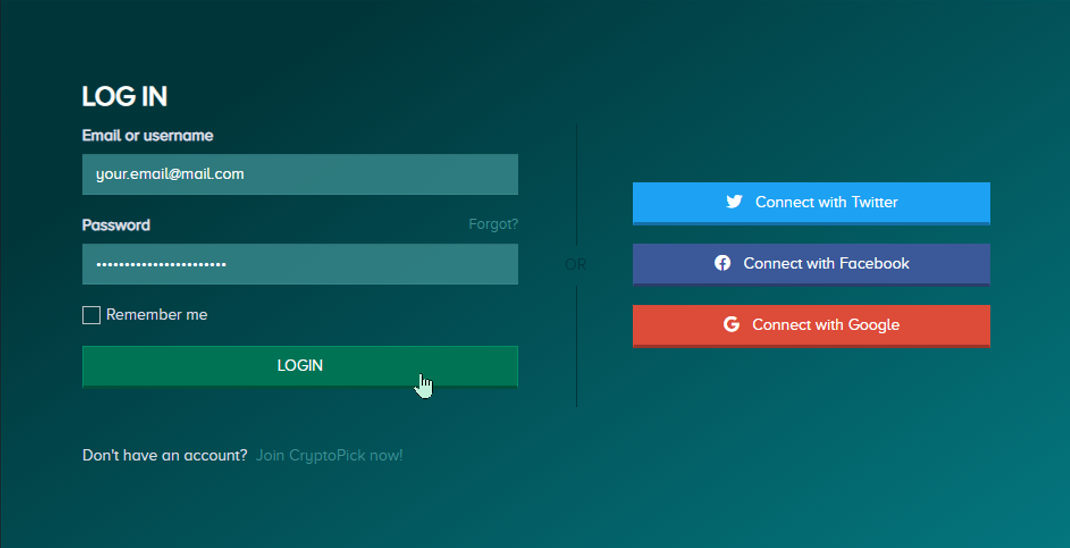
1) Log in to your CryptoPick account.
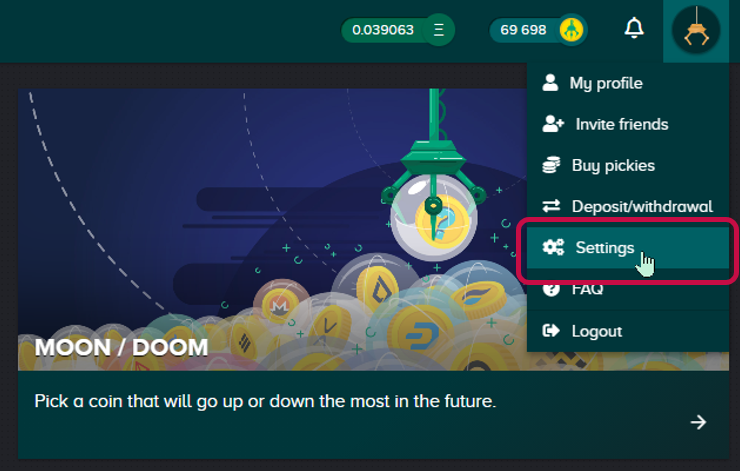
2) Go to your Settings.
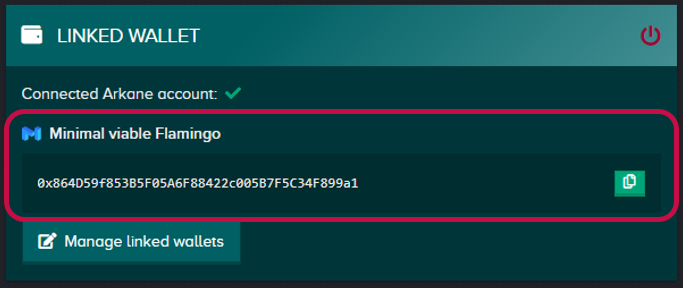
3) Verify that a Matic address is linked to your account and that you are the owner of that Matic address.
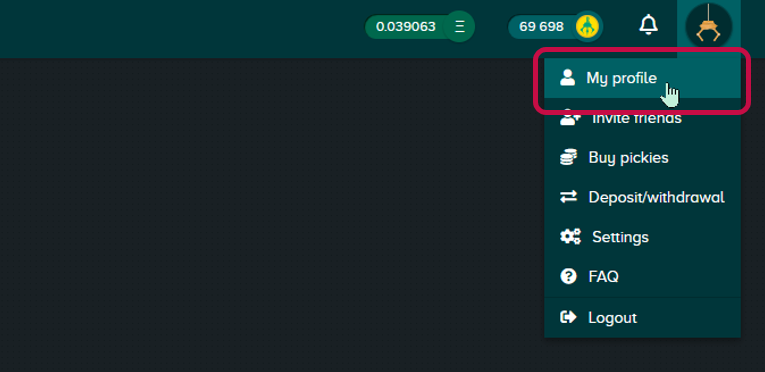
4) Go to your profile page.
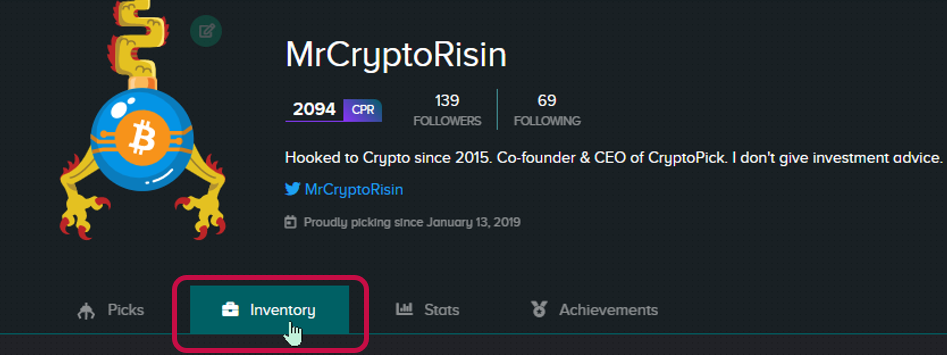
5) Go to your inventory in your profile.
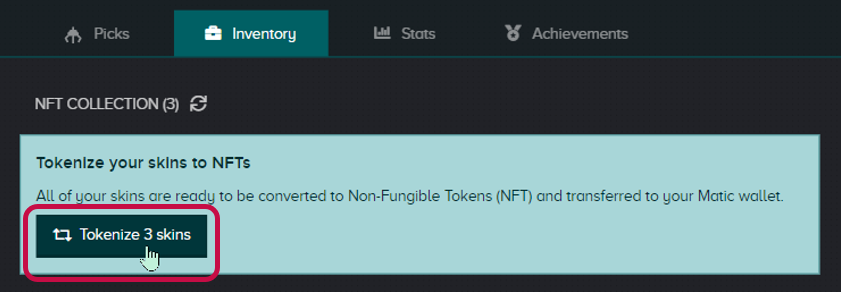
6) Click on Tokenize skins.
7) Create a Matic wallet by clicking on Manage linked wallets.
If you already have a Matic wallet on your Arkane account click on Manage linked wallets and select which wallet you want to link with your CryptoPick account.

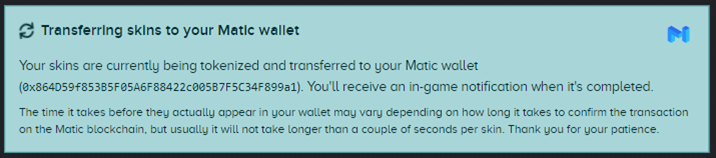
8) Wait patiently until your receive a notification saying it succeeded.
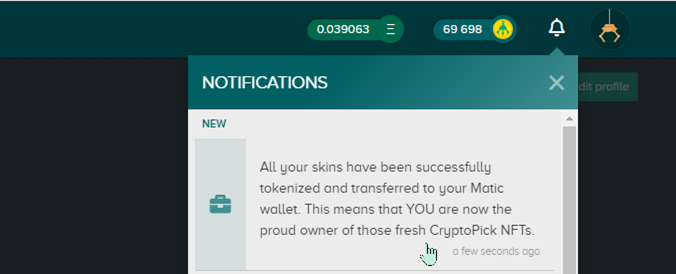
9) Great job, You can now enjoy your freshly minted NFTs.
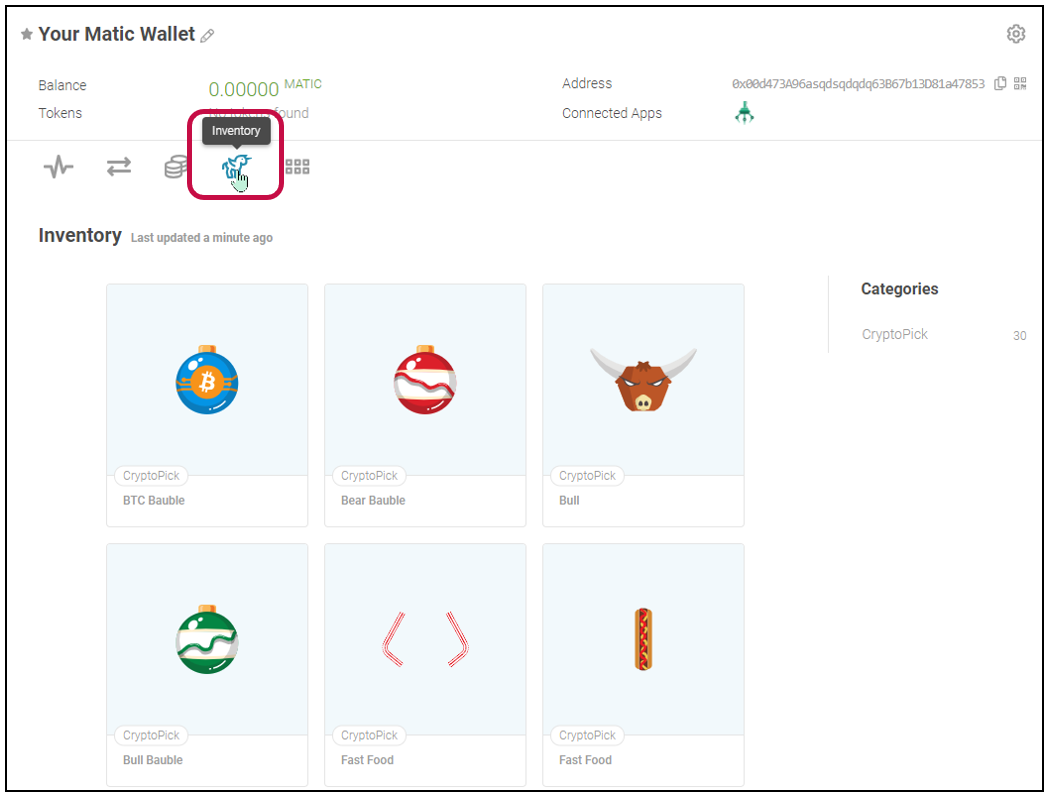
Check your Matic wallet on your Arkane account and click on inventory to discover your CryptoPick NFT collection!
If you have any questions, don’t hesitate to post them in our in-game chat, or you can also join our Discord for faster replies.
With major issues please contact [email protected]
#Play2Earn #PredictDiscoverEarn #NFT #Crypto
For more information about CryptoPick and The Shop, you can read our articles "CryptoPick - Official guide" and "CryptoPick guide: The Shop"
Become a Crypto Picker!
CryptoPick is free, fun and fast. Don't be a pickle and join the pickers.
Official Website: https://cryptopick.net/
Join our social channels for news and announcements:
Discord | Twitter | Publish0x | ReadCash | Torum
Uptrennd | Lbry - Odysee | Youtube | Reddit






