
OneKey is a crypto wallet company from Hong-Kong, founded in 2019.
They are developing hardware and software crypto wallets.
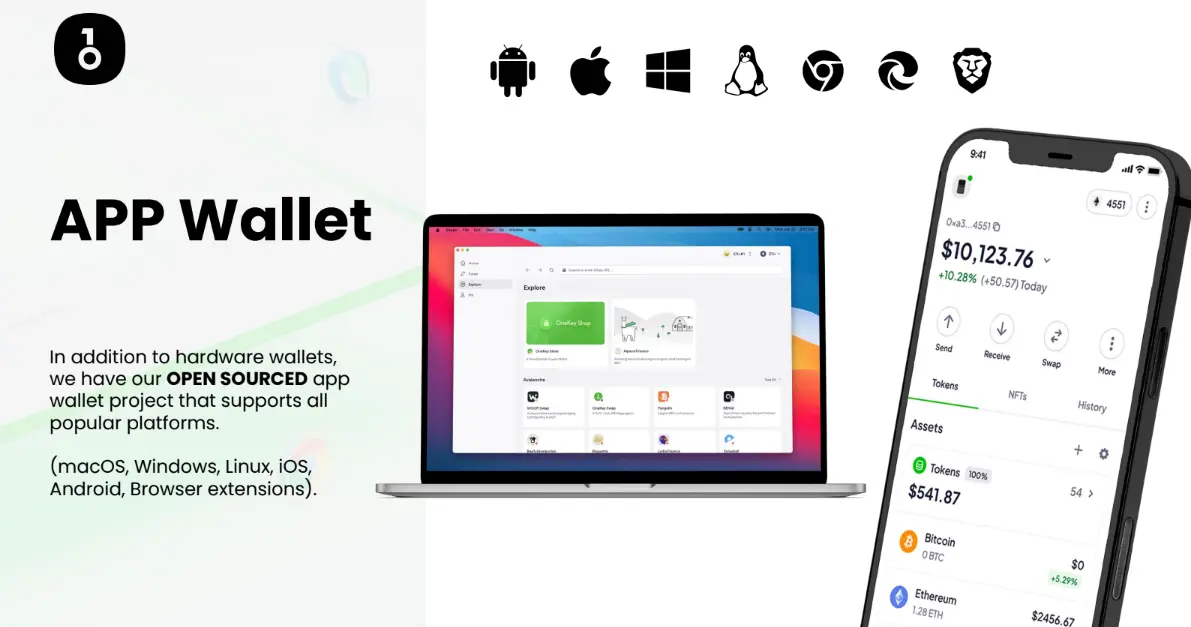
The software app is free to use. It's available on Linux, Windows, macOS, Android... Basically you can download the app either on your PC or your phone.
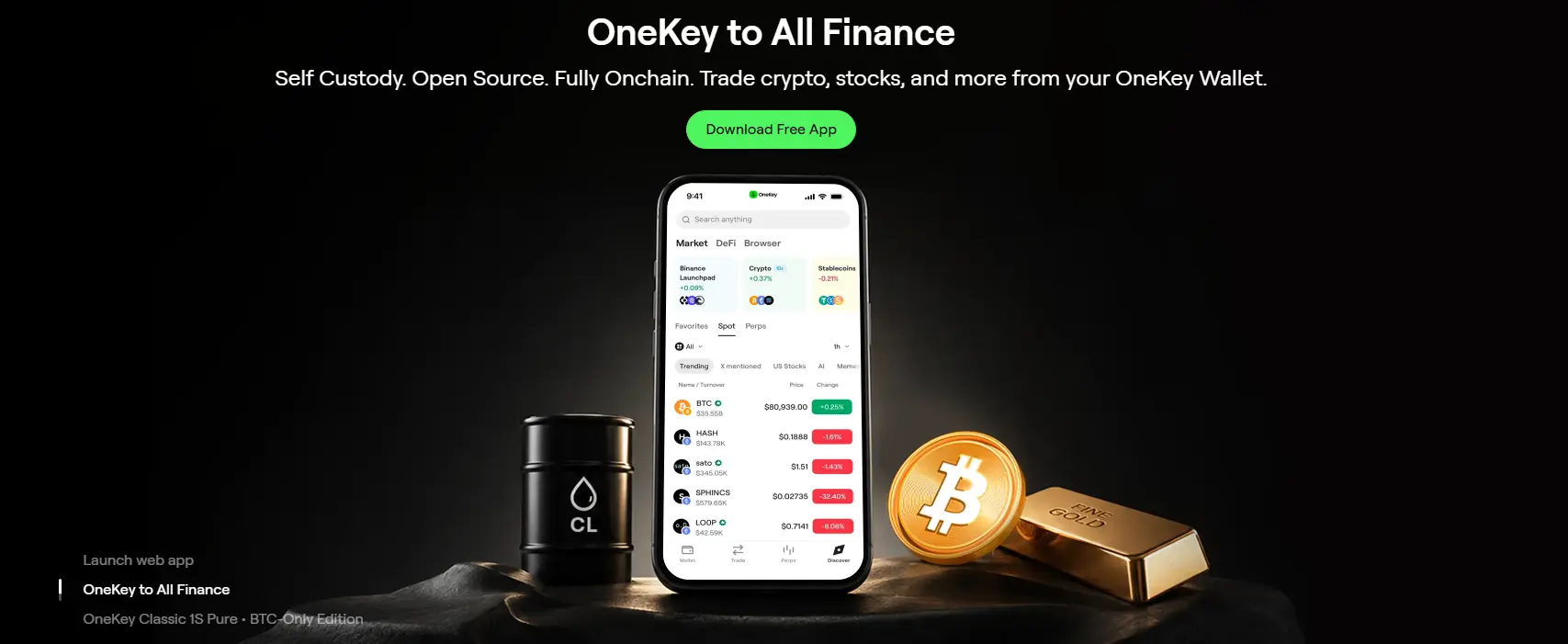
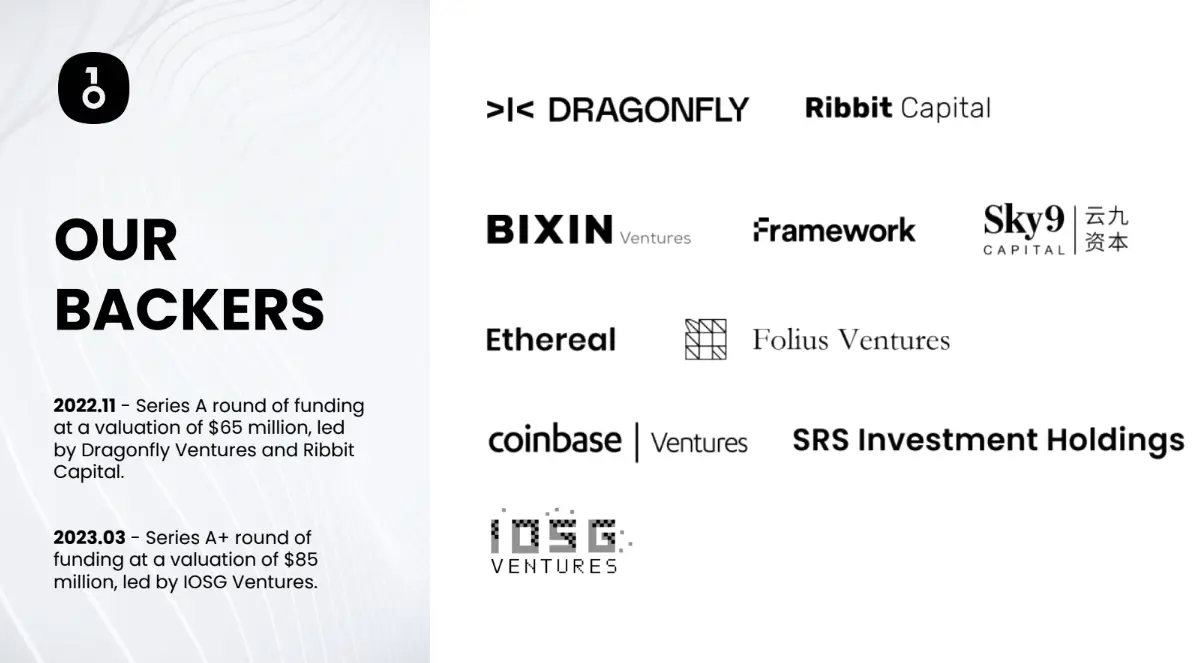
Partnered with Coinbase, Binance & many more; OneKey is a legit and reputable wallet company on the market.
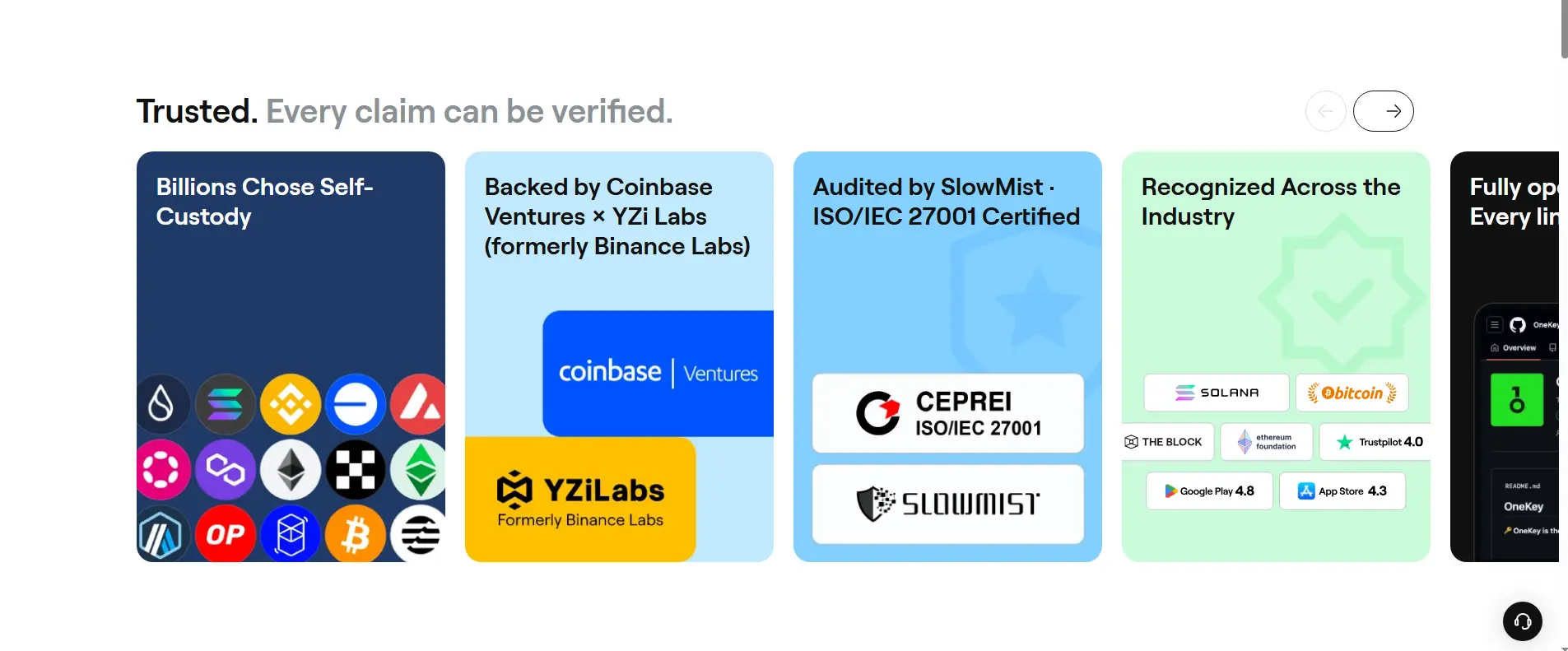
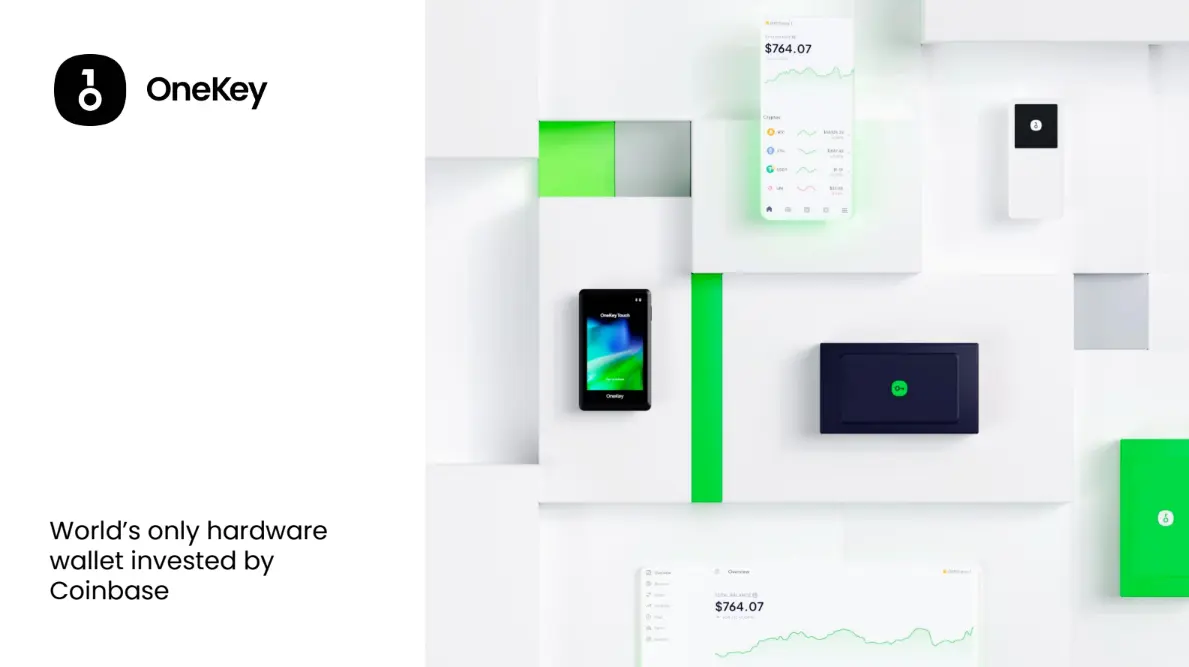
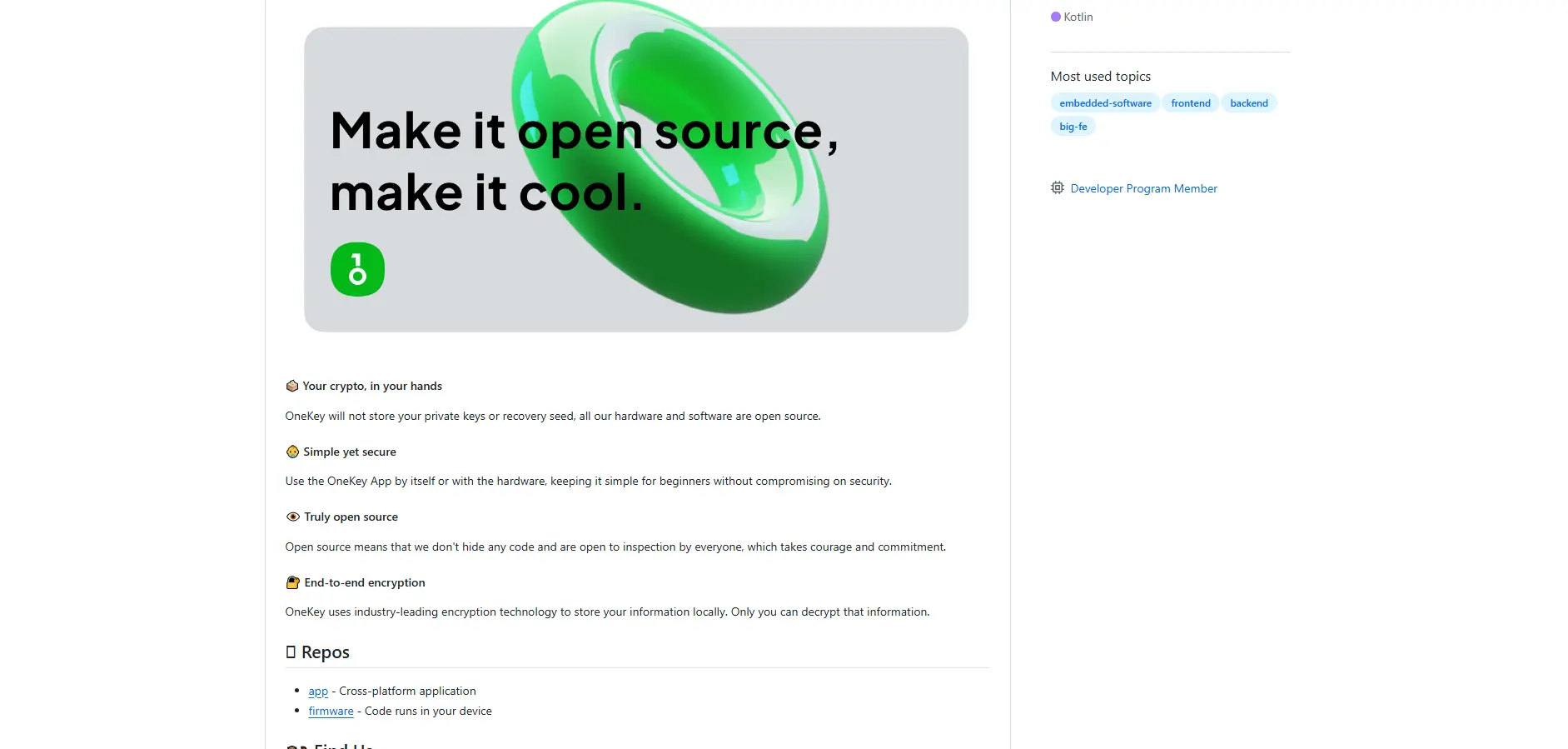
Great thing about both their software and hardware wallets - they are open source. This basically means that on their GitHub page, everyone can check out the code for both the app and wallets. Praiseworthy move that adds to their transparency.
Back to the software app. Once more, it's free to use, you can download it here.
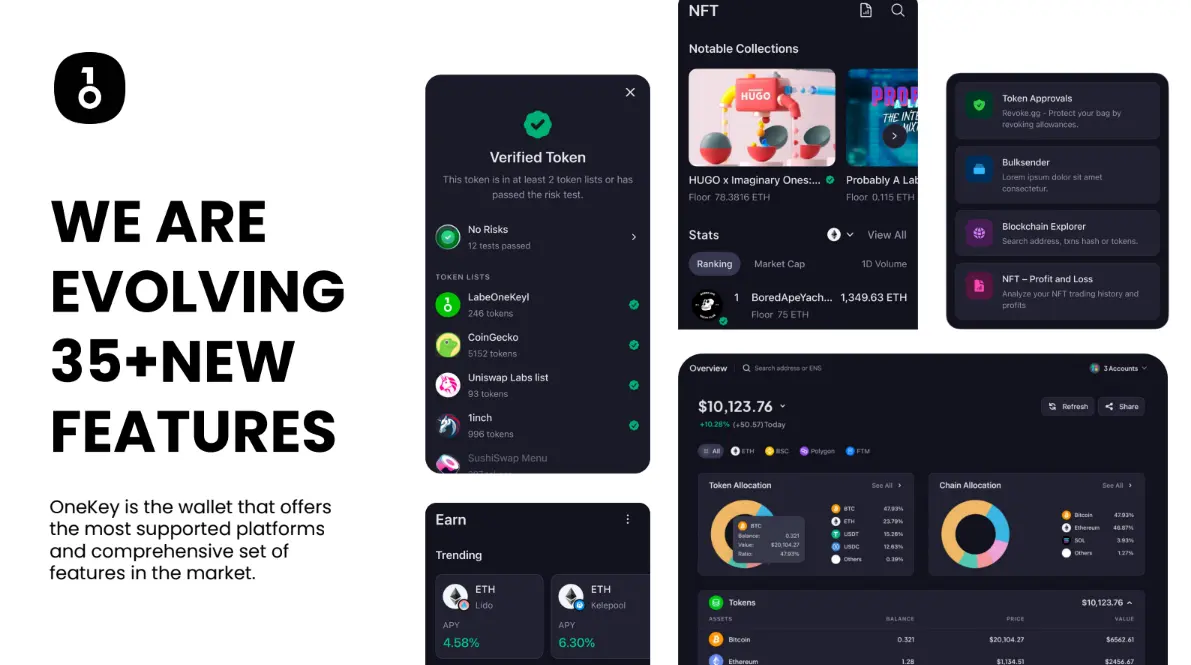
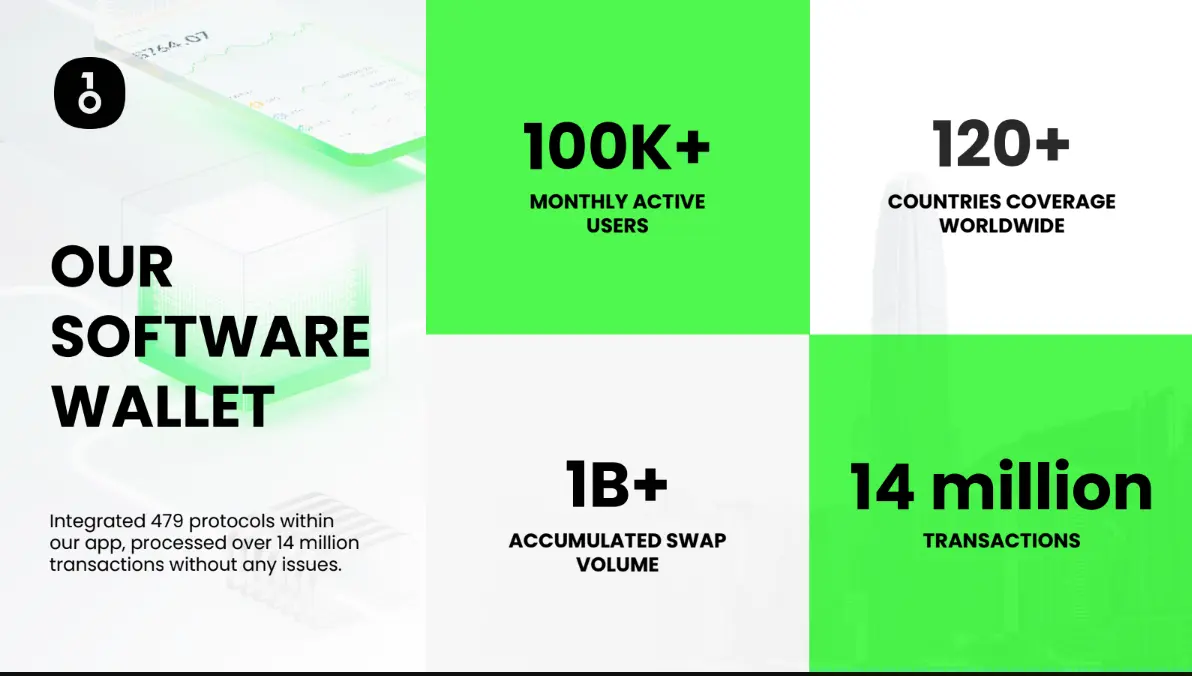
The app has many amazing features. From the most basic ones to more complex DEFI & cross-chain stuff.
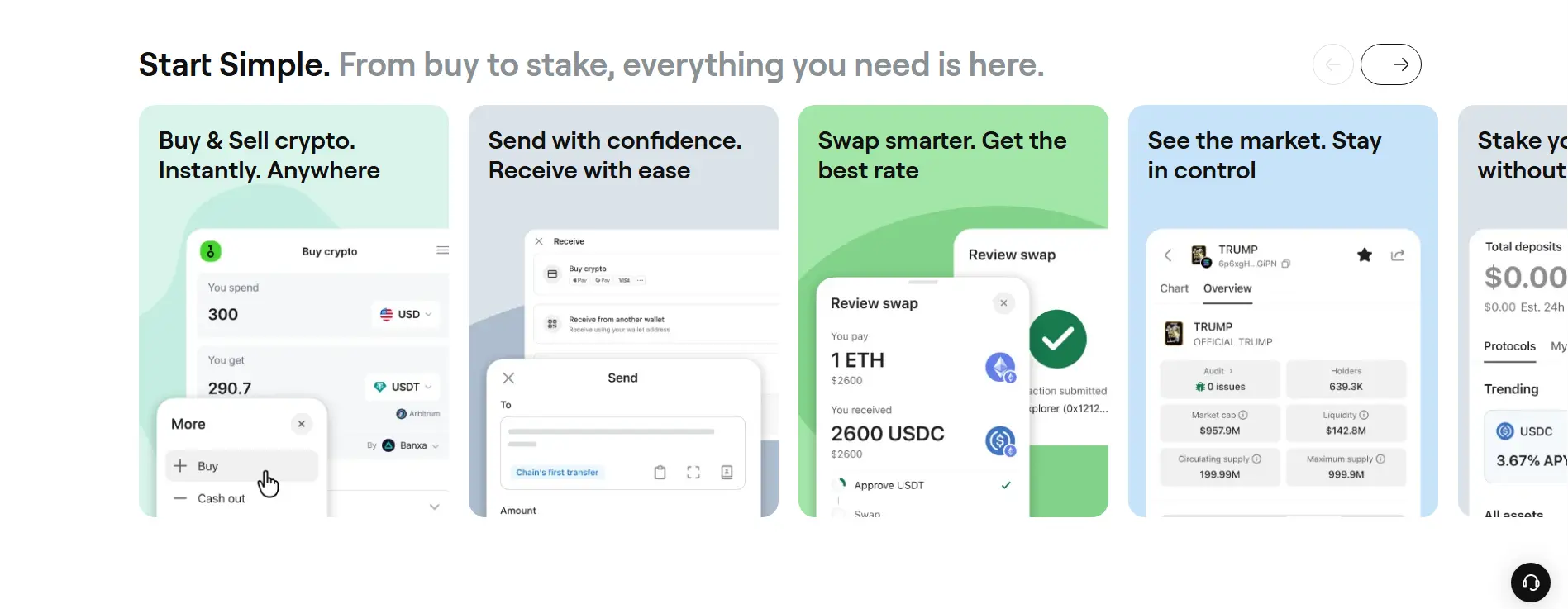
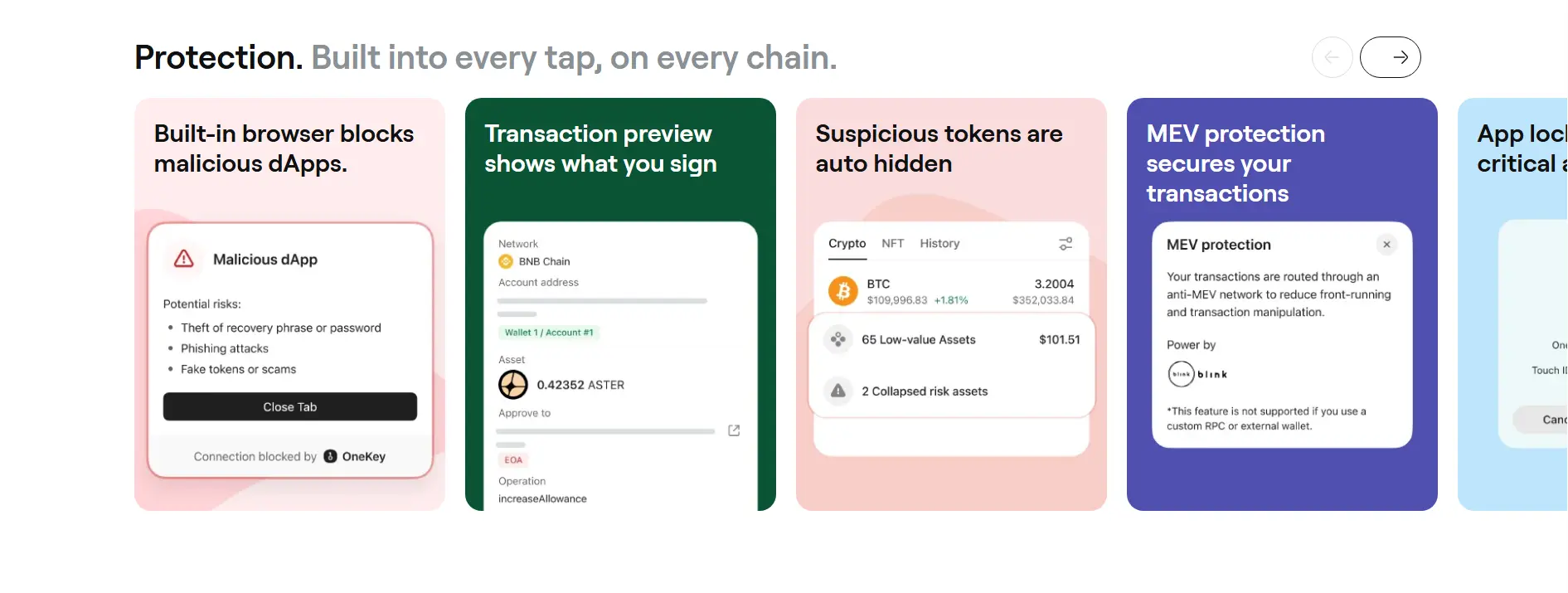
It supports over 30k coins and 100 blockchain networks.
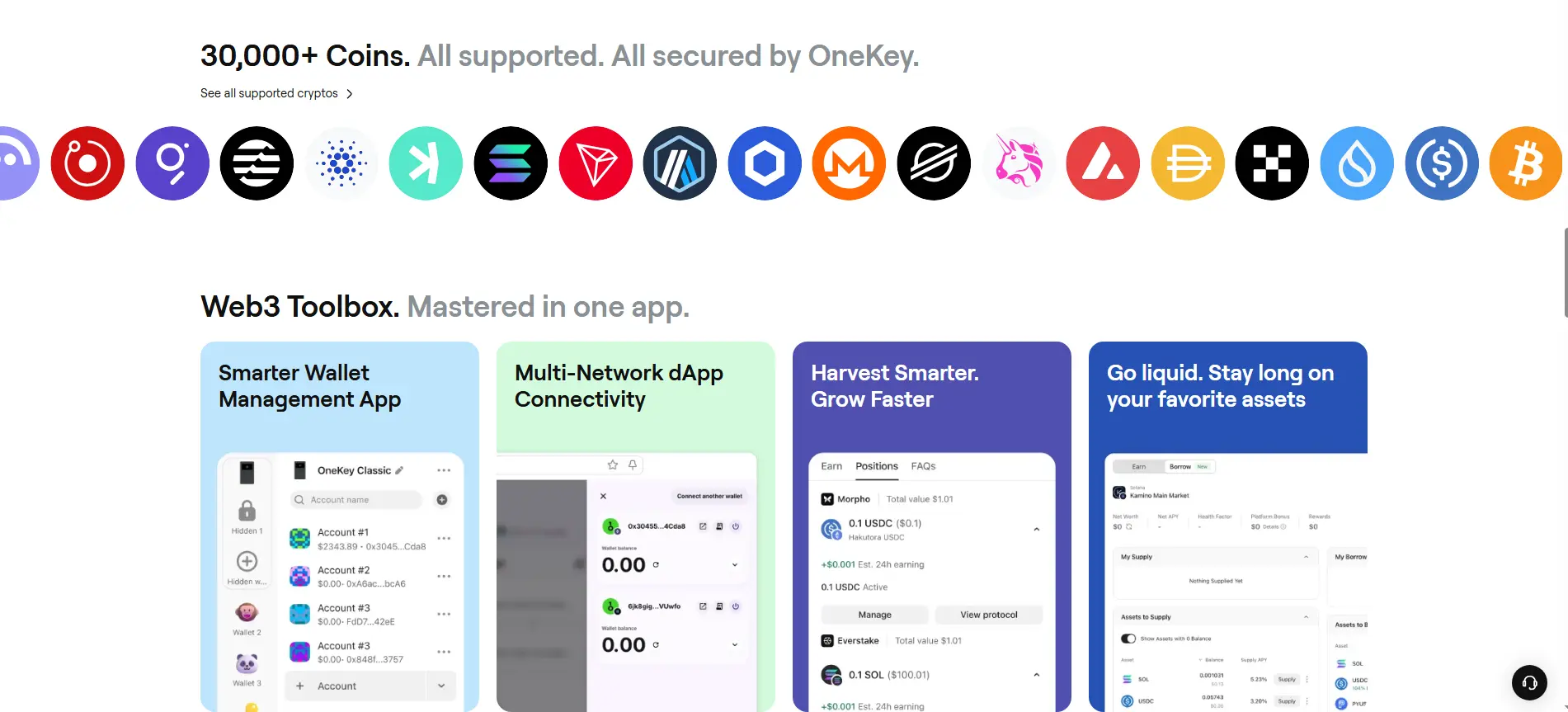
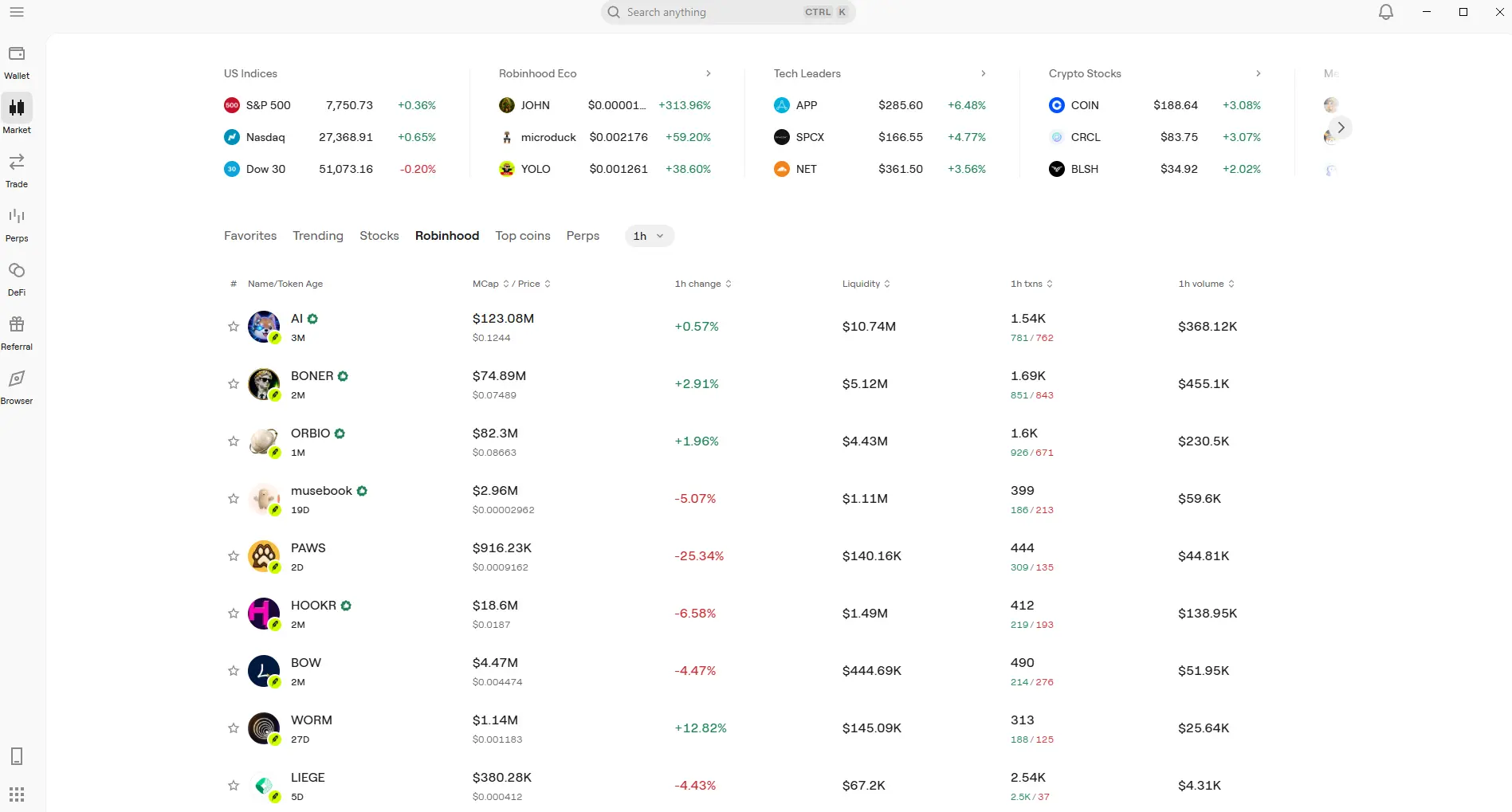
Here's the OneKey app on my PC. This is a basic view of how the app looks like. I have to say that it's really well designed, the interface and everything feels nice and smooth, and it's a great wallet overall to use. Recently they have also added Robinhood so... Nice choice of assets.
If you want to take your crypto asset security to a level higher, you can do that through their offer of different cold wallets. Here's my referral link to the products page.
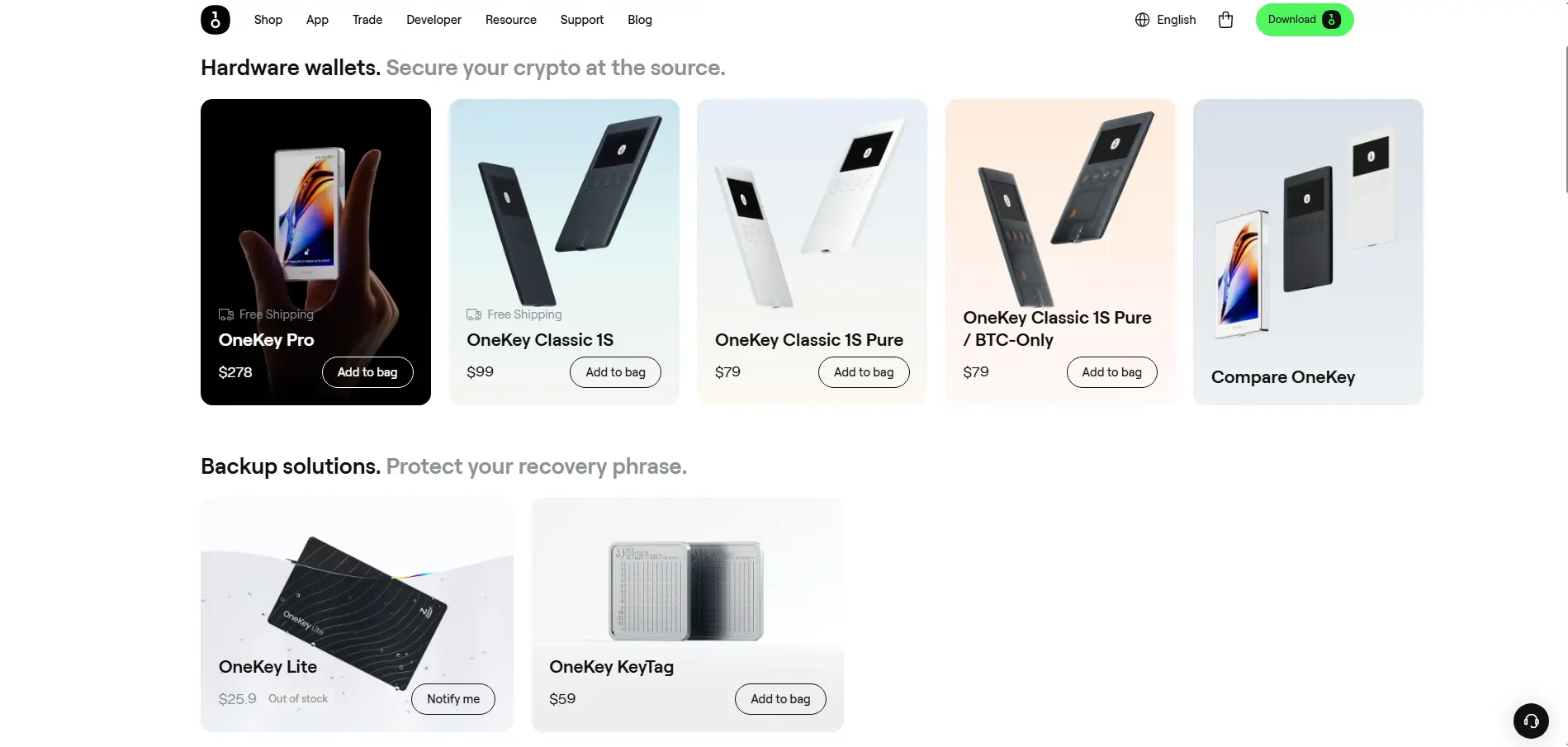
As you can see, they have a couple of different cold wallets.
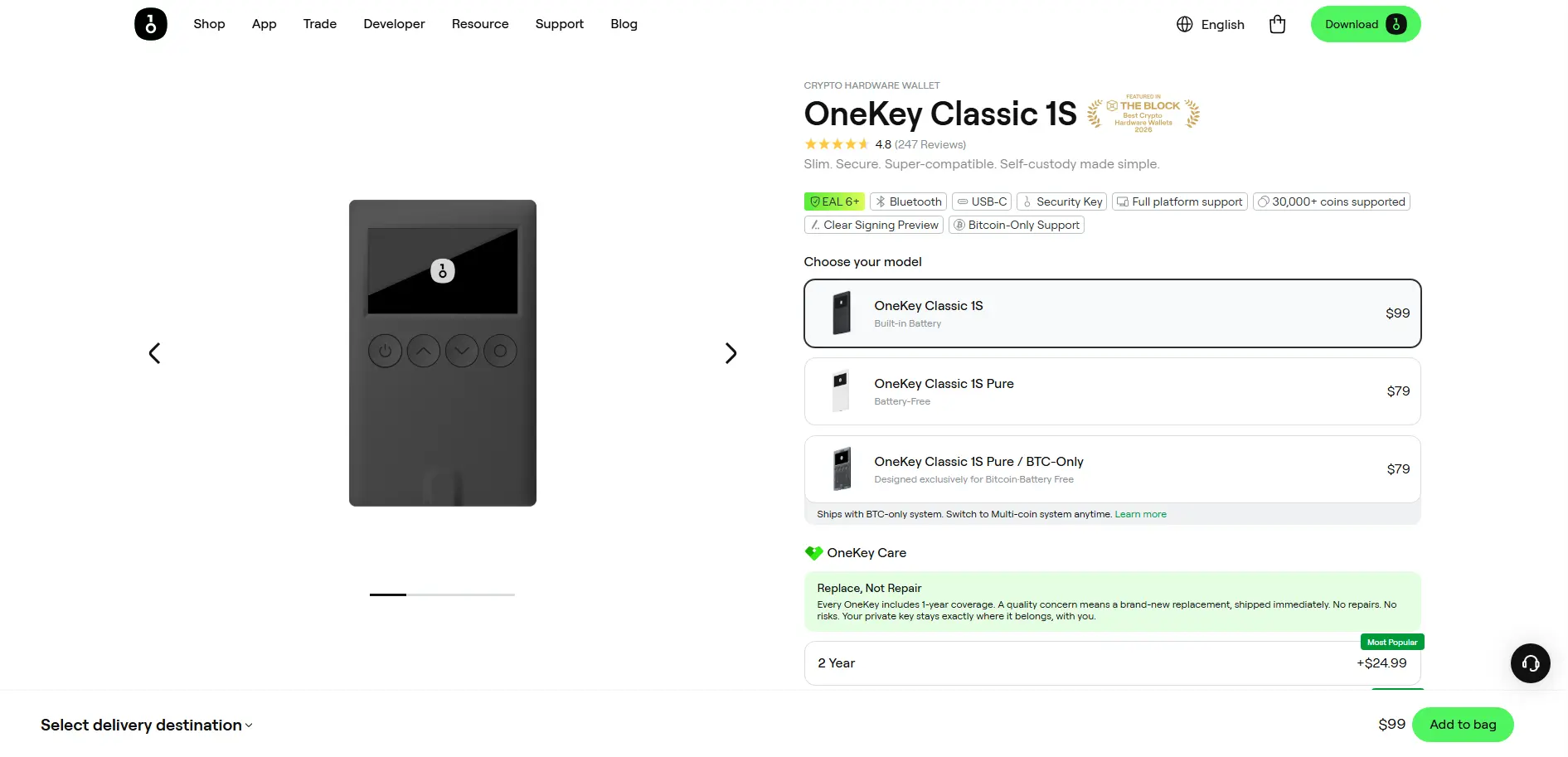
I will go into more details for the OneKey Classic 1S, because that is the wallet that I personally have in my possession.
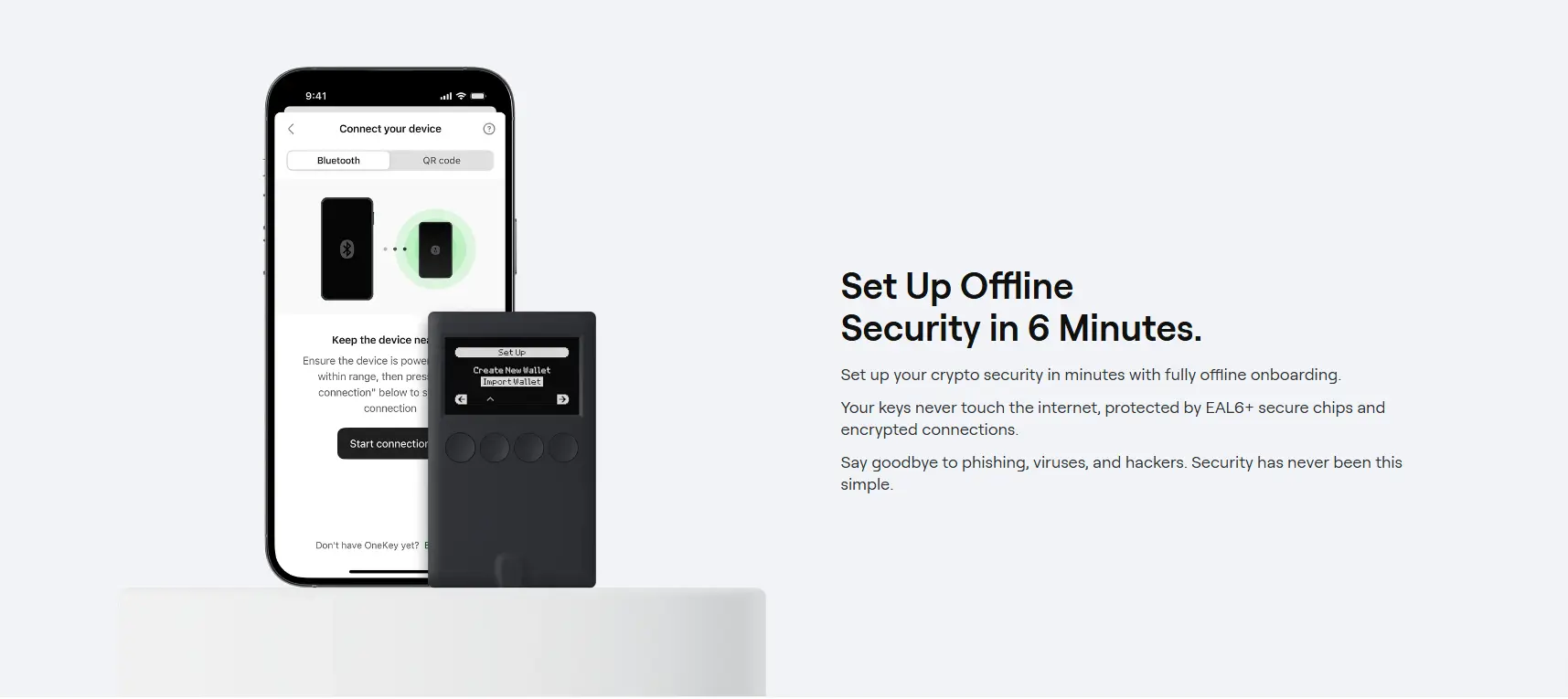
I have covered the review & setup in my YouTube video so feel free to drop a view & like.
I have to say honestly that I am delighted with this wallet. The setup is really simple & the wallet looks/feels great.
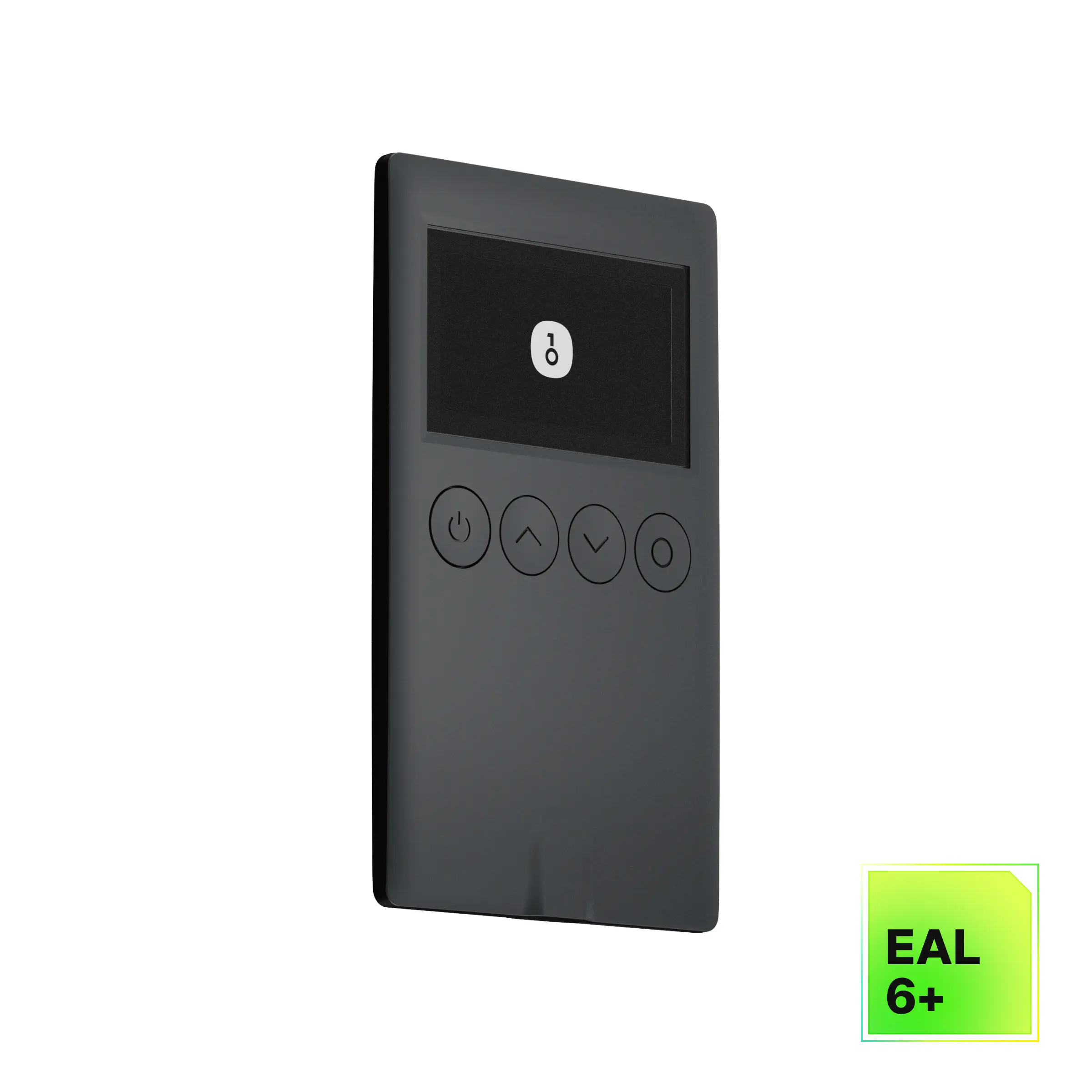
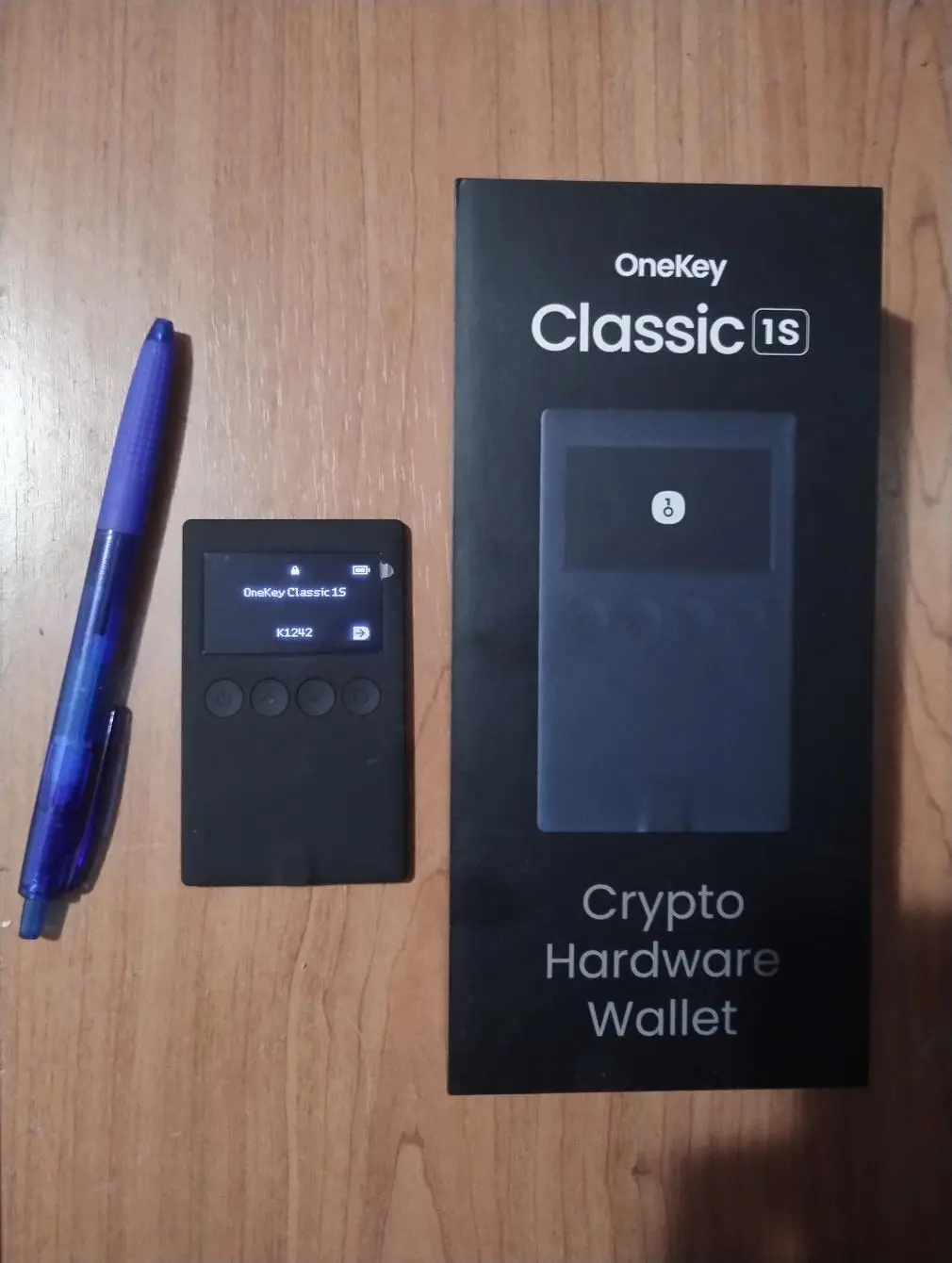
Here's a pic from my phone. The wallet is super thin and thiny. The OLED display looks amazing, like some kind of an old Nokia phone.
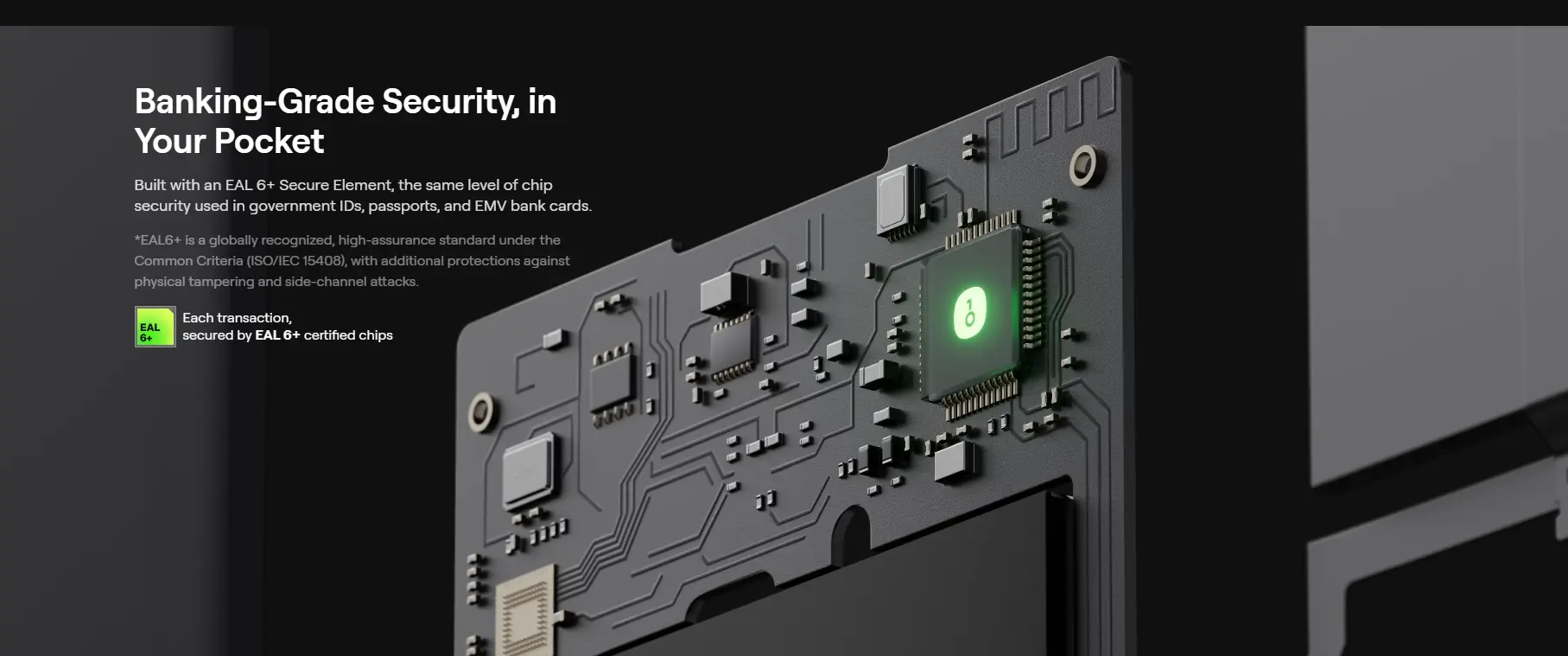
The wallet has an EAL-6 security chip, providing unparalleled "military-grade" level of security.
You can connect the wallet to your app on your PC or phone using USB-C or Bluetooth. As I've said and shown in my video, the setup is really simple.
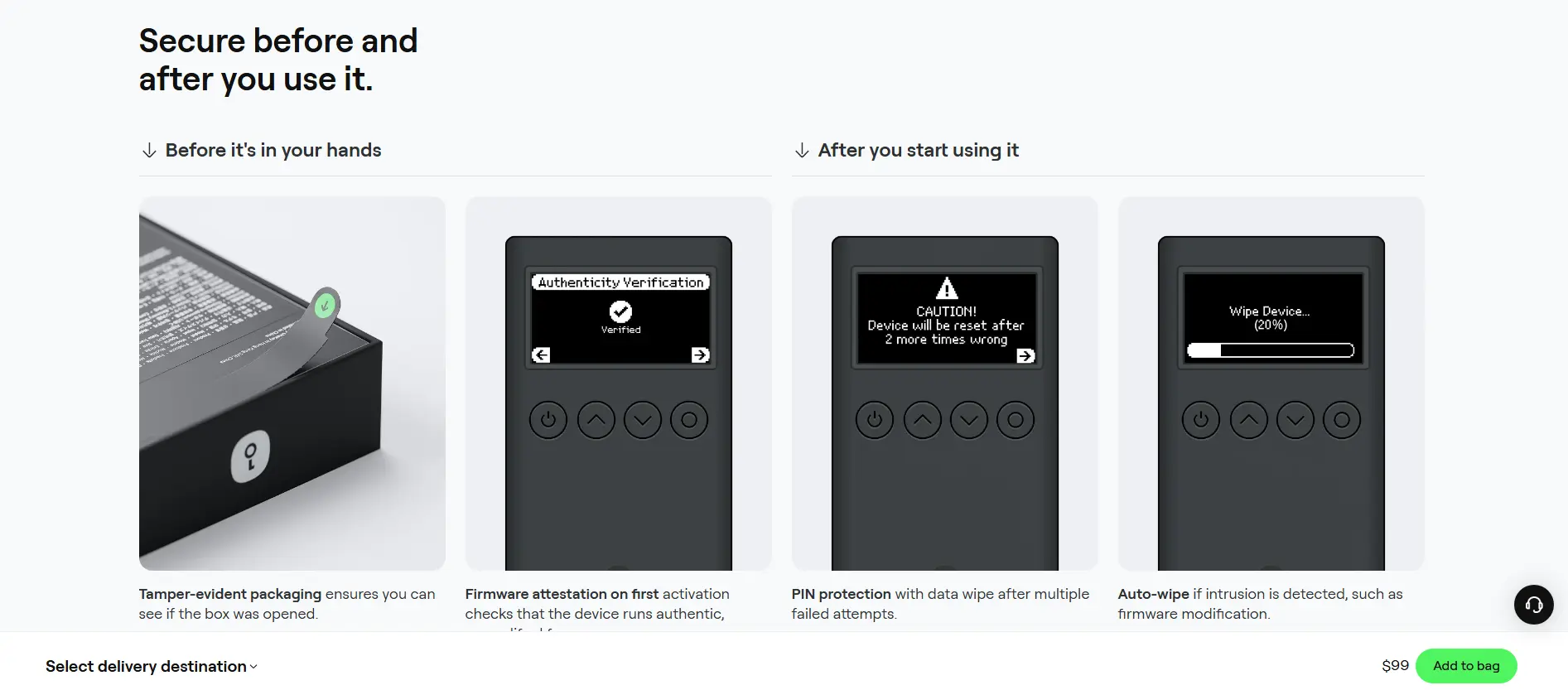
The most important advice for those who will be setting up their cold wallet - DO NOT SHARE YOUR SECRET RECOVERY PHRASE WITH ANYONE!
WRITE IT ON A PIECE OF PAPER!
If you have written your secret recovery phrase somewhere on the internet - it is NOT a cold wallet anymore!
Anyways, I have connected my OneKey Classic 1s to the OneKey app and it feels great. Both the app and the wallet user experience is awesome.
Once more, here is my referral link for OneKey products. If you purchase through it, I may receive a commission at no extra cost to you, thank you.
Besides the OneKey Classic 1S, I also have a Tangem wallet. And honestly, I prefer the OneKey, simply due to its amazing design, and also the fact that the app is available for installation on your PC. Tangem app is mobile-phone only, and honestly I personally don't like doing anything crypto-related on my phone, so having a cold wallet with a PC app is a more preferred option for me.
That would be it for this post, thanks a lot for reading, peace!
Follow me on:
YouTube






