
Learn how to sync your devices to Brave
The Browser that pays in cryptocurrencies offers several ways to increase your profits. Learn here in an easy way how to increase your profits by synchronizing all devices to your account and earn money by browsing every day, know which devices can be synchronized.
1- Computer
2- Cell Phones
3- Tablets
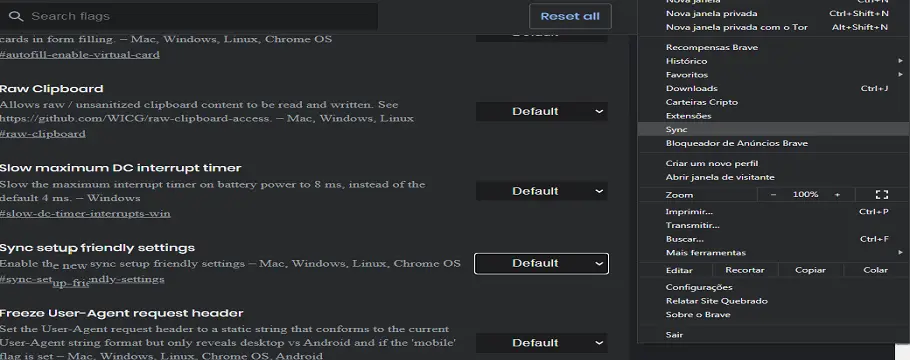
After downloading the Brave browser. In the search bar type brave://flags/ , enable the penultimate option “enable Brave Sync” will appear in the side menu (Sync) as shown in the illustration.
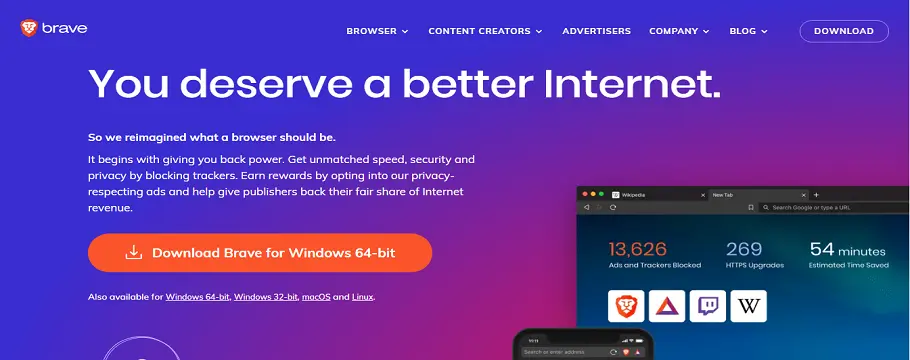
Restart the browser, in case I am synchronizing cell phone to computer, click on the link the system will be recognized as shown in the illustration.
Choose your default browser, next is to activate, allow notifications to receive Brave rewards, set it as default and have the habit of always using it, so your earnings will be faster, time to sync click on settings in the three dots ...
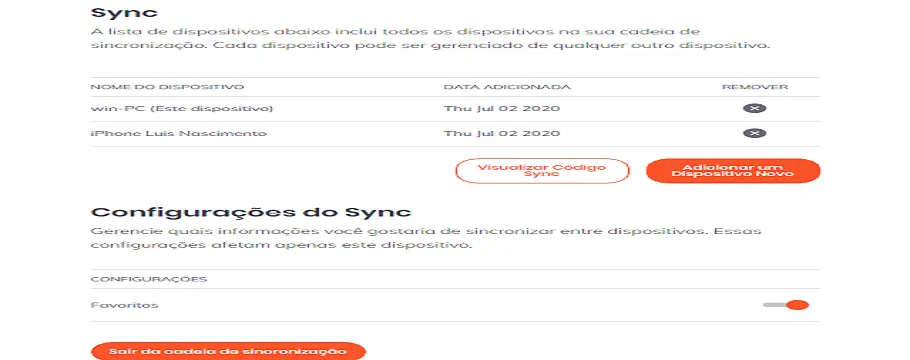
Click sync, add device, choose on the screen, Tablet, smartphone or computer, enable the cell phone camera, go to the computer side tab and click Sync to which we enable, click create a new sync, click on the desired option, a QR code will appear scanned by your cell phone, put the name of the desired device, ready your device will appear on your computer screen as shown in the illustration, add as many devices as you wish good luck.
Luis Nascimento






