
Want to break free from traditional banks and manage your crypto straight from your phone?
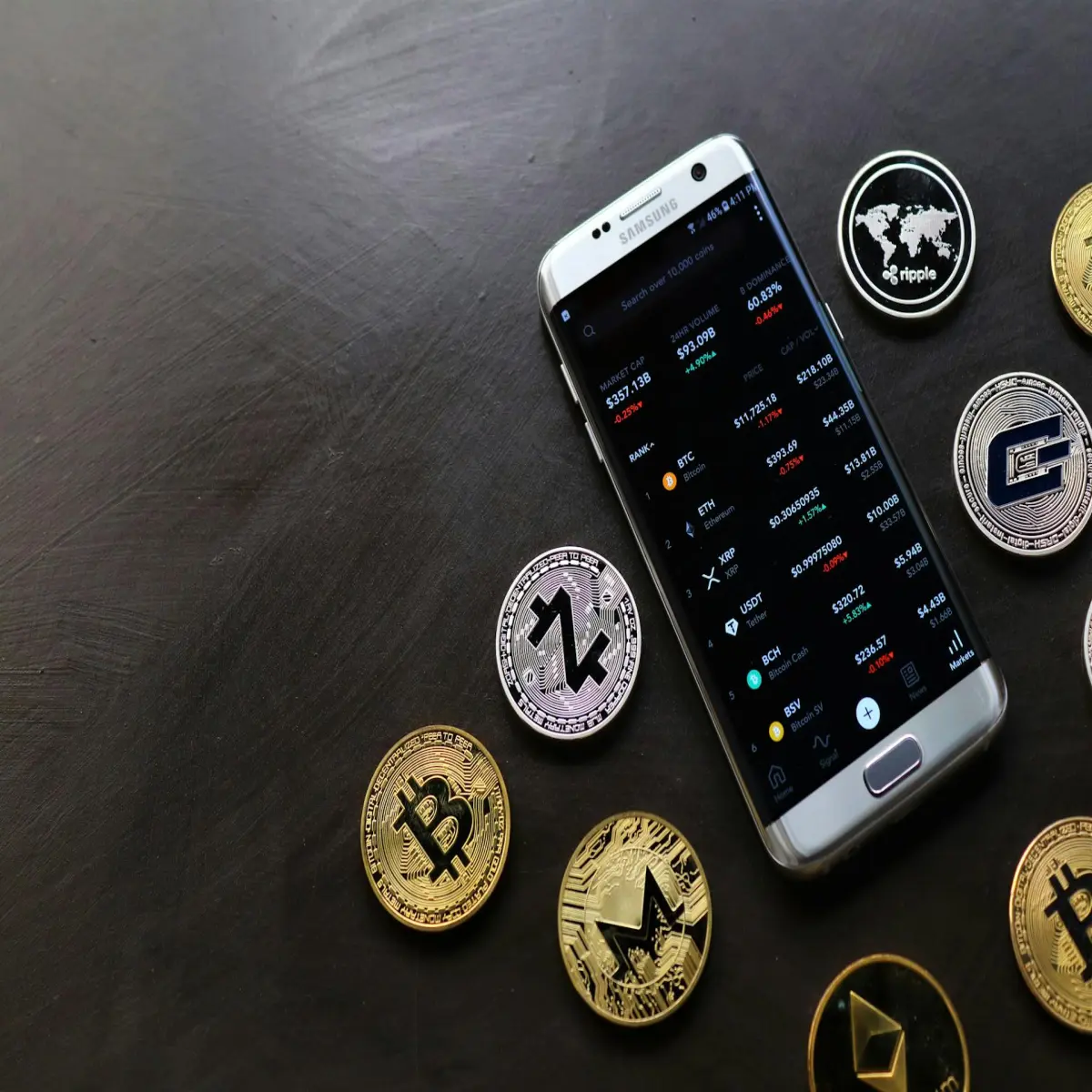
In 2025, Decentralized Finance (DeFi) lets you do just that. With just a smartphone and a few taps, anyone can swap tokens, earn passive income, and connect to powerful financial tools — without intermediaries.
If you're new, getting started might feel overwhelming. But don’t worry — this guide is your roadmap to learning how to use Trust Wallet for DeFi with ease. Whether you're a beginner or just curious, this simple, practical walkthrough will help you take your first steps into DeFi with confidence.
What Is Trust Wallet?
Trust Wallet is a non-custodial crypto wallet app that gives you full control over your digital assets. Unlike centralized exchanges, Trust Wallet lets you hold your own keys, making it one of the most secure and beginner-friendly options out there.
🔍 Key Benefits:
✅ Supports multiple blockchains: Ethereum, BNB Smart Chain, Polygon, etc.
✅ Access to thousands of dApps via built-in Web3 browser or WalletConnect
✅ Easy-to-use interface
✅ In-app token swaps and staking
✅ No KYC, logins, or personal data required
It’s the perfect DeFi wallet for beginners who want full control and flexibility.
Why Trust Wallet Is Perfect for DeFi in 2025
Whether you're just starting or already holding crypto, here's why Trust Wallet stands out in today’s DeFi landscape:
🔐 You control your funds (not an exchange)
📱 Mobile-first and intuitive
🌍 Global access to DeFi without restrictions
🔗 Seamless connection to decentralized finance platforms
💰 Earn crypto rewards through staking and lending
If you’ve ever wondered how to easily explore DeFi without getting lost in complexity — Trust Wallet is your answer.
---
Step-by-Step Guide: How to Use Trust Wallet for DeFi
---
🛠️ Step 1: Install and Set Up Trust Wallet
1. Download Trust Wallet from the App Store or Google Play.
2. Open the app and tap “Create a New Wallet.”
3. Write down your 12-word recovery phrase — this is your lifeline.
4. Confirm the phrase to finish setup.
> 🔒 Pro Tip: Store your recovery phrase offline — never screenshot or email it.
---
💸 Step 2: Add Crypto to Your Wallet
To use DeFi, you’ll need to add some crypto to cover transaction fees and make swaps.
Steps to Fund Your Wallet:
Tap “Receive”
Select a coin (like ETH or BNB)
Copy your wallet address
Send funds from your exchange (Binance, Coinbase, etc.)
> ✅ Always send a small test amount first to avoid mistakes.
---
🌐 Step 3: Access DeFi Apps via Trust Wallet
Now let’s unlock the real power of DeFi — connecting with dApps.
For Android Users:
Open Trust Wallet
Tap the “Browser” tab
Visit a DeFi app like https://pancakeswap.finance
Tap “Connect Wallet” → Choose Trust Wallet
For iPhone Users:
Open Safari and visit the dApp
Tap “Connect Wallet” → Choose WalletConnect
In Trust Wallet, go to Settings → Tap WalletConnect
Scan the QR code and approve the connection
Now you’re ready to swap, stake, and explore.
🔁 Step 4: Use DeFi Features Inside Trust Wallet
🔄 Swap Tokens
Example: Convert BNB to CAKE
Choose token pair
Set amount
Confirm the transaction and pay gas fee
💰 Stake Crypto and Earn
Stake coins like BNB, ATOM, or TRX
Earn rewards over time — similar to earning interest
💳 Lend or Borrow Crypto
Use dApps like Aave or Venus
Lend crypto for passive income
Borrow by locking up your assets as collateral
> 💡 Always monitor fees and check market conditions before executing DeFi transactions.
🛡️ Stay Safe While Using Trust Wallet for DeFi
The DeFi space is full of opportunity — but also risks. Here’s how to stay protected:
✅ Safety Tips:
Enable a PIN or biometric lock
Bookmark official DeFi platforms
Never enter your recovery phrase online
Disconnect from dApps when not in use
Only interact with verified tokens and contracts
> ⚠️ Remember: In DeFi, you are the bank — and the security team.
✅ Ready to Dive Deeper Into DeFi?
You’ve just learned the essentials of how to use Trust Wallet for DeFi — from setup to swapping, staking, and securing your crypto.
Here’s your next move:
🚀 Take action now:
💬 Drop a comment below — What DeFi feature are you excited to try?
📩 Subscribe to our newsletter for beginner-friendly crypto tips
🔗 Explore related guides:
👉 [Top 5 DeFi Platforms to Try in 2025]
👉 [How to Earn Passive Income with Crypto Staking]
> Your crypto journey starts here. Download Trust Wallet today and start exploring DeFi — securely and confidently.






