
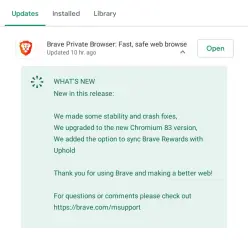
As I wrote here last week: Brave sync Uphold Wallets on Android coming next week!, I woke up today and got the last Brave Browser version (v1.10.94):
So, after update and open the app, you need to go to Brave Rewards icon and you'll see (as in desktop version) the new "Verify Wallet >" button:
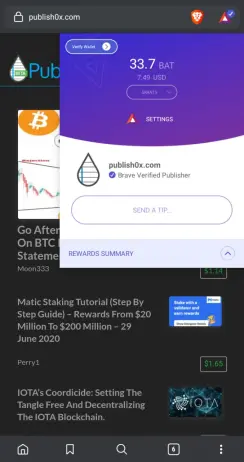
Tap on that button and depends on your current balance, two things can happen here:
1) Your balance is lower than 25BAT, so you'll see a toast message saying: "A minimum of 25 BAT is required to verify.".
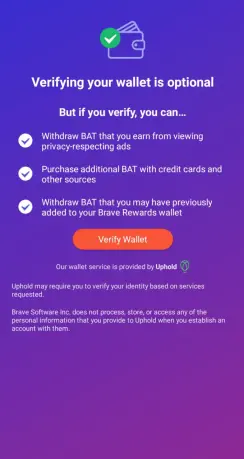
2) You have accumulated more than 25BAT, and you'll see a popup explaining what you can do with a verified wallet:
After tapping on "Verify Wallet" you'll be redirect to Uphold register page to sign up:
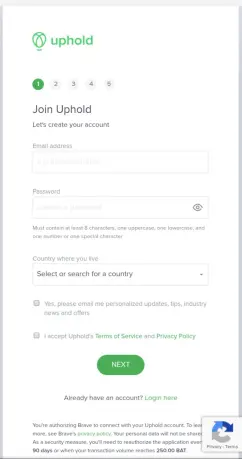
If you don't have an Uphold account, you'll need to sign up. (If anyone want to know about it, just let me know in the comments and I can post a walkthrough with the whole register and KYC process). In my case, I already have an Uphold account that is connected though a Brave's desktop version, so I went to the "Login here" link, and fill the form with my access credentials:
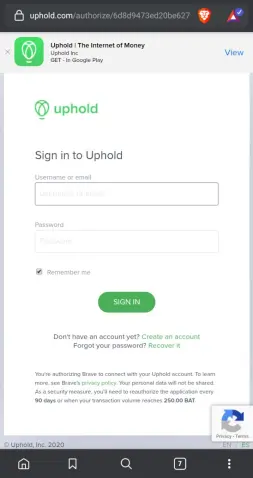
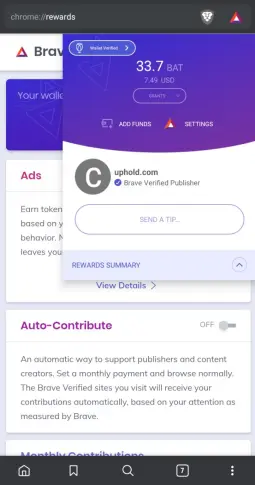
After a few seconds loading, the Uphold browser tab just close itself and you'll be back on the settings page. As you can see, the "Verify Wallet" button now says "Wallet Verified".
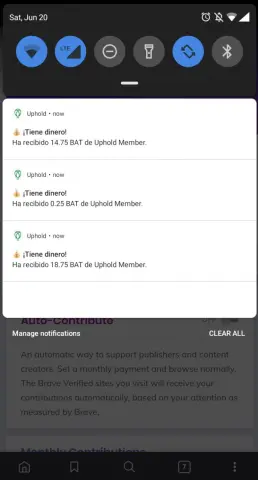
Another thing, is that if you have Uphold app installed, notifications will arrive to let you know the funds that were synced:
We can go check it to Uphold (Last 3 months activity)
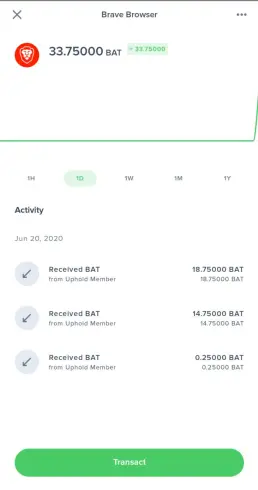
Behold what a fortune looks like! 🤣
From now on, every month payout should be available on Uphold (I still have to verify this, I will know around next month's 5th o 10th).
As you all can see, it's not a very difficult process, it is very straight forward.
Let me know if I can help you with anything.
I also would like to know what other things you all are going to do with this extra BAT besides tipping your favourite content creators and websites.
Thanks for reading, hope you enjoyed!
On Twitter @brauliodd
Previous posts:






