
Featured in Quartz, Yahoo, Forkast, Cointelegraph, Coindesk, Barron's, Functionland, Foundersship, Adot, Business Insider, and Nasdaq
Introducing new coins and NODE that can be mined with only a 2-core PC rather than the recent nodes that require high specifications.
The minimum RAM is 8MB, but 16MB is recommended. I don't need that much internet broadband either.
It can be done as long as it exceeds 10 MB and it doesn't take up much. (I am participating via wifi)
The final open beta test is in progress. The koii obtained here will be converted 1:1 to the officially open mainnet after June.
A different Solana-based meme coin will be distributed every day for 30 days in May.
(It is distributed daily, but it is said that the claim period is given after the event ends. When creating a wallet, since it is based on Solana, it would be convenient to use the 12 phrases of the Solana wallet you are using. - If you are anxious, pass it by!! Create a new one.)
It went back a day on May 1st and mining could not be done for two days due to a DDOS attack, but it was restarted from yesterday.
Installation method
(You may think it is a bit complicated, but it is very simple compared to other nodes)
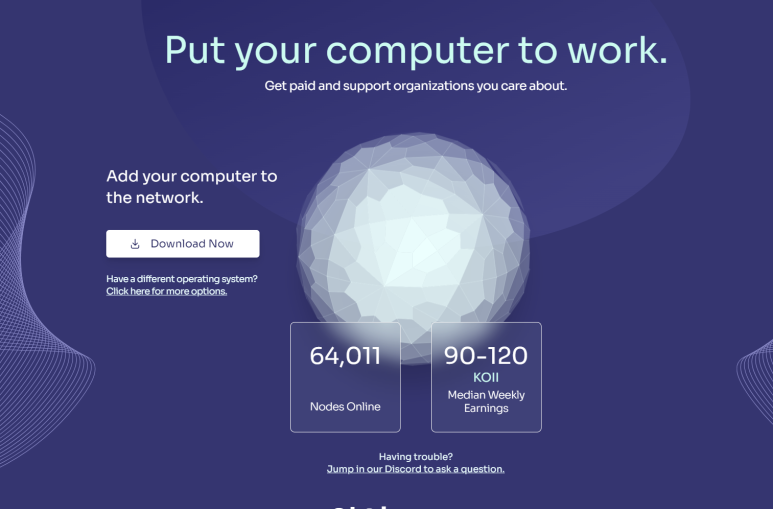
1. Download the node that matches your OS from https://www.koii.network/node?refCode=A2FABC50FA2B
(Recommendation code is required *Recommendation code: A2FABC50FA2B)
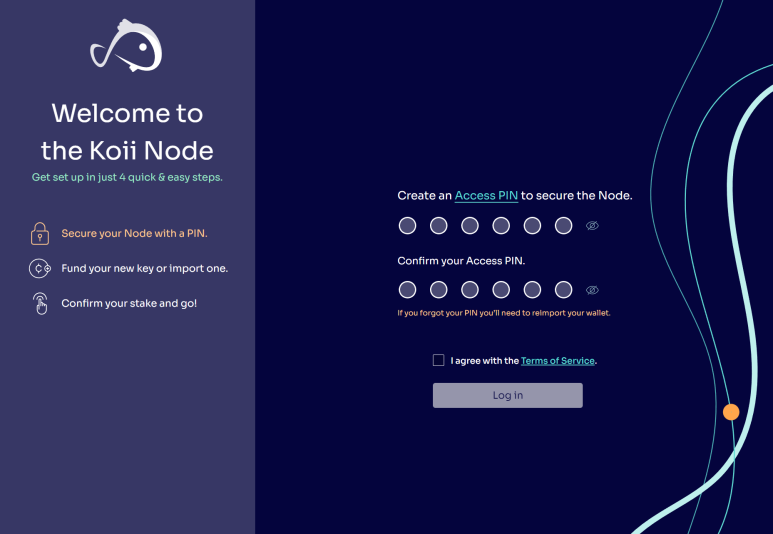
2. After installation, create a 6-digit PIN.
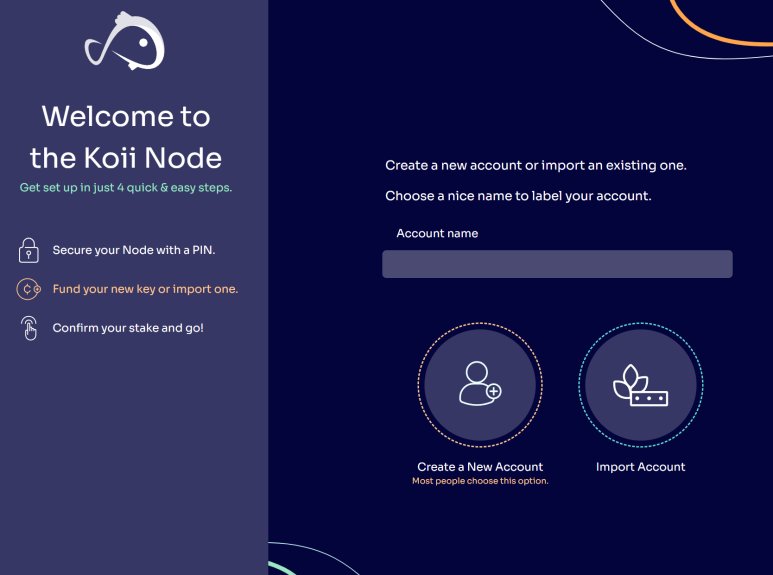
3. When creating a wallet, we recommend using the 12 phrases of your Solana wallet. (Explained at the top)
4. When Receiving Funds appears, click to go to the faucet page.
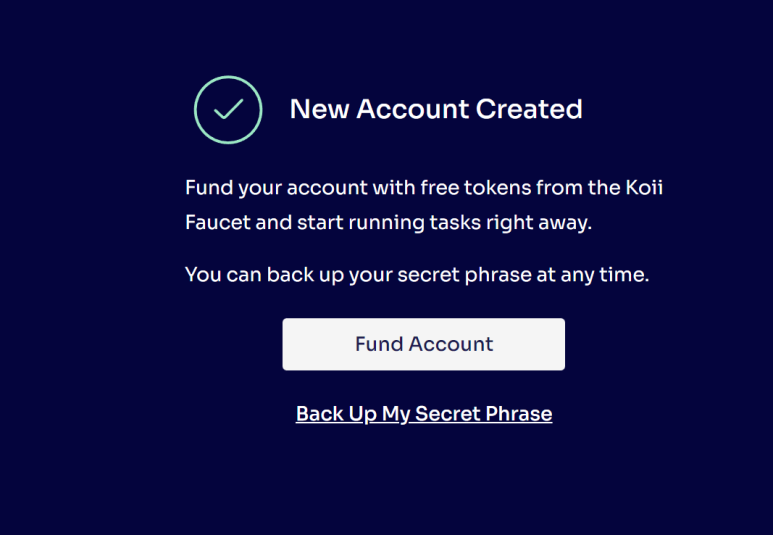
5. GET Some KOII if you press (receive free coins from the faucet)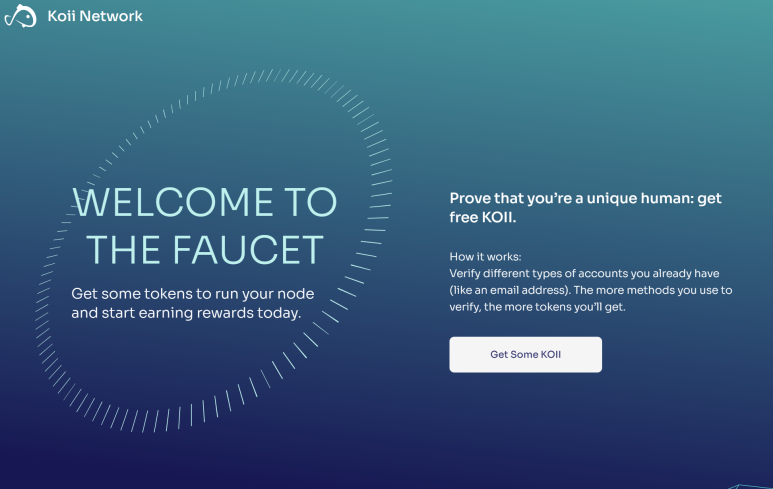
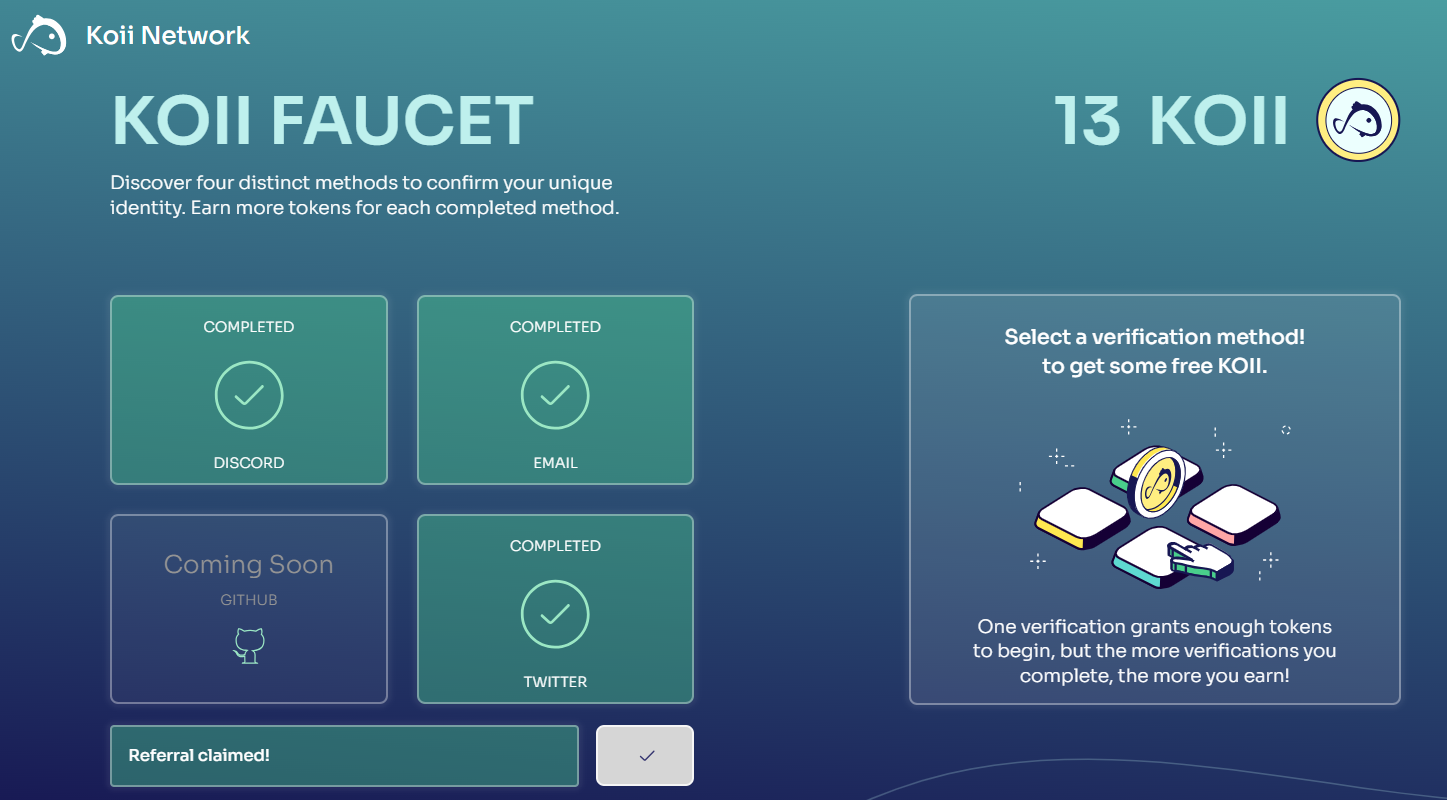
You will see 4 linkages, and after clicking, the money will be deposited directly into your wallet (2 emails, 2 tweets, 4 Discord, *5 referral codes: A2FABC50FA2B) You must receive a total of 13 to complete the first complete recovery. If there is a delay in participating in the workshop and duplicate staking occurs, you may not be able to participate and end up begging
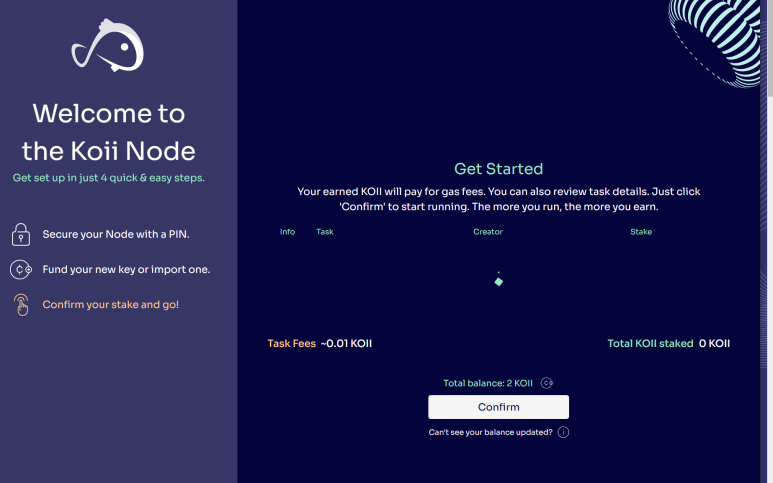
6. If you go back to the KOII NODE installed program, the square will bounce and then FreeToken TASK! You need to make sure that appears (if you pass or overlook this, there may be a bit of a problem)
- Stake 1.9 and start mining right away!!
7. Get Spheron storage key - All workshops other than the Free Token workshop require a storage key.
(Starting from version 0.70, the Spheron Storage Key is no longer needed.)
Get Spheron Storage Key
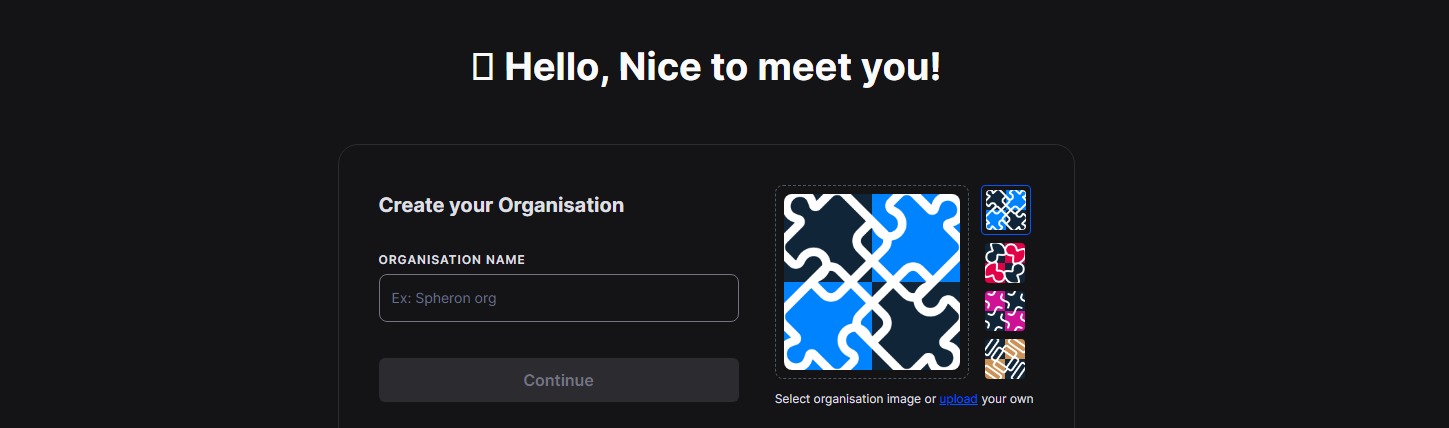
1. Go to https://app.spheron.network/
2. Register/Sign-up using Web2 -> Github Account or email
3. In the upper right corner, you will see your profile, click on it
4.Click Settings
5. Go to Tokens
6. Click the “Create Token” - Token Name: koii
7. Type: Storage
8. Scope: (Which is your organization’s name on registration)
9. Expiration: Expiration
The created spheron_storage_key must be kept safe along with the 12 phrases in your wallet.


8. There are currently 8 workshops in operation.
Big Big TASK is for DAO and has no rewards. ...Pass~!!!!
Free Token Task! Since this is the first time you run it, there are no conditions. (Test it for 1-2 hours to make sure it runs smoothly.)
Arweave Verifier & Inflation Monitoring (two workshops that only require spheron_storage_key)
The four workplaces below require a Twitter(X) account.
Even when checking your Twitter account from the faucet, new accounts are not confirmed.
If you do not verify your Twitter account from the faucet, you will not be able to use the 4 accounts below (the password field is disabled so you cannot use it)
Excluding the Big Big Task, about 30 to 35 mines are mined in a single day.
Check to see if all three are running smoothly for about a day, then enter the Twitter account that has been verified as a faucet first.
We recommend that you create a new Twitter account and add it.
ADOT Search AI
TWITTER_USERNAME: ABC <--Your account name
TWITTER_PASSWORD: ABC123 <----An error will occur if the password is incorrect.
TWITTER_PHONE: (Inserting a phone number will be burdensome, so just add spaces and save. *Elon Mesk can save and use it that way.)
Archive Twitter
TWITTER_USERNAME: DEF
TWITTER_PASSWORD: DEF123
TWITTER_PHONE: (Just add a space for the phone number and save it.)
#koii Twitter Archive
TWITTER_USERNAME: GHI
TWITTER_PASSWORD: GHI123
TWITTER_PHONE: (Just enter a space in the phone number and save it.)
Mask Social Feeds
TWITTER_USERNAME: JKL
TWITTER_PASSWORD: JKL123
TWITTER_PHONE: (Just add a space for the phone number and save it.)
Make sure you have different Twitter accounts when you enable this to avoid conflicts.
Coins mined on Testnet are converted 1:1 to Mainnet launch.
#Koii Node is still in its early stages, so we recommend signing up as soon as possible.
Please mine new coins that are exchanged 1:1 on the mainnet and receive drops of the popular #memecoin.

#koii #memecoin #koii_network #Solana #Meme #Mining







