
I hope everybody is having a great weekend. I am writing this post today to walk through the steps required to verify your wallet on the Brave Browser using Uphold. You will not be able to withdraw earnings from the Brave wallet until it is verified.
I look forward to continuing my walkthroughs regarding Brave and BAT, so be sure to follow me to stay up to date.
If you are not currently using the Brave Browser, you can download Brave here https://brave.com/mrs429.
If you are already using the Brave Browser and you are set up for Rewards, the first step is to head to https://uphold.com/. The page you are directed to should look like this. 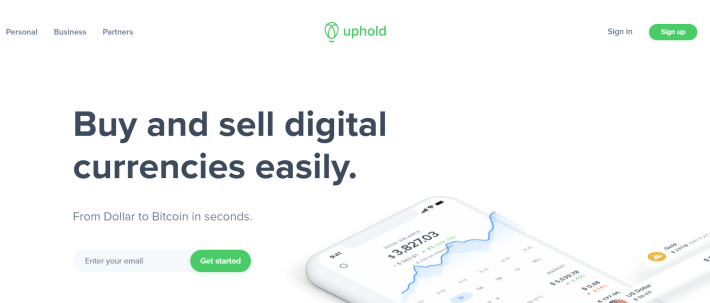
If you already have an Uphold account from previous experiences, go ahead and log in.
If you do not have an Uphold account, go ahead and enter your email to begin the registration process. Upon entering your email you should be directed to a menu with three steps that looks like this. 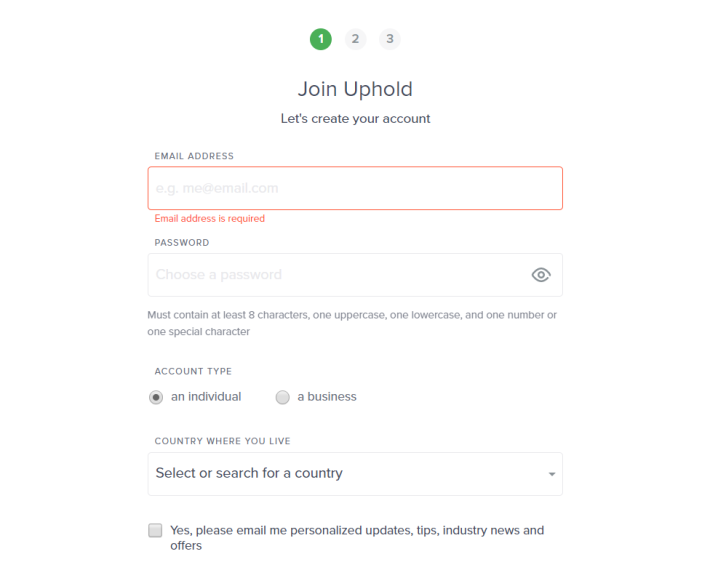
Go ahead and complete the registration process as it walks you through it step by step on screen.
Once you complete registration, login to your Uphold account.
The next step in this process is to move forward with Upholds "KYC" process. "KYC" stands for Know Your Customer.
**You only need to move forward with the "KYC" process if you want to withdraw BAT from the Brave wallet.**
The next step is to return to Brave and open the rewards panel. In the top left corner of the rewards panel click on the "verify wallet" link. Follow all of the instructions that are shown to you to link your verified Uphold account to your Brave wallet. After doing so, the top left corner of the rewards panel should say "wallet verified." You will now be able to transfer funds out of you're Brave wallet into Uphold





