
This article is about how to start earning additional BAT by using Brave.
If you are not aware of the Brave browser, I highly recommend to check this browser out as a fast and secure web browser for PC, Mac and mobile. I am using Brave since the mid of February and it has replaced Chrome for me. First of all, I usually work with having plenty of tabs open and noticed that Brave needs less memory compared to Chrome. On top, I can earn additional BAT while using Brave. So why not using Brave and earn some BAT if the browser experience is similar to what you are used from other browsers?
So how to earn BAT using Brave?
1) Download the Brave browser - http://bit.ly/2RLANKN
2) Install Brave with the standard settings on your system
3) After completing the installation Do NOT skip the welcome tour. Simply follow these steps.
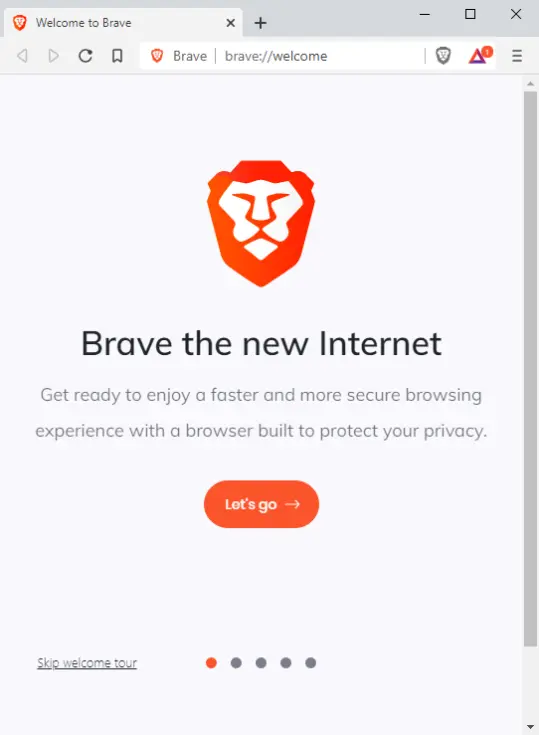
Continue by clicking on Let's go
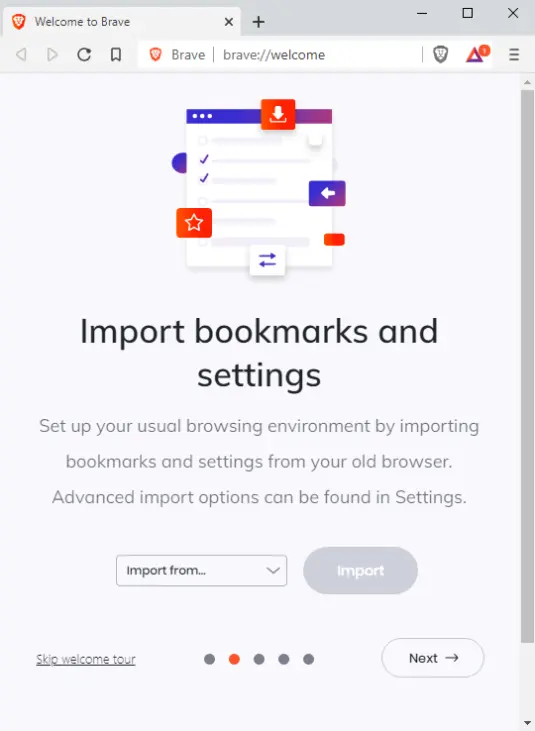
Import bookmarks from Chrome or any other browsers you have used before. Click next.
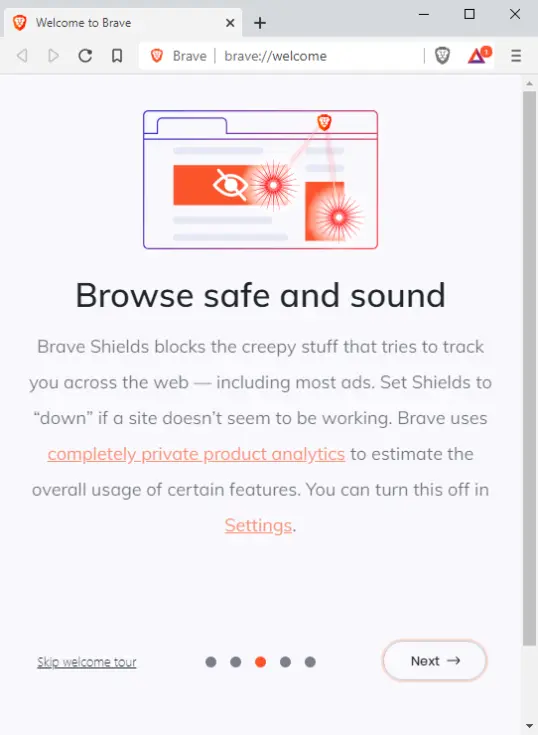
Continue by clicking Next.
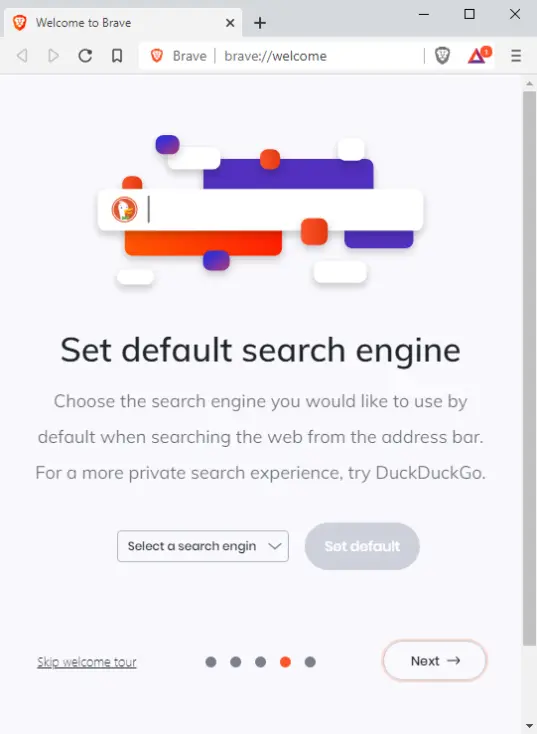
Change your default search engine. Click Next.
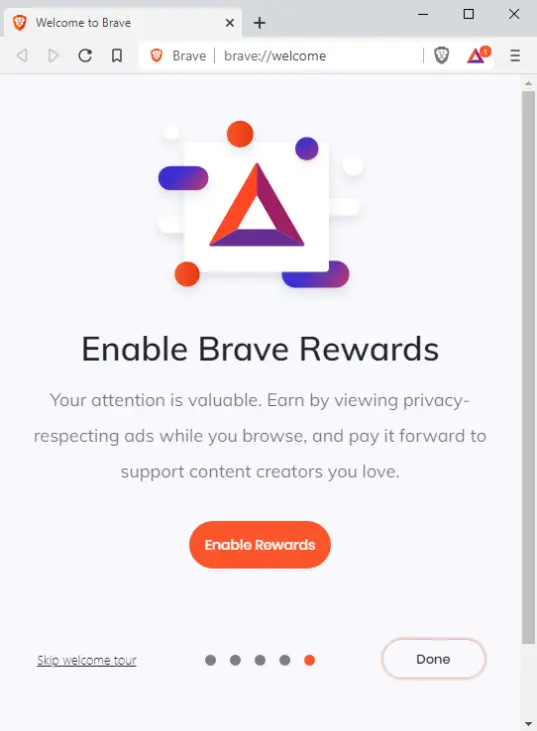
The MOST important step. Click on Enable rewards to start earning BAT while using Brave.
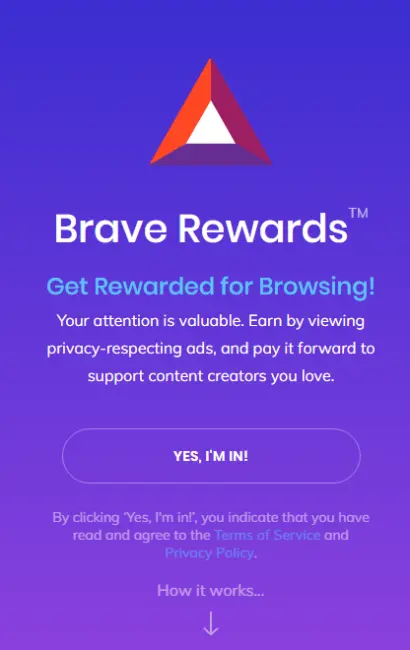
Confirm that you want to participate by clicking on Yes, I'm in!
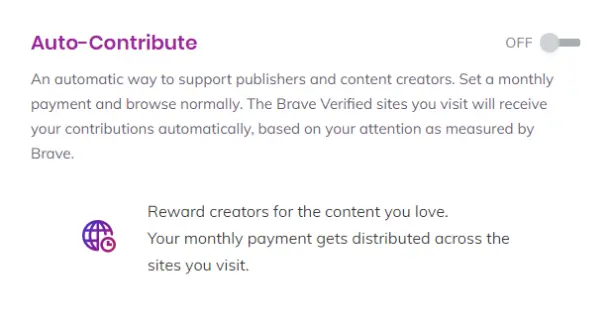
I highly recommend switching Auto-Contribute to Off. Otherwise Brave will distribute your earned BAT across the websites you have visited.
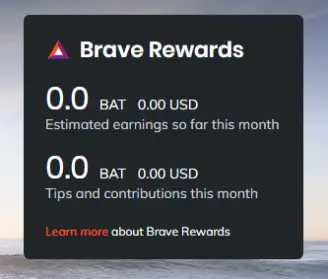
Every time you start Brave this window provides information about how much you have earned by using Brave.
IMPORTANT: Installing and using is NOT what will lead to earning BAT. Once you have enabled the Brave rewards within Brave you need to allow notifications from Brave. This will result in receiving ad notifications from Brave that you need to click on. Based on your location where you live, the number of ads you might receive during a day can be different. There is no general rule for this.
Please support me as a content creator by using the Brave download link (https://brave.com/bit869) below and feel free to tip this article.
Have a nice weekend and stay safe!






