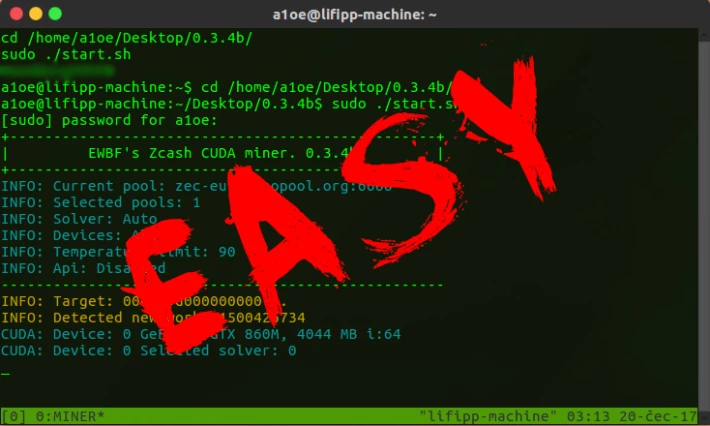
Many people today would like to use Linux but many of them don't know yet how to install it and how to play with it, in this post I will teach you how to Install Linux and how to start using it for mining. As we know Linux is one of the best Free Open Source Operative Systems available in the market, what make it valuable and very useful specially for mining.
On Linux we have many distributions but how to choose the right one? Mostly Debian Distributions like Ubuntu and Lubuntu will make a great job in terms of mining, but how do I Download Ubuntu or Lubuntu?, How can I install it?, How can I configure it and start to mine with it?.
Don't worry I will explain how to get it, how to install it and how to start mining with it, something we need to consider at the time when we want to mine is find out which coin we gonna mine.
How do we want to do it by CPU or GPU, which kind of processor I'm planning to use?, at this moment in the market most of the computers come with Intel Processors like i5 or i7, with Intel you can double the threats for mining because they are dual core so 2 threats per core can be use.
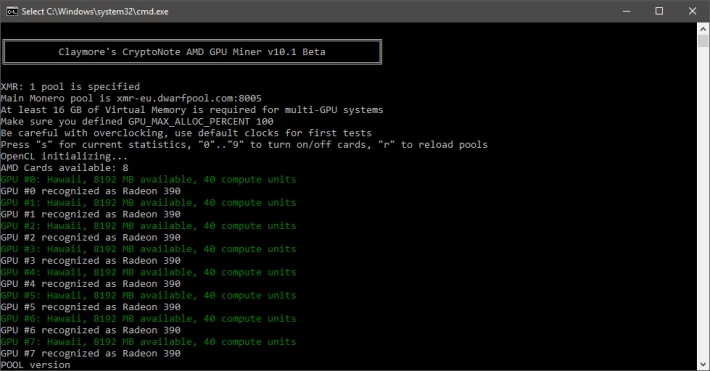
That means that an I7 processor that have 4 Cores can mine with 8 threats, aside of Intel we also have AMD Ryzen Processors who are the best CPU's you can use for mining, high performance and very reliable and one of my favourites for mining purposes.
Let's get our hands dirty and start to prepare the scenario to make it real, first you will need is to know where you gonna mine, I will recommend to mine Verus Coin and CPU mining coin that is very profitable, I spoke about that on one of my old posts.
You can also of course mine with GPU and for that case I will suggest to mine Nervos Network coin. At this moment we will only focus on CPU mining.
- How can and where to download the ISO image for Lubuntu: To download Lubuntu we need to go here please download the 64 bits version that is the most commonly version to use.
- Download Rufus and prepare an USB bigger than 2 GB to be formatted and use it for installation:

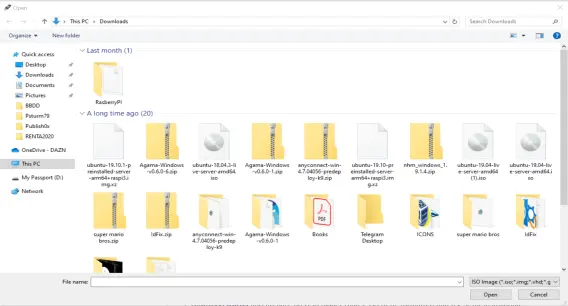
- Great now we have our ISO image, our Rufus Software and we already formatted the USB with LUBUNTU ready to be install, now we gonna proceed to access to the BIOS into our computer, that can depends of the brand for DELL computers just press F12 when booting and after it change the Boot sequence to start from the USB device, do some research how to do that if your pc is not DELL.
- Once the Boot sequence is already set, than we gonna proceed with the installation.
- I will suggest to use the option Try Lubuntu without install and in that way you can have an idea about how it works and if you like it, in the other hand you can make use of you HDD to erase it and install the Linux Distro you selected.
- The System easily will prompt you on all the steps to install and configure the system with your preferences, select Regional Location, Language and set your keyboard lay out.
Once you had installed Lubuntu please follow all the steps on my last post HOW TO MINE VERUSCOIN, and as always said HAPPY MINING GUYS!!!
Peace.
PS: All my earnings in mining goes always to Bitcoin that's my suggestion for you. SWAP IT TO BITCOIN!