
Sometimes I tried to withdraw some Tokens that I earn through Airdrops that I do and the following error message appears:
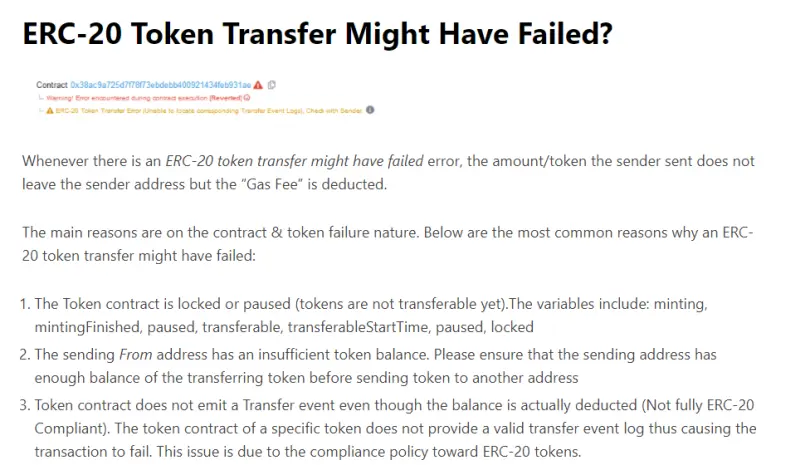
I don't know the technical explanation for when this happens in the figure below, but after some research, it looks like it's a BUG from the MetaMask portfolio.
One solution I found was to withdraw my ERC-20 Tokens through MyEtherWallet, connecting Metamask to it. This option was widely used before when it was not possible to withdraw directly from MetaMask
If you don't know how to connect your MetaMask wallet to MyEtherWallet, I will leave you with a small illustrative tutorial below.
1 - First, access the MyEtherWallet website and connect your Metamask wallet to it, it is necessary that your MetaMask wallet is already connected in your internet browser.
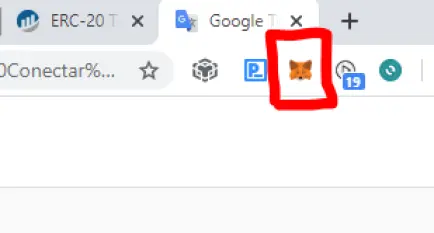
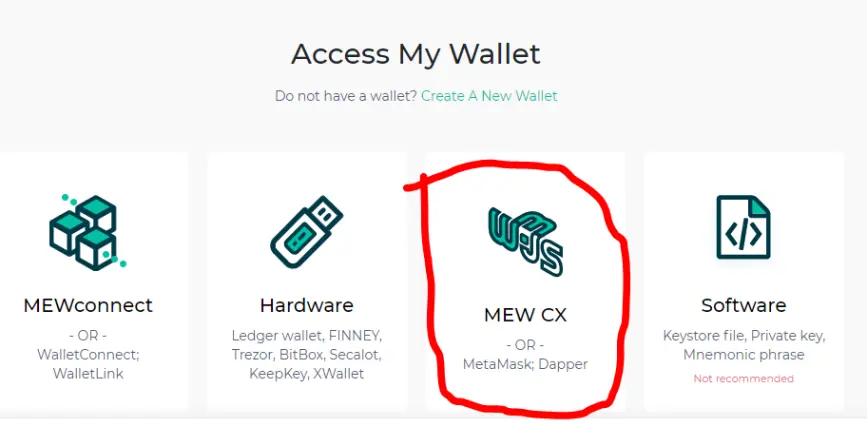
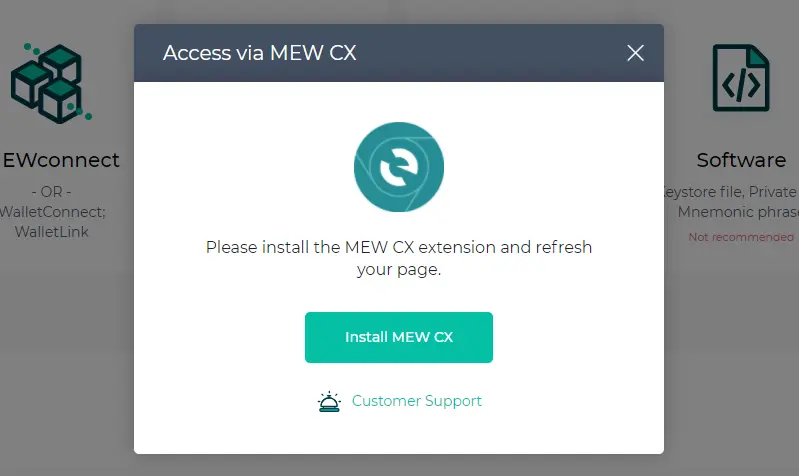
2 - You will be asked to install an Extension on your MyEtherWallet Chrome browser, Follow the steps and install
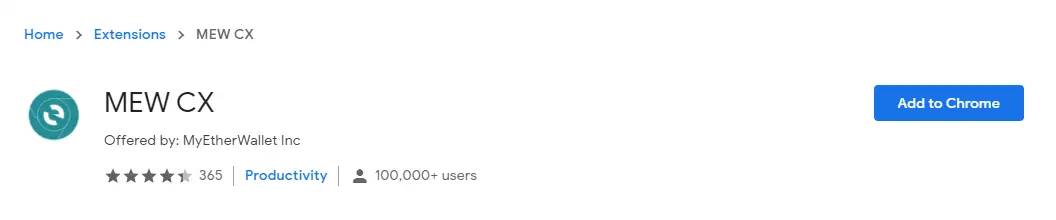
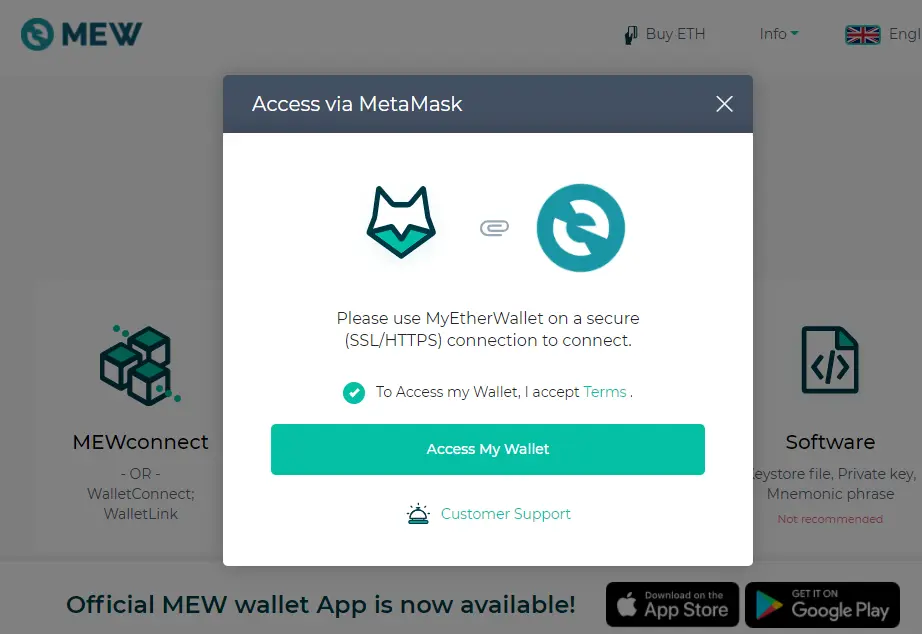
3 - After installing the MEW Extension, refresh your chrome browser page and then click the My Wallet Access button
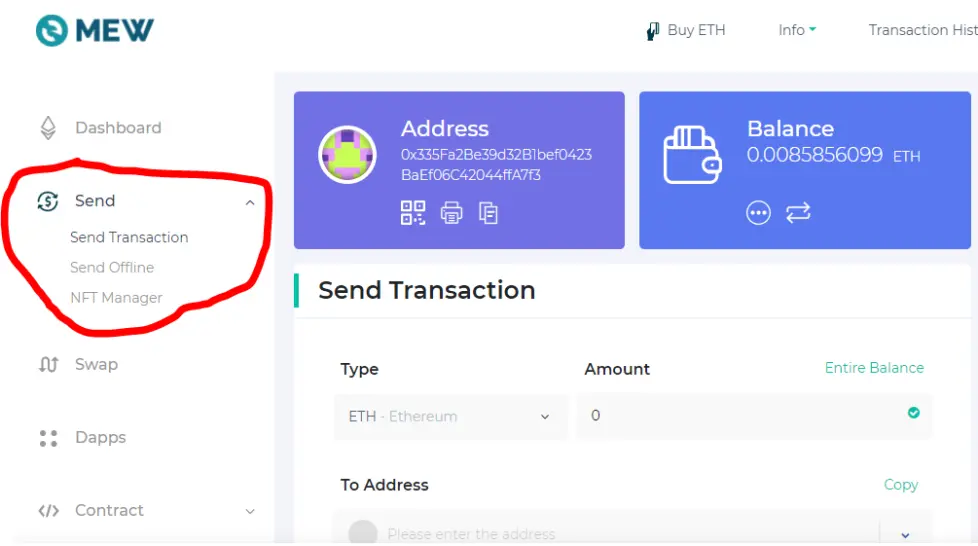
4 - Now you are logged in to MEW with your MetaMask wallet, go to the left corner and click on Send to send the Token you want
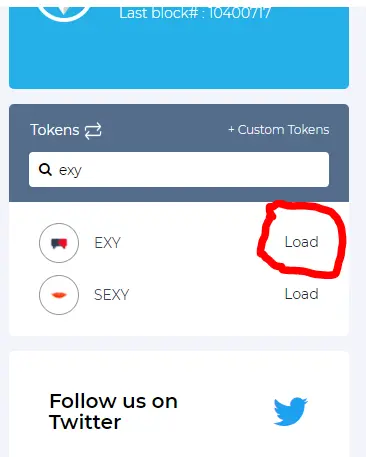
5 - Then, in the dialog box beside, look for the Token you want to remove. If it does not appear, it will be necessary to take the existing contract number from the MetaMask wallet and search for the Custom button. Then click Load
6 - Your Token will appear in the dialog box in the center of the page, just select the token you want to withdraw
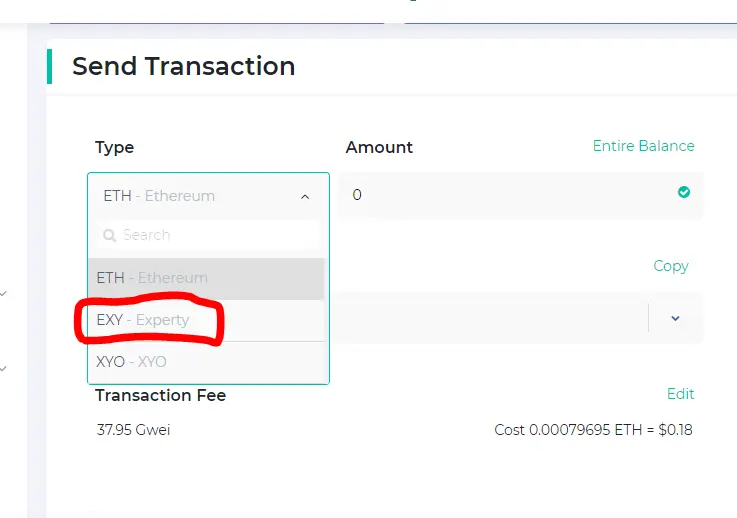
7 - From now on, you only have to define the quantity of the ERC-20 Token you wish to withdraw and its fees
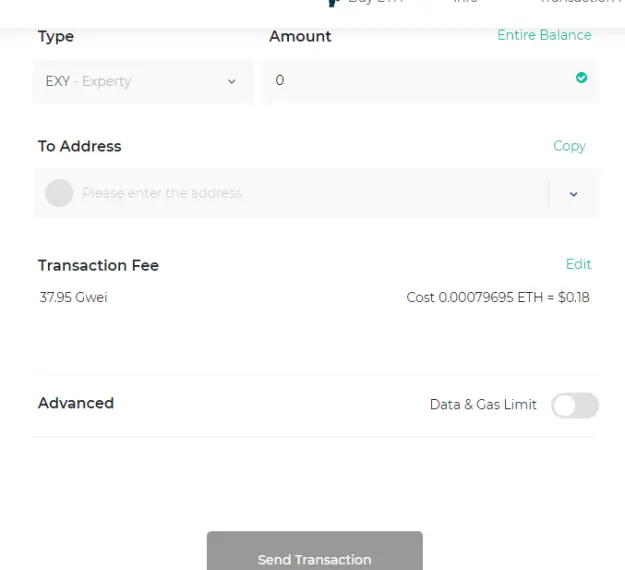
I hope I have helped you who are going through the same problem, now whenever I bag my Metamask tokens I perform this procedure, it was the only way I found to not waste my GAS which is more expensive nowadays.






