
Want to withdraw your Publish0x earnings fast? Follow this simple step-by-step guide to send your crypto straight to your Coins.ph wallet!
If you’re a Filipino crypto earner on Publish0x, chances are you want to cash out your rewards to pesos. One of the most popular wallets in the Philippines is Coins.ph, which allows you to receive crypto and convert it to PHP easily.
In this guide, I’ll walk you through how to withdraw from Publish0x to Coins.ph—even if your balance is in tokens like USDC.
1. Check Your Balance on Publish0x
Go to your Publish0x dashboard and see what token you’re earning. At the time of writing, rewards are usually in:
- ETH (Ethereum)
- USDC (USD Coin)
- AMPL (Ampleforth)
👉 In my case, I currently have 0.245421 USDC ($0.50). Image Source: Author’s own screenshot
2. Understand Coins.ph Supported Tokens
Before withdrawing, you need to know which tokens Coins.ph accepts. As of now, Coins.ph supports:
- BTC, ETH, XRP, BCH, USDT (ERC-20 / TRC-20 / Polygon), and PHPC
⚠️ Notice that USDC is not supported directly. This means you cannot send USDC straight from Publish0x to Coins.ph.
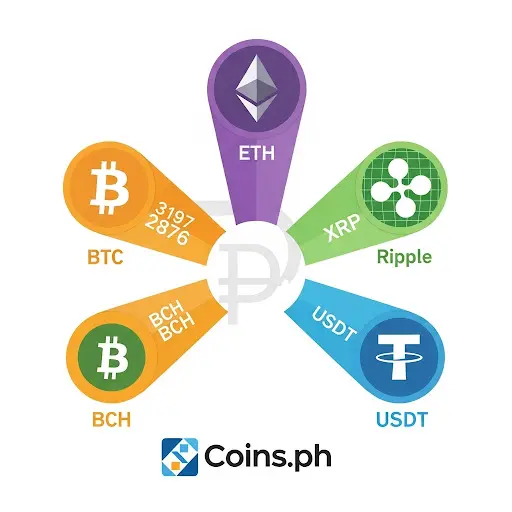
Image Source: Author’s own screenshot
3. Your Options for Withdrawing USDC
Since Coins.ph doesn’t support USDC, you need to convert it first. You have two main routes:
Option A: Using Metamask
1. Create a Metamask wallet (if you don’t have one).
2. Withdraw USDC from Publish0x → Metamask ETH address.
3. Inside Metamask, swap USDC → ETH or USDT (ERC-20).
4. Send ETH/USDT from Metamask → Coins.ph wallet.
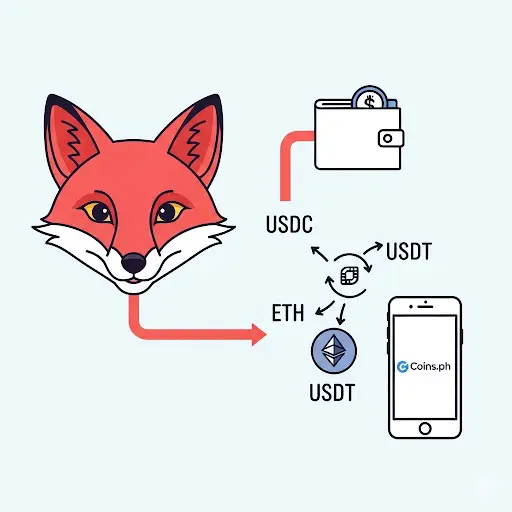
Image Source: Author’s own screenshot
Option B: Using Binance (Recommended for Beginners)
1. Withdraw USDC from Publish0x → Binance wallet.
2. On Binance, convert USDC → ETH or USDT.
3. Withdraw ETH/USDT from Binance → Coins.ph wallet.
This method is easier if you already use Binance since they support more tokens.
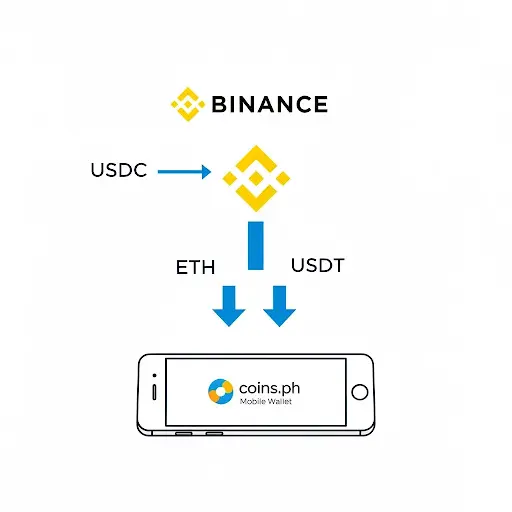
Image Source: Author’s own screenshot
4. Things to Keep in Mind
- Minimum withdrawal from Publish0x is usually $0.50. If you only have $0.24, you need to wait until you reach the minimum.
- Gas fees on Ethereum can be expensive ($1–$5+), so it’s smarter to let your balance grow to at least $5–10 before withdrawing.
- Always double-check wallet addresses before sending crypto to avoid losing funds.
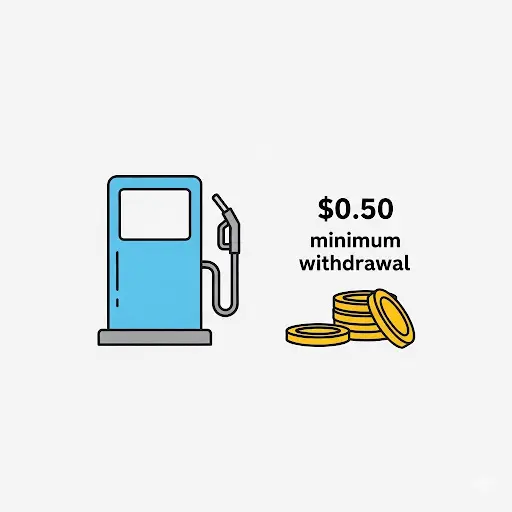
Image Source: Author’s own screenshot
5. Cashing Out to Pesos in Coins.ph
Once your ETH/USDT arrives in Coins.ph, you can:
1. Go to your Coins.ph wallet.
2. Tap Convert to change your crypto into PHP.
3. Cash out via GCash, bank transfer, or remittance centers like Palawan Express.
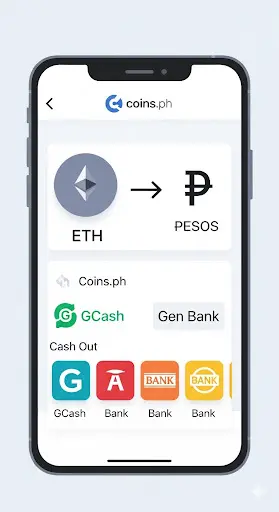
Image Source: Author’s own screenshot
✅ Final Thoughts
Withdrawing from Publish0x to Coins.ph is possible, but if you’re earning USDC, you’ll need to pass through Metamask or Binance first. Also, keep in mind the minimum withdrawal and gas fees—waiting for a higher balance before withdrawing is the most practical way.
Earning crypto through reading and writing on Publish0x is great, and with the right strategy, you can easily turn your rewards into real cash in the Philippines.
Image Source: Author’s own screenshot
#Publish0x #CoinsPH #CryptoEarnings #USDC #CryptoGuide #CryptoPH #CashOutCrypto






