
KumoWorks is a software for cloud scenery creation in a completely innovative way. Through raytracing and artificial intelligence, it can discern the silhouette of the clouds and give them volume and lighting fully automatically. All the user has to do is draw the outline of the clouds, and the program will take care of the coloring and painting.
This software is useful in areas where it's necessary to create cloud backgrounds in large quantities in a short time, for example, in the production of animated films or in game development.
History
KumoWorks belongs to the OpenToonz suite. It's a set of free and open-source tools for 2D animation production. It's developed by Dwango in collaboration with Studio Ghibli.
This software was first used in the movie "Princess Mononoke." It was then used in the inking, coloring, color design, and digital compositing processes of most of the Studio Ghibli films. These processes are part of the production's life cycle: they begin with the scanning of hand-drawn sketches and end with the production of the final footage.
After the production of "Arrietty / The Secret World of Arrietty," the development of this tool continued within the company, evolving to suit the Studio Ghibli production style.
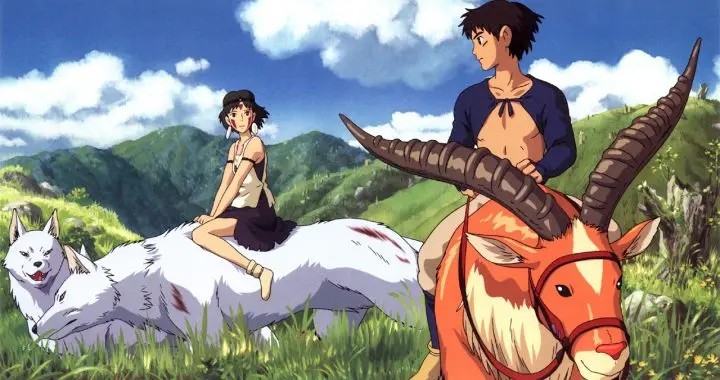
Princess Mononoke, the first Studio Ghibli movie where this software was used
As an extra piece of information, the program's name comes from the Japanese word used for "cloud," which is, precisely, "kumo" 【雲】.
Hands-on
This software is free and open-source, and it's distributed under a BSD3 license. It can be downloaded from the official website. It's available for Windows and Mac.
After installing and running it, we'll see this window:
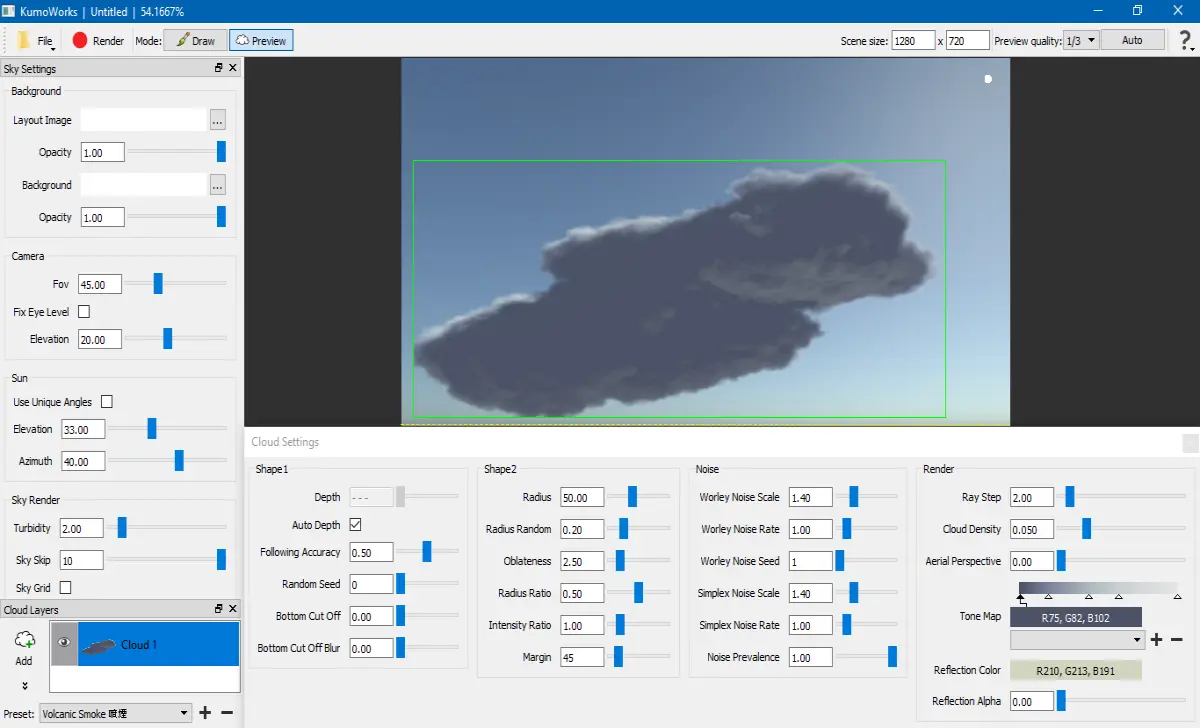
The blue background workspace is where we'll draw the clouds and view the result. Creating clouds is as simple as drawing lines and shapes with the mouse, using it like a pencil, and pressing Enter. After a few seconds, we'll see the resulting cloud.

All the parameters in the lower section allow modifying the appearance of the clouds.
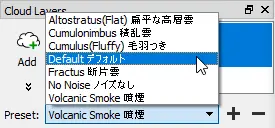
Additionally, the program also comes with some presets for different types of clouds, so that we don't need to parametrize them by hand.
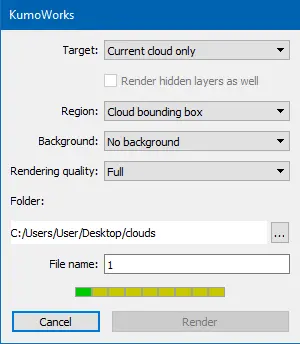
When we are satisfied with the result, click the red "Render" button to get the final image. Here we'll be prompted to select the quality and type of rendering. The software has options to render the full image, as seen in the preview, or render only the clouds, with a transparent background. This is useful for post-processing in other programs like Photoshop, since having a transparent background, clouds can be added to any other background, and that makes the job much easier. The rendering process may take several minutes, depending on the resolution and quality chosen, but the wait is worth it.
We can see the final result with the transparent background here:
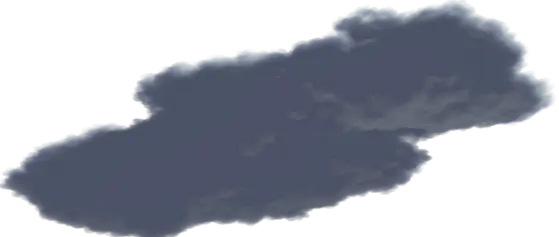
You did it! You've generated a cloud painting without painting skills with the aid of a piece of free and open-source software.
That's all for now. Thanks so much for reading. I'll publish more articles like this in the future to continue demonstrating how technology can help you in the creation of art.






