
Ok, so you staked in MSF and now are facing problems to claim your airdrop via the website?
This is a short explanation on how to claim it directly on the BSCScan site directly.
This tutorial works also with any feature of a contract deployed at the BSCScan, just bear in mind that interaction with them by these means is still quite new and might experience some buggy things.
First of All, search for the contract at the search bar in the BSCSCAN site:

After locating the contract address in the BSCScan, you’ll be presented the contract details, and at the bottom, you’ll see the contract link to interact to. Choose the Write section:
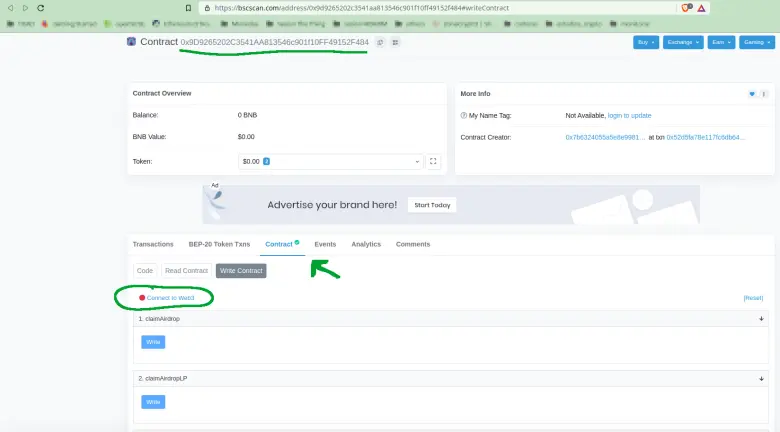
Connect your wallet to the BSCScan by pressing Connect to web3 and confirm the selection.
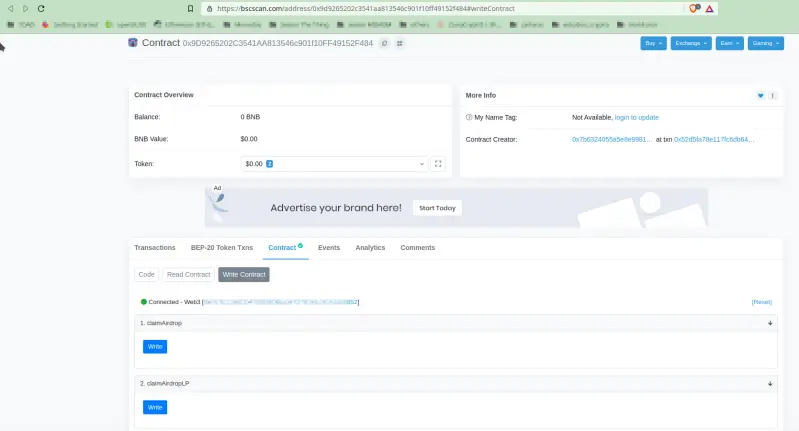
There you are, you have already connected your wallet to BSCScan and now are able to interact between your wallet and the contract for MSF.
Now, to claim your Holders Airdrop, press the claimAirdrop “Write” button, accept the transaction in your wallet, and wait for confirmation. Once it has happened, you will receive the fees earned from claimed airdrop in the next 24hours.
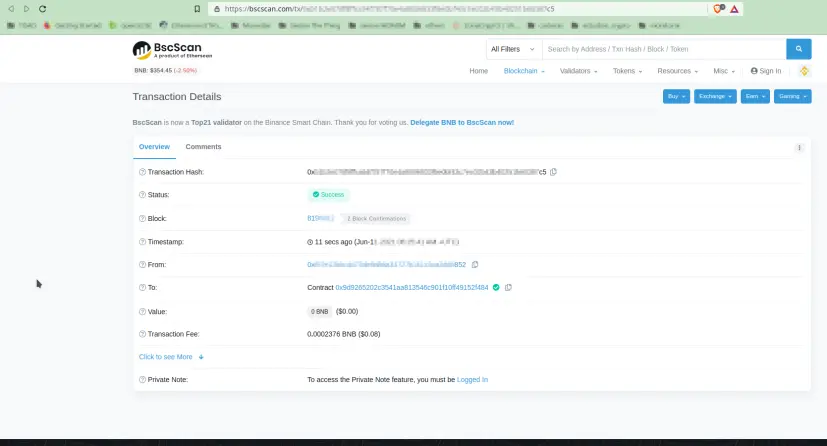
For the LP Providing Airdrop claim, you operate the same but with the “ClaimAirdropLP” button instead, and once you’ve done it, you’ll get your rewards in your wallet during the next 24hours.
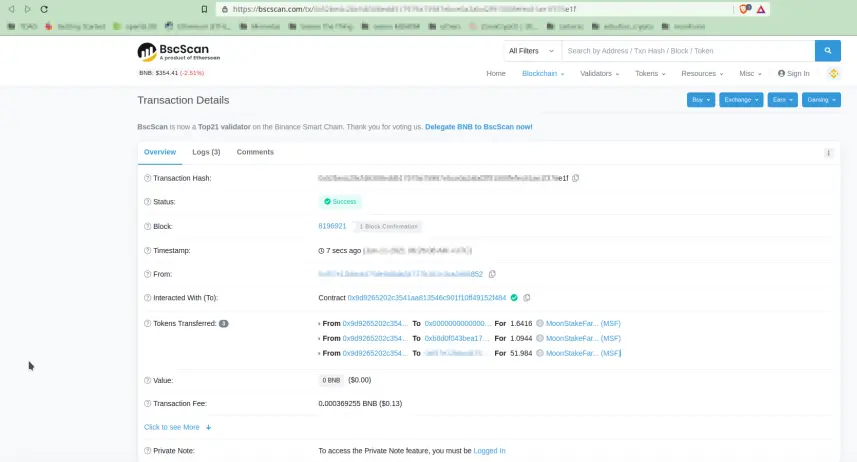
And that’s all, folks!
#stayFunkStaySafeStayDeFi






