
HoneyGain is a platform that pays u for sharing your unused internet data. Basically, you install a plug-in on your computer or an app on your phone, and while u browse the web, it collects data.
Now, I know the main concern is always safety. People ask, "What about my passwords? My personal details?" They do have information on their website about security and how they use your data, so I definitely recommend reading that up to ensure your comfortable before getting started. Personally, I’ve used it for years without issues, but always do your own research!
How You Actually Earn
While sharing data is the main thing, they’ve added a few more ways to earn points lately:
-
The Daily Lucky Pot: You can win up to $100, but honestly, the points have reduced. Some days you only get 1 point, which I’m not loving.
-
Achievements: If u open the pot for 7, 21, or 30 days in a row, you can earn up to 500 credits.
-
Referrals: This is a great way to earn. Your friends get a $3 sign-up bonus, and u get 20% of their shared traffic plus a bonus when they cash out.
-
Content Delivery: This took a while for me to get accepted for, but it has helped me reach the cashout threshold much faster.
Step 1: Switch the Toggle
The first thing u need to do is go to your HoneyGain dashboard. In the top right-hand corner, you’ll see a switch. It’s usually set to Honeygain by default, but we’re going to flip it to JumpTask. Don't worry, u can switch back at any time if u decide it’s not for u. Click on "Let's Start" to begin the link process.
Step 2: Getting Your Wallet (MetaMask)
Now, the platform is going to ask u to link a wallet. I (and Honeygain) recommend MetaMask. If you don't have it yet, just Google "MetaMask" and go to metamask.io.
Important Note: Make sure u only download it from there official website! Don't get it from anywhere else.
Add the extension to Chrome (or whatever browser your on). Once it's downloaded, it’ll open a new window to create your wallet.
-
Click Create a New Wallet.
-
Agree to the terms and set a strong password.
-
The Secret Recovery Phrase: This is the most important part. You’ll see a video about securing your wallet—watch it! You get a secret phrase that u MUST store somewhere safe. If u lose your laptop or your drive gets wiped, you need this phrase to get your crypto back.
Step 3: Linking MetaMask to HoneyGain
Once your wallet is ready, go back to the Honeygain tab. Click "Connect with MetaMask."
Tip: If the button doesn't seem to work, just refresh the page and make sure your browser is updated.
A MetaMask pop-up will appear asking to link with JumpTask. Click Next and then Connect. You'll also need to enter a security code that Honeygain sends to your email to confirm everything is safe.
Step 4: The JumpTask Dashboard
Once enabled, u can head over to the JumpTask dashboard. You might see another MetaMask pop-up asking to approve the site or switch networks. It’ll likely ask u to switch from the Ethereum network to the Binance Smart Chain (BSC) network—go ahead and allow that.
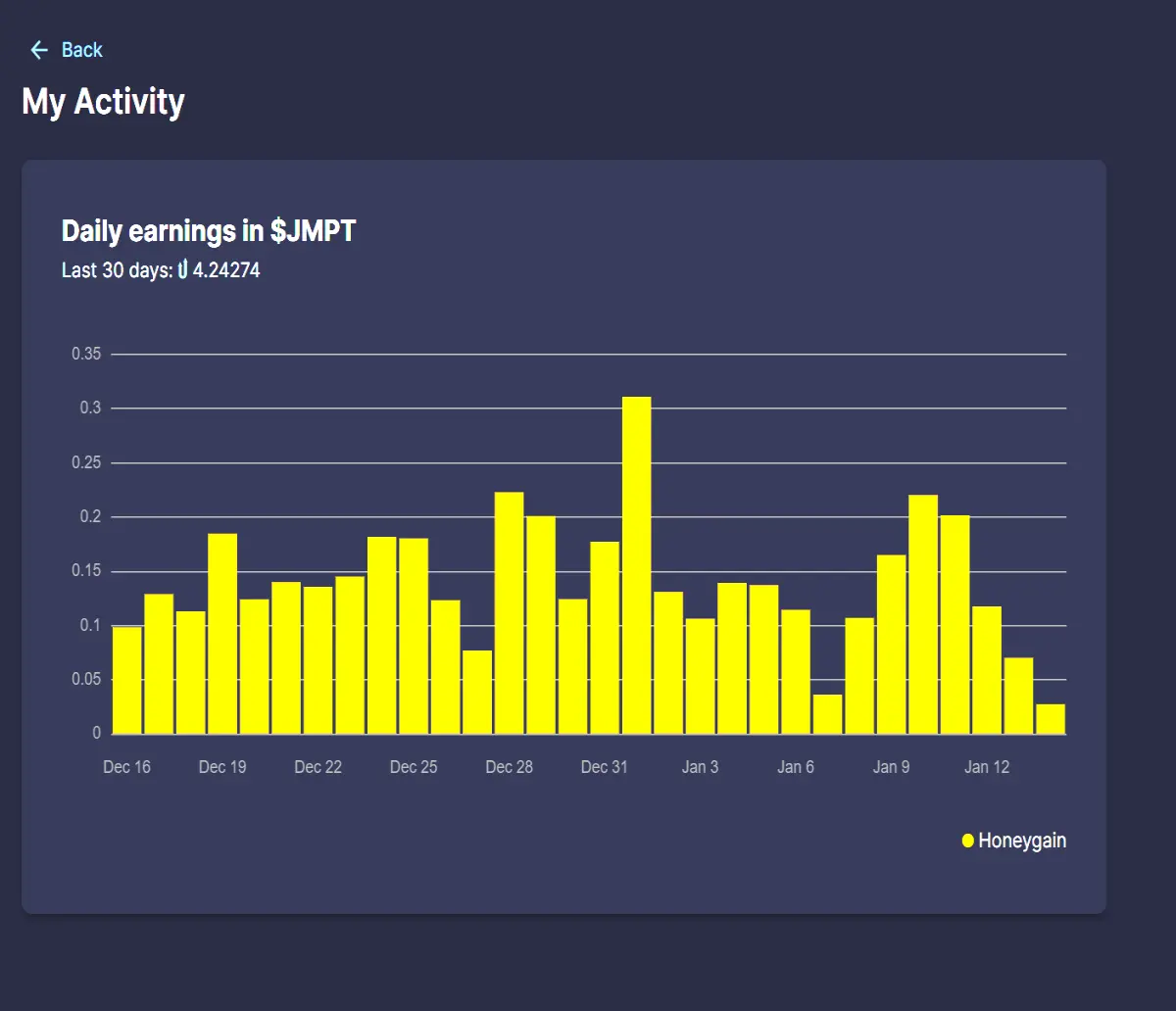
Now u can see your earnings in JMPT tokens! You can transfer these to your wallet whenever u want—no more waiting for that $20 limit. Plus, u can do extra offers on the JumpTask dashboard to make even more money.
Support my BLOG
Into NFTs? Please take a look at my visual experimentation project The Big Blue Potatoes Storm on Twitter

BetFury - Crypto casino with Faucet: Top Earner! Claim -> Play -> Stake -> Earn

Or you could just support my blog by using one of these trusted earners!
Binance Exchange with the best earning solutions.
Coinbase Earn crypto while learning about crypto.
Cointiply - Best Earner - Earn Bitcoins by doing offers, watching ads and PTC ads
BetFury - Crypto casino with Faucet: Top Earner! Claim -> Play -> Stake -> Earn
Sorare Fantasy Football League with NFT
Crypto.com An exchange promoted by MATT DAMON
Grass: Get Paid For Your Unused Internet
Gradient Network: Share your bandwidth, Airdrop will come
HoneyGain - Earn for sharing your internet connection
Solstice Finance (referral code qVW3KkNt5i)






