Dear Subscribers!
Welcome to Q DeFi Rating and NOAH`s ARK reviews!
Bookmark our site to learn all about new DeFi stars, promising coins and global crypto events. Check out our YouTube channel to watch the latest reviews and interviews.
Contact our team of developers who will help you create a project that resembles Uniswap, 1inch, or any other popular platform.
Currently, there are more than 100 various DeFi tokens on the crypto market. There are also dozens of crypto exchanges that allow users to manage and trade these assets. With so many exchanges and assets, it’s pretty hard to manage them all easily - a user has to remember all their passwords, log into various exchanges and wallets to check assets, which all takes too much time. Luckily, there are ways to do this with more ease, one of which is to use the Zapper wallet. How does it help you to manage your DeFi tokens and how do you use it? Here’s a detailed guide to using the Zapper wallet f.
What is the Zapper wallet?
Zapper was created as a tool for managing decentralized assets across many DeFi platforms. It enables users to connect to multiple platforms using a common interface from which they can trade assets across platforms and take snapshots of all their tokens at once. Currently, it’s integrated with 19 platforms, including the most popular ones such as Uniswap and Curve. Also, users can enter the address of their Ethereum wallet to track the tokens stored there and use them to provide liquidity to pools on DeFi platforms - all on one dashboard. Let’s look at its functions.
How to use Zapper
To use Zapper, you need to connect your ERC20 wallet to its interface. Open the main page and click on the “Connect” button.
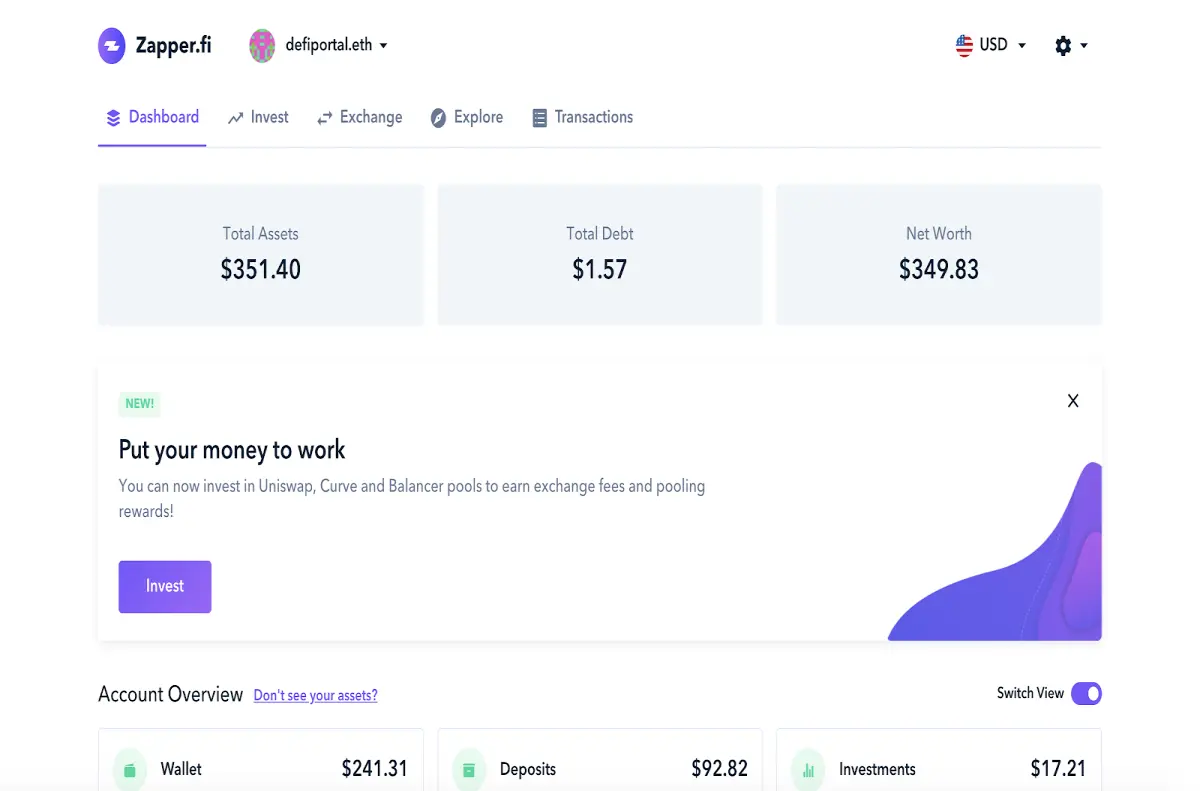
After doing this, you’ll see a large list of wallets that you can connect to Zapper.
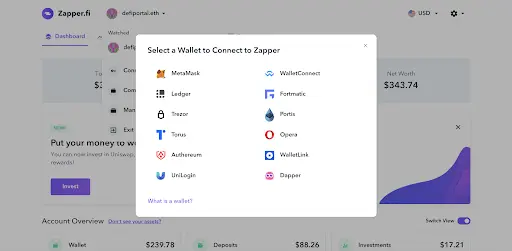
Choose one or multiple wallets. In our example, we have a MetaMask plugin installed on our Opera browser. Accept the MetaMask prompt and select the account you want to connect to Zapper and you’re done.
In the ‘Dashboard’ section, you’ll see the value of all your assets on all their host platforms. Once you connect your wallet, you can start investing. By clicking on the ‘Invest’ tab in the menu, you’ll be taken to a page where you can choose assets from all the connected DeFi platforms. Currently, it has 222 DeFi tokens available.
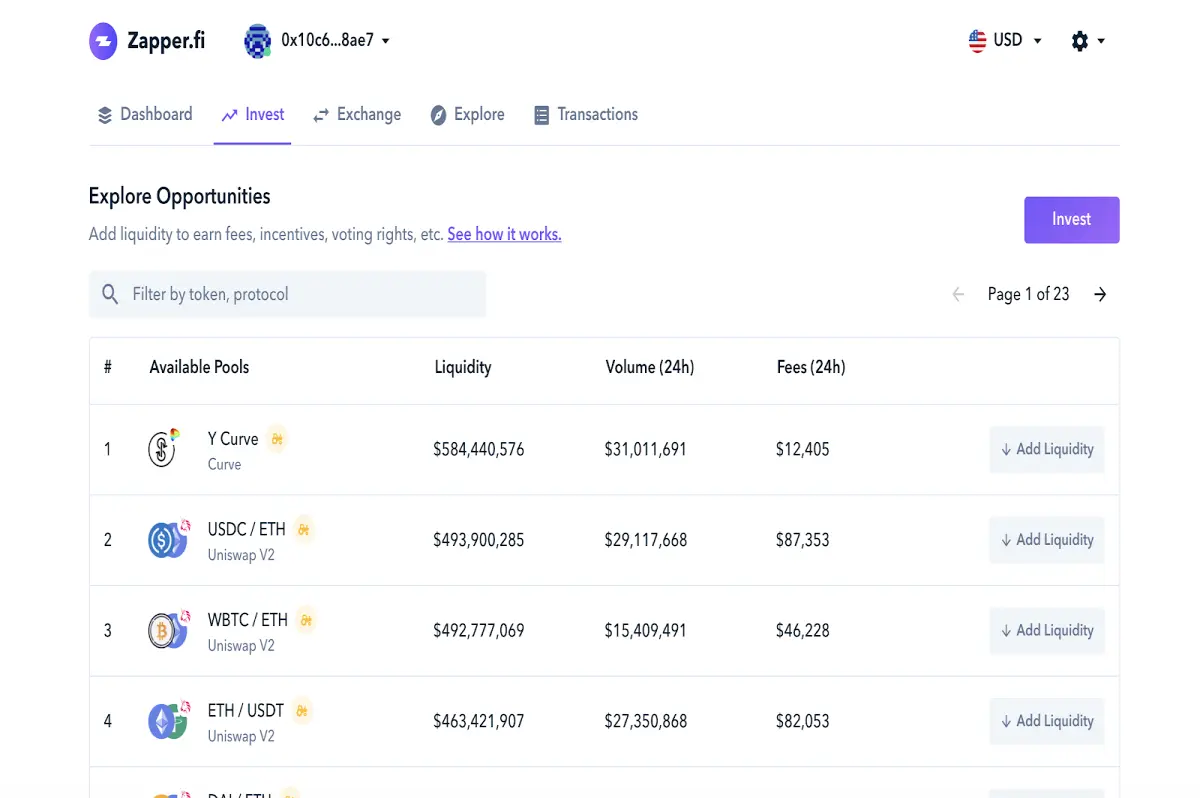
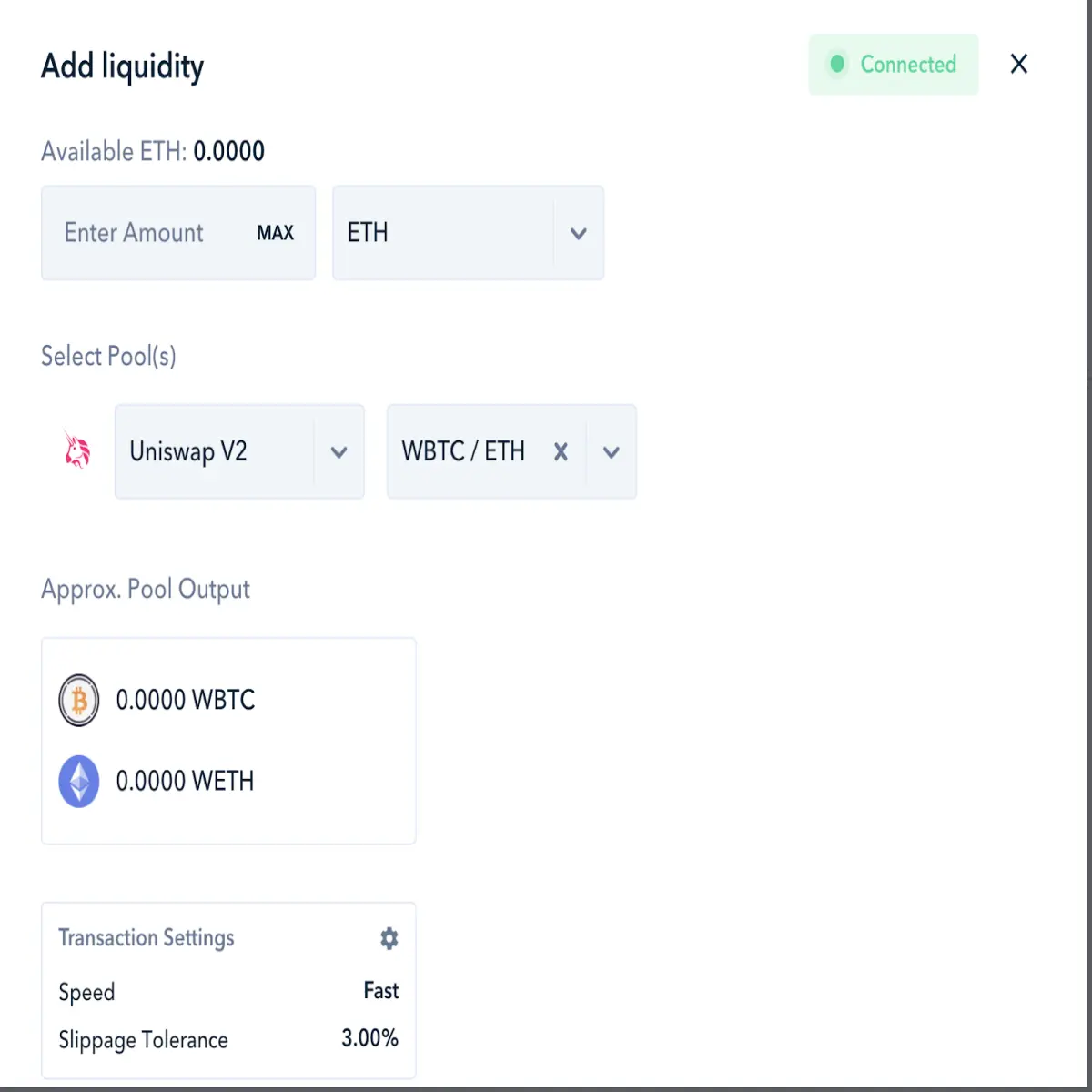
Click on the “Invest” button on the upper right side of the page to open the popup where you’ll be asked to select the DeFi pool and the amount of ETH you want to invest. Your assets will be sent to a certain platform where you’ll be providing liquidity to one of its pools, at which point you’ll start to earn interest.
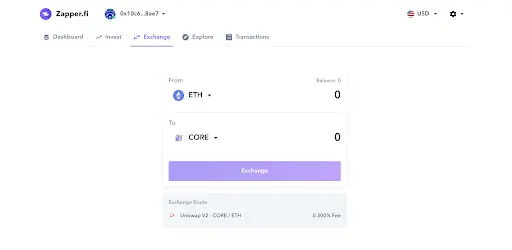
If you don’t believe that investing your ETH tokens in liquidity pools is a good idea, you can simply buy the most popular DeFi tokens by going to the ‘Exchange’ tab. There you’ll find the “From” field, where you can select the asset you plan to exchange; and the “To” field, where you can pick the asset you wish to receive. In addition, you can check the fee below the purple “Exchange” button.
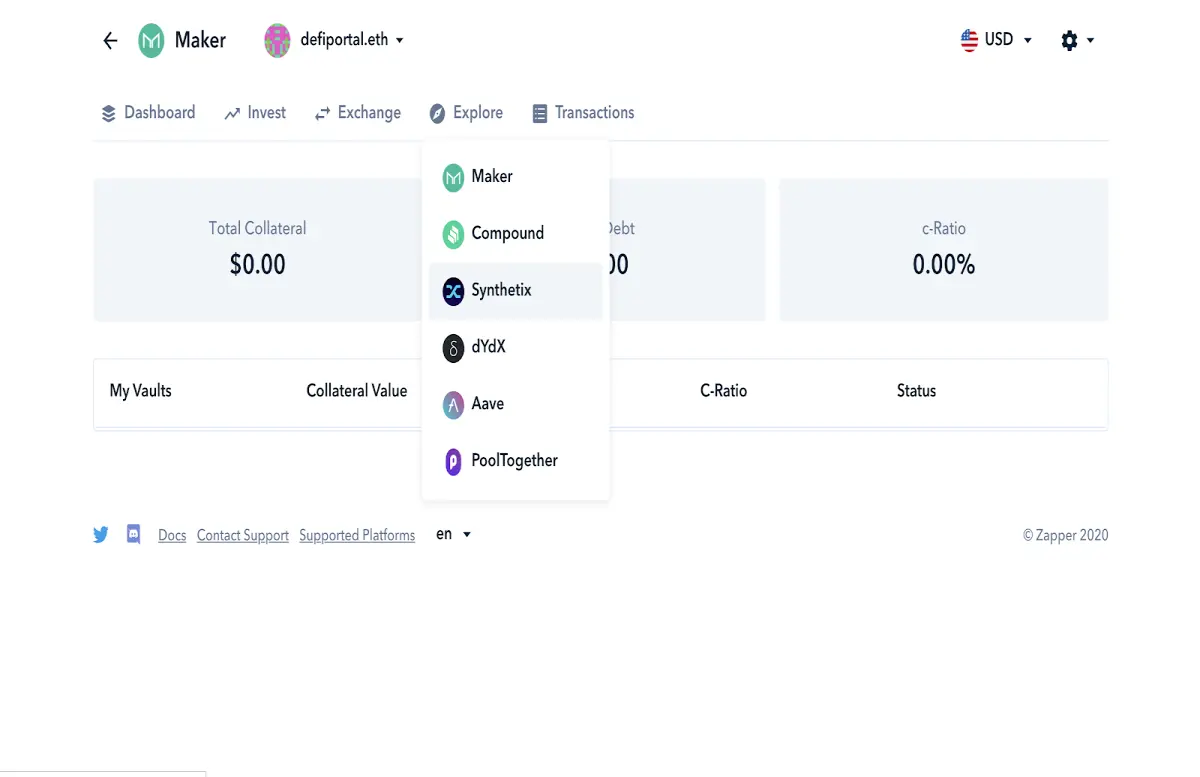
By selecting the ‘Explore’ tab, you can see the performance of your investments in all the hosting DeFi projects.
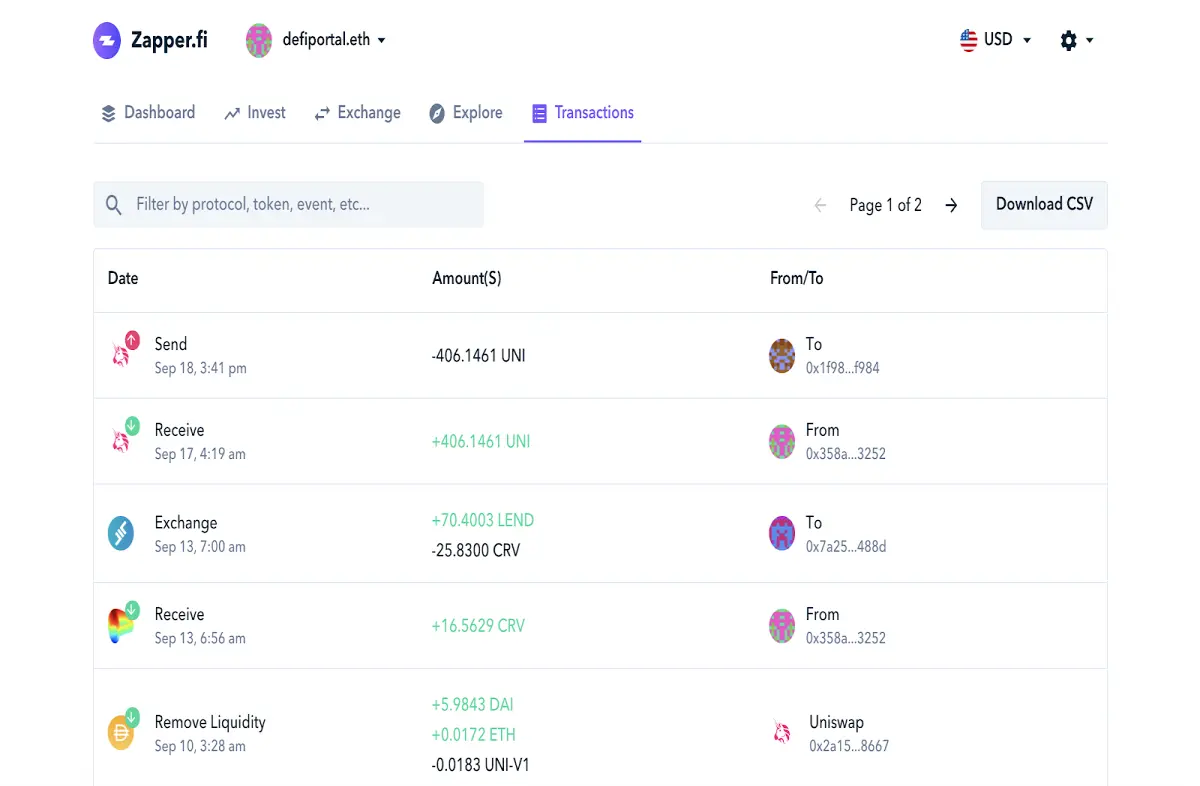
The last tab ‘Transactions’ contains all the transactions you’ve made using Zapper. You can also download a CSV sheet if you need to.
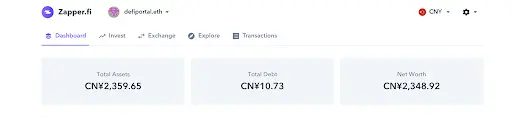
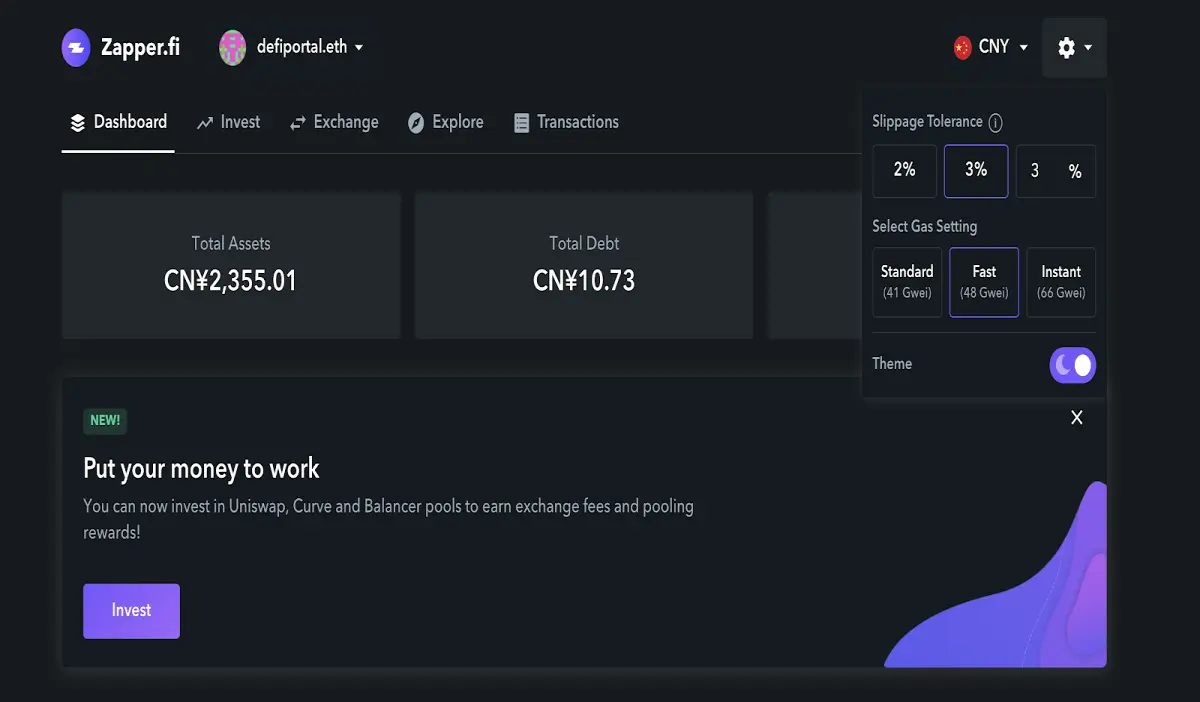
Zapper is very user-friendly and is designed for people from all around the world. Do you want to see your balance in Chinese yen? There are 16 different currencies, including EUR, GBP, CAD, CNY and RUB that you can set as your main currency.
In the ‘Settings’ menu (opened by clicking on the gear icon in the upper right corner of the page) you can do three things:
- Set the slippage tolerance. Slippage is the difference between the expected price of a trade and the price at which the trade is executed.
- Set the gas fee for your transactions. The more you pay, the faster you get your trades executed.
- Set the night theme. You can switch between the two modes anytime you want.
Is it worth using?
DeFi assets are as popular now as stablecoins were in 2019 or ICO tokens in 2017. But trading them is still very complicated - many platforms feature only a particular list of tokens, so you have to open many accounts normally or use many interfaces to trade all the hot DeFi assets. Zapper is the solution to this problem - no registration, choice of connecting any wallet to use on the fly and a common interface for all featured platforms. Any task can be done with just a few clicks. Thus, the answer to our question is ‘yes’, it is worth using if you’re interested in DeFi tokens and investments. The Zapper team continuously works on adding support for new features and there’s no doubt that this market is still growing.
Thank you for reading this article!
The article is written by Alexey Usanov and Mr. Anton Dziatkovskiy, the co-founder and CEO of Platinum Software Development Company.
Go to QDEFIRATING.com to learn all about the best DeFi projects and keep up with the latest news from the crypto sphere.
Welcome to our YouTube channel, where you can watch numerous tutorials and interviews with crypto industry leaders.
Create your own Uniswap-like project or audit your smart contract with the help of the Platinum Software Development Company!
Take a free tour and get a consultation on DeFi development here.