Why an old partly broken laptop was the more practical choice for hosting OpenClaw
I originally posted this story on Medium.
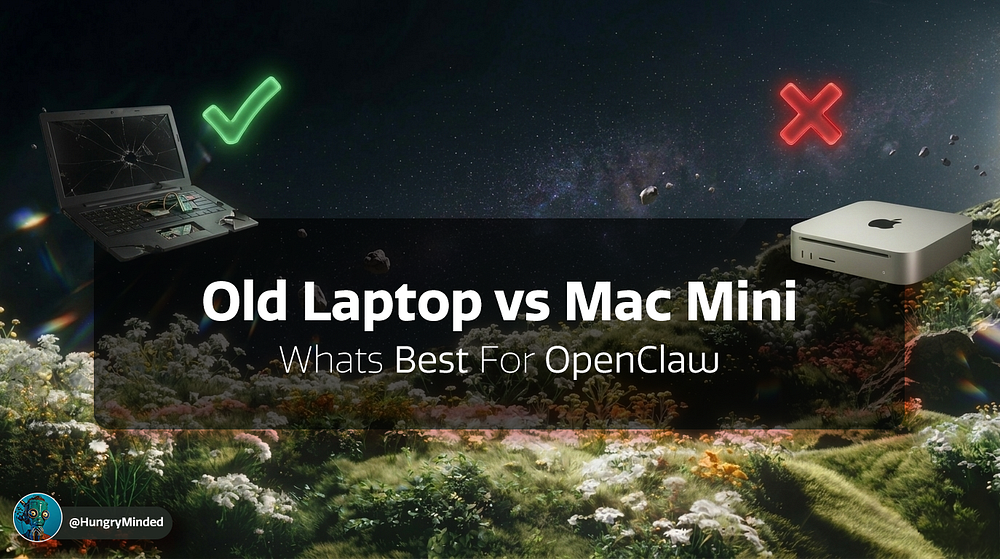
image by HungryMinded
The main hero of this story is an old, beat-up laptop with a dead display that had been sitting in a dusty drawer.
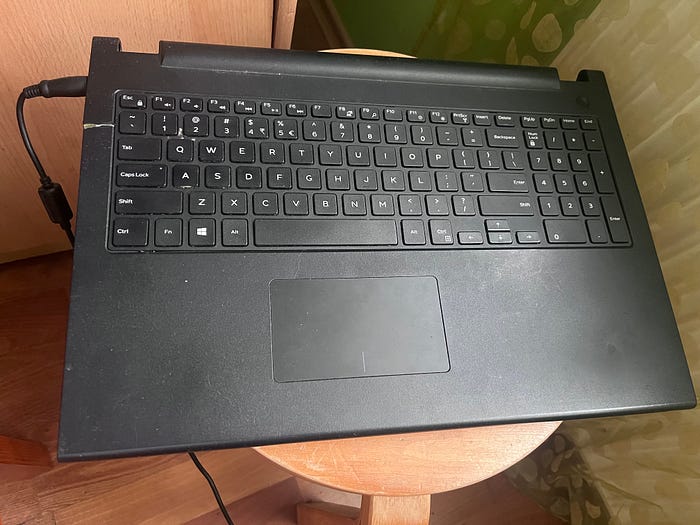
image by HungryMinded
And yet, it does the job just as well as something many people would go out and buy a brand-new Mac Mini for.
But to explain why, I need to give you some context.

Have you heard of the social media site for AI agents, Moltbook?
Or a job board meant for AI agents to rent a human for a specific task, like RentAHuman?
Both have been going viral because they reflect a new shift in how people are getting the most out of AI. The focus is moving away from web-based chatbots or tools that handle a single use case, and toward agentic systems that can run on a computer, manage files, run programs, check emails, and handle other tasks for you.
And one of the main drivers behind all of this is an open-source project called OpenClaw, which you can run on almost any machine you like.
So what is OpenClaw?
What makes OpenClaw and similar agentic tools so attractive is that they run on an actual computer. That means they can access and edit files on the system and handle tasks that a regular chatbot like ChatGPT simply can’t.
It can also stay running 24/7, working on tasks while you sleep or do something else.
If ChatGPT is like an assistant you call in for one-off questions or tasks, OpenClaw is more like a worker that stays on the job and keeps things moving even when you’re away.
It’s also open-source, which means anyone can set it up on their own machine and use it as part of their own workflow.
OpenClaw is also model-agnostic, which means you can connect it to almost any AI model, whether you run that model locally or use a cloud-based one.
Why do people choose a Mac Mini for this?
Since the project is open-source and runs on your own device, there’s no company standing behind it to take responsibility if something goes wrong.
And things can go wrong with LLMs. They hallucinate, make mistakes, and are vulnerable to prompt injection attacks. An agent could be exposed to that through email, web browsing, or people actively trying to mess with it in more creative ways.
And because OpenClaw can access the whole system, the only sensible option is to run it on a dedicated device and give it access only to the resources you choose.
That’s why many people choose to run OpenClaw on a Mac Mini.
But there’s really only one strong reason to use a Mac Mini, and several reasons not to.
The one genuinely strong argument for using a Mac Mini is that it’s powerful enough to run some pretty decent AI models locally. That gives you the option to keep everything on your own machine instead of sending your data to outside providers.
Where that argument falls apart
If you want to use the best models, this just won't cut it.
The state of the art models are not open source, and they are not the ones you run locally on a Mac Mini.
If you want your agent to give you the best outputs, especially for more complex tasks, you will likely want to use the proprietary models from companies like OpenAI, Anthropic, or Google.
And once you do that, local compute stops mattering nearly as much.
If the model is running in the cloud, your device does not need to do the heavy lifting. It just needs to run OpenClaw, stay online, and give the agent access to the system you set up for it.
At that point, buying a powerful new machine starts to feel unnecessary.
Most people probably already have an old laptop or some other unused device lying around that can do the job well enough.
And if the goal is to get the best results without spending more than you need to, using what you already have makes a lot more sense.
So how did I turn trash into an OpenClaw server?
I looked through the drawers and found this old laptop a family member had thrown aside. I tried turning it on, and there were sounds that suggested something was happening, but nothing showed up on the display.
So I hooked it up to an external monitor through an HDMI cable.
And voila, it worked. It even still had Windows running on it.
Once I realized the machine itself was working and only the display was broken, I understood that I could use it as a headless server.
First, I backed up the data from the computer on an external drive. Then I disconnected the internal display completely, although that part was optional, and installed Linux on the machine. I had never done that before, but with the help of ChatGPT it was actually a pretty simple task.
Then I installed Tailscale so I could access the machine remotely without exposing it directly to the open internet, which felt like the safer way to manage something like this. After that, I set up a few additional safety measures and moved on to installing OpenClaw.
The whole process was fairly straightforward. I mostly followed the instructions from this video:
How to save on OpenClaw usage
Since I decided to use external models with OpenClaw, I needed to give it access to them. Usually, that means getting an API key from a model provider and paying for usage as you go.
But using the latest models can rack up costs pretty quickly.
A good way to save money is to make use of what you already have access to.
I already had a ChatGPT Plus subscription for $20 a month. And with it comes access to something called Codex.
You can connect Codex to OpenClaw and use the tokens included in your ChatGPT subscription with OpenClaw instead of paying separately through an API.
The video I shared above also explains how to set that up in detail.
So does this setup actually work?
Yes, it does.
I like it, and I’m still exploring what it can do. Right now, I’ve set up a separate email address for my OpenClaw agent, and it sends me a daily morning brief with AI news pulled from newsletters and forums I would otherwise check manually.
I’ve also tested it with some coding tasks, and I already have a few more ideas for how I want to use it.
If I want the agent to run a one-off task or set up new recurring tasks, I can simply message it via Telegram.
That said, setting it up is a bit technical. It definitely takes some fiddling to get used to, and you will probably burn through some tokens while figuring things out.
The customizability is great, but there is a learning curve. You do need to spend some time understanding how it works before it starts feeling smooth.
As for the old laptop itself, it runs great. I’ve had zero hardware issues so far.
In fact, you could probably get by with even less. And if you don’t have an old device lying around, you could also run something like this on a VPS for around $5 a month.
And if you don’t want to mess with the setup at all, there are also alternatives.
Alternatives to OpenClaw
A few weeks ago, I wrote about Perplexity Computer, an online agentic system that can do computer tasks for you. Since then, Perplexity has launched Perplexity Personal Computer, which is, for most practical purposes, aiming at the same kind of use case as OpenClaw, just packaged and managed by a company.
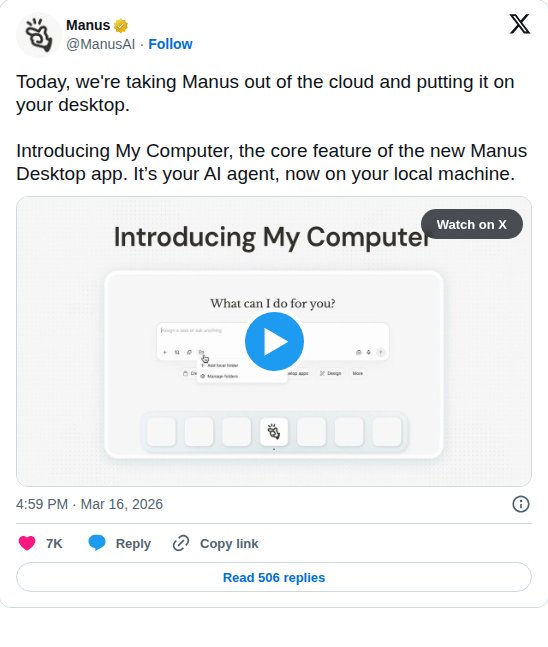
Then there’s Manus, one of the early companies in the AI agent space. It recently introduced Manus Desktop with a feature called My Computer, which brings the agent onto your local machine and lets it work with your files, apps, and tools in a similar way.
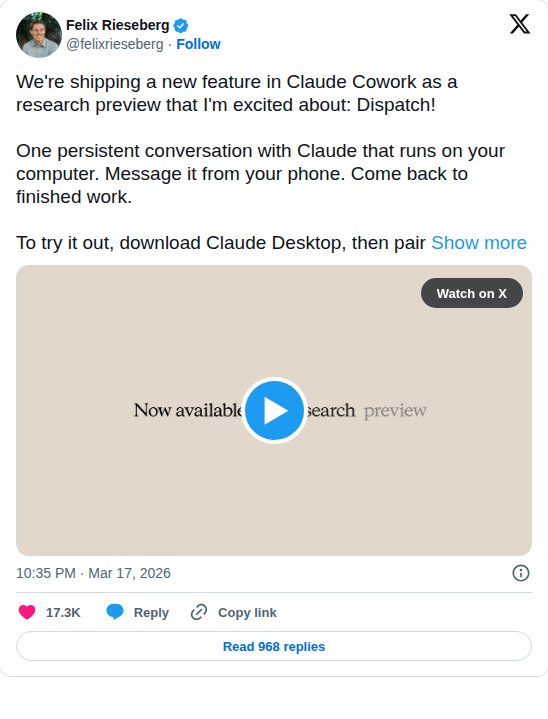
And if you are more in the Anthropic ecosystem and have been using Claude Code or Claude Cowork, they are also rolling out a feature called Dispatch. The idea is that you can communicate with your agent from your phone while it keeps running on your desktop.
If you do not want to mess with the complexities of setting up and fine-tuning OpenClaw, one of these might be for you.
Takeaways
Something you might otherwise throw away can sometimes replace something you were planning to buy. Especially with the help of AI, it’s now possible to build, repurpose, and tinker with things you probably would not have imagined doing in the past.
I saved this old laptop and turned it into a server instead of buying a Mac Mini. I’ve also set up a Raspberry Pi and connected sensors to monitor the weather at my country house while I’m away. I’ve built tools and websites for myself too. All with the help of AI.
The new push toward agentic systems shows that the models are now good enough to handle more complex tasks. But we are still in the early stages of these workflows. Using the state of the art models is expensive, and we still need to figure out how to make things cheaper, manage context better, and get the most out of the technology that is already here while the next breakthroughs are still being built.
OpenClaw and similar tools are one step closer to a wild future where AI can help bring more of your ideas into reality. They also open up a whole new set of interesting use cases. But there are still plenty of limitations and risks.
If you’ve been experimenting with tools like this, feel free to share your experience. And if you have questions, ask away.
Follow along if you want to hear more about my experience exploring the latest in AI.