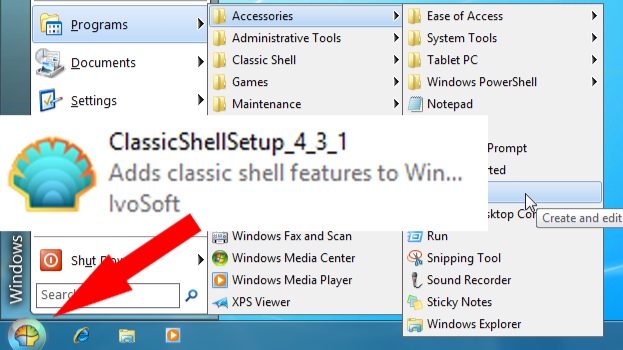
Some of you can consider the next text a bit obsolete, but I believe that for many of us is still topical. Operating system Windows 7 bring to us a kind of Start menu which nowadays call "classical." I like that menu, contrary I hate Windows walltiles very much. It was simply, well arranged, uncluttered, and generally good. But Windows 8 has no Start menu, lately added to Windows 8.1 in crippled form. Windows 10 tried to make it better, but it isn´t a performance worker but only a dandy. Can I return to the old look of Windows, I thought. Fortunately, I can by using Classic Shell.
Classic Shell is free software that improves your productivity, enhances the usability of Windows, and empowers you to use the computer the way you like it. The main features are:
- Highly customizable start menu with multiple styles and skins
- Quick access to recent, frequently-used, or pinned programs
- Find programs, settings, files and documents
- Start button for Windows 8, Windows 8.1 and Windows 10
- Toolbar and status bar for Windows Explorer
- Caption and status bar for Internet Explorer
Classic Shell works on Windows 7, Windows 8, Windows 8.1, Windows 10 and their server counterparts (Windows Server 2008 R2, Windows Server 2012, Windows Server 2012 R2, Windows Server 2016). Both 32 and 64-bit versions are supported. The same installer works for all versions.
On Dec 3rd, 2017, the author said "Classic Shell is no longer actively developed. After 8 years I have decided to stop developing Classic Shell. I have other hobbies that demand my time, some related to software and some not. It requires a lot of effort to add new major features to Classic Shell and keep it relevant. Even keeping it running on a newer version of Windows is a lot of work."
The source code for the latest version 4.3.1 is released on SourceForge is still available for download and by my own experience, it fully works in 20H2 version of Windows 10.
project page: http://www.classicshell.net/
download page: https://sourceforge.net/projects/classicshell/