
That PayPal email about a $699 invoice you never authorized, a password reset you never requested, or a "limited account" warning - it is a scam, and in 2026 the game changed: even emails genuinely sent by PayPal can carry a scammer's invoice. This guide covers the three scam types, the loophole story that broke sender-checks, a 60-second verification flow, the exact report path, and the recovery steps if you already clicked.
🔄 Last updated October 19, 2026: covers the December 2025 loophole closure, the January 2026 verified-invoice callback wave, the October 2026 calendar-invite vector, and holiday-season scam timing - refreshed for the October-November search peak.
Quick answer
Real PayPal emails come from [email protected] - but since late 2025, scammers have made even genuine PayPal-sent emails carry their invoices. So the inbox is no longer the place to verify: do not click, do not call any listed number, open paypal.com directly, and check your notifications or Resolution Center. Real alerts always appear there. Forward suspicious mail unaltered to [email protected], and if you clicked, change your password and enable two-factor authentication immediately.
The 3 PayPal Scam Email Types (With Red Flags)
Every PayPal scam email circulating in 2026 fits one of three templates. Learning the templates beats checking sender addresses - because as you will see below, the address check alone now fails.
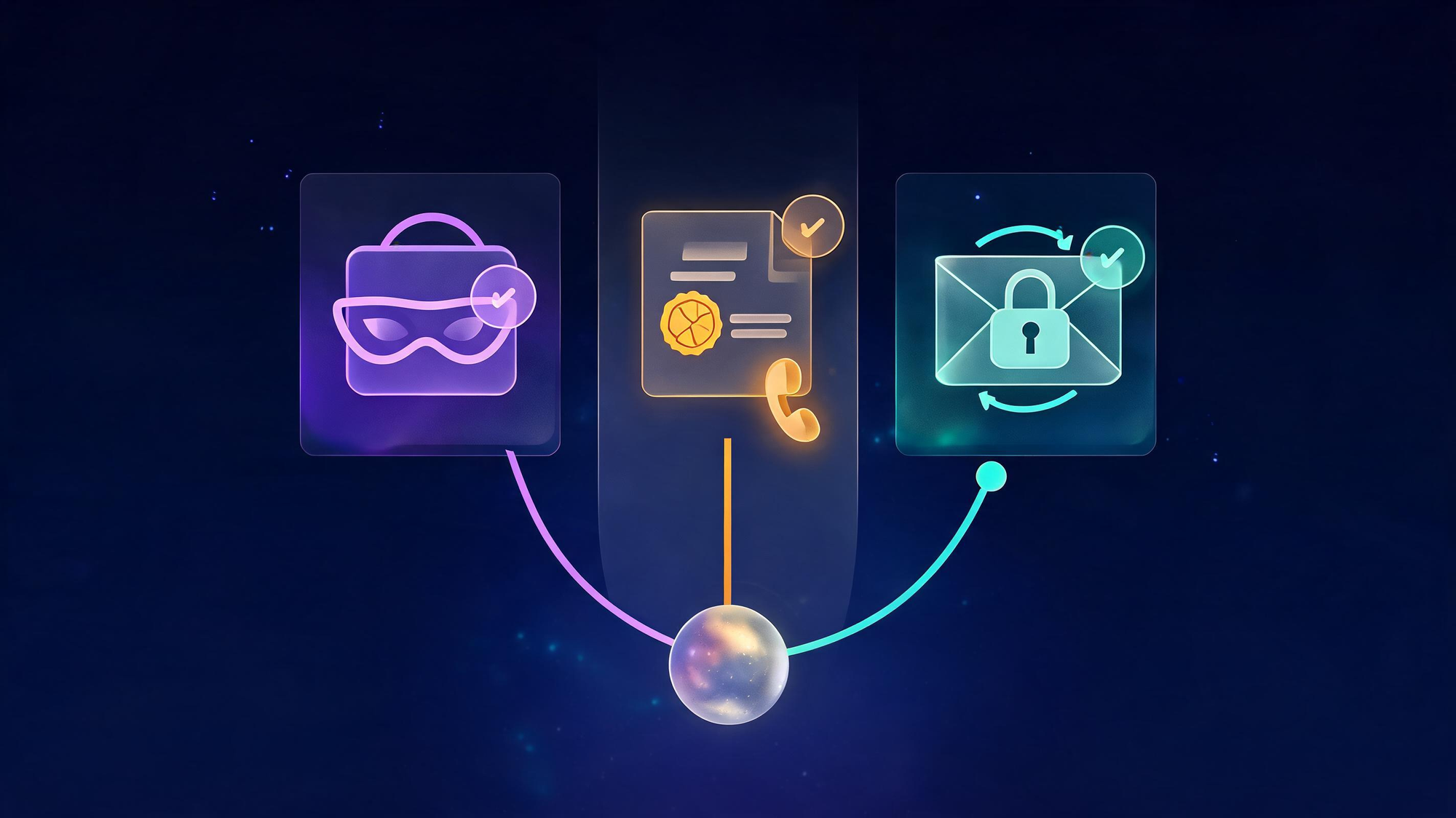
1. The classic spoof (phishing for your login)
A "limited account" or "unusual activity" warning with a button that leads to a fake PayPal login. Red flags: generic greetings ("Dear customer"), hover-revealed links pointing anywhere but paypal.com, urgency deadlines, and attachments you never expected. The 2025-26 escalation added gift-address and address-change stories that look convincing enough that even Reddit's r/paypal regulars flagged them as "incredibly convincing."
2. The invoice scam (real email, fake charge)
You receive a genuine PayPal email for a $500-$2,000 invoice you never authorized - often for "geek squad renewal," "Bitcoin wallet," or even firearms purchases (a February 2026 variant). The email is real because the scammer created the invoice inside PayPal itself. The panic framing pushes you to either pay to "cancel" it or call the listed support number - which is the scam. Red flags: a phone number in an invoice, a purchase you cannot find in your account, and any instruction to pay outside PayPal.
3. The password-reset trap (account-takeover setup)
A "your password was changed" or "confirm your identity" email with a reset link. The goal is credential capture at a lookalike login page - and if you reuse passwords, it becomes the skeleton key to your other accounts. Red flags: reset links in unsolicited mail, lookalike domains (paypal-security.com, paypal-verify.net), and login pages asking for card details after password entry.
"Every template shares one signature: it wants you to act on the email's terms - click, pay, or call. Real PayPal security steps always start inside your account, never inside a message."- The pattern across all three 2026 scam types
The 2025-26 Twist: When Real PayPal Emails Are Scams
Here is the part most guides still miss. For years the advice was simple: check the sender, and if it says [email protected], you are safe. That advice broke in three stages.
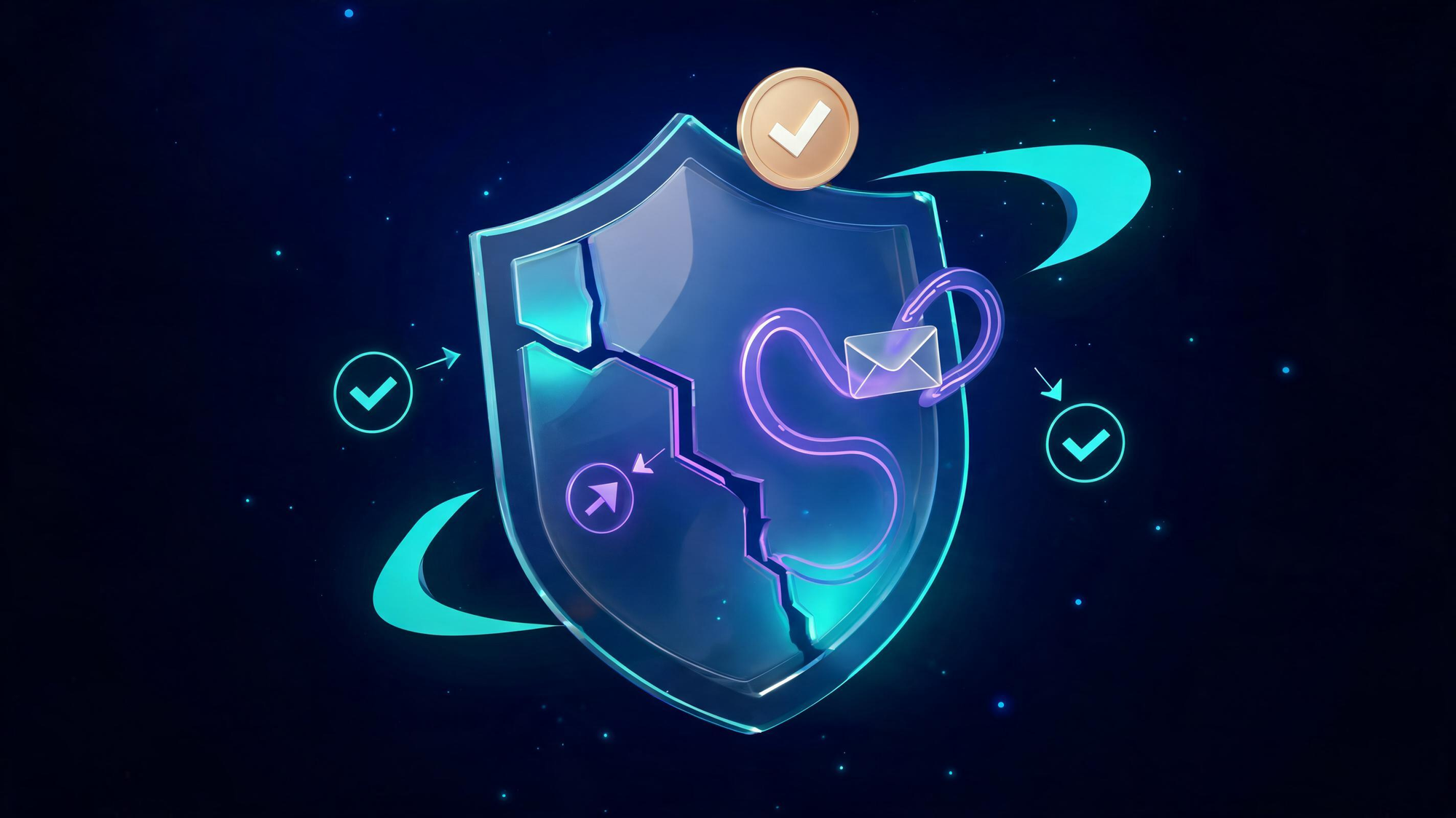
Stage one - the subscriptions loophole. Scammers discovered that PayPal's subscription-billing feature let them send legitimate purchase notifications from PayPal's own servers - real emails, real sender, fake story. PayPal closed the loophole in December 2025, but the lesson stuck: sender authenticity is not message authenticity.
Stage two - BIMI blue-tick abuse. When PayPal itself sends an email - even one created by a scammer through its invoice feature - it passes all authentication checks and earns the verified-brand treatment. In January 2026, security outlets documented verified-invoice scams arriving with full legitimacy: real sender, real branding, fake charge.
Stage three - the callback wave. The newest template adds a phone number to a verified-looking invoice ("call to dispute this charge"). Calling connects you to the scammer's "support team," who walk you into remote-access software or direct bank transfers. Security agencies' standing advice through 2026 has been three words: do not pay, do not phone.
"A verified sender proves the email came from PayPal. It proves nothing about who created the message inside it."- Why account-side verification is now the only reliable check
Verify in 60 Seconds
When any PayPal email arrives, run this exact sequence - it works against all three scam types:
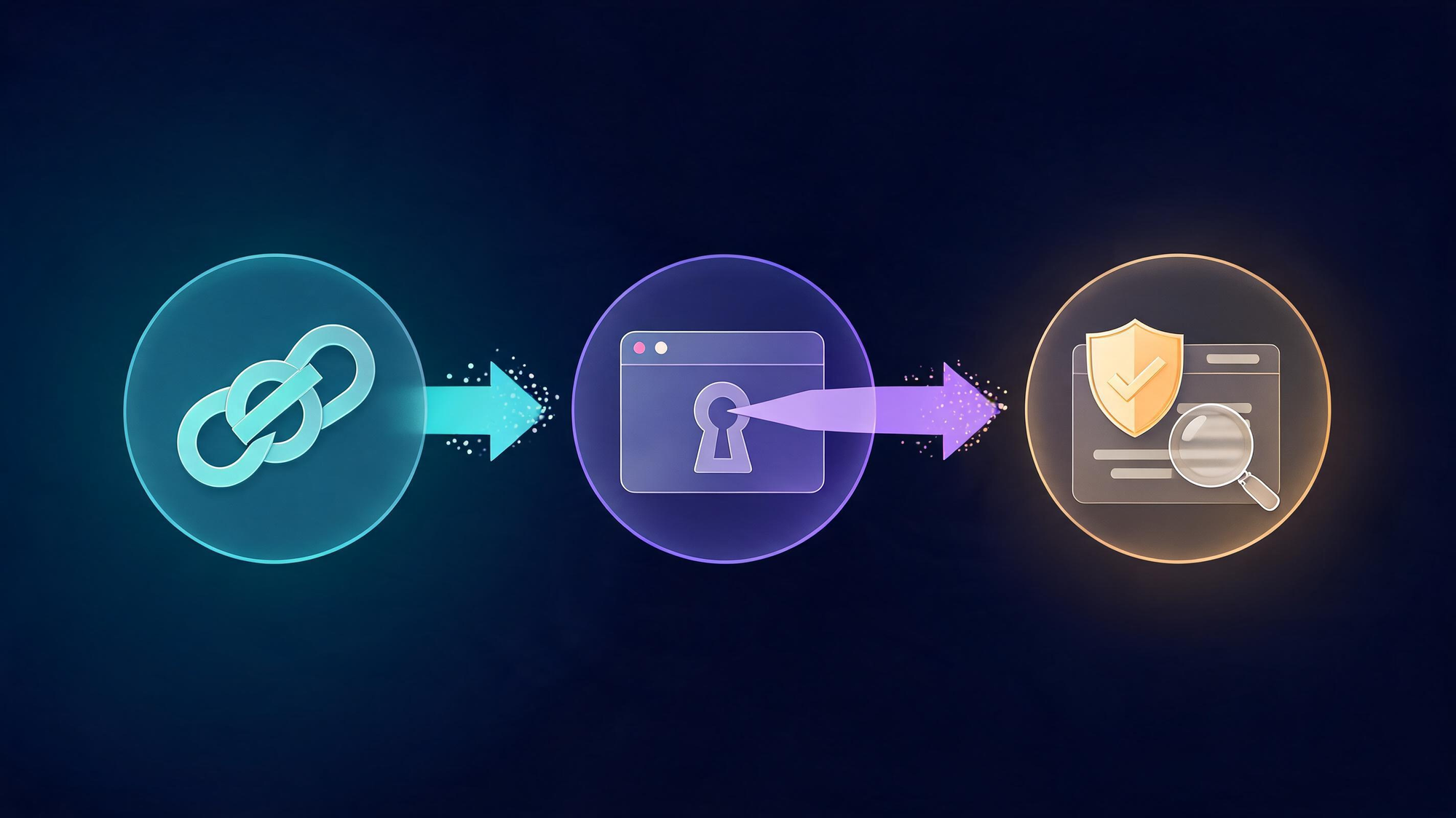
- Do not click, pay, or call. Every action the email offers serves the scammer. Even "unsubscribe" links confirm a live address, and invoice "cancellation" flows route through fake support.
- Open paypal.com directly. Type the address yourself or use the official app - never a link from the email. Your notifications, Resolution Center, and Activity feed show every real alert, invoice, and request on your account.
- Compare. If the email's claim - invoice, limit, reset - appears in your account, handle it there through PayPal's own tools. If it does not appear, the email invented it; report and delete.
That is the whole verification. A real security event lives in your account; a fake one only lives in your inbox.
How to Report It (and the Do-Not-Phone Rule)
Reporting takes two minutes and protects the next target - PayPal's filters learn from every forwarded sample.
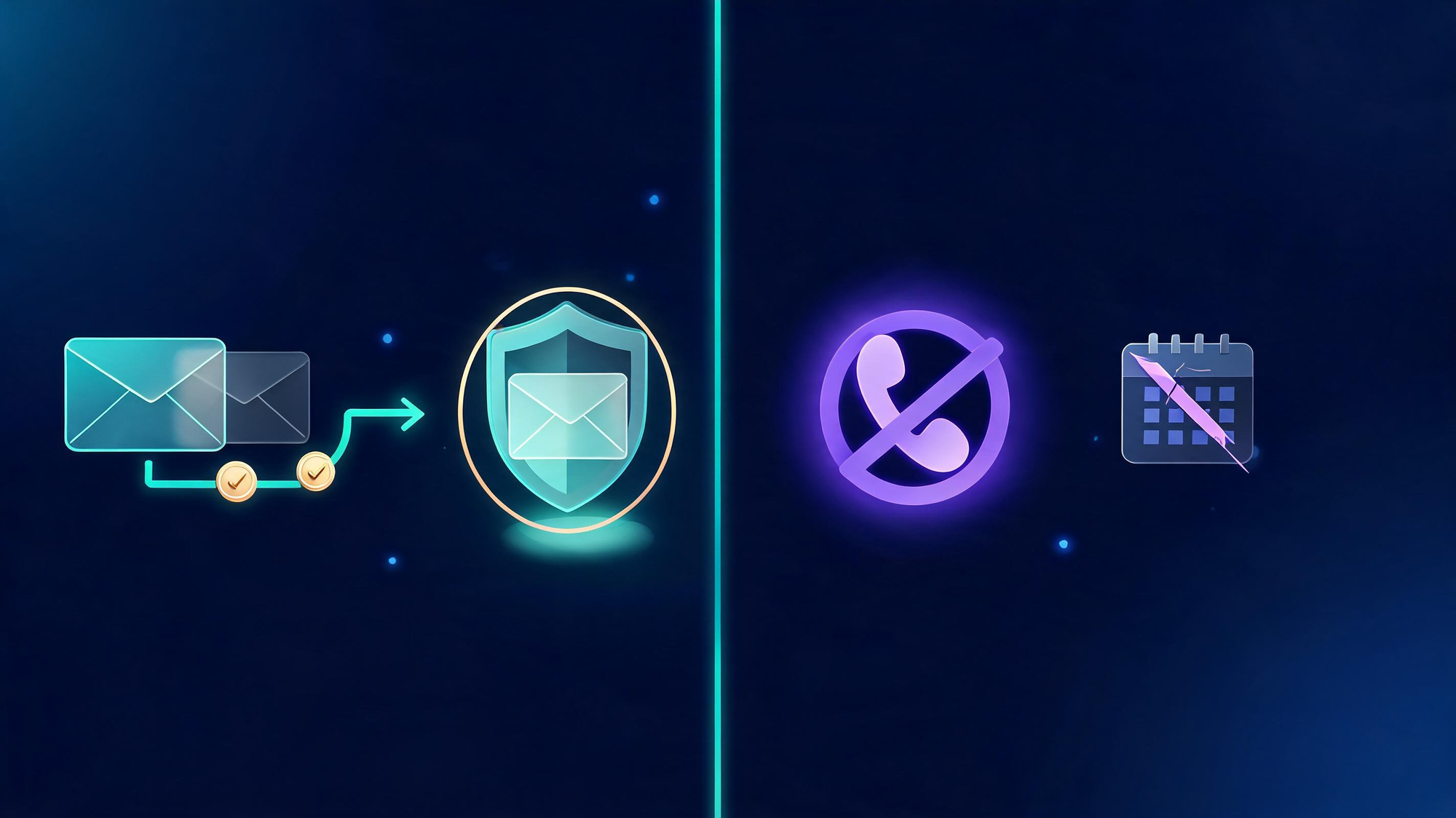
- Forward to [email protected]. PayPal asks for the entire email unaltered - do not change the subject line, do not retype it, forward it as-is (an attachment forward preserves headers if your mail app supports it). Then delete it from your inbox.
- Report inside PayPal. If the email references an invoice or request, open it from your account's Activity and use the report/unrecognized options - this kills the scammer's invoice and feeds PayPal's fraud systems.
- Escalate if money moved. Report unauthorized transactions to PayPal immediately, and file at reportfraud.ftc.gov for the paper trail. If someone is actively guiding you on a phone call right now: hang up. That is the scam's second stage, not its solution.
I Clicked the Link - Recovery Playbook
Already tapped the link, entered credentials, or called the number? Act in this order - the first hour matters most:
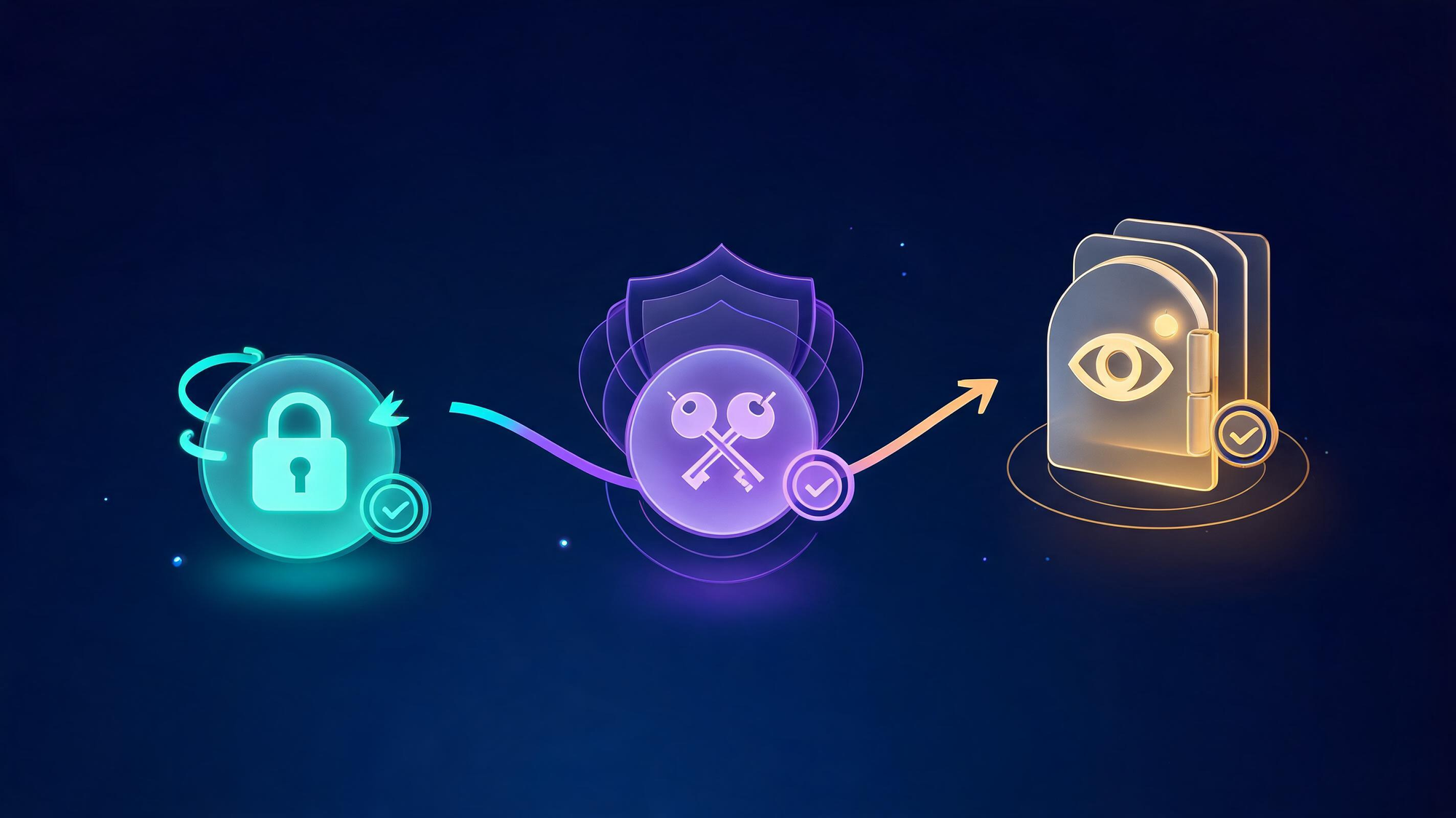
- Change your PayPal password now - and any account where you reused it. Enable two-factor authentication before anything else; it blocks the attacker even if they already have your password.
- Revoke sessions and check authorizations in PayPal's security settings - kill every device you do not recognize, and audit linked apps and cards.
- Watch the money. Review PayPal Activity and linked bank/card statements daily for two weeks; dispute unfamiliar charges with both PayPal and your bank. If you granted remote access to anyone, treat every financial account as exposed and consider a bank-issued card reissue.
Honest context for why speed matters: in April 2026, an 85-year-old retiree lost $200,000 to a fake-PayPal-email scam that escalated into a mirrored bank website - the losses compound when the first click is followed by the scammer's guidance. Break the chain at step one and the scam ends there.
Why This Wave Peaked in 2026
Three currents converged. Trust-weaponization: the loophole and BIMI abuse turned PayPal's own sender reputation into the scam's delivery vehicle - security filters that block spoofed mail happily pass verified mail. Seasonality: scam-email volumes have peaked every October-November as holiday transactions flood inboxes; 2026 is tracking the same curve, with search interest hitting its yearly high right now. New vectors: calendar-invite phishing (October 2026) and callback invoices keep the templates fresh enough to dodge pattern filters.
The defense that survives all three currents is unglamorous: the account is the truth, the inbox is the bait. Bookmark this page for the season - and send anything suspicious unaltered to [email protected].
FAQs
How do I know if a PayPal email is real or fake?
Three checks: the sender address (genuine PayPal mail comes from [email protected] domains), the links (hover before clicking - anything that is not paypal.com or a subdomain is fake), and the message itself (log into paypal.com directly and check your notifications or Resolution Center - real alerts always appear there). Remember the 2025-26 twist: even a genuine PayPal-sent email can carry a scammer-created invoice, so the account check is the final word.
What is the PayPal invoice scam?
Scammers create real invoices or money requests inside PayPal and send them to your email - so the email genuinely comes from PayPal and passes security checks. The invoice claims a large purchase you never made (often $500-$2,000), sometimes with a fake support number to call. Never call that number and never pay - open paypal.com, find the invoice in your activity, and report it as unrecognized.
How do I report a PayPal scam email?
Forward the entire email with full headers to [email protected] - do not alter the subject line, PayPal asks for it unaltered - then delete it from your inbox. If you clicked or logged in, also change your password, review recent activity, and report the transaction inside your account. You can additionally file a report with the FTC at reportfraud.ftc.gov.
Keep exploring Veritya Daily's security coverage: the SMS cousin of this scam in the Coinbase scam-text guide, voice-deepfakes in the AI voice-cloning report, and AI-written phishing in the AI-scam detection guide.






