
Need an Ethereum wallet?
Why not METAMASK?
METAMASK is free to download for Google Chrome and chromium-based browsers
such as Brave and Firefox.
Alright let's start!
It will be installed as an extension/addon.
To be on the safe side, be sure to download it on metamask.io website.
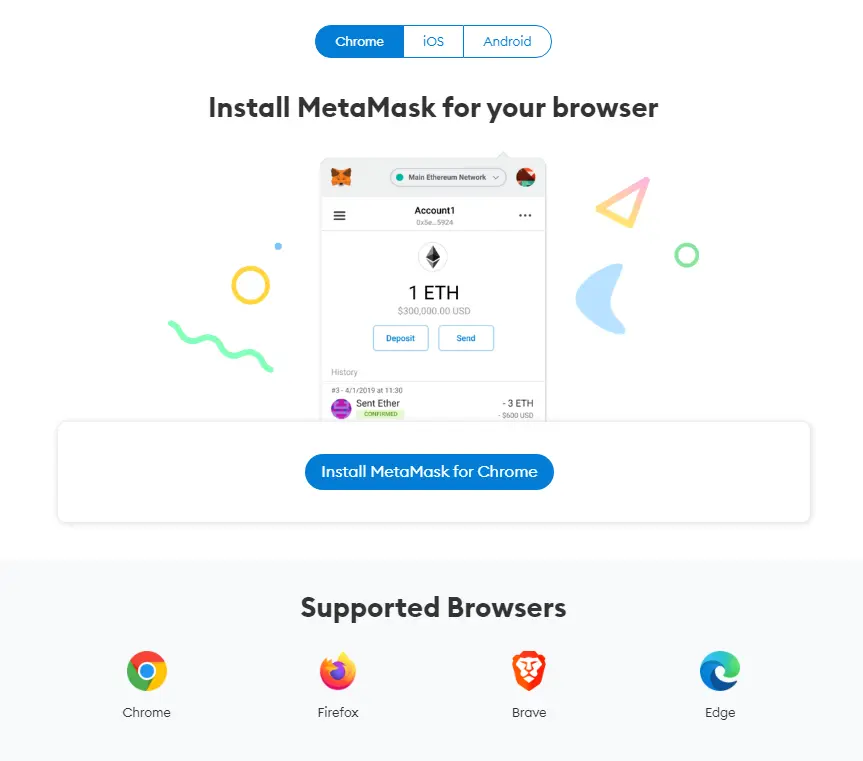
Installation does not take long and after installation you will be greeted with a GetStarted>Create a Wallet.
After clicking the Create a Wallet you will be asked to create a password for it. Minimum of 8 characters.
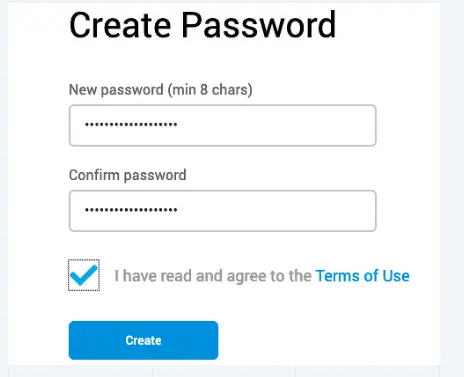
Tick the "I have read and agree to the terms..."
After this you will be presented with a twelve(12) word secret backup phrase. It is important to write it down as it is needed for you to be able to recover your metamask wallet if ever you lose access to your computer.
On the next panel you will be asked to enter your backup phrase.

And that's that! You now have metamask on your extension/add-on! If you are on the Brave browser you will be able to see it on the upper right of the screen.
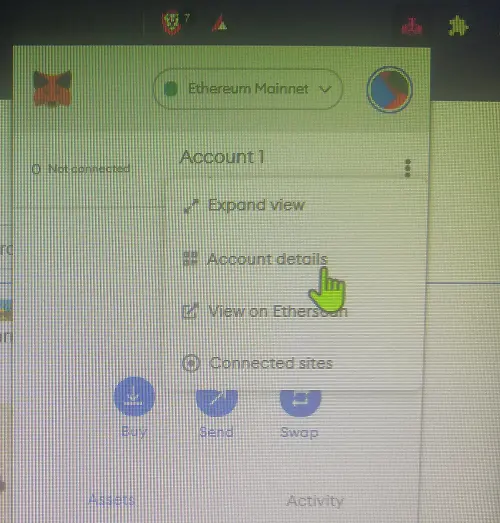
Click account details:
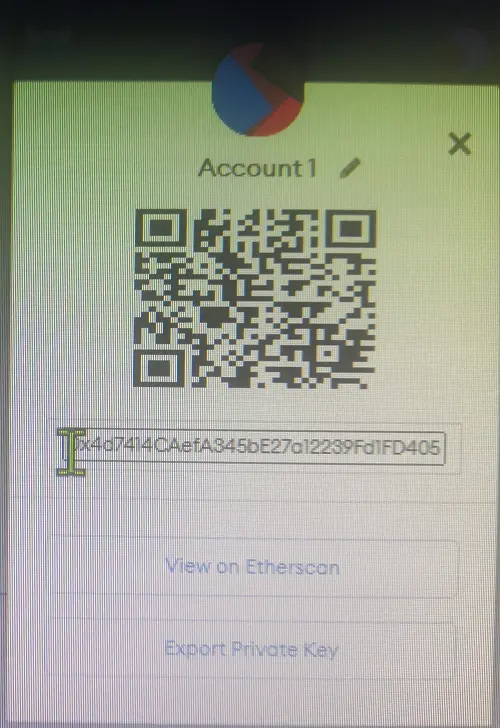
There is your ethereum wallet address! You can copy the address or scan the code if you want to send eth to your address.
Metamask has a lot of uses, but we will get to that in another post soon.
Hope it helped!
Credits to metamask.io






