
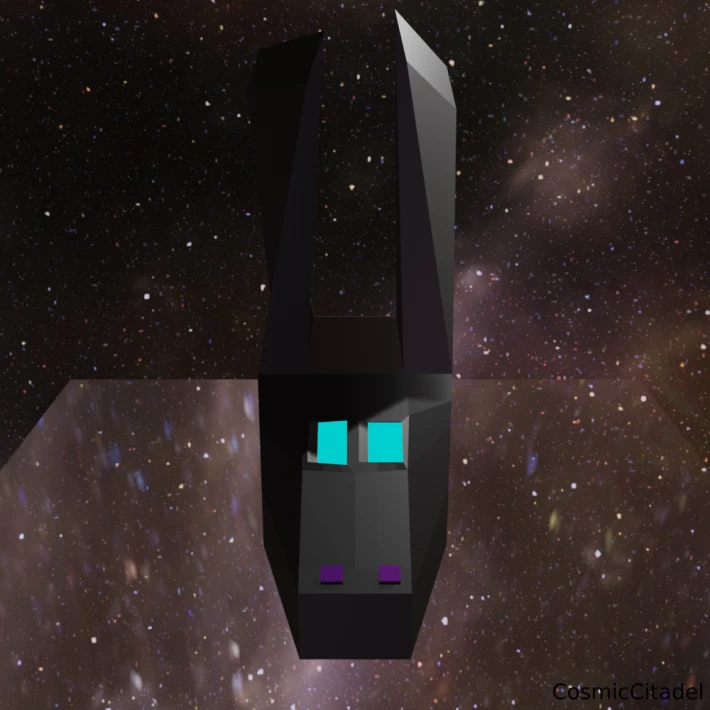
It's a bunny, in space!
This is a rather interesting little experiment I created with a recent testing version of Blender 2.8. I had downloaded the latest version of the free 3D modeling program (http://www.blender.org) but I hadn't used it yet, so I wanted to play around. For those familiar with the software, whenever you first open the program, it looks something like this.
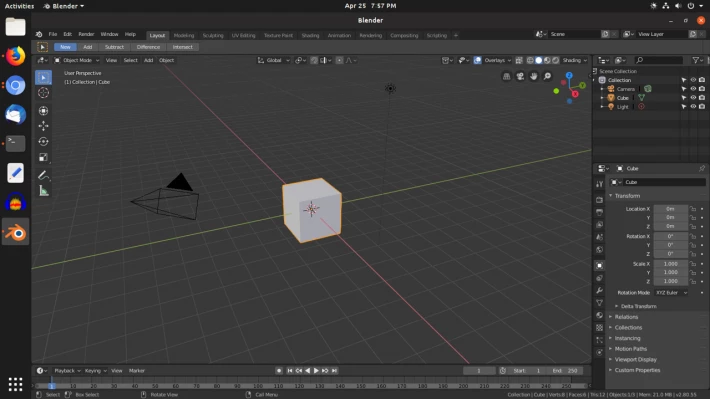
The first view always begins with this cube. The normal procedure is to delete the cube and start working on whatever you want. I decided I wanted to try some of the mesh tools to see what I could do with the cube. Originally I wasn't thinking of making a bunny but as I used loop cuts and extrusions to shape the cube, it became clear that a technology bunny was what I was making.
Once the basic shape was done I thought about coloring the mesh but decided I wanted to keep it simple. I colored the eyes and set them as an emissive material so they glow, and made a sort-of little bunny nose, which I also colored. Then it was time to spice up the rest of the picture.
I hadn't worked with HDR images before and I knew you could use them to make a rather impressive-looking enivronment in blender, so keeping with the overall theme I found a good HDR image of the Milky Way. After looking at a few tutorials I added it to the picture along with a plain mesh plane under the bunny.
Looking at the various tools available, I gave the plane a glass texture and surface and the result is what you see in the picture.
Sometimes, when you want to make art, you just have to start playing around and see what you create.






