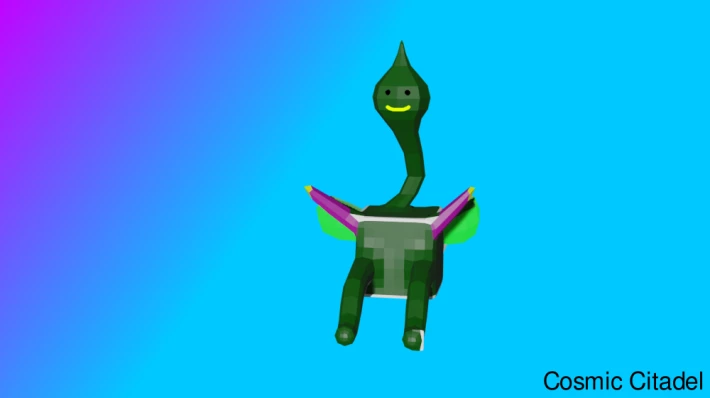
This is a creature I created mainly in Blender, a free 3D modeling program. After creating it in Blender I then took it into Krita, a free 2D painting program, to add just a few more touches.
As is probably obvious from the picture this started off as just a cube, the default cube from when you first open Blender, and then I edited and sculpted the cube. When I started editing the cube I wasn't really sure what I was going to make with it, I just started moving around different parts of it to see what sort of shape would develop. After a little while it started looking like a sort of dragon thing but as I continued to work with it and smooth it slightly from its original shape I got the image you see above.
I decided it looked unique enough and interesting enough to keep it the way it is and just add a little smiley on the front, so it became this interesting green creature. Then of course I needed to add a little background to it to give it some interest. It took me a few moments digging through settings in Blender to find where the setting was to remove the background and replace it with a transparent background so I could import the image into Krita to create a background for it there.
Then by working with it in Krita it became this fun little picture.






