
This guide was kindly provided by our community member. Thanks!
Not so long ago we announced a partnership with Nabox Wallet. Some users don’t know how to add $SIS token to the wallet. This guide is especially for you!
Let’s start!
If you don’t have Nabox Wallet, you can download it here.
- Open Nabox Wallet
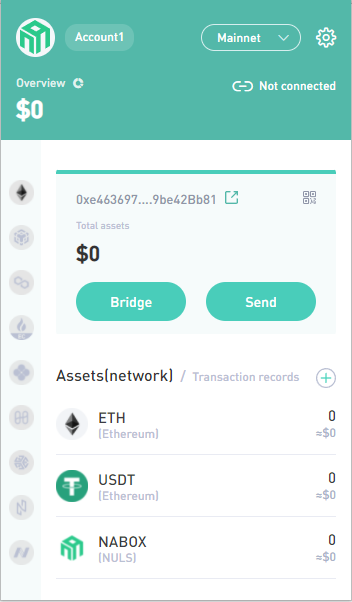
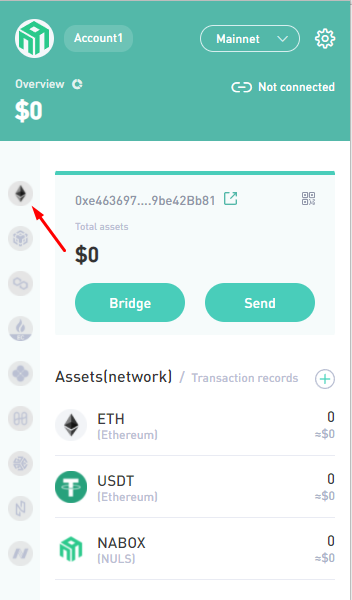
- Choose ETH network.
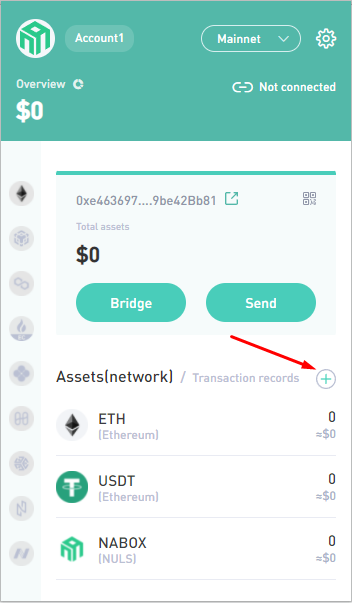
- Tap on “+”.
-
Paste $SIS token contract address:
0xd38BB40815d2B0c2d2c866e0c72c5728ffC76dd9
Then, сlick on the white square and press confirm.

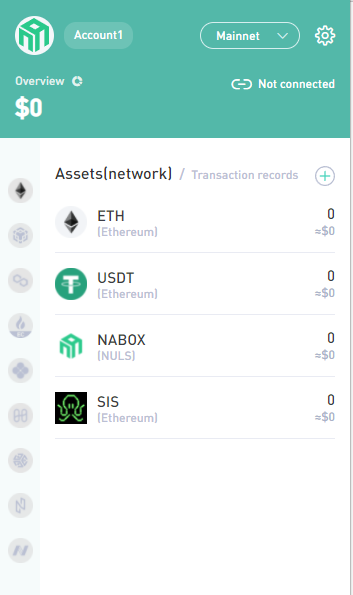
- That’s all! Now you can use the $SIS token on the Nabox wallet.
Join our community!
- Twitter: symbiosis_fi
- Telegram: symbiosis_finance
- Medium: medium.com/symbiosis-fi
- Discord: discord.gg/symbiosis
- Instagram: instagram.com/symbiosis.fi





